
- Age rating4+
- CategoryWeather
- DeveloperRob Boer
- LanguagesEnglish
- Size12.3 MB
Links to the official App Store page
Download.org hosts no file of MyFeelsLike. The button opens its official App Store page, published by Rob Boer. Listing last checked on Nov 21, 2026.
Screenshots



About
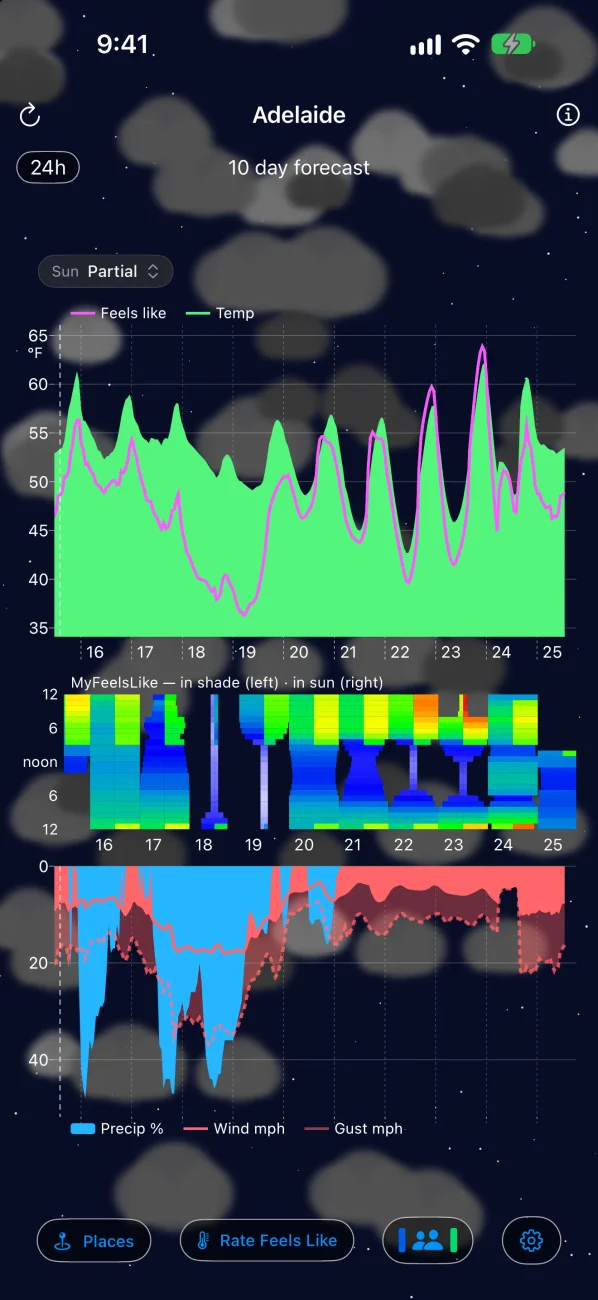
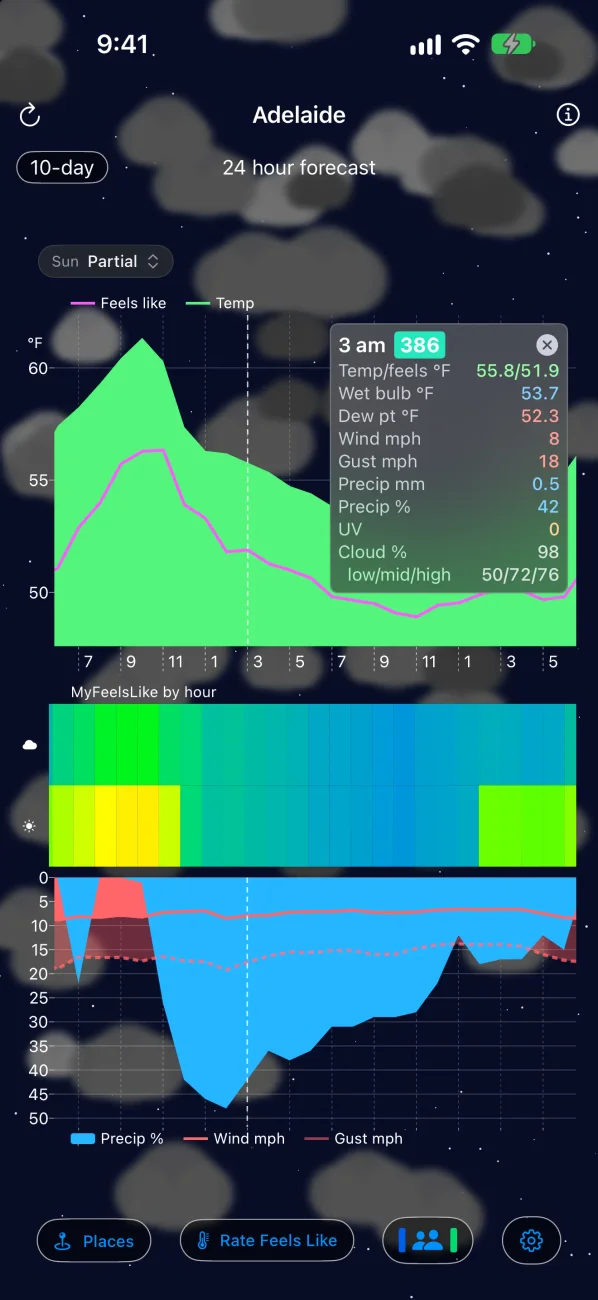
MyFeelsLike learns how the weather actually feels to you. Instead of a one-size-fits-all "feels like" number, you tell the app how a few moments feel, and it fits a small personal model from your ratings. From then on it shows the forecast as your comfort — a color rather than a temperature — across the next 24 hours and 10 days of history and forecast, on iPhone and Apple Watch. You can also compare your comfort with friends nearby, since the same weather can feel quite different to different people.
What’s new
Version 1.4 · Oct 16, 2026
Folding phones
MyFeelsLike now lays itself out around the fold. Opened out, the table sits beside the graphs with the divider landing on the crease, so opening the phone looks like the far half turning transparent rather than the screen rearranging itself. Stand it half-open on a table and everything moves into the half tilted towards you.
Your comfort in one band
The 24-hour screen now shows a single comfort bar cut across the middle — in shade above the line, in sun below it — instead of two separate bars competing for the same height. The 10-day screen does the same inside each day: shade on the left, sun on the right, so the two are comparable hour for hour.
Easier to read
Turn any phone on its side and the temperature and wind charts sit beside each other rather than stacked. Over a night sky the buttons and chips no longer vanish into the dark, the daytime sky is lighter behind the curves, and the graphs now use the full width of the screen.
An hour the model is unsure about is drawn as a narrow sliver rather than disappearing from the band altogether.
Also in this version
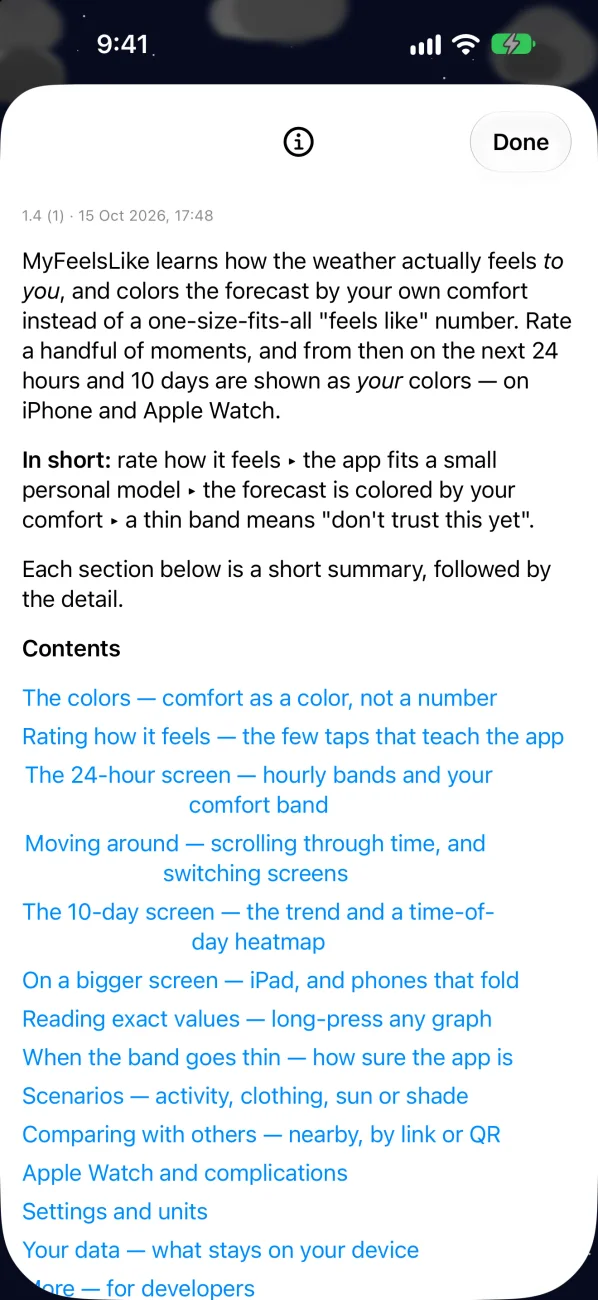
• The Info screen explains the iPad and folding-phone layouts, and links to the published write-up of the method behind the app.
• The app now follows the phone when you turn it upside down.
App privacy
What Rob Boer declares on the App Store about how this app handles data.
-
Data not linked to you
May be collected but is not linked to your identity.
- User content
- Usage data
Privacy practices may vary, for example with the features you use or your age.
Information
- Seller
- Rob Boer
- Category
- Weather
- Version
- 1.4
- Updated
- Oct 16, 2026
- Released
- Aug 26, 2026
- Size
- 12.3 MB
- Requires
- iOS 18.0 or later
- Age rating
- 4+
- Price
- Free
- Languages
- English
- Copyright
- © Rob Boer, GNU GPL v3
You might also like
-
 Tide LiveTides, waves & live beach
-
 Weatherbox: City WeatherWeather Widget & AI wallpaper
-
 Nimbus: Weather & StyleDaily Forecast & Outfit Guide
-
 Tenki WeatherWeather
-
 Heat Index and Wind ChillDiscover the local real feel
-
 Meteo Calc: Weather ForecastDew point, WBGT and Heat Index
-
 RAD Weather: Honest ForecastRain, storms & snow. No BS.
-
 Thermometer: Live WeatherGet outside temperature
-
 Thermometer for Room +Temperature in Room
-
 EverythingWeatherNOAA/NWS Forecasts and Alerts