
MyFiles: File Manager
Video Player, ZIP & PDF
Designed for iPhone, iPad
Free · In-app purchases
- Age rating4+
- CategoryUtilities
- Developer亮辉 赵
- LanguagesEnglish+ 19 more
- Size54.9 MB
Links to the official App Store page
Download.org hosts no file of MyFiles: File Manager. The button opens its official App Store page, published by 亮辉 赵. Listing last checked on Nov 27, 2026.
Screenshots

About
Your files, videos and music, together on iPhone and iPad. MyFiles combines a file manager, media player, archive tool and PDF scanner so you can organize, open and enjoy more in one app.
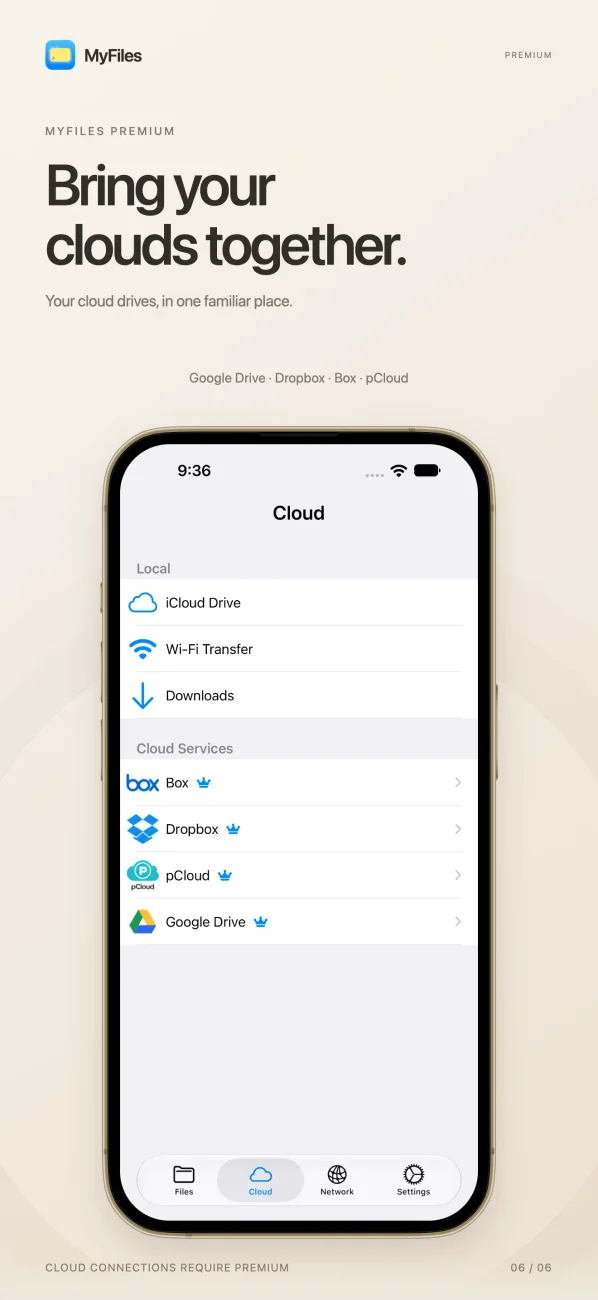
Start with everyday file management. Upgrade to MyFiles Premium when you want connected cloud drives, an app lock and custom colors.
KEEP YOUR FILES ORGANIZED
• Browse local storage and iCloud Drive in list or grid view.
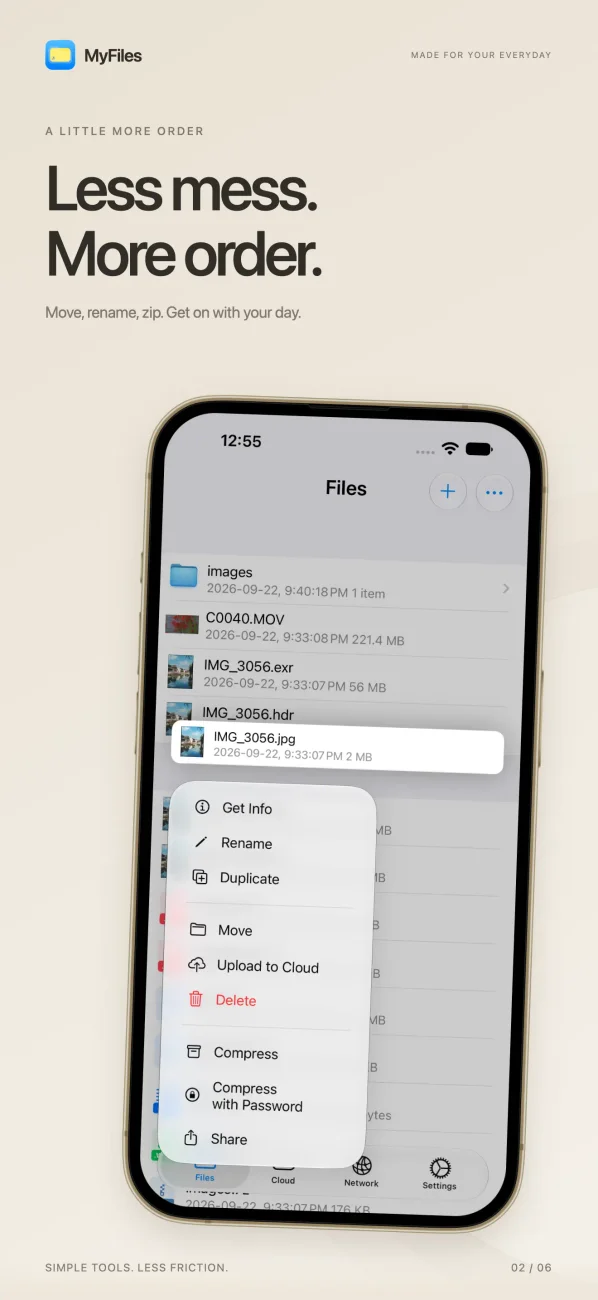
• Create folders, rename, copy, move, share and delete files.
• Use Select All to organize multiple files at once.
• Import photos and videos from your photo library.
WATCH AND LISTEN YOUR WAY
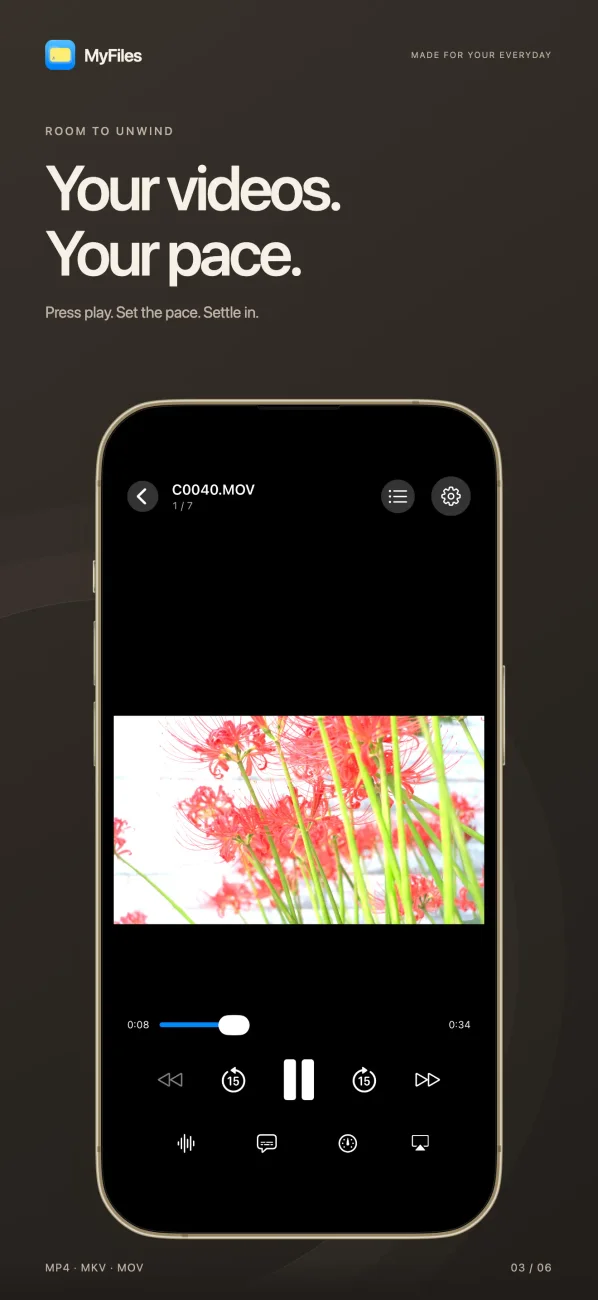
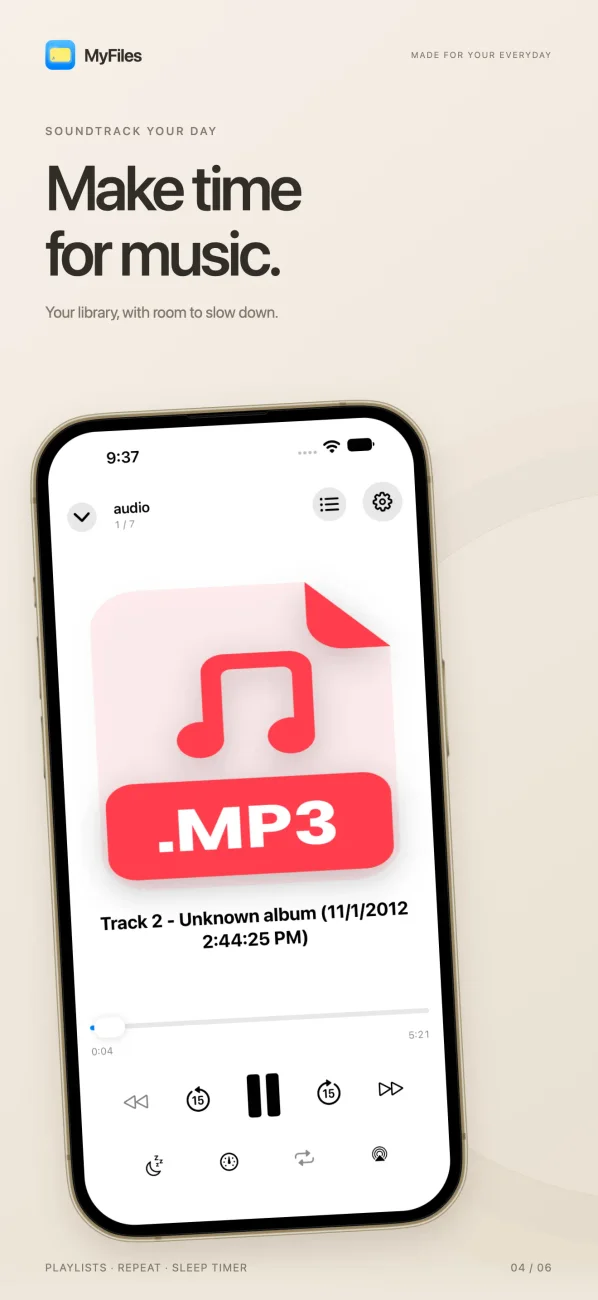
• Play videos and audio with dedicated players and playlist navigation.
• Adjust playback speed, choose available audio and subtitle tracks, and change video aspect ratio.
• Enjoy audio repeat modes and a sleep timer.
• Play formats including MP4, MKV, MOV, MP3, FLAC and Opus.
• Stream from your network or media server without downloading the entire file first.
BRING YOUR OWN IPTV PLAYLISTS
• Add a playlist URL or import an M3U file.
• Browse, search and play channels from your playlists.
• MyFiles is a player; channels and subscriptions to content services are not included.
OPEN ARCHIVES AND DOCUMENTS
• Extract ZIP, RAR and 7z archives, including supported password-protected archives.
• Create ZIP files for sharing and storage.
• Preview PDFs, Office documents, text files and images.
• Scan paper documents into PDFs and keep them with your files.
CONNECT AND TRANSFER
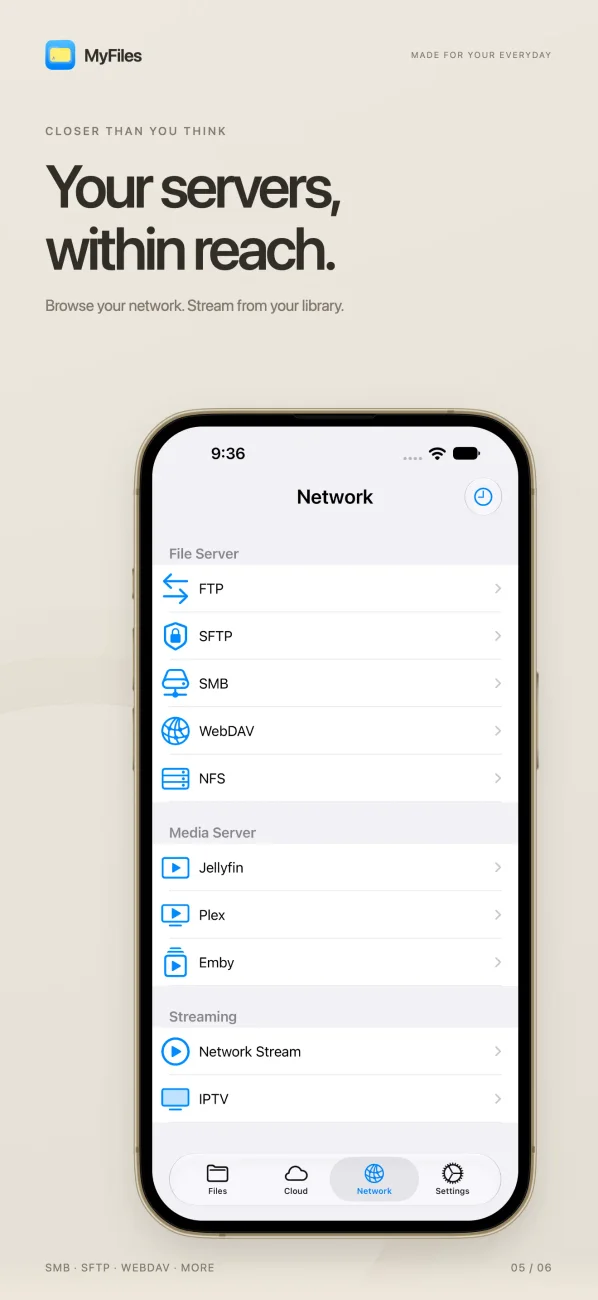
• Access SMB, WebDAV, FTP, SFTP and NFS servers.
• Use private-key authentication for SFTP connections.
• Browse and stream from Jellyfin, Emby and Plex libraries.
• Transfer files over Wi-Fi between your device and a computer.
• Download files from a URL and choose where to save them.
• Revisit saved connections and stream history.
DO MORE WITH MYFILES PREMIUM
Bring your cloud files into the same workspace as your local files.
• Connect Google Drive, Dropbox, Box and pCloud to browse and transfer files.
• Protect access to MyFiles with Face ID, Touch ID or your device passcode, where supported.
• Personalize the app with additional tint colors.
• Support continued development of MyFiles.
Basic features do not require a subscription. Premium features require an in-app subscription; cloud accounts and storage plans are separate. Subscriptions renew automatically unless canceled. Manage or cancel your subscription in your App Store account settings.
MADE EASIER TO USE
VoiceOver labels, larger text support and adaptive layouts make browsing files, managing transfers and changing settings more accessible.
No ads. Download MyFiles to organize your files and enjoy your media. Choose Premium to connect your cloud drives and add an app lock.
Privacy Policy: https://asktao.notion.site/Privacy-Policy-5f46e029eb5b4621a4cfc329a6a6b85a
Terms of Service: https://www.apple.com/legal/internet-services/itunes/dev/stdeula/
What’s new
Version 1.8.0 · Sep 23, 2026
• New IPTV support: add playlists by URL or import M3U files to browse and play channels.
• Redesigned video and audio players with playlist navigation, playback speed controls, and updated player settings. Enjoy repeat modes and a sleep timer for audio.
• Improved network playback with playlists for files on network and media servers, plus clearer titles in stream history.
• Connect to SFTP servers using private-key authentication, and show or hide passwords in supported connection forms.
• Select All makes it easier to manage multiple files at once.
• Added support for Opus audio and viewing SRT subtitle files.
• Improved accessibility with VoiceOver labels, larger text support, adaptive layouts, and easier-to-use playback and transfer controls.
• Refreshed icons, improved translations, and fixed layout issues.
App privacy
What 亮辉 赵 declares on the App Store about how this app handles data.
-
Data not collected
The developer does not collect any data from this app.
Privacy practices may vary, for example with the features you use or your age.
Information
- Seller
- 亮辉 赵
- Category
- Utilities
- Version
- 1.8.0
- Updated
- Sep 23, 2026
- Released
- Mar 11, 2024
- Size
- 54.9 MB
- Requires
- iOS 18.0 or later
- Age rating
- 4+
- Price
- Free
- In-app purchases
- Yes
- Languages
- English, Arabic, Danish, Dutch, French, German, Indonesian, Italian, Japanese, Korean, Portuguese, Russian + 8 more
- Copyright
- © Asktao Me
You might also like
-
 File Manager: Documents ViewerFiles Explorer: Unzip & Opener
-
 File Manager: Vault & ExplorerManage, Lock & View Files
-
 File Manager - Files ExplorerZip Unzip Files & Documents
-
 Offline Files Download ManagerDownloader • Player • Manager
-
 Files ProtectionPrivate Vault & File Manager
-
 FileNookPrivate Local File Workspace
-
 File Manager: File Finder ProManage Files, Music & Movies
-
 File Explorer-File Manager ZipDocuments,Photo Browser,Player
-
 File Manager & PDF Merge ToolFile Manager, PDF Merge Tool
-
 AirBox-Your File ManagerUtilities