
- Age rating4+
- CategorySports
- DeveloperFreelap SA
- LanguagesEnglish
- Size52.5 MB
Links to the official App Store page
Download.org hosts no file of MyFreelap. The button opens its official App Store page, published by Freelap SA. Listing last checked on Nov 16, 2026.
Screenshots


About
Instantly view on your mobile device, all timing data obtained through your Freelap® electronic timing system. Easily get complete and accurate data on your performance to take the right decisions to refine your training program, and to see your true progress !
• MyFreelap app is 100% FREE
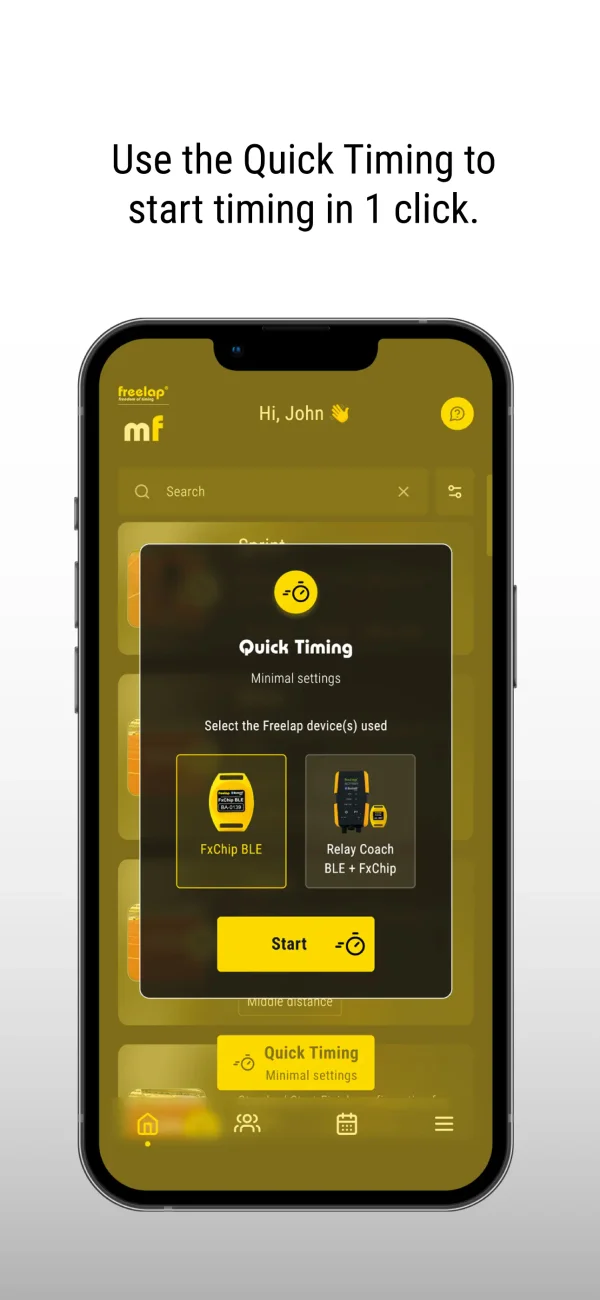
• Fast and easy set up: Thanks to the “Quick Timing” feature and the library of preset exercises (coming with tutorials).
• MyFreelap is fully automated and offers a 0,02s accuracy.
• Live performance realtime: MyFreelap app displays your times live on your mobile device. View up to 4 athlete’s times or speeds on full screen mode.
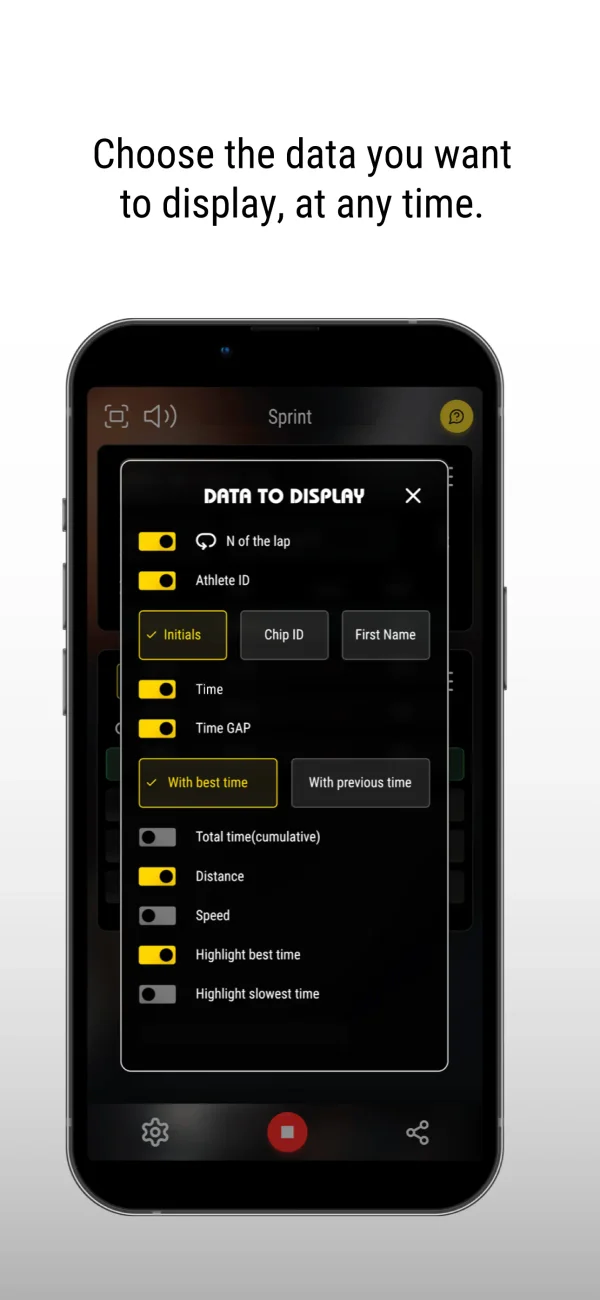
• Get complete data: Time and intermediate times, total cumulative time, time gap with best time or previous time, distance, speed, highlight best time & slowest time etc..
• Set up your app to meet your needs: Choose your date and time format, speed unit, separator for .csv export and preset your Workout default settings.
• Customize the data you want to display / export, at any time.
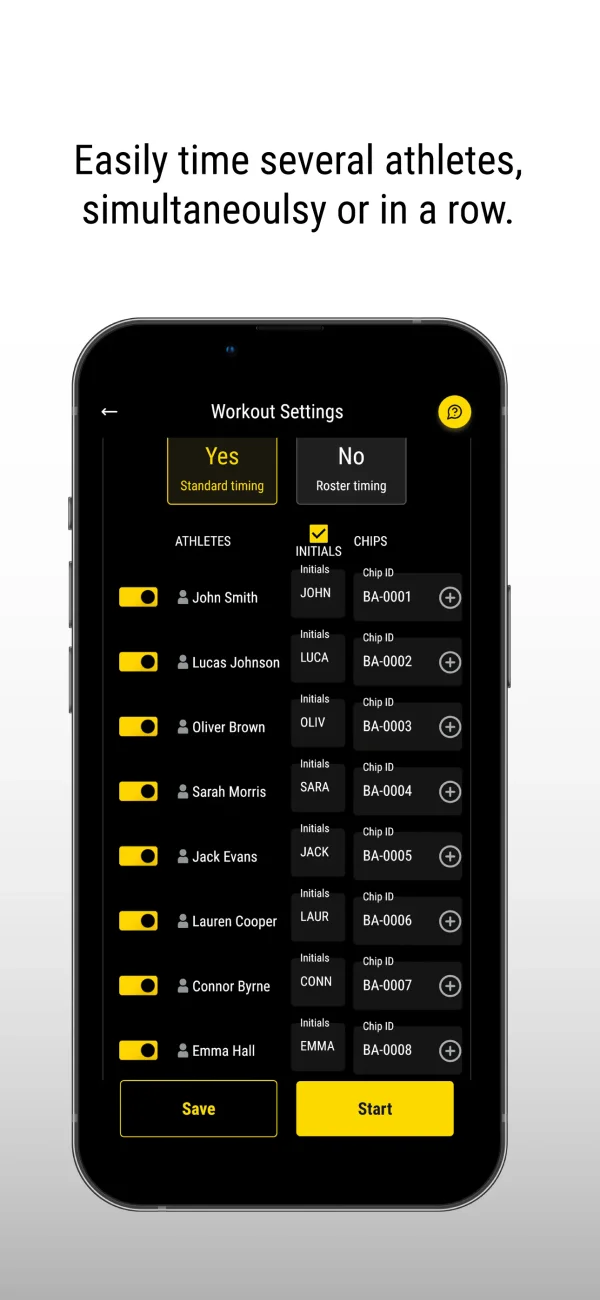
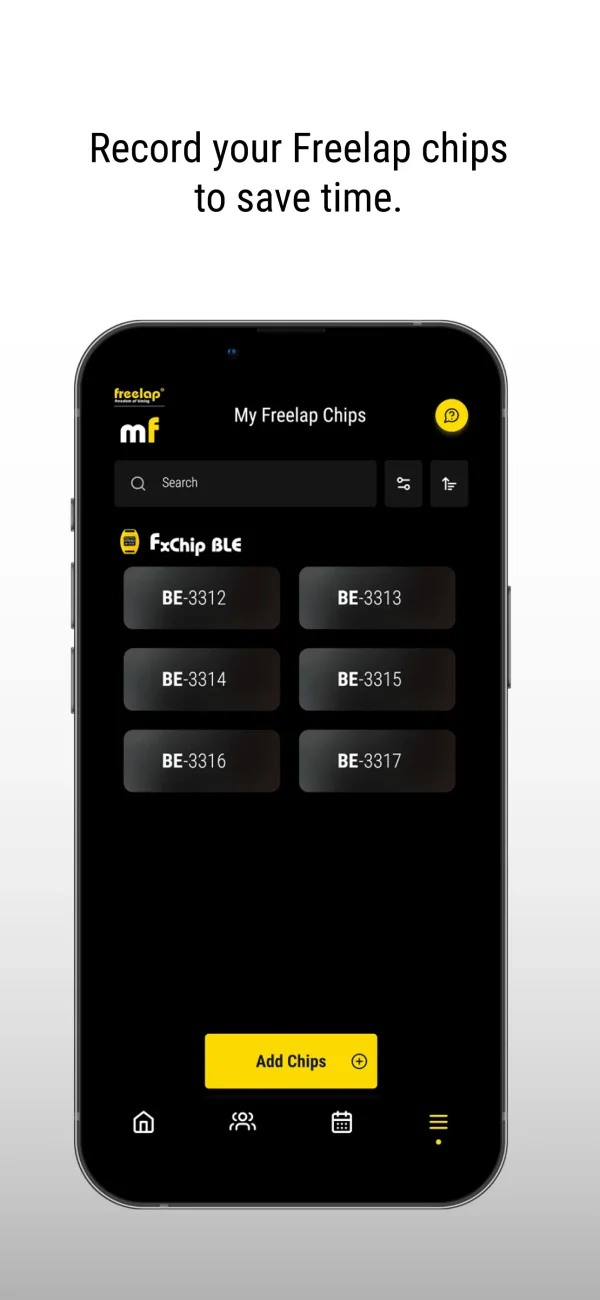
• Create your Teams: To easily time several athletes, simultaneously or in a row.
• Data is automatically saved and stored on your MyFreelap app.
• Offline mode: MyFreelap works even without Internet once you are logged in (only Bluetooth is required).
• Your MyFreelap account is accessible from the Web too.
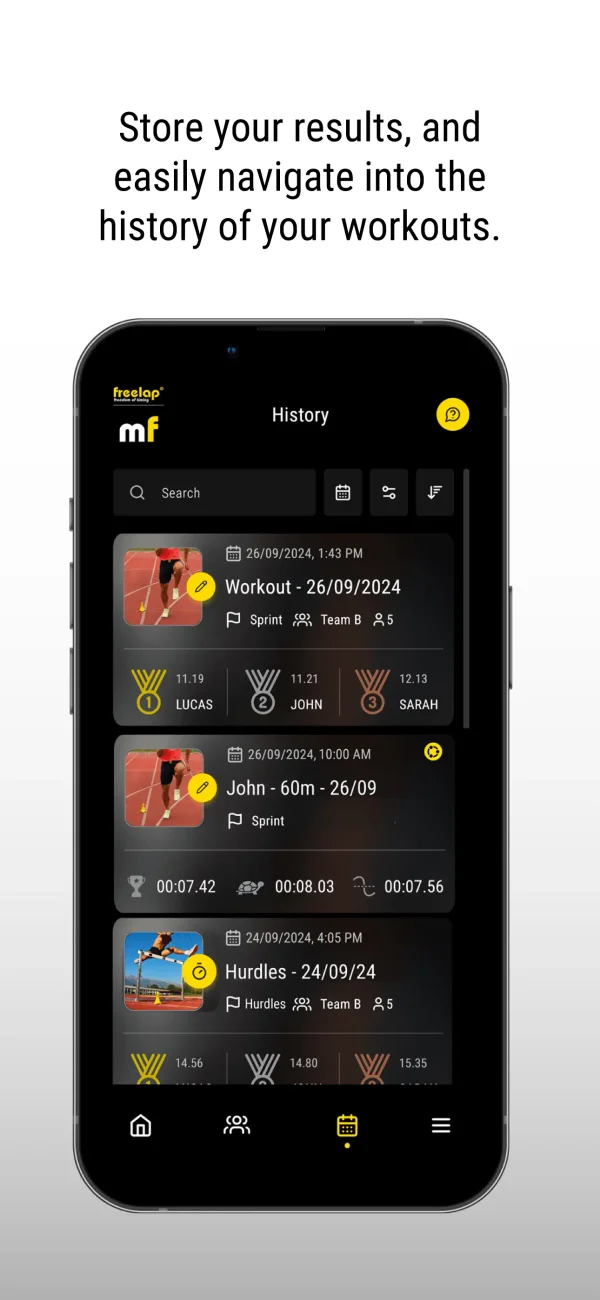
• Easy navigation: MyFreelap displays a calendar and filters to navigate easily inside your workouts history.
• The essential at a glance: On the Workouts list, the overview of your Workout displays: For Single Workout: Best time - Slowest time - Average time / For Team Workout: the 3 best times.
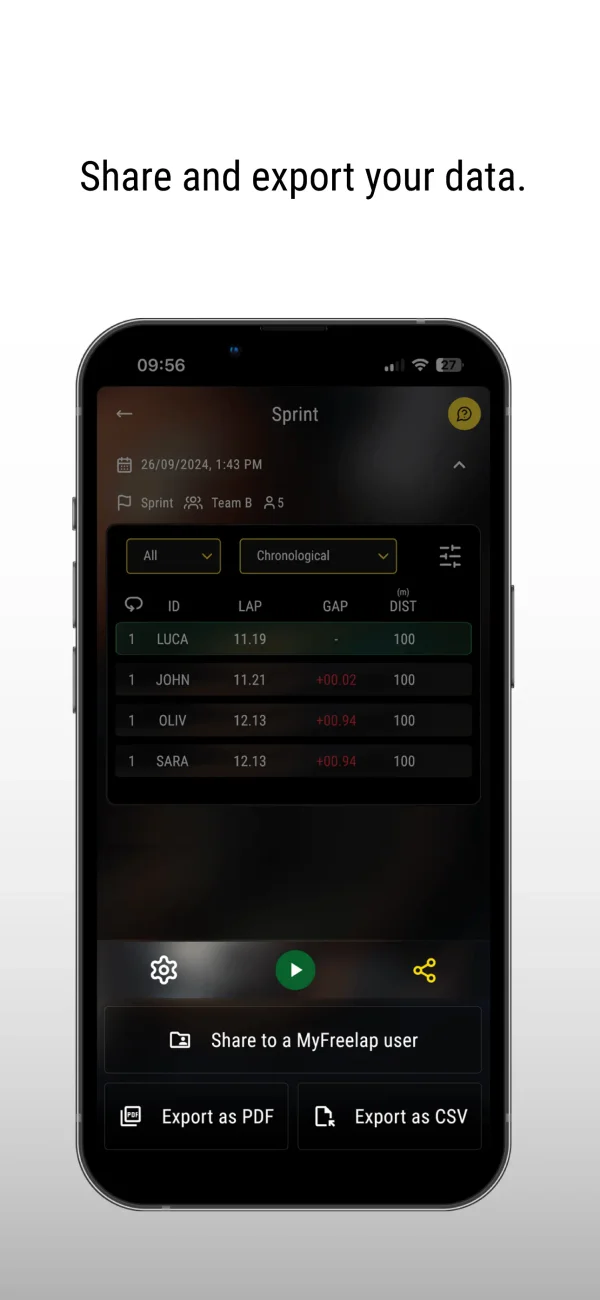
• Export your data to .pdf or .csv file.
• Easily share your workouts with other MyFreelap users.
• MyFreelap offers you preconfiguration steps, a quick tutorial, and a support menu, to take the most out of your MyFreelap app.
• How does it work ?
1. Place your Freelap transmitters on the track & attach your chip.
2. Open MyFreelap app, create & start a Workout.
3. Take the start of the race & do your best.
> You instantly get your data on your mobile device !
// Minimum iOS Version supported from - iOS 13.0
What’s new
Version 1.6.5 · Oct 19, 2026
Bug fixes and improvements
App privacy
What Freelap SA declares on the App Store about how this app handles data.
-
Data linked to you
May be collected and linked to your identity.
- Contact info
- Identifiers
-
Data not linked to you
May be collected but is not linked to your identity.
- Location
- Contact info
- User content
- Diagnostics
Privacy practices may vary, for example with the features you use or your age.
Information
- Seller
- Freelap SA
- Category
- Sports
- Version
- 1.6.5
- Updated
- Oct 19, 2026
- Released
- Dec 3, 2024
- Size
- 52.5 MB
- Requires
- iOS 15.6 or later
- Age rating
- 4+
- Price
- Free
- Languages
- English
- Copyright
- ©Freelap SA. All Rights Reserved.
You might also like
-
 Dashr-AppSports
-
 Photo Finish: Automatic TimingSprint Timer
-
 VisualEyes: Video Coaching AppSports Analysis & Techniques
-
 Sprint Timer - On Your MarkStarter & Stopwatch for Track
-
 AthleticFIELDSports
-
 Perfect Stopwatch40 Yard Dash Shuttle & Combine
-
 Hudl SidelineSports
-
 myDartfish Express: Coach AppVideo Analysis App for Sports
-
 VitruveSports
-
 SetGo: Track Race Starting GunSound & Light Starting Pistol