- Age rating4+
- CategoryTravel
- DeveloperDavid Kittell
- LanguagesEnglish
- Size12.5 MB
Links to the official App Store page
Download.org hosts no file of MyLocationDetails. The button opens its official App Store page, published by David Kittell. Listing last checked on Nov 12, 2026.
Screenshots

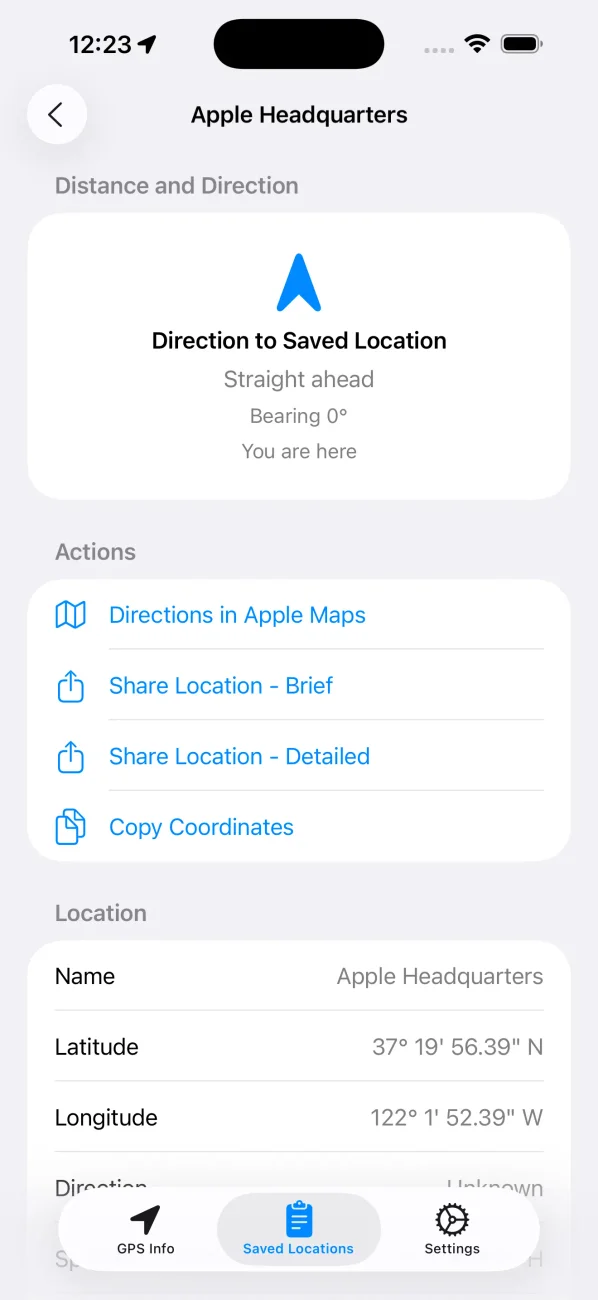


About
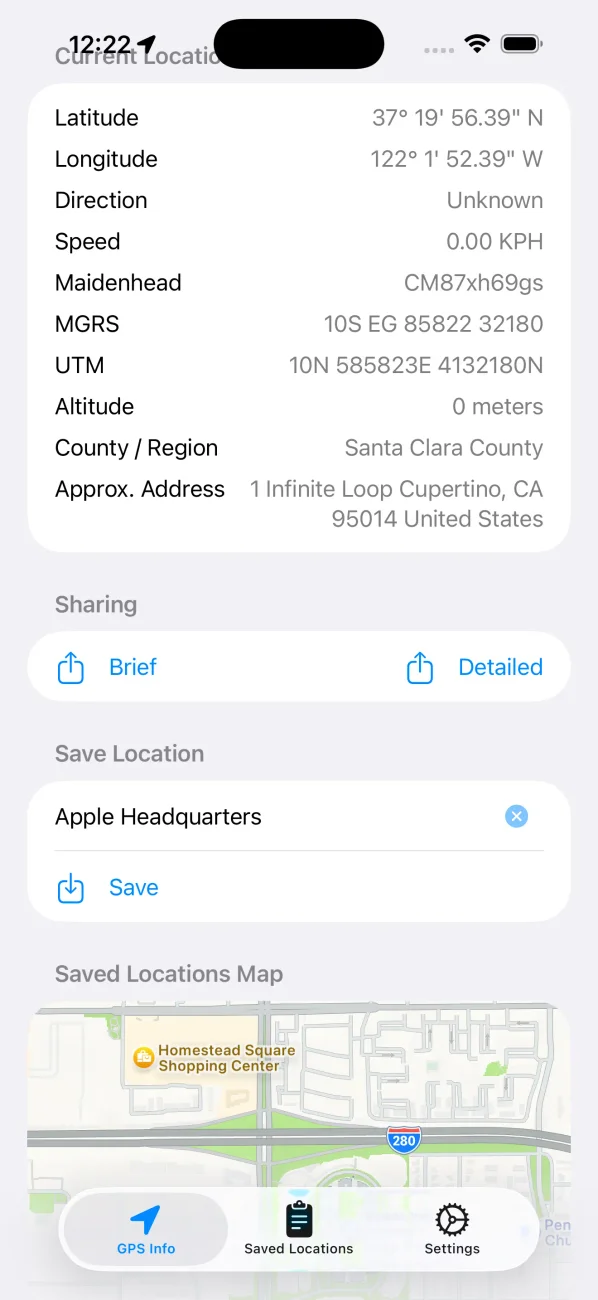
My Location Details helps you view, save, organize, map, and share detailed GPS information from your iPhone.
Use it to see your current latitude, longitude, altitude, direction, speed, address, and region. Save important places with names, categories, notes, coordinate details, and optional photos.
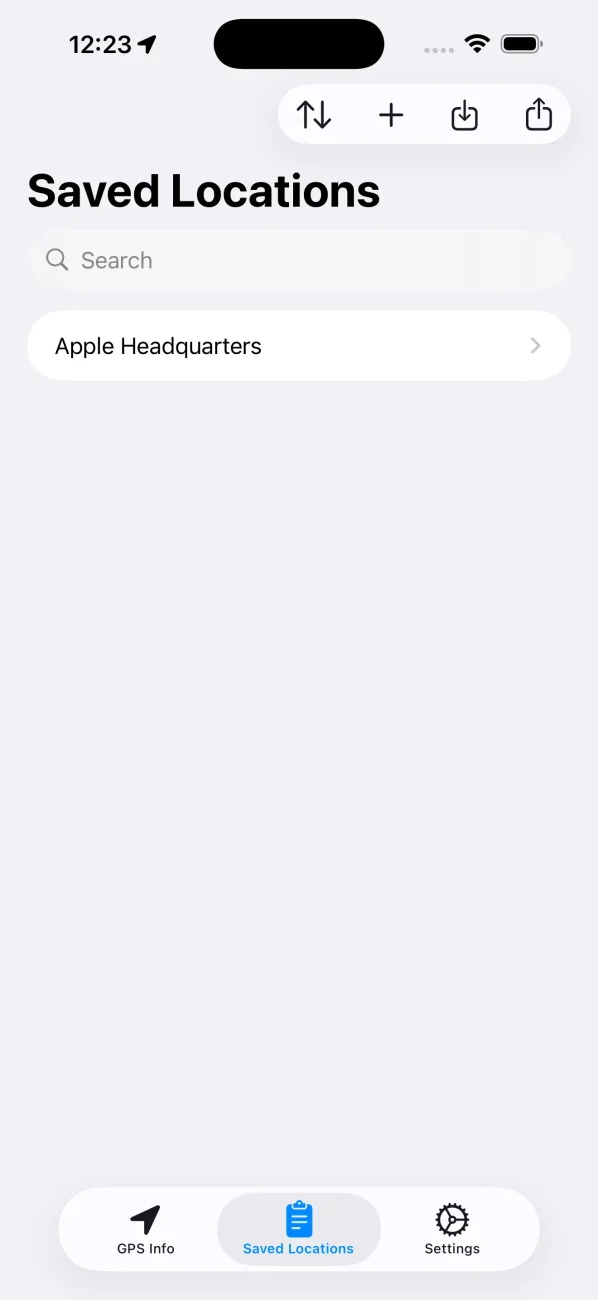
Browse your saved locations in a searchable list, filter by category, view them on a map, and export or import your data with CSV files.
My Location Details is built for field use, travel, outdoor reference, documentation, radio operators, mapping projects, and anyone who needs more than a simple dropped pin.
Features include:
- View live GPS coordinates, altitude, heading, speed, address, and region
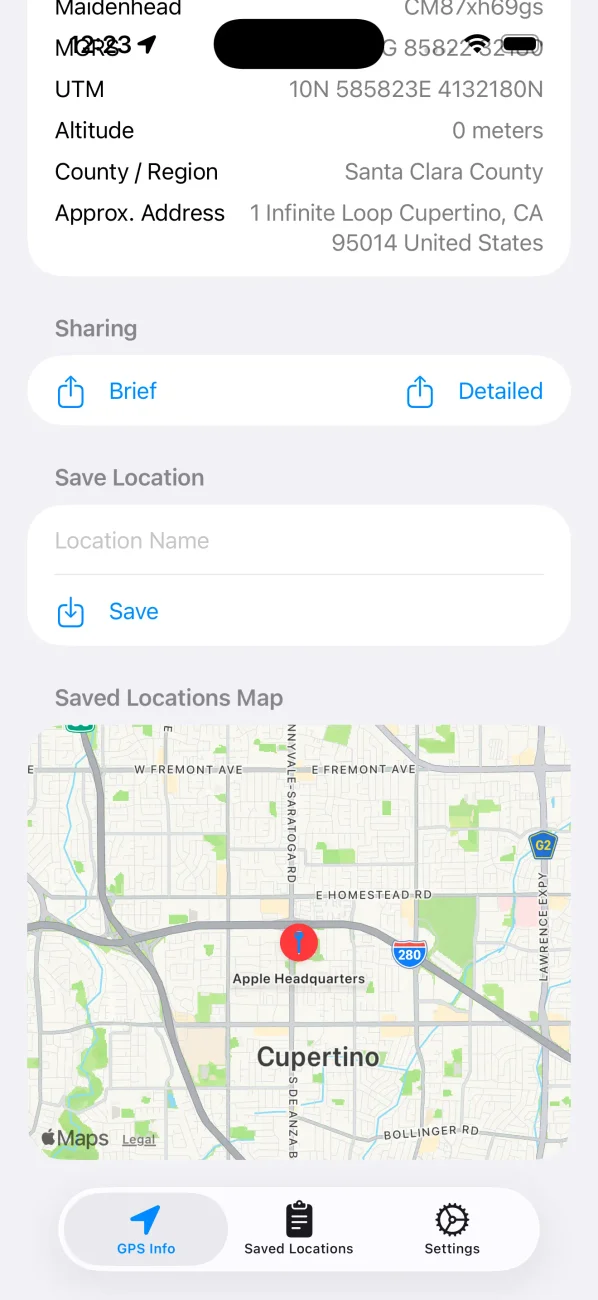
- Save locations with names, categories, notes, timestamps, and optional photos
- Search, sort, and filter saved locations
- View saved locations on Apple Maps or MapLibre
- Download visible MapLibre map areas for offline reference
- Open directions to saved places
- Share current or saved location details
- Import and export saved locations using CSV files
- Display multiple coordinate formats, including decimal degrees, DMS, Maidenhead, MGRS, UTM, and optional What4/Where4-style references
- Choose measurement units, appearance, map provider, and coordinate display preferences
- Saved locations are stored on your device. Internet access is used only for features that require online services, such as map tiles, external map links, weather resources, or optional coordinate lookup features.
My Location Details gives you practical location tools in one place, whether you are saving a trail marker, documenting a site, sharing coordinates, or keeping a personal list of important places.
What’s new
Version 2.30 · Oct 2, 2026
This update adds more ways to customize and quickly read your location information:
• Choose your primary location format: latitude/longitude, MGRS, UTM, or Maidenhead.
• Optionally display local, Lima, and Zulu times on the GPS screen.
• Customize which coordinate formats and details appear when sharing a location.
• Show notes and your preferred location format in the Saved Locations list.
• Display preferred location details beneath saved-location map pins.
• Configure the Save Location widget to show city, region, address, coordinates, accuracy, Maidenhead locator, altitude, or speed.
• Includes reliability improvements and minor bug fixes.
App privacy
What David Kittell declares on the App Store about how this app handles data.
-
Data not collected
The developer does not collect any data from this app.
Privacy practices may vary, for example with the features you use or your age.
Information
- Seller
- David Kittell
- Category
- Travel
- Version
- 2.30
- Updated
- Oct 2, 2026
- Released
- Oct 25, 2018
- Size
- 12.5 MB
- Requires
- iOS 18.1 or later
- Age rating
- 4+
- Price
- Free
- Languages
- English
- Copyright
- © 2026 Kittell.net
You might also like
-
 Grid Square LifeNavigation
-
 qth locatorNavigation
-
 My GPS Coordinates .Save and Share Your Location
-
 Easy QTH LocatorEasy QTH Locator
-
 ApexGPS HikingOffline maps · GPX · weather
-
 LotTollNavigation
-
 Circulus Maximus WGS84The Great Circle Navigator
-
 MIGRAWARETravel
-
 TerraMarkerNavigation
-
 Find My Location detailsCoordinates,altitude,address