
- Age rating17+
- CategoryLifestyle
- DeveloperAdrian Palacios
- LanguagesEnglish
- Size20.2 MB
Links to the official App Store page
Download.org hosts no file of MyNavy. The button opens its official App Store page, published by Adrian Palacios. Listing last checked on Nov 20, 2026.
Screenshots

About
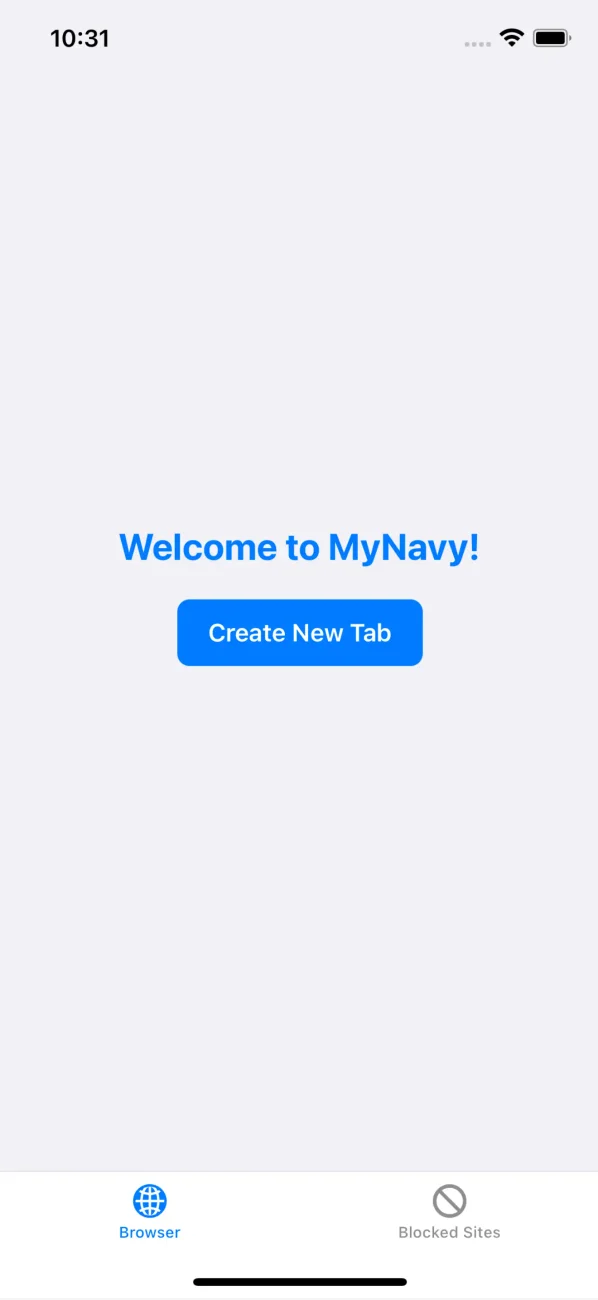
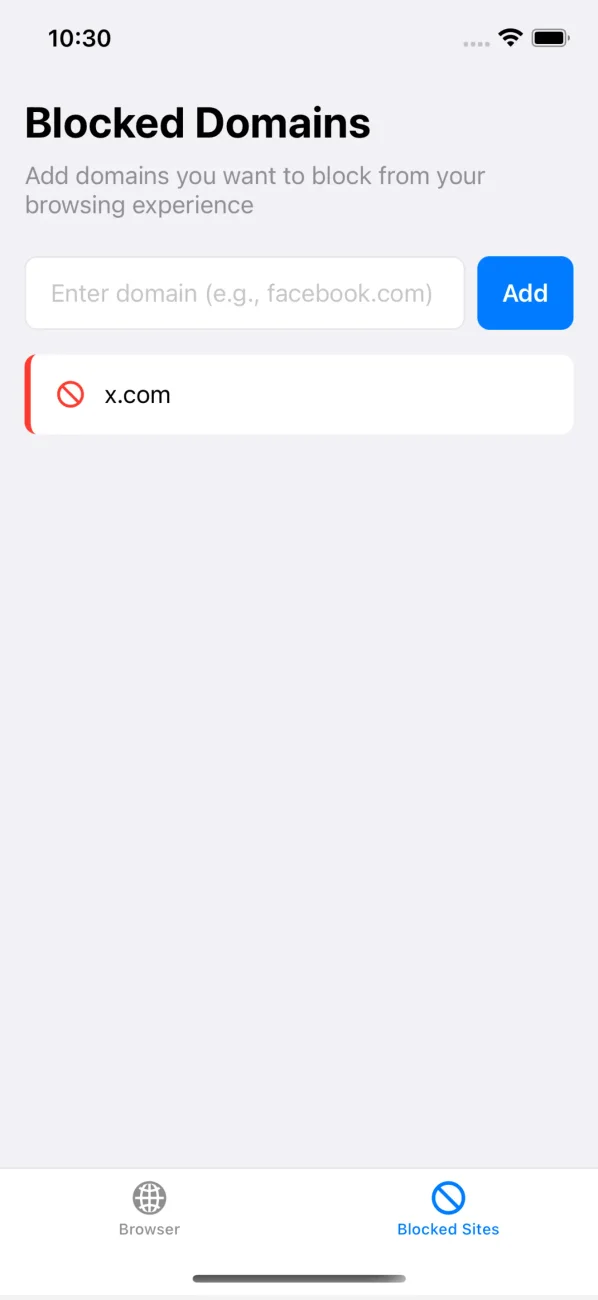
MyNavy is your ultimate companion for a distraction‑free browsing experience. Its intuitive two‑screen interface lets you manage active tabs and enforce your personal block list with ease. On the first screen, open new tabs that always start at Google.com—each tab is saved in local storage so you never lose your session. If you navigate to a site on your blocked list, MyNavy immediately displays a “no valid site” message and offers a quick way to return to your previous page. The tabs are organized in a sleek, scrollable horizontal list complete with site titles and an accessible close button. On the second screen, simply add domains to your block list (without deletion) to keep your focus sharp. Whether you’re boosting productivity or controlling your digital space, MyNavy gives you the tools for a seamless browsing experience.
App privacy
What Adrian Palacios declares on the App Store about how this app handles data.
-
Data not collected
The developer does not collect any data from this app.
Privacy practices may vary, for example with the features you use or your age.
Information
- Seller
- Adrian Palacios
- Category
- Lifestyle
- Version
- 1.0
- Updated
- Mar 4, 2025
- Released
- Mar 4, 2025
- Size
- 20.2 MB
- Requires
- iOS 15.1 or later
- Age rating
- 17+
- Price
- Free
- Languages
- English
- Copyright
- © Adrián Palacios
You might also like
-
 Illumineye LashesLifestyle
-
 QuB ConnectLifestyle
-
 Covenant Church of East TexasLifestyle
-
 Headline BarbersLifestyle
-
 Xavier ApartmentsLifestyle
-
 Polaris Windows & Doors appLifestyle
-
 Liz Moore Home SearchLifestyle
-
 My Daily RitualSmall Habits - Big Shifts
-
 The Ivy ClubLifestyle
-
 Unplug Me: Screen Time ControlSave time & Improve your focus