
- Age rating12+
- CategoryFinance
- DeveloperNorth Lane Technologies, Inc.
- LanguagesEnglish
- Size42.3 MB
Links to the official App Store page
Download.org hosts no file of MyPaymentVault. The button opens its official App Store page, published by North Lane Technologies, Inc. Listing last checked on Nov 23, 2026.
Screenshots


About
The MyPaymentVault Mobile app (formerly North Lane Mobile app) lets you manage your MyPaymentVault prepaid card easily from your smartphone.
The app provides you with important and useful functions such as:
- Activate your card
- Display your card balance
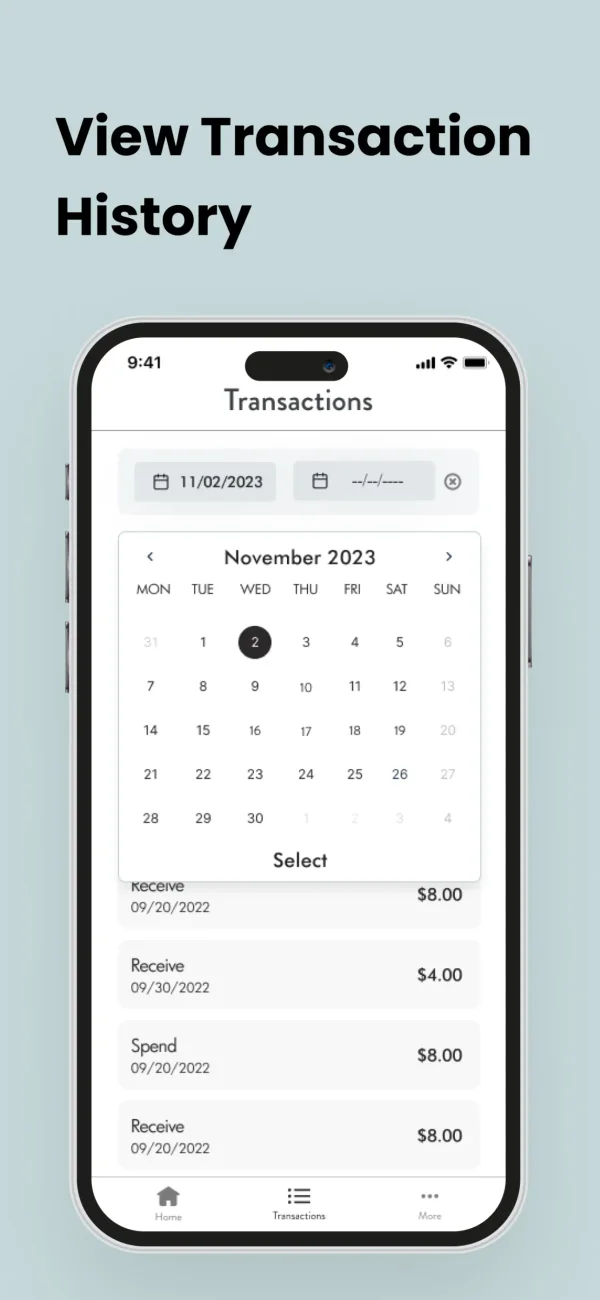
- View your transaction history
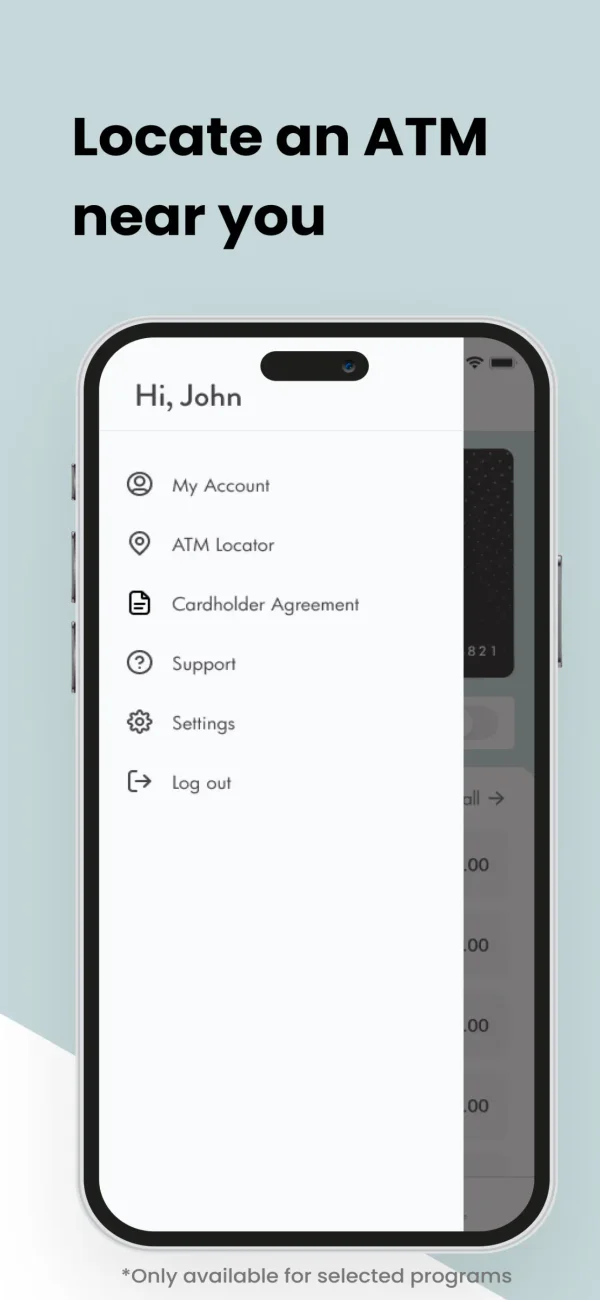
- Locate in-network ATMs
The MyPaymentVault App is a simple way to manage your prepaid card.
Download the MyPaymentVault app for free and get started in a few easy steps.
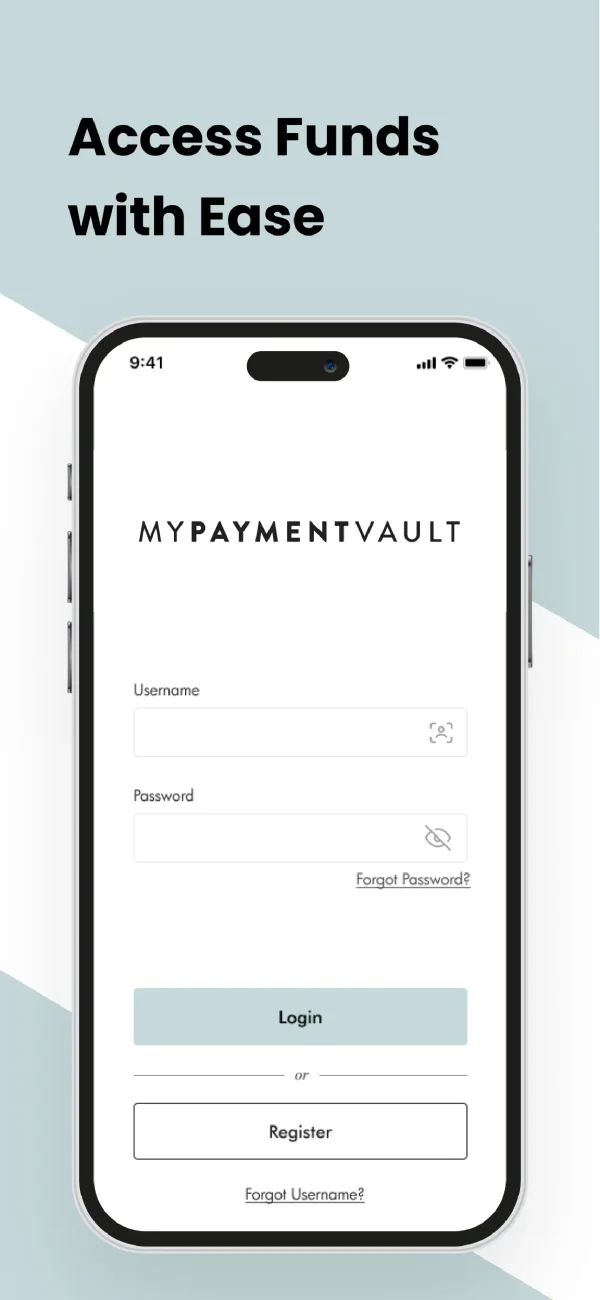
We support Face Fingerprint authentication instead of entering a password, making your login experience seamless.
The most important functions in detail:
- Show Balance
- View the current balance of your prepaid card in real-time on your - Dashboard.
- Transaction History
- View your transactions in detail and filter them according to date.
- ATM Locator
- Enter your location to view in-network ATMs near you.
What’s new
Version 2.24.2 · Nov 18, 2026
App Security Enhancement.
App privacy
What North Lane Technologies, Inc. declares on the App Store about how this app handles data.
-
Data not collected
The developer does not collect any data from this app.
Privacy practices may vary, for example with the features you use or your age.
Information
- Seller
- North Lane Technologies, Inc.
- Category
- Finance
- Version
- 2.24.2
- Updated
- Nov 18, 2026
- Released
- Jul 19, 2019
- Size
- 42.3 MB
- Requires
- iOS 15.1 or later
- Age rating
- 12+
- Price
- Free
- Languages
- English
- Copyright
- © Onbe, Inc.
You might also like
-
 Paysign®Paysign, Inc.
-
 MyDashCardPrepaid Technologies Co., Inc.
-
 ConnectEBTFinance
-
 Aaron'sRent to Own Furniture & More
-
 Ingo Money - Cash ChecksCashing checks since 2001
-
 Platinum smiONE Visa PrepaidPlatinum & Circle smiONE Visa
-
 Beem: Cash Advance & BankingBank, Budget & Build Credit
-
 Money App - Cash AdvanceFinance
-
 Instant FinancialAccess pay before payday
-
 ZayZoon - Wages On-DemandBenefit for Eligible Employees