MyRailwayMap
Watch trains, build your lines
Designed for iPhone, iPad
Free · In-app purchases
- Age rating4+
- CategoryTravel
- DeveloperYasuaki Yamashita
- LanguagesEnglish+ 1 more
- Size65.3 MB
Links to the official App Store page
Download.org hosts no file of MyRailwayMap. The button opens its official App Store page, published by Yasuaki Yamashita. Listing last checked on Nov 26, 2026.
Screenshots

About
Explore railways in Japan and around the world on a map, and watch the trains run.
■ All of Japan's railways
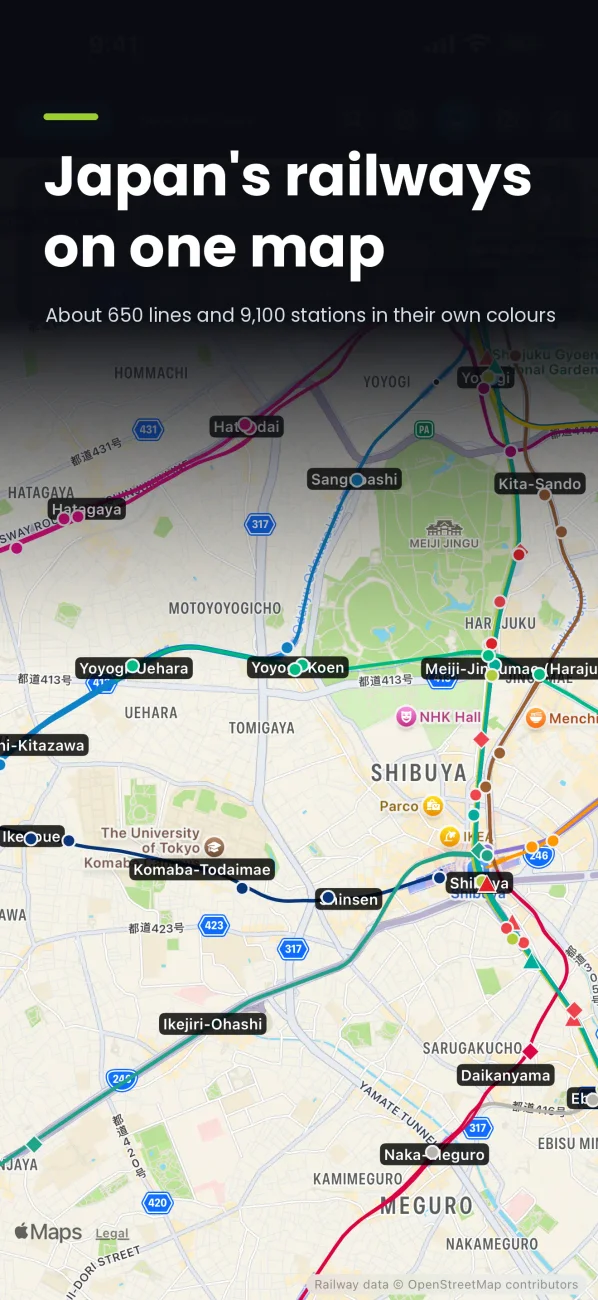
About 650 lines and 9,100 stations in their line colors: Shinkansen, JR, private railways, subways, trams, monorails and cable cars. Filter by type, such as just the Shinkansen.
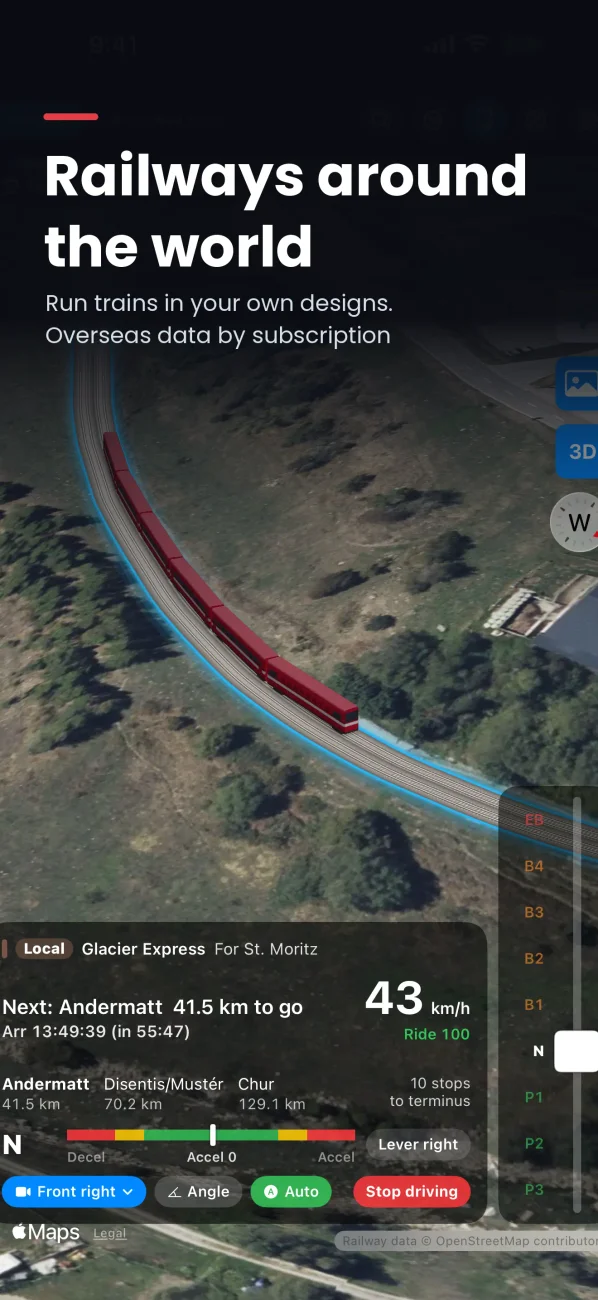
■ Railways around the world (World Rail Packs)
Download rail data by country or region: Europe (Switzerland, Germany, France, UK, Norway, Türkiye), Asia (South Korea, Taiwan, Hong Kong, Singapore), North America (US, Canada) and Oceania (Australia, New Zealand). Use it just like Japan's data, trains and your own lines included. More countries are on the way.
* Requires a World Rail Packs subscription. Japan's rail data stays free.
■ Watch the trains run
In train mode, trains move across the map. Move time with the clock bar or speed up to 3600×. Tap a train for its destination and arrival times, and "Follow" it. Tilt the map for 3D, or switch to satellite imagery (new).
* All schedules are simulated by the app. They are not real timetables.
* In tilted satellite view, lines and trains may appear off the tracks near tall buildings.
■ Drive the trains (new)
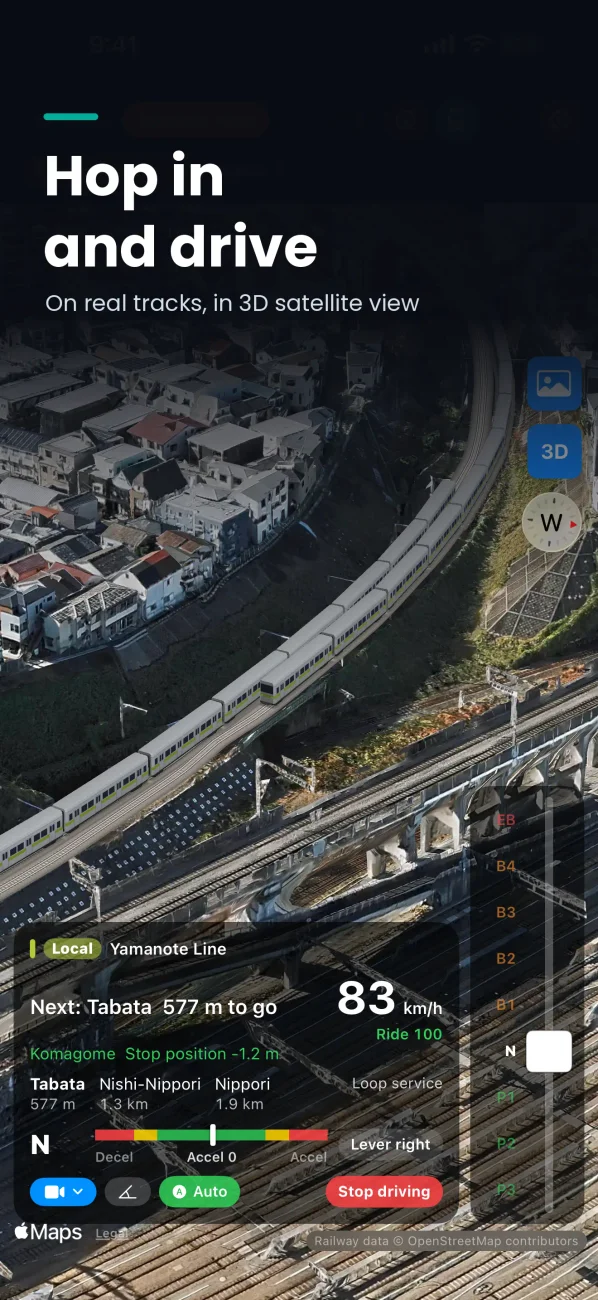
Take the controls of any running train. Power and brake with the lever, stop on the mark and keep to the timetable. 8 camera positions and 4 angles, in 3D or top-down 2D. Start in Auto and take over anytime.
■ Design your trains
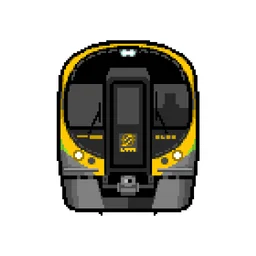
Zoom in to see full-length car bodies. Design trains from 19 shapes, 13 paint styles and your own colors, and assign them to a line, service, timetable or single train.
■ Station and line details
Tap a station for its lines and timetable, or a line for its stations. Search by name or show only chosen lines.
■ Build your own lines (one ad for an hour of use, or Premium)
Place stations, connect them into lines and run through onto real lines. Extend existing lines from their end stations too.
■ Your own timetables and services
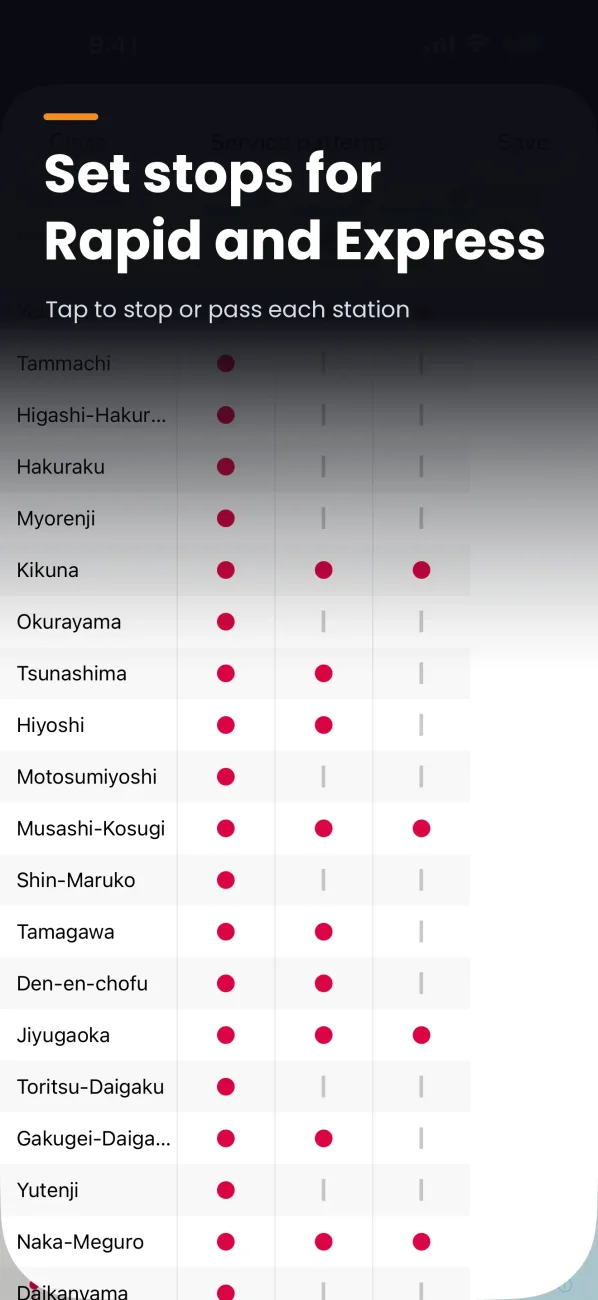
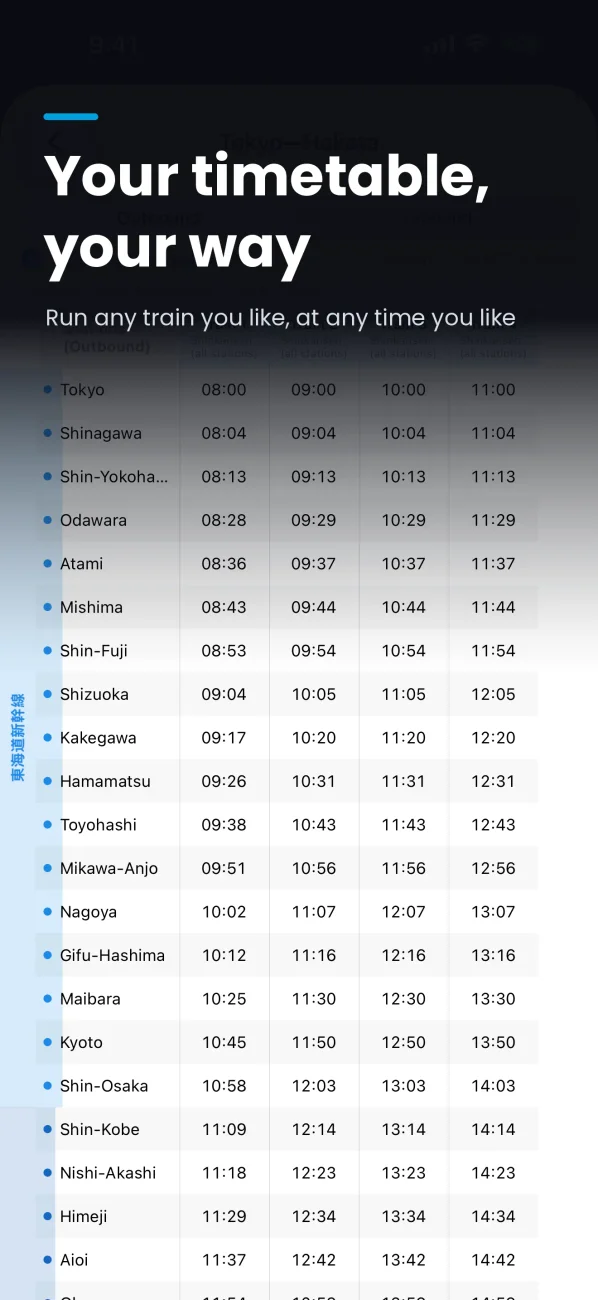
Write timetables on a whole line or just a section: enter a departure time and the rest fill in. Create named rapid and express services, run through onto other lines, and let automatic trains run through or stay within a section. Add arrival times to hold trains for overtaking. (100 of your trains at once for free, unlimited with Premium.)
■ Stop charts and route maps
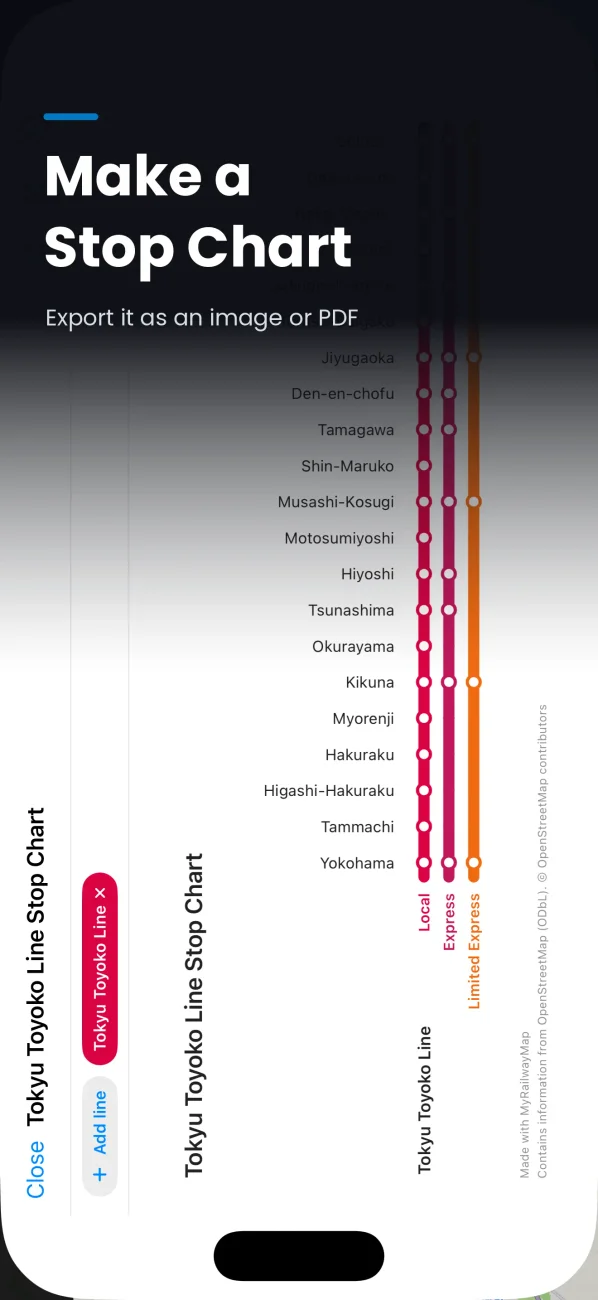
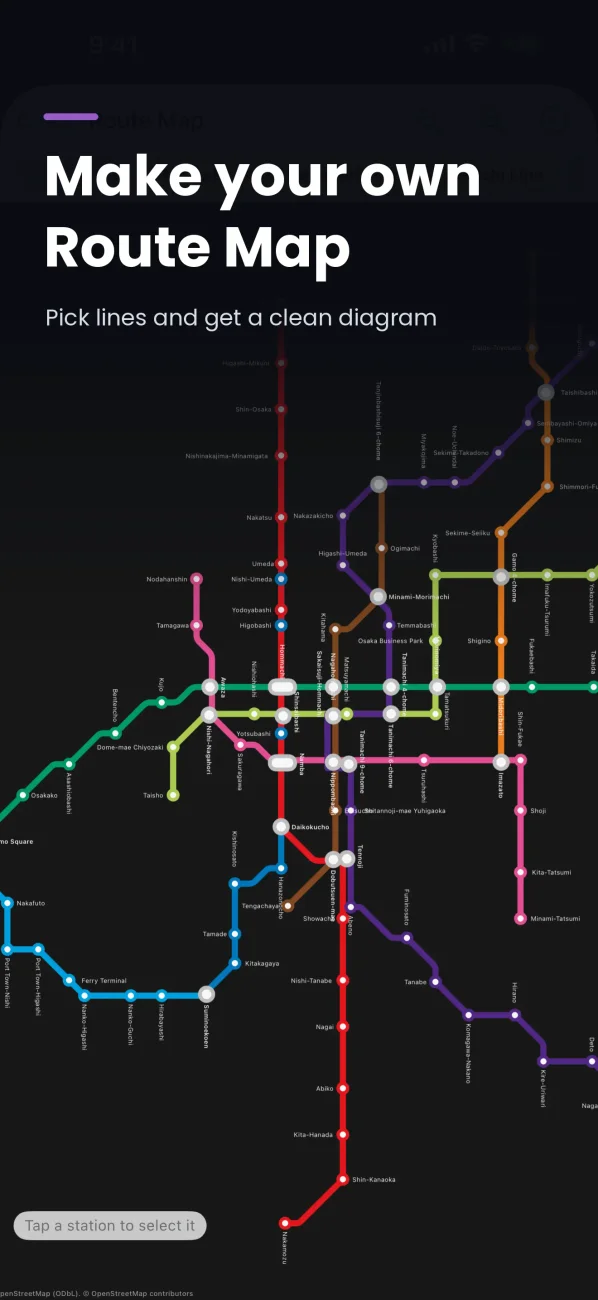
Turn your services into a stop chart, or lines into a route map laid out from real station locations. Export as PDF or image.
■ Share your works
Share lines, timetables, stop charts and route maps as a link or file. Links expire after 30 days; extend up to a year, update or revoke them.
* Creating a link requires iCloud sign-in (not needed to receive). Anyone with the link can download it.
■ English and Japanese
Use the app in English or Japanese. Names are shown in English with the Japanese alongside; search by either.
■ Premium (one-time purchase)
- Unlimited train nodes (your own timetables)
- CSV and JSON export and import
- No ads
■ World Rail Packs (auto-renewable subscription)
- Monthly or yearly, with a one-week free trial for new subscribers. Prices vary by country and are shown in the app
- One subscription covers every pack. Separate from Premium
- Payment is charged to your Apple ID at confirmation of purchase
- It renews automatically unless auto-renew is turned off at least 24 hours before the end of the current period. Renewal is charged within 24 hours before the period ends
- Manage or cancel in your App Store account settings
- Any unused part of a free trial is forfeited when you purchase a subscription
- Terms of Use: https://www.apple.com/legal/internet-services/itunes/dev/stdeula/
- Privacy Policy: https://github.com/yaapp1682-wq/railviewer-data/blob/main/PRIVACY.md
■ About the data
Rail data © OpenStreetMap contributors (ODbL), published on GitHub. Some details may differ from reality; please tell us via the support page. All timetables and train movements are simulated; do not use them for real journeys.
What’s new
Version 1.1.6 · Nov 25, 2026
Reworked how lines, station names and trains are drawn, so the app runs lighter.
・Moving the map and showing trains is smoother
・With this change, the "High-quality car bodies" setting has been removed. Car bodies are always drawn in high quality
In the 3D satellite view, you can now hide track drawings and trains where lines run underground (Settings → "Display").
Small kinks in the track are smoothed out, so trains run more smoothly.
You can now choose train sizes in more detail.
・Added "Small" to train symbol size
・You can now set the width and length of car bodies shown when zoomed in for each car design
While driving or following a train, fixed passing trains vanishing partway, trains appearing for a moment, and the fronts of trains and the gaps between cars flickering light and dark.
Fixed the track drawing rippling in the 3D satellite view.
Fixed auto-generated Rapid trains running on lines such as the Chuo-Sobu Line and stopping at stations such as Nishi-Funabashi.
App privacy
What Yasuaki Yamashita declares on the App Store about how this app handles data.
-
Data used to track you
May be used to track you across apps and websites owned by other companies.
- Identifiers
- Usage data
-
Data linked to you
May be collected and linked to your identity.
- User content
- Identifiers
- Usage data
-
Data not linked to you
May be collected but is not linked to your identity.
- Location
- Usage data
- Diagnostics
Privacy practices may vary, for example with the features you use or your age.
Information
- Seller
- Yasuaki Yamashita
- Category
- Travel
- Version
- 1.1.6
- Updated
- Nov 25, 2026
- Released
- Oct 17, 2026
- Size
- 65.3 MB
- Requires
- iOS 16.0 or later
- Age rating
- 4+
- Price
- Free
- In-app purchases
- Yes
- Languages
- English, Japanese
- Copyright
- © 2026 Yasuaki Yamashita