
MyStorageUnit - Item Inventory
Organize Your Storage Unit
Designed for iPhone, iPad
Free · In-app purchases
- Age rating4+
- CategoryProductivity
- DeveloperLife Utility Apps, LLC
- LanguagesEnglish+ 45 more
- Size84.2 MB
Links to the official App Store page
Download.org hosts no file of MyStorageUnit - Item Inventory. The button opens its official App Store page, published by Life Utility Apps, LLC. Listing last checked on Nov 25, 2026.
Screenshots


About
Know exactly what's in your storage unit and where to find it.
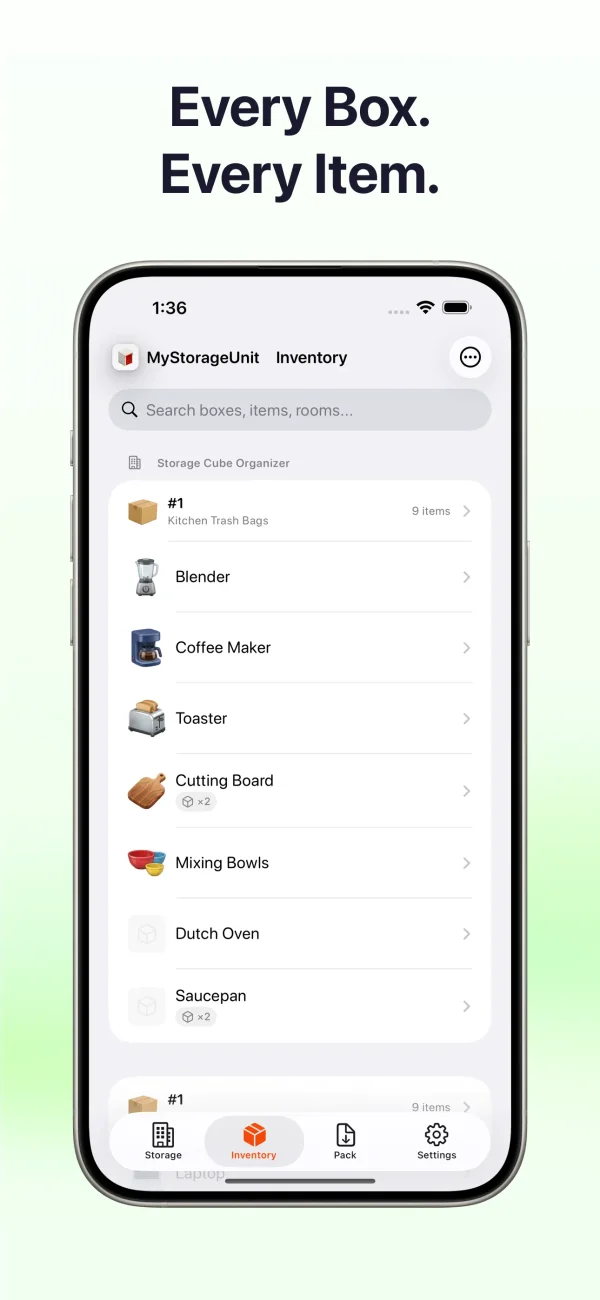
MyStorageUnit helps you catalog every item across multiple storage units and boxes. Add photos, track quantities and estimated values, and organize with labels and flags. When you need to find something, search your entire inventory instantly.
ORGANIZE YOUR WAY
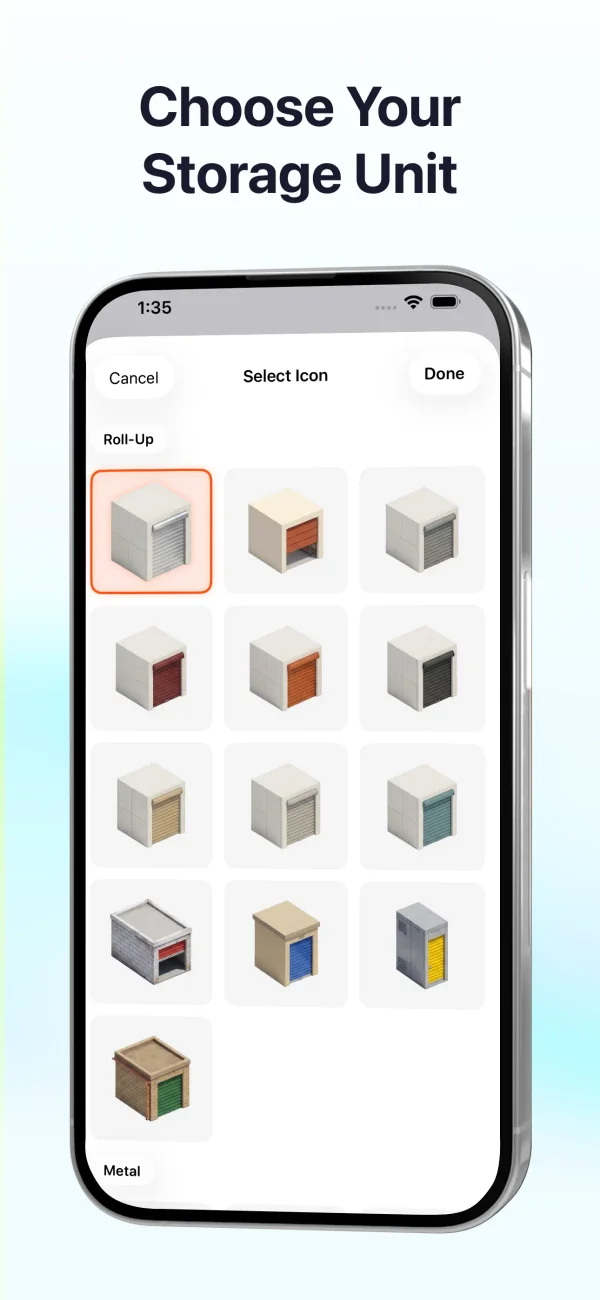
Create storage units with real details — facility name, address, access hours, and access codes. Add boxes with custom labels and flags like Fragile, Heavy, Documents, or Valuables. Place items directly in units or inside specific boxes for a clear hierarchy.
PACK FAST
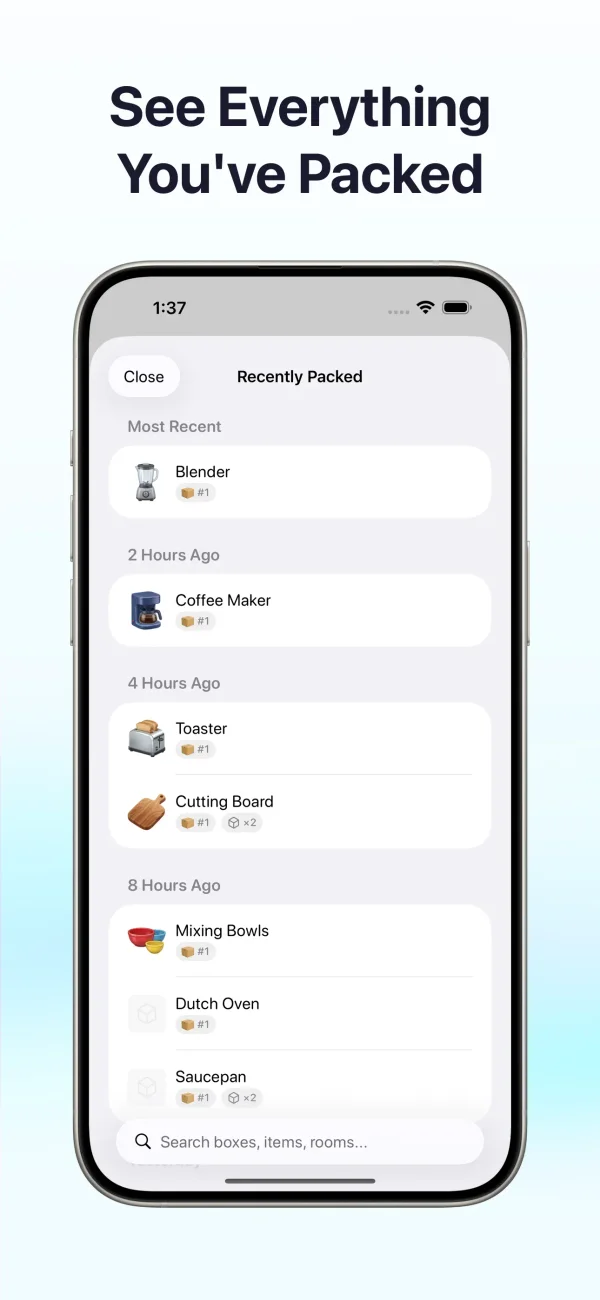
The dedicated Pack tab lets you add items quickly. A built-in catalog of over 1,000 common items offers smart suggestions as you type. Your last-used box is remembered, so you can keep packing without extra taps.
TRACK WHAT MATTERS
Record item quantities, estimated values, and brands. Choose from 1,000+ brands with logos for quick identification. Attach photos to both items and boxes so you always remember what's inside.
MANAGE YOUR LEASE
Store facility details, lease dates, billing intervals, and costs in 160+ currencies. See at a glance when your lease is expiring or up for renewal.
FIND ANYTHING
Search across all storage units, boxes, and items at once. Results show the full path — which unit, which box, which item — so you go straight to what you need.
EXPORT YOUR DATA
Generate CSV or PDF reports of your entire inventory, a single unit, or a specific box. Great for insurance records, moving checklists, or sharing with family.
SYNC & SECURE
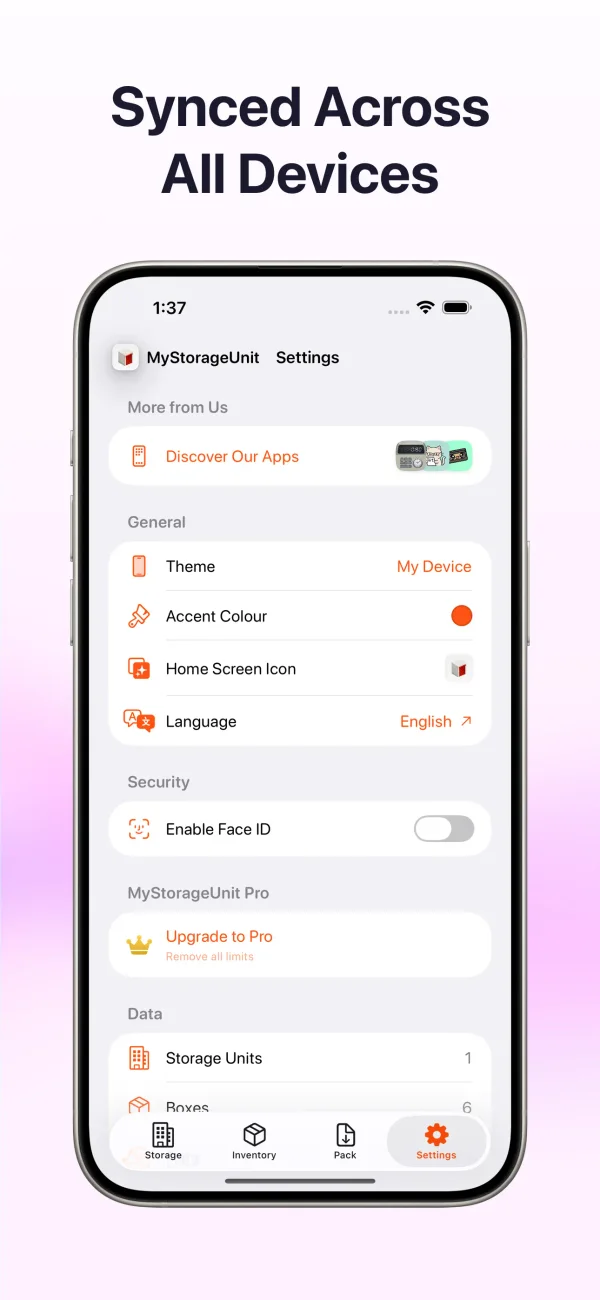
Enable iCloud to keep your inventory in sync across iPhone and iPad. Lock the app with Face ID or Touch ID for privacy. All data stays on your device or in your personal iCloud — no accounts, no uploads, no third-party servers.
Terms of Use (EULA): https://www.apple.com/legal/internet-services/itunes/dev/stdeula/
What’s new
Version 1.1 · Aug 31, 2026
We added the ability to scan box QR codes right from within the app. Scanning a box QR code with your native camera will open the app, load that box, and display the inventory right away.
App privacy
What Life Utility Apps, LLC declares on the App Store about how this app handles data.
-
Data not collected
The developer does not collect any data from this app.
Privacy practices may vary, for example with the features you use or your age.
Information
- Seller
- Life Utility Apps LLC
- Category
- Productivity
- Version
- 1.1
- Updated
- Aug 31, 2026
- Released
- May 26, 2026
- Size
- 84.2 MB
- Requires
- iOS 26.2 or later
- Age rating
- 4+
- Price
- Free
- In-app purchases
- Yes
- Languages
- English, Arabic, Bengali, Bulgarian, Catalan, Croatian, Czech, Danish, Dutch, Finnish, French, German + 34 more
- Copyright
- © 2026 Life Utility Apps, LLC
You might also like
-
 MyStuff: Storage TrackerHome inventory & QR labels
-
 Zen Meld - AI Focus TimerDeep Work, Pomodoro & Study
-
 MQTT ManagerGeneral purpose MQTT interface
-
 Repur Meld -AI Content StudioAI Social Posts & Captions
-
 Deck Meld - AI Slide MakerPitch Builder & Presentation
-
 Assistela – AI AssistantPlans, tasks & personal help
-
 Crated: Moving Box OrganizerLabel, Photo & Find Any Box
-
 Stashy - Home InventoryFind my stuff by room and box
-
 Homvi: Home InventoryEvery room valued in minutes
-
 小龜旬曆Productivity