
MyStudyDeck
Scan, Study & Export to Anki
Designed for iPhone
Free · In-app purchases
- Age rating4+
- CategoryEducation
- DeveloperSai Sharan Bhonagiri
- LanguagesEnglish
- Size84.2 MB
Links to the official App Store page
Download.org hosts no file of MyStudyDeck. The button opens its official App Store page, published by Sai Sharan Bhonagiri. Listing last checked on Nov 20, 2026.
Screenshots

About
Turn any photo or PDF into Anki flashcards — then study them right in the app. No typing, no desktop, no account. Everything runs on your iPhone, fully offline.
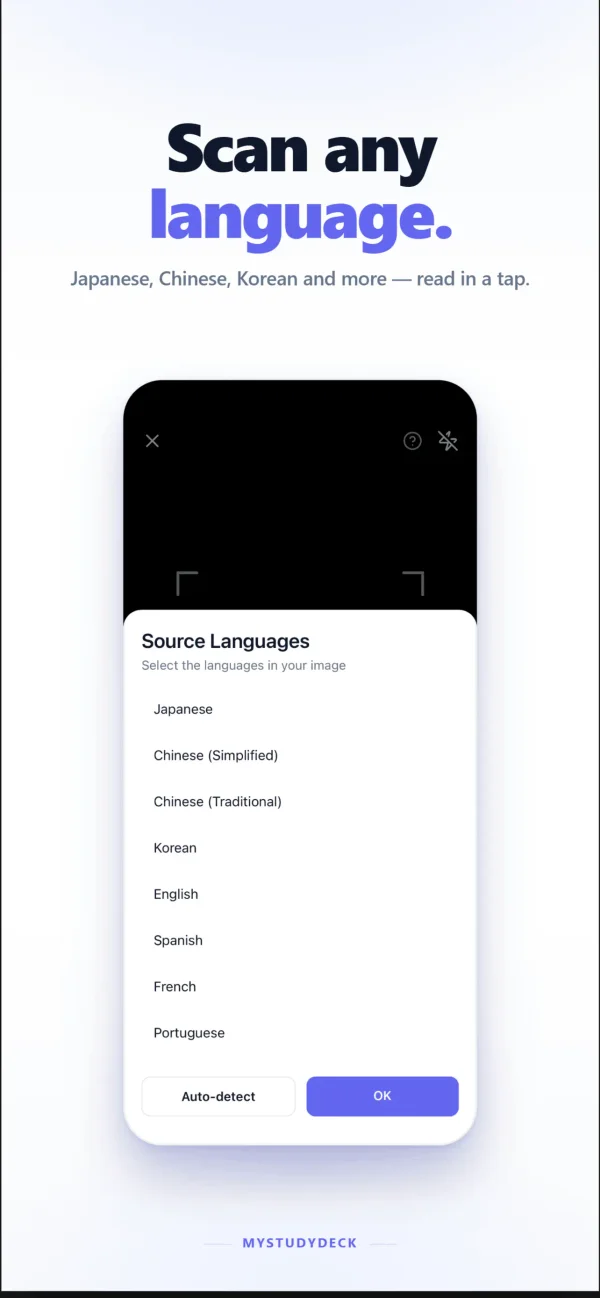
MyStudyDeck is the fastest way to go from study material to memorized. Scan a page, let on-device OCR and smart filtering pick out the words that matter, auto-translate the backs, study with a swipe — and export standard .apkg decks to Anki when you want.
THREE TAPS. REAL CARDS.
1. Snap a photo (or import a PDF) of your study material
2. Tap the terms you want to learn
3. Study in-app — or export a complete .apkg deck to AnkiMobile
No typing kanji on your phone. No copy-pasting between apps. No desktop required.
STUDY MODE — RIGHT IN THE APP
You no longer have to export to Anki just to review.
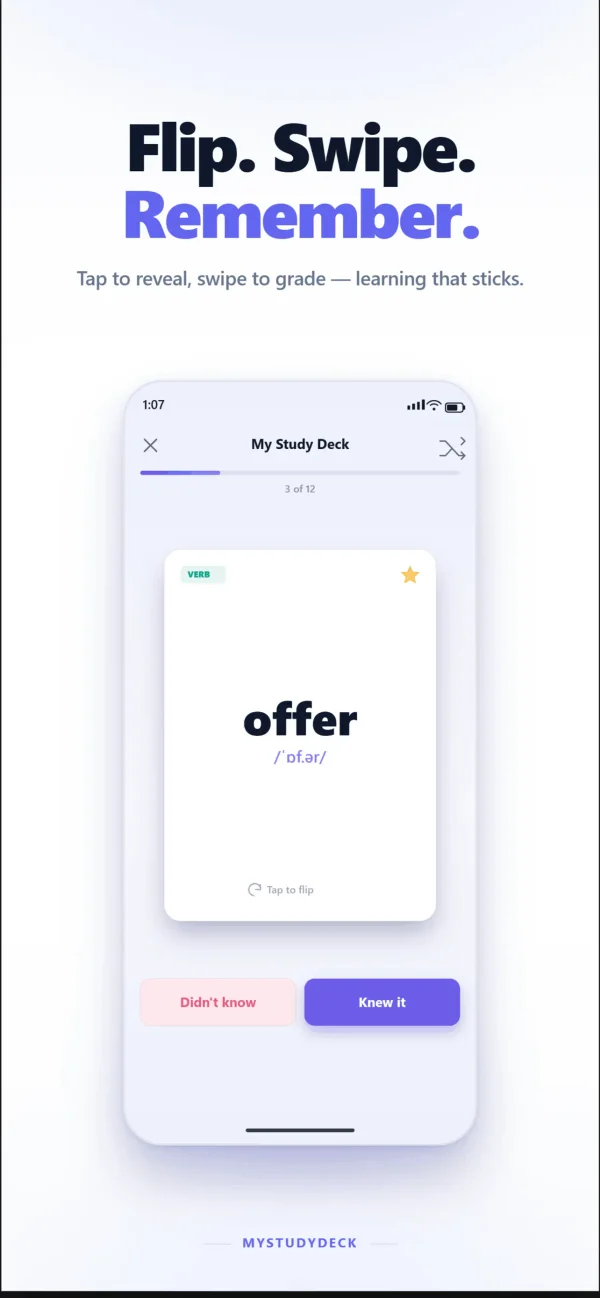
• Full study screen with a 3D card-flip animation
• Swipe right when you knew it, swipe left to review again
• Streak meter tracks your consecutive correct answers
• Self-assessment grading: "Didn't know" or "Knew it"
• Shuffle mode to mix up your deck
• Resume a session right where you left off (within 24h)
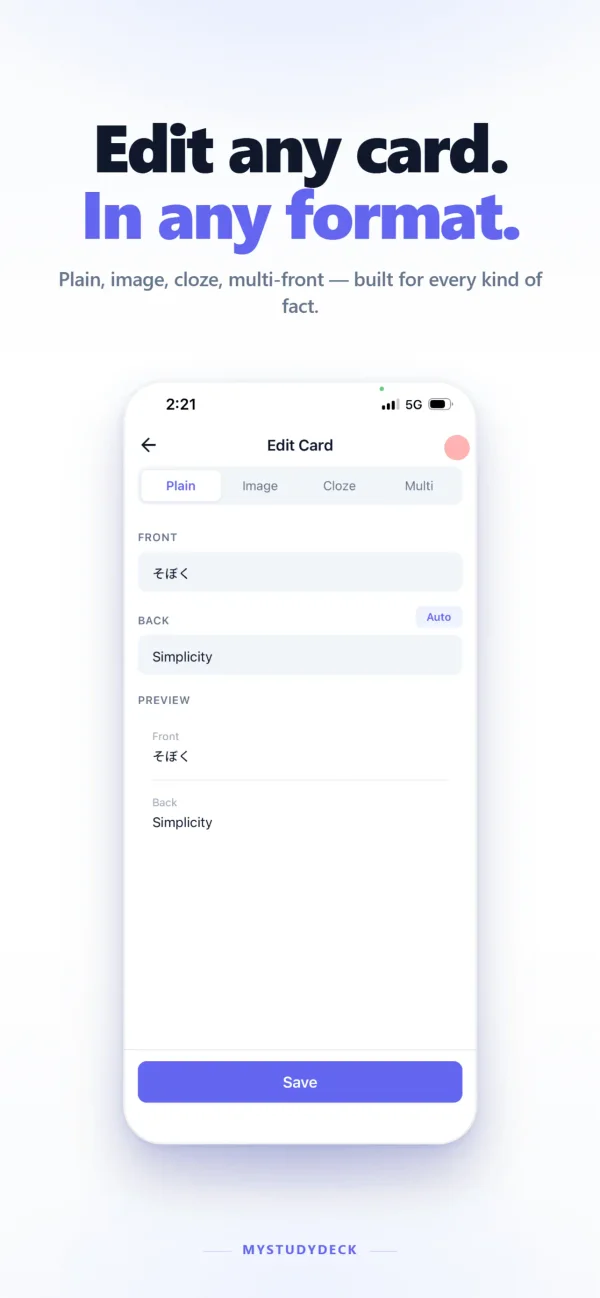
• Works with all four card types: plain, image, cloze, and multi-field
SMART CARD CREATION
• On-device OCR extracts text from photos instantly — works offline
• Smart word filtering uses Apple's NaturalLanguage engine to highlight the important words (nouns, verbs, adjectives, domain terms) and pre-select them
• Function words (the, is, a) are hidden by default — tap "Show all words" to reveal everything
• Per-word confidence indicators so you can trust the selection
• Filtering supports English, Spanish, French, German, Italian, Portuguese, and Russian (other scripts use length-based filtering)
• Apple Translation fills in card backs automatically
• Edit any field before saving (front, back, reading, notes)
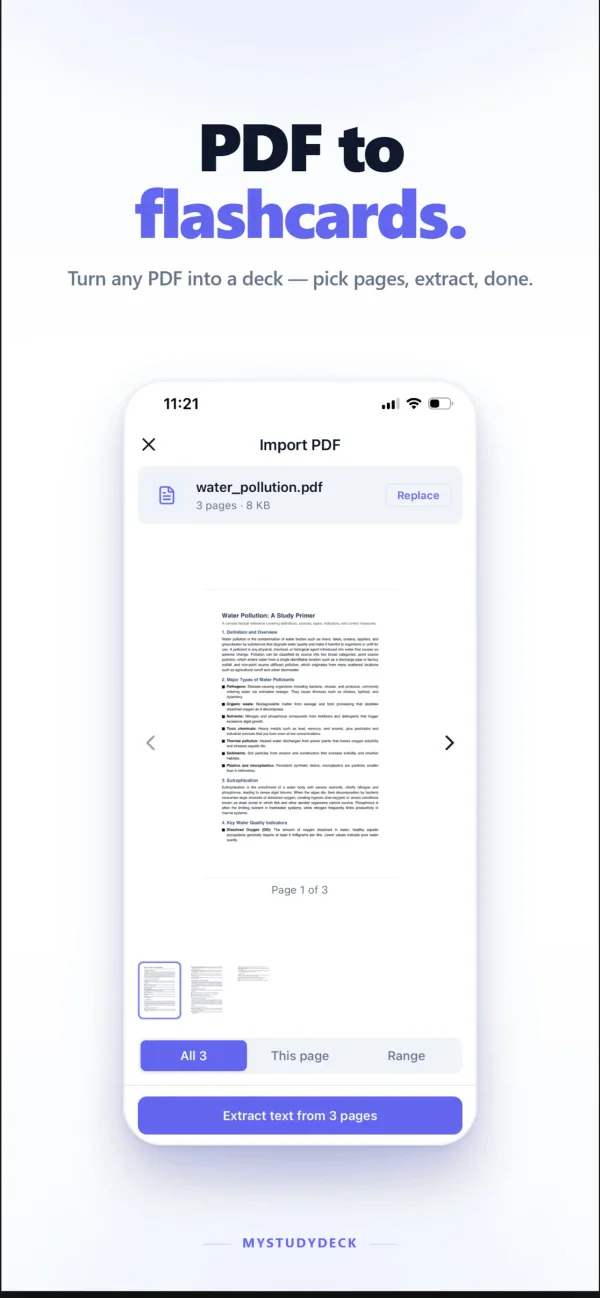
IMPORT PDFs
• Import PDFs directly from Files, iCloud Drive, or any document provider
• Page viewer with thumbnails and range selection (All / This page / Range)
• Multi-page extraction with a live progress indicator
• Text flows straight into the same smart OCR review pipeline
• Up to 50 pages per session
ANKI-COMPATIBLE EXPORT
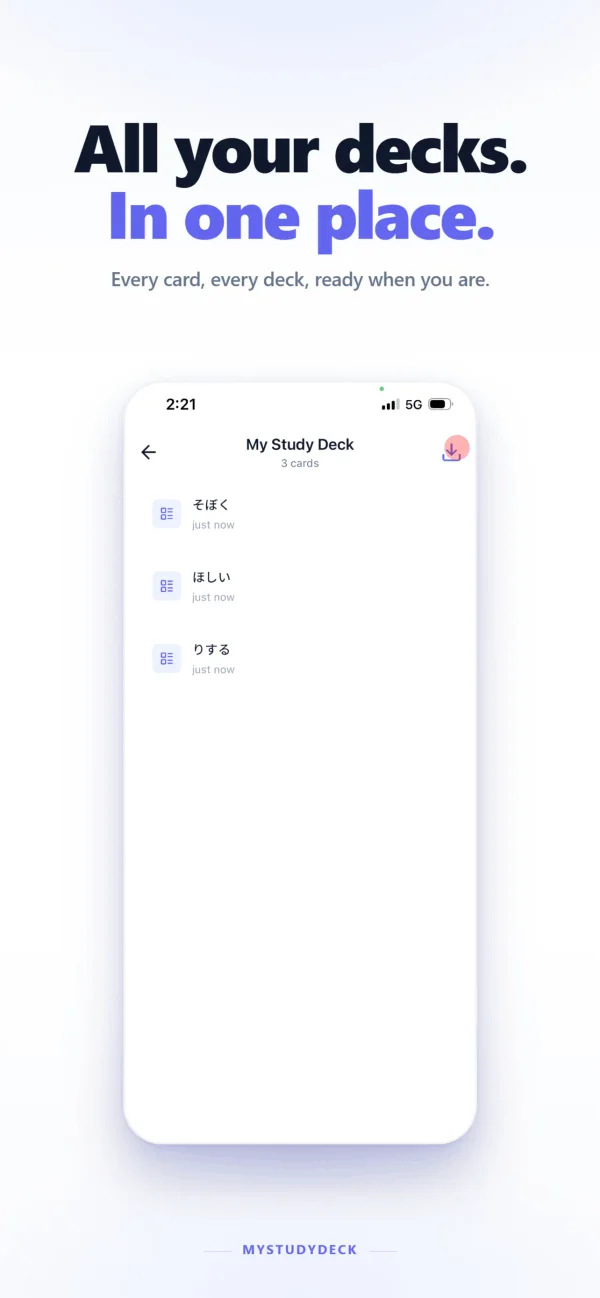
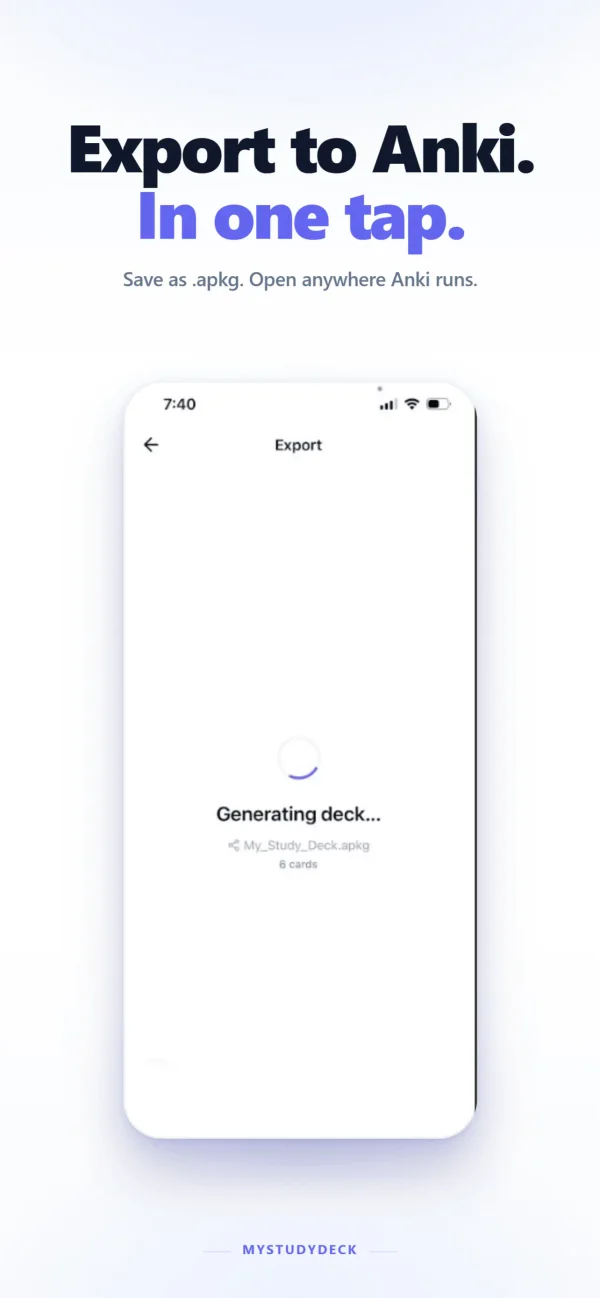
• Generates standard .apkg files that import cleanly into Anki
• Works with AnkiMobile, Anki Desktop, AnkiDroid, and AnkiWeb
• Export via the iOS share sheet — AnkiMobile, Files, AirDrop, iCloud Drive, or email
• Card images are embedded in the export
BUILT FOR PRIVACY
Your photos, cards, and study data never leave your device. The OCR and translation run on-device. No accounts. No cloud. No tracking. We never see your cards.
ONE-TIME PURCHASE — NOT A SUBSCRIPTION
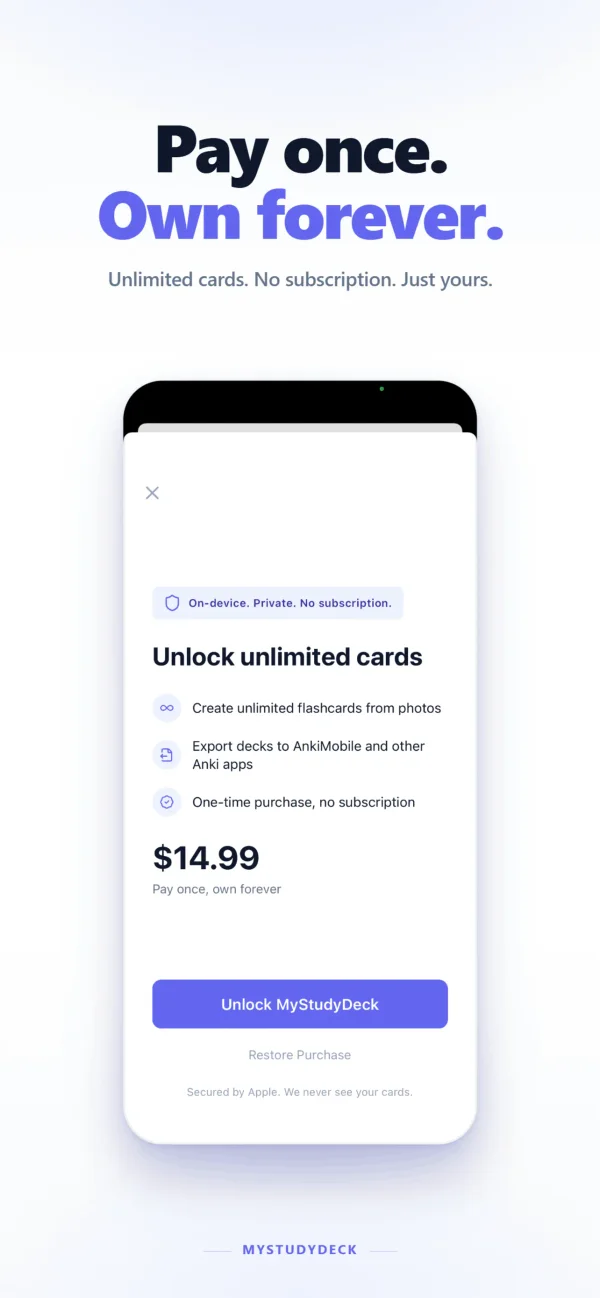
Try MyStudyDeck free with up to 3 cards. Unlock unlimited cards, PDF import, study, and .apkg export with a single $14.99 purchase — yours forever. No subscription. No recurring charges. No surprise renewals.
Built for self-taught language learners (Japanese, Korean, Chinese and more) and for students working from textbooks. MyStudyDeck solves the hardest part of mobile studying: turning real study material into cards you actually review — without a desktop.
App privacy
What Sai Sharan Bhonagiri declares on the App Store about how this app handles data.
-
Data not linked to you
May be collected but is not linked to your identity.
- Usage data
- Diagnostics
Privacy practices may vary, for example with the features you use or your age.
Information
- Seller
- Sai Sharan Bhonagiri
- Category
- Education
- Version
- 1.0
- Updated
- Jun 12, 2026
- Released
- Jun 12, 2026
- Size
- 84.2 MB
- Requires
- iOS 17.4 or later
- Age rating
- 4+
- Price
- Free
- In-app purchases
- Yes
- Languages
- English
- Copyright
- © 2026 Sai Sharan Bhonagiri
You might also like
-
 PicToCards: Camera FlashcardsSnap photos, learn vocabulary
-
 LucideckScan Text Into Flashcards
-
 Worso: Learn Words From BooksScan any page, AI flashcards
-
 Lexi Scan: AI Flashcards MakerAI flashcards for languages
-
 Vokzi — Vocabulary TrainerFlashcard vocabulary trainer
-
 SloviraSpaced-repetition flashcards
-
 Vocab-BuddyEducation
-
 Parleo: Language FlashcardsBuild a fluent vocabulary
-
 MyCoursePilot: AI Study Helpphoto math AI homework helper
-
 Flashcard Maker - PashaBenEducation