
- Age rating4+
- CategoryProductivity
- Developer7 Points Software House
- LanguagesEnglish
- Size23.2 MB
Links to the official App Store page
Download.org hosts no file of MySurveyLab. The button opens its official App Store page, published by 7 Points Software House. Listing last checked on Nov 16, 2026.
Screenshots
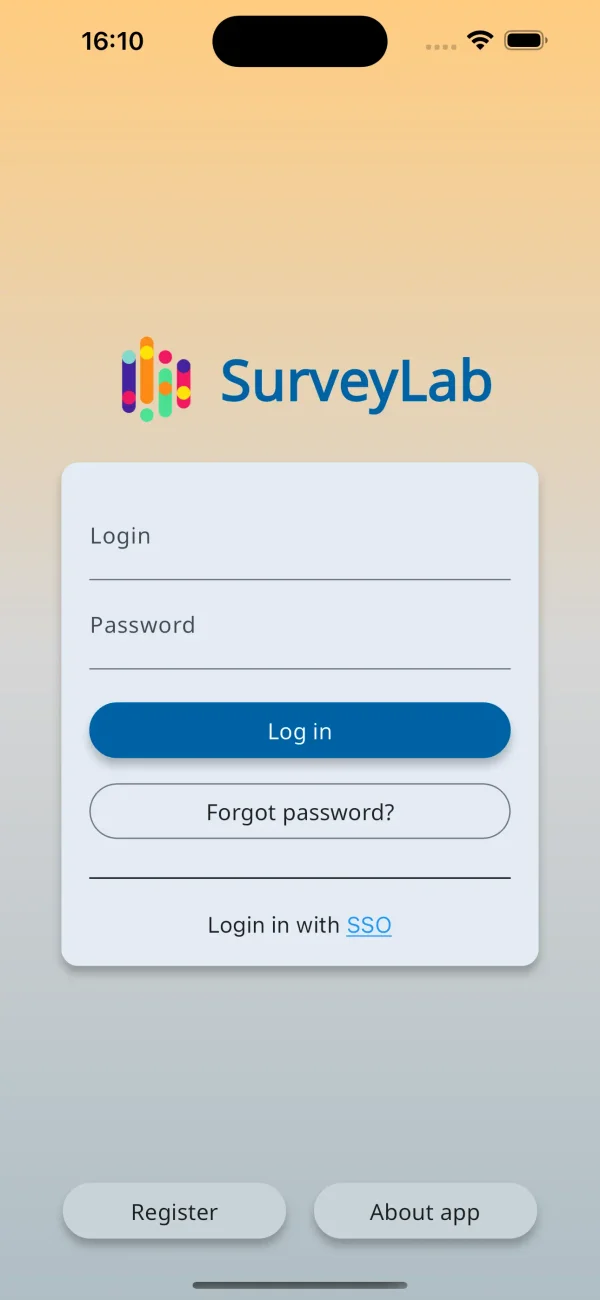
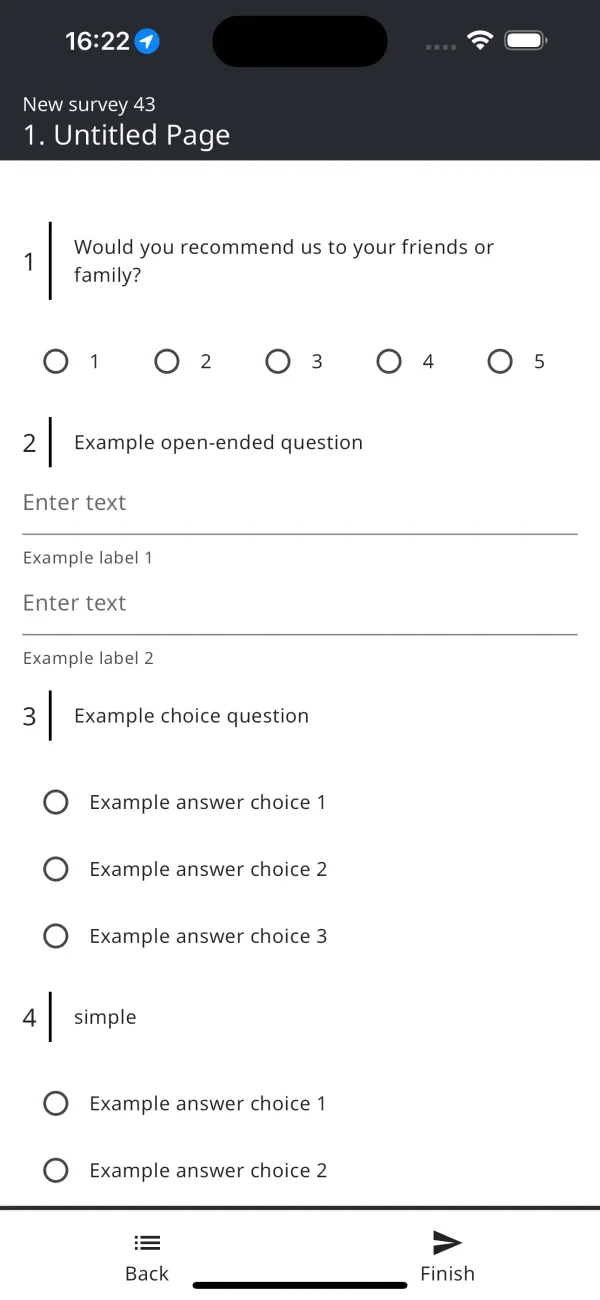
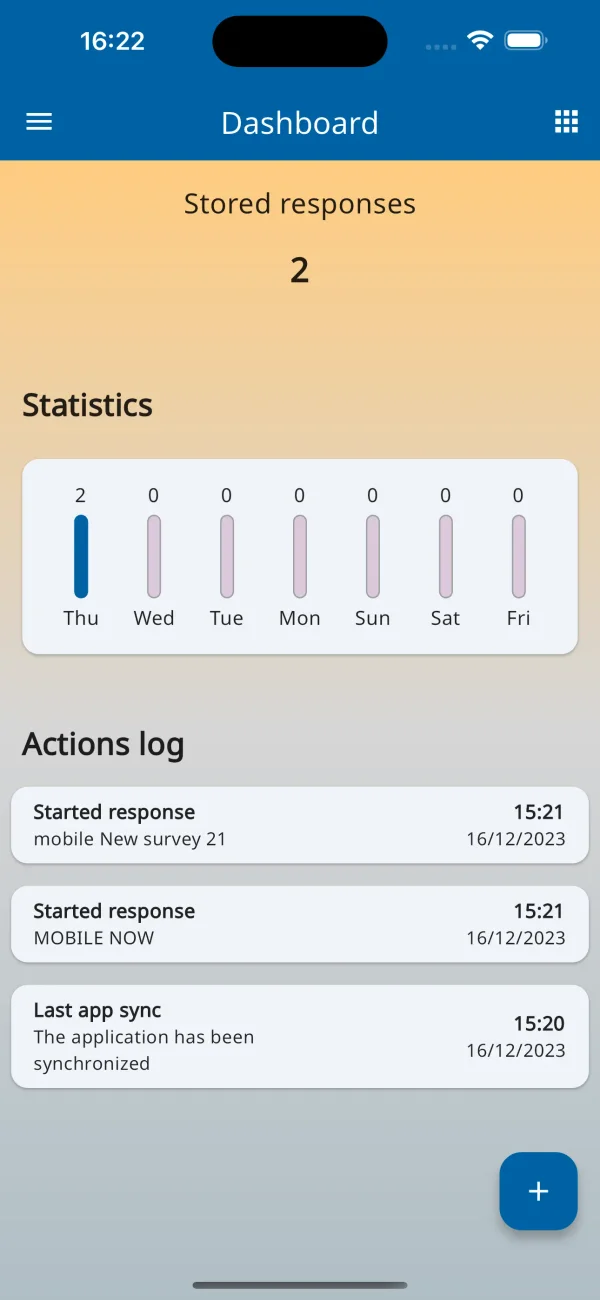
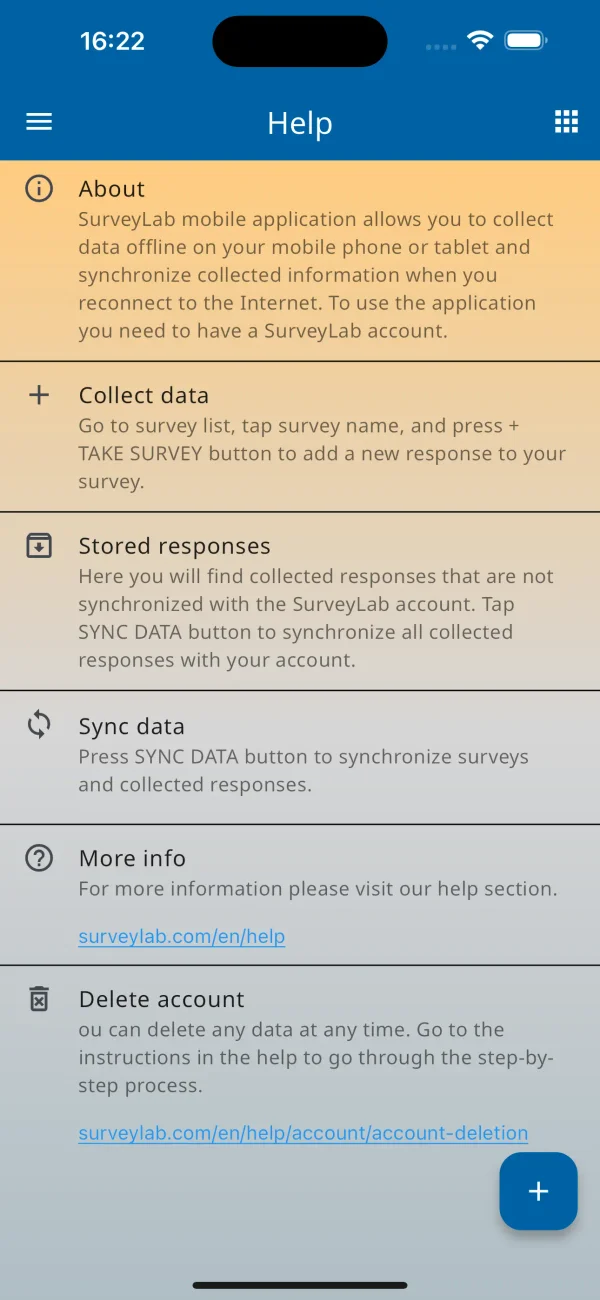
About
SurveyLab mobile app will allow you to take surveys offline and synchronize them with your account as you regain connection to the Internet.
How it works
1. Download the app and connect to your SurveyLab account when you are online.
2. System will upload your surveys.
3. You can turn off your Internet connection and take surveys whenever you are. Data will be synchronized as you will regain connection to the Internet.
Key benefits
- Replace paper forms, surveys and tests
- Collect data even when you work offline
- Capture data using an iPhone or iPad (mobile kiosk)
- Sing up with your SurveyLab account
SurveyLab app is free to download and use.
https://www.surveylab.com/en/privacy-policy/
What’s new
Version 2.8.0 · Oct 20, 2026
New
• Sort your surveys and responses (A–Z, Z–A or server order) and mark surveys as favourites.
• "Full sync and refresh": upload all unsent responses and refresh your survey list with one tap.
• "Re-download survey" to repair a survey that no longer displays correctly, without reinstalling the app.
• Automatic synchronization is on by default for new sign-ins.
• Logging out while offline now warns you about unsent responses.
• The form jumps straight to the first unanswered required question.
Improved
• Survey images, including hot spot and heat map backgrounds, work fully offline.
• Responses completed offline are uploaded reliably as soon as the connection is back, also after restarting the app.
• Clearer connection status messages and a refreshed look of dialogs and notifications.
• Signing in with SSO is more robust.
App privacy
What 7 Points Software House declares on the App Store about how this app handles data.
-
Data linked to you
May be collected and linked to your identity.
- Contact info
- Identifiers
- Diagnostics
-
Data not linked to you
May be collected but is not linked to your identity.
- Location
- User content
Privacy practices may vary, for example with the features you use or your age.
Information
- Seller
- 7 Points Sp. z o.o.
- Category
- Productivity
- Version
- 2.8.0
- Updated
- Oct 20, 2026
- Released
- Jan 3, 2018
- Size
- 23.2 MB
- Requires
- iOS 17.4 or later
- Age rating
- 4+
- Price
- Free
- Languages
- English
- Copyright
- © 7 Points
You might also like
-
 Reedback - Automated SurveysAutomated Surveys & Responses
-
 MyCustomerVoice - Survey AppDigital Suvey Tool
-
 MP OpenViewMindProber OpenView
-
 HenBaseHenBase Farn
-
 Echo Feedback AppProductivity
-
 NewbleArticles in 1-minute audio
-
 Rakuna InterviewProductivity
-
 Swim Score-ScholasticHigh school swim scoring app
-
 Easy Surveys ToolQuick Survey Anytime, Anywhere
-
 dayGLANCE: Daily PlannerPlanner, goals & habit tracker