
- Age rating4+
- CategoryTravel
- DeveloperEtan Rozin
- LanguagesEnglish
- Size21.4 MB
Links to the official App Store page
Download.org hosts no file of MyTripLog.App. The button opens its official App Store page, published by Etan Rozin. Listing last checked on Nov 23, 2026.
Screenshots



About
Every stop. Every photo. Every story. Yours.
MyTripLog turns a journey into a living story. You capture waypoints as you go — a place, the moment you were there, a note, a photo — and the app builds them into a map and a story you can actually read back years later.
Capture in seconds. A waypoint takes a tap or two. Your location and the time are filled in for you. Notes and photos are optional and can always be added later — the log is the point, the photos are a bonus.
IT READS LIKE A STORY, NOT A FOLDER
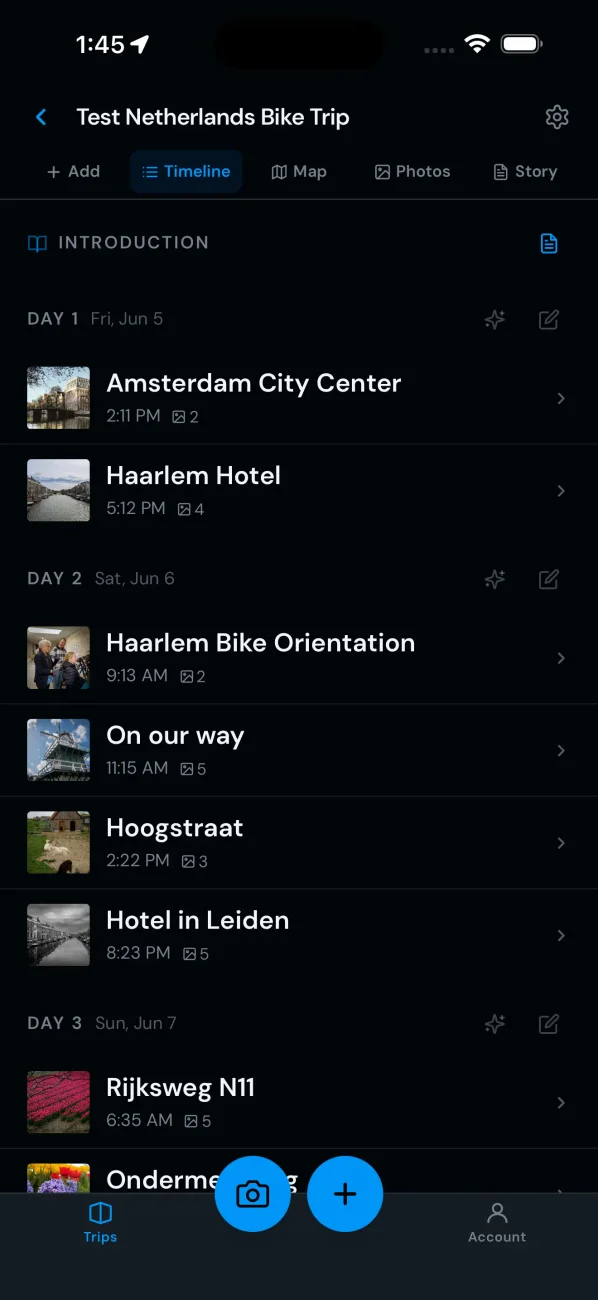
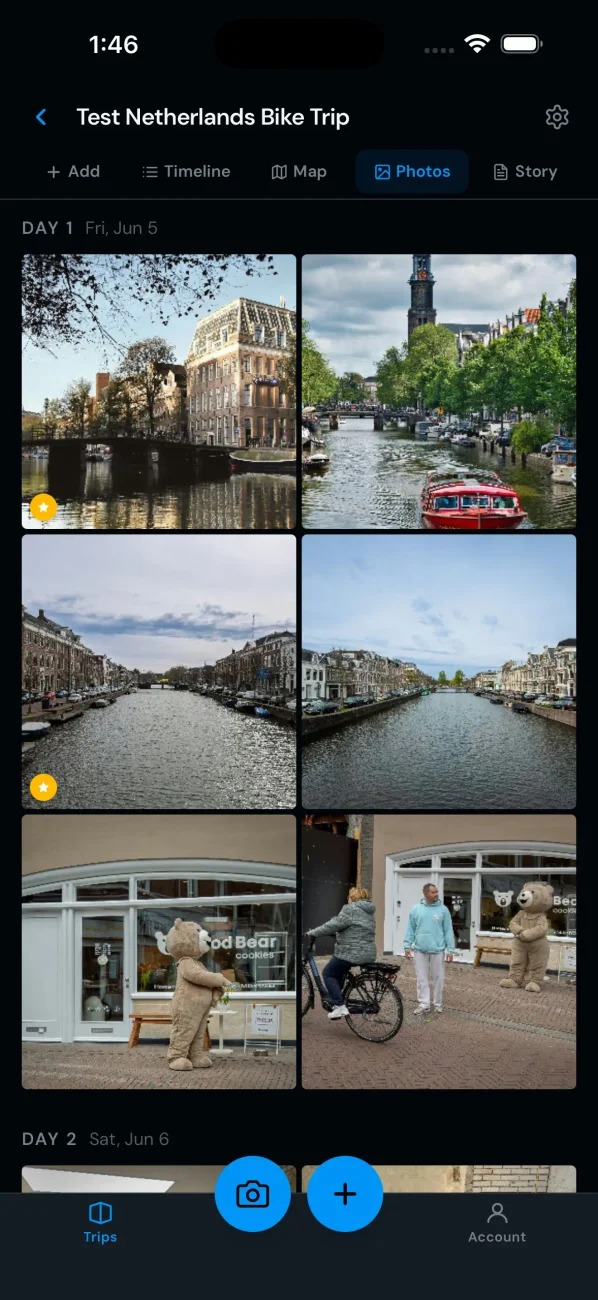
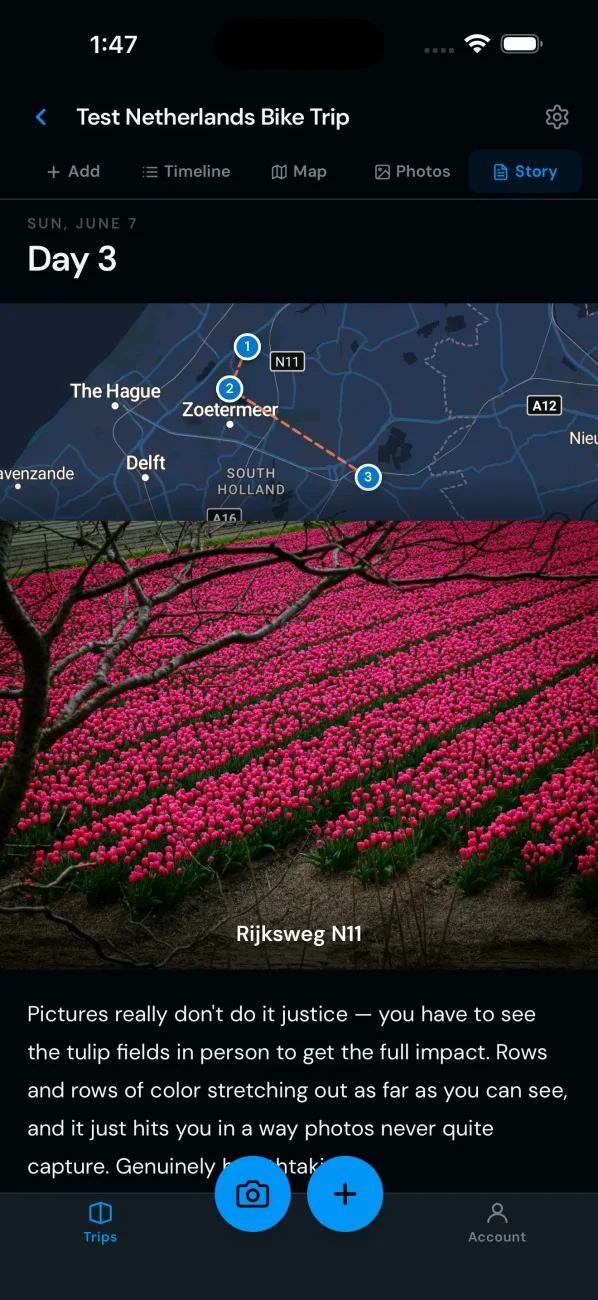
Open a trip and it reads back to you: day by day, place by place, your notes running alongside your photos on the map you actually walked. Not a grid of thumbnails and a pin cloud — an account of the journey, in the order you lived it, that still makes sense to someone who wasn't there. Including you, in ten years.
YOU WRITE IT AS YOU GO, IN SECONDS
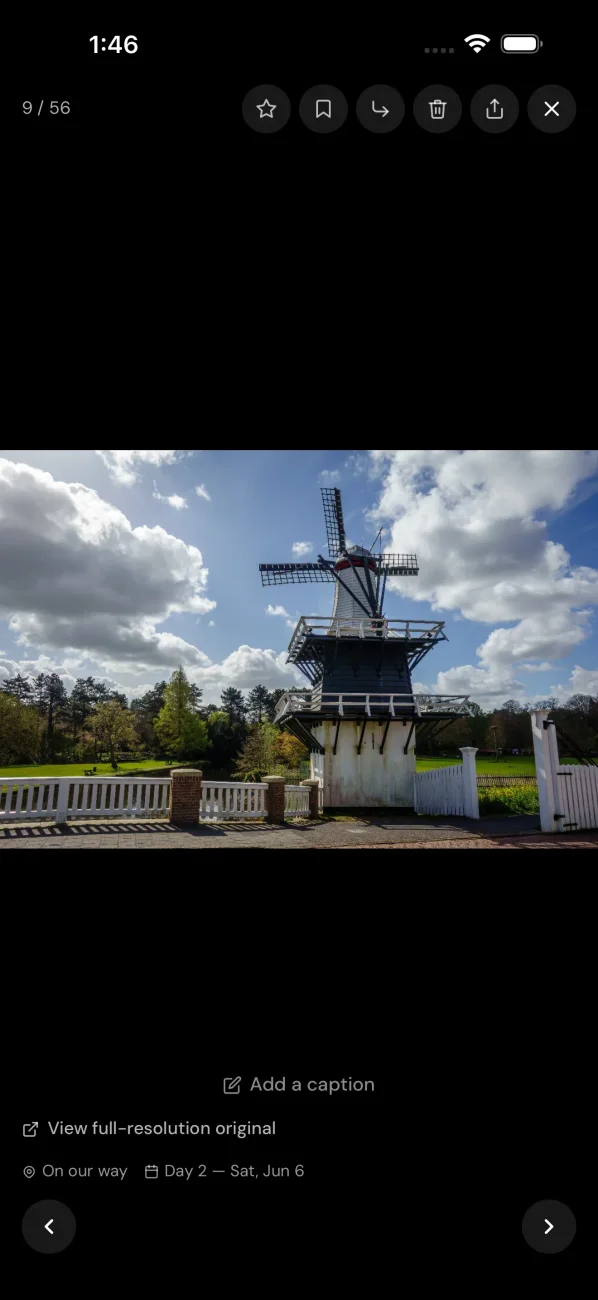
A waypoint is one place, one moment. Two taps while you're standing there — the location and time fill themselves in — and a sentence about why it mattered. That sentence is the part a photo can never carry, and the reason the trip still means something later.
Two-tap capture; snap a photo and let it place the waypoint for you
Works offline, syncs when you're back in signal
Notes, ratings, and categories on any waypoint
Every trip on an interactive map, day by day
Share a trip with a link — no account needed to read it
YOUR PHOTOS STAY YOURS
Full-resolution photos go straight into your own Google Drive, Dropbox, or OneDrive — untouched, no downscaling, no re-encoding. MyTripLog organises them into clean folders by trip, by day, by waypoint, so you can browse them anywhere, even without this app. We never hold your originals, and deleting a trip here doesn't delete them there.
TURN THE STORY INTO SOMETHING YOU KEEP
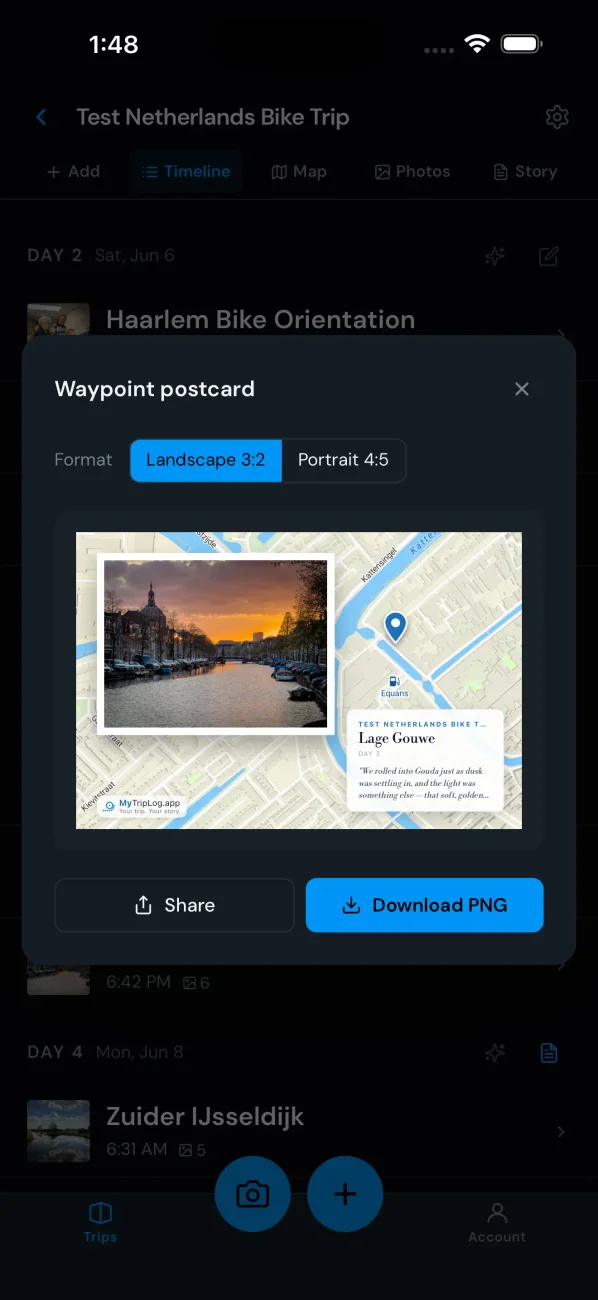
At mytriplog.app, in your browser on a bigger screen, the same trip becomes a printable journal, a route-map poster, or a slideshow — and a full archive you can save into your own cloud: readable HTML, a GPX route, and your photos. Same account, same trips.
Capture the story on your phone. Make something of it on the web.
mytriplog.app
What’s new
Version 1.0.92 · Nov 15, 2026
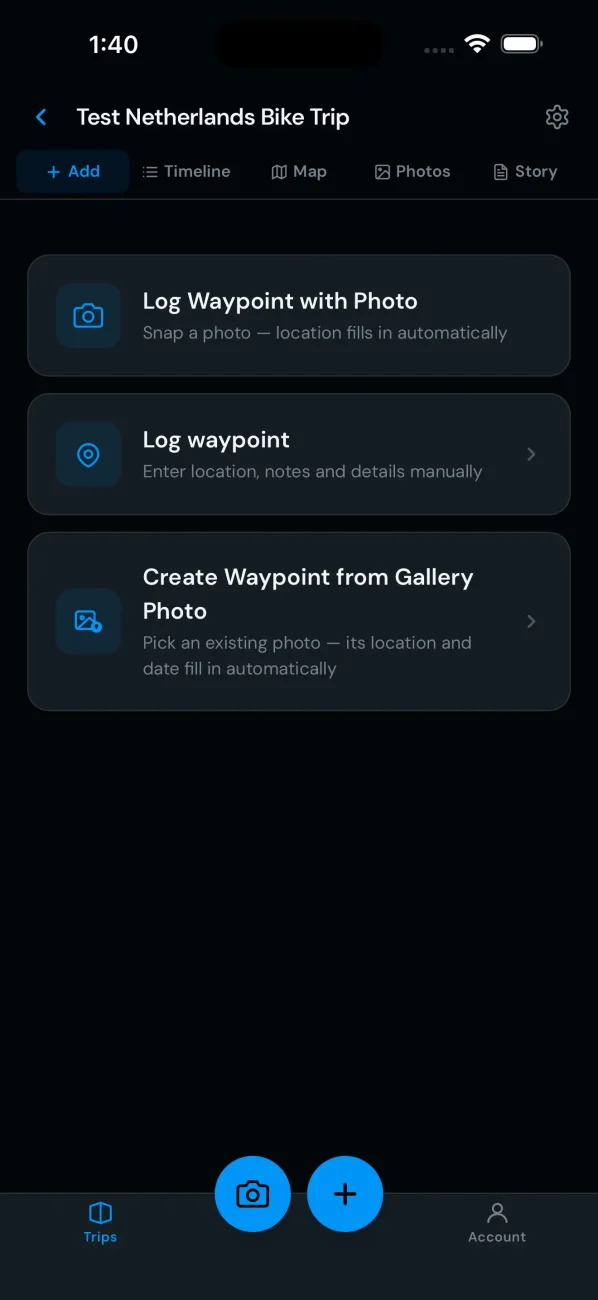
Turn a whole set of photos into waypoints. In the Add tab, choose "From many photos" and pick the photos from your trip. MyTripLog groups them by when and where they were taken, adds them to waypoints you already logged, and suggests new waypoints for the rest. You review everything before anything is saved.
The Add tab has a new look: every way to add a waypoint is now a tile, all on one screen.
Also: fixed a loop where Back moved between an announcement and your messages.
App privacy
What Etan Rozin declares on the App Store about how this app handles data.
-
Data not linked to you
May be collected but is not linked to your identity.
- Location
- Contact info
- User content
- Identifiers
Privacy practices may vary, for example with the features you use or your age.
Information
- Seller
- Etan Rozin
- Category
- Travel
- Version
- 1.0.92
- Updated
- Nov 15, 2026
- Released
- Aug 5, 2026
- Size
- 21.4 MB
- Requires
- iOS 15.0 or later
- Age rating
- 4+
- Languages
- English
- Copyright
- © 2026 MyTripLog
You might also like
-
 Logiday — Travel JournalTrip memories & spend, fast
-
 PicTrip: Travel Photo MapTrip journal & route tracker
-
 TravelPin ExplorerFind places from short videos
-
 MapJourPrivate map travel journal
-
 Your Travel JournalTravel
-
 TripTaleMapTravel Journal & Trip Tracker
-
 Journily: Travel ScrapbookMap & Private Trip Journal
-
 MyTrips: Travel Map TrackerRelive your trips & journeys
-
 Road4TripPlan routes and drive them
-
 Travel Archive: Trip DiaryVisited Countries & Photo Map