nanoTV
A powerful media player.
Designed for iPhone, iPad, Mac
Free · In-app purchases
- Age rating4+
- CategoryEntertainment
- Developerhuaping chen
- LanguagesEnglish+ 8 more
- Size210.7 MB
Links to the official App Store page
Download.org hosts no file of nanoTV. The button opens its official App Store page, published by huaping chen. Listing last checked on Nov 17, 2026.
Screenshots

About
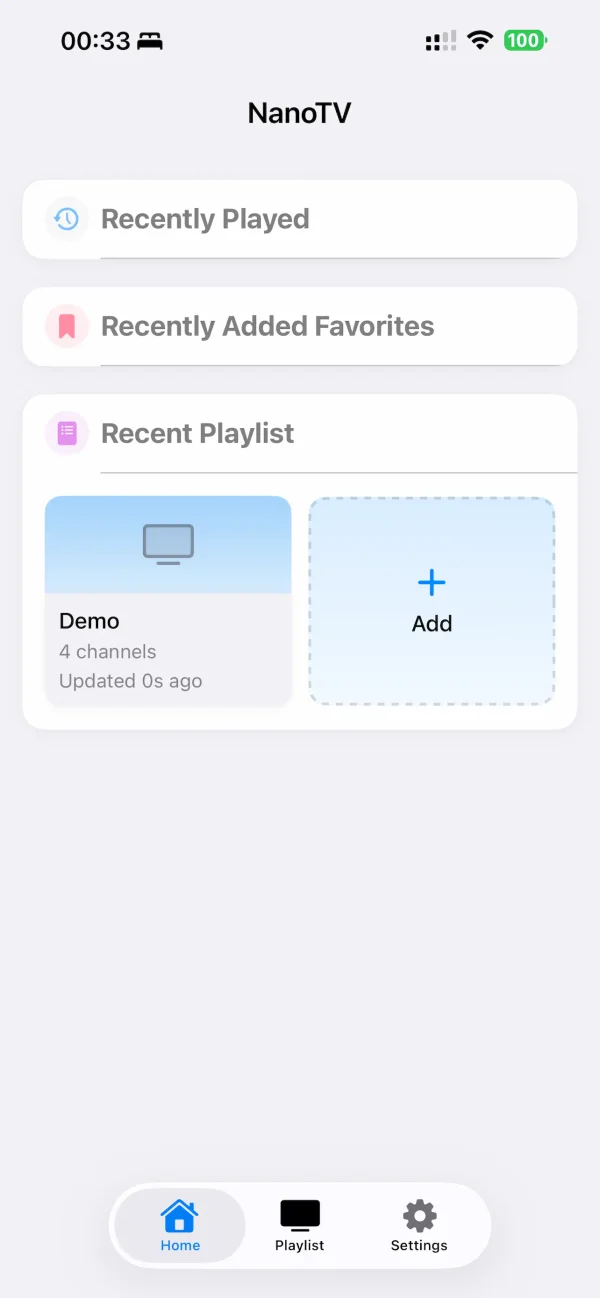
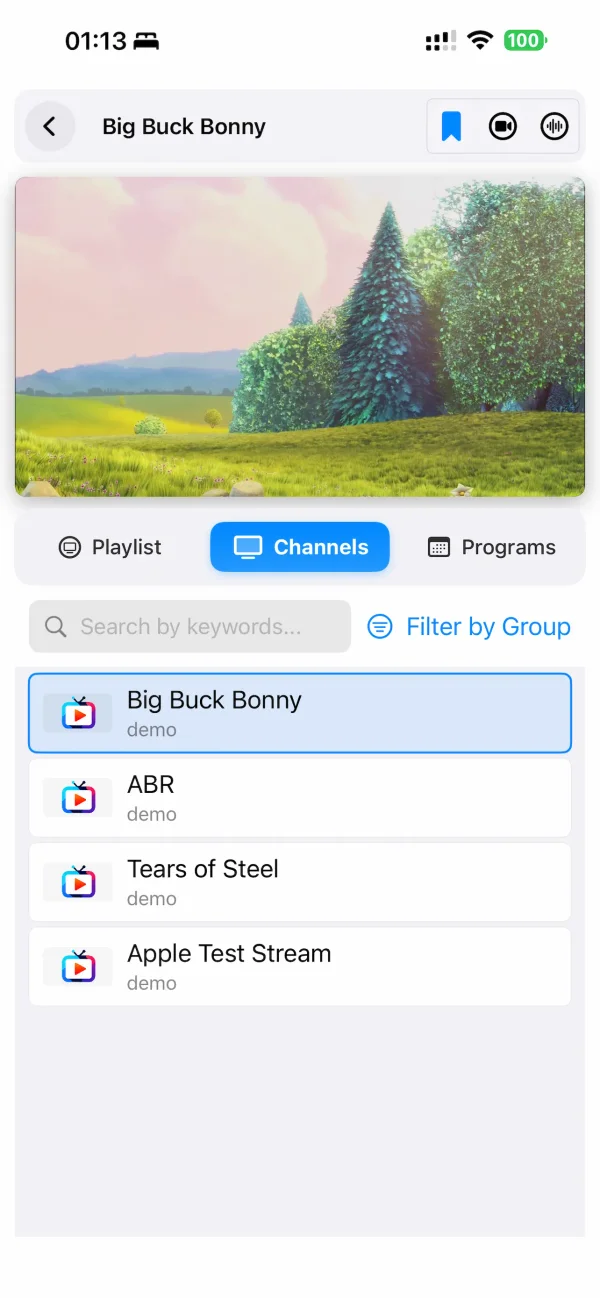
nanoTV is a professional media player designed for Mac, Apple TV, iPhone, and iPad. We combine powerful features with a clean interface so you can enjoy your own live and on-demand sources on any screen — an nanoTV assistant that finds channels and takes action, real-time subtitles in English, Chinese, and Japanese, 50p deinterlacing for smooth motion, and hardware-accelerated playback. Sources, favorites, and channel tags stay in sync across your devices with iCloud.
KEY FEATURES
1. NanoTV Assistant
Not just answers — it gets things done. Search channels and start playback, look up a program in the guide, set reminders, add or edit playlist and portal sources, and manage favorites, recents, and channel tags. Enable it in Settings → Assistant.
2. AI Real-time Subtitles
Live transcription for English, Chinese (Mandarin), and Japanese — processed entirely on your device, so audio never leaves it. Translate into your language in real time. Subtitle size adapts to the player window, with frosted-glass or feathered backgrounds for clean, readable text.
3. Multi-engine Subtitle Translation
Choose the engine that fits you: Apple on-device translation (Mac and iPhone/iPad), large language models (LLM), other supported translation services, or your own self-hosted API. Translate live AI subtitles or the subtitle tracks that come with a source.
4. Professional Playback Engine
YADIF 2x deinterlacing turns 1080i 25fps into smooth 50p — great for fast-moving footage. Hardware-accelerated H.264/H.265 up to 4K and 8K (macOS), fast HLS start-up, and an adjustable buffer for live streams. On Apple TV, output matches the source frame rate and dynamic range (SDR/HDR/HLG), with experimental multichannel audio output.
5. Multi-format Sources
Works with standard M3U playlists and common media portal protocols. Paste one or more URLs with Text Import, auto-refresh sources at launch, share any source as a QR code, and import from web or other Apps.
6. Channel Tags
Your categories, your rules. One tag can hold channels from any source, and a channel can belong to several tags at once. Colors, symbols, and badges, with drag-to-reorder (move up/down on Apple TV). Tags sync via iCloud.
7. Electronic Program Guide (EPG) & Reminders
Zoom the guide to see more channels or more hours, browse posters and categories, translate program information, and refresh the guide together with your sources. Long-press an upcoming program to set a reminder — or ask the AI assistant to create one.
8. Global Search & Quick Access
Search channels and programs across every source at once. Favorites, recently played, and Quick Play (paste a link and watch immediately; on Apple TV, scan a QR code). Start from a favorite and channel switching stays inside your favorites.
9. Immersive Preview on Apple TV
The Apple TV home screen and TV Guide preview the channel you are browsing, so you can see what is playing before you commit.
10. Remote Management & Network
Add sources from a computer or phone, including QR-code add for supported portal protocols. SOCKS5 and HTTP proxy support plus a per-source User-Agent for networks that require them.
11. iCloud Sync
Keep sources, favorites, and channel tags in sync across Mac, iPhone, iPad, and Apple TV, with a clear sync log.
12. Multi-language UI & Appearance
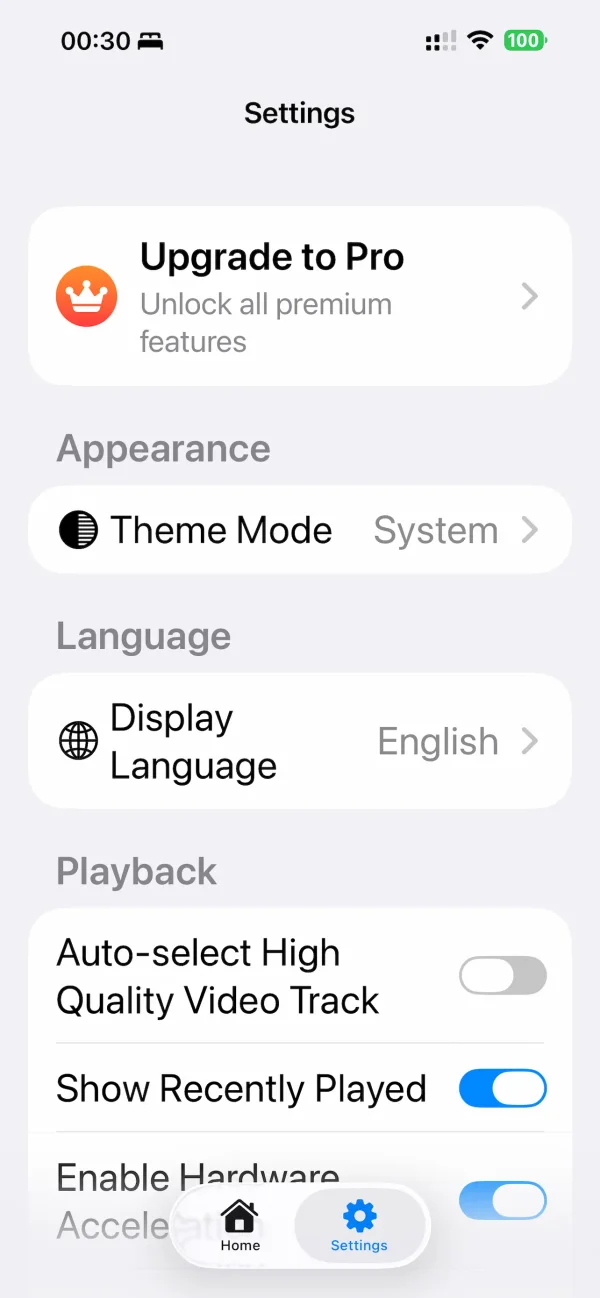
The interface is available in English, Simplified and Traditional Chinese, Japanese, Korean, French, Russian, Vietnamese, Arabic, and more. Light, Dark, and System appearance modes, plus adaptive channel grids.
nanoTV is a media player. It does not provide, host, or bundle any media content, playlists, or channels. Please add your own legally obtained playlists and sources.
What’s new
Version 1.2.50 · Nov 15, 2026
- Improved the Home view design and added keyboard navigation.
- Added light mode support and improved channel logo display.
- Optimized playback startup to reduce delays.
- Improved automatic EPG updates to refresh outdated program guides more reliably.
App privacy
What huaping chen declares on the App Store about how this app handles data.
-
Data not collected
The developer does not collect any data from this app.
Privacy practices may vary, for example with the features you use or your age.
Information
- Seller
- huaping chen
- Category
- Entertainment
- Version
- 1.2.50
- Updated
- Nov 15, 2026
- Released
- Nov 12, 2025
- Size
- 210.7 MB
- Requires
- iOS 17.6 or later
- Age rating
- 4+
- Price
- Free
- In-app purchases
- Yes
- Languages
- English, Arabic, French, Japanese, Korean, Russian, Simplified Chinese, Traditional Chinese, Vietnamese
- Copyright
- © 2025 NanoTV 版权所有
You might also like
-
 Smart IPTV Player: BigPlayLive TV, M3U & Xtream Codes
-
 IPTV Pro - Smart PlayerXtream & M3U IPTV player
-
 TiviMiniLight, fast & powerful IPTV
-
 EplayerX - Video PlayerAll your media. One player.
-
 What2WatchAI: Movie TrackerWatchlist & AI Recommendations
-
 IPTVision PlayerLive TV, movies & series IPTV
-
 VidoraEntertainment
-
 Smarter IPTV X Pro: M3U PlayerLive TV, EPG, Xtream & TV Cast
-
 TVPODSm3u player and podcast app
-
 Smart Tube BDPEntertainment