
Nautilus: Web, Word, Annotate
Web browser, PDF, AI Assistant
Designed for iPhone, iPad
Free · In-app purchases
- Age rating17+
- CategoryProductivity
- DeveloperKairoos Solutions SL
- LanguagesEnglish+ 77 more
- Size505.6 MB
Links to the official App Store page
Download.org hosts no file of Nautilus: Web, Word, Annotate. The button opens its official App Store page, published by Kairoos Solutions SL. Listing last checked on Nov 23, 2026.
Screenshots
About
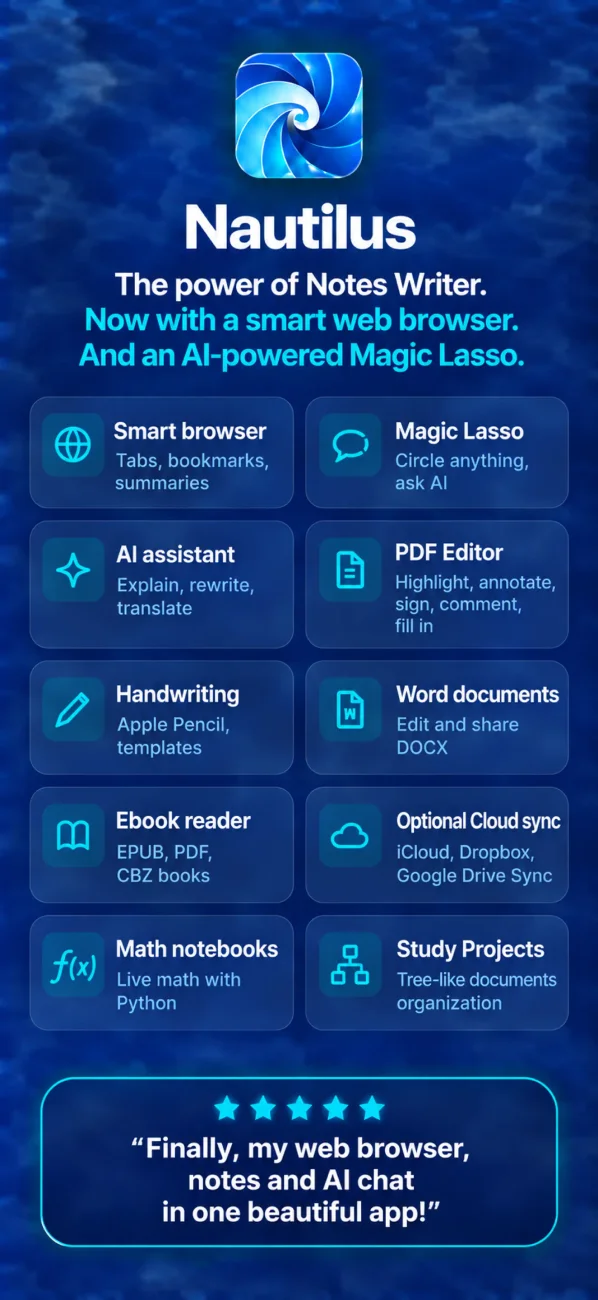
Nautilus is a web browser built for research. Read the web, mark it up, ask AI about what you find, and write up your work without leaving the app, on iPad and iPhone.
Students, researchers, journalists, writers and professionals use it to go from first search to finished document in one place.
Browse with research tools built in
Open pages in tabs, pin the ones you come back to, and keep sites in bookmarks and history. Switch to Reader for a clean page without distractions, or let Reader turn on automatically. Request the desktop version of a site when you need it.
Understand any page
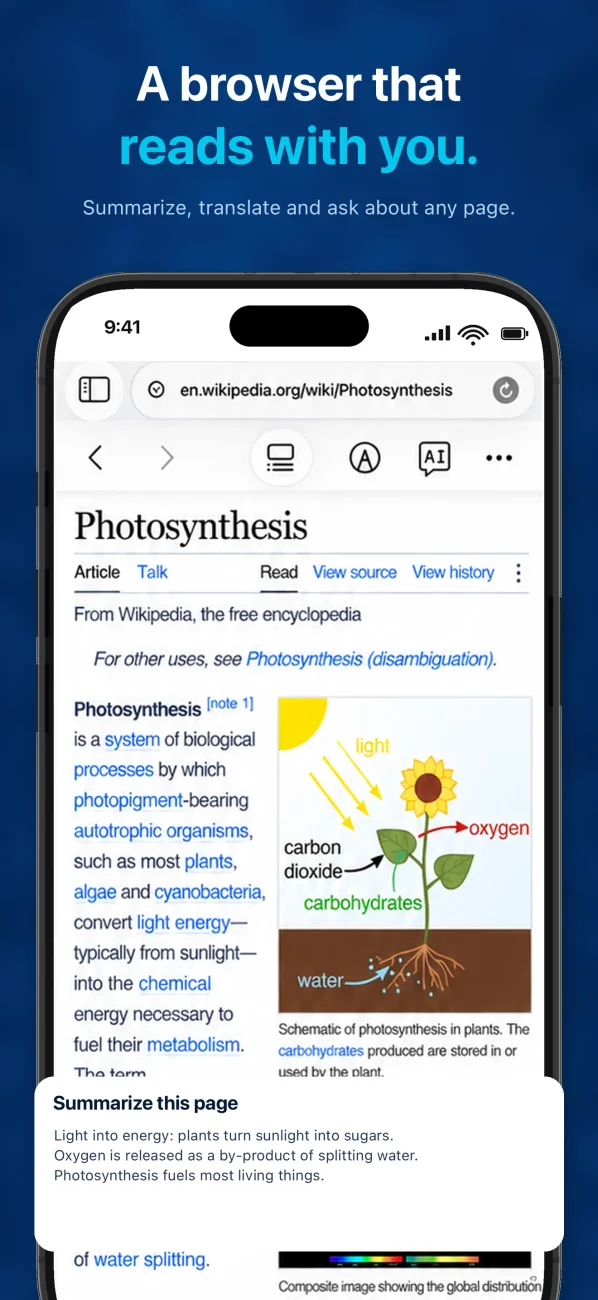
Ask AI about the page you're reading. Summarize a long article, or translate a page into your language or into English, then switch back to the original at any time.
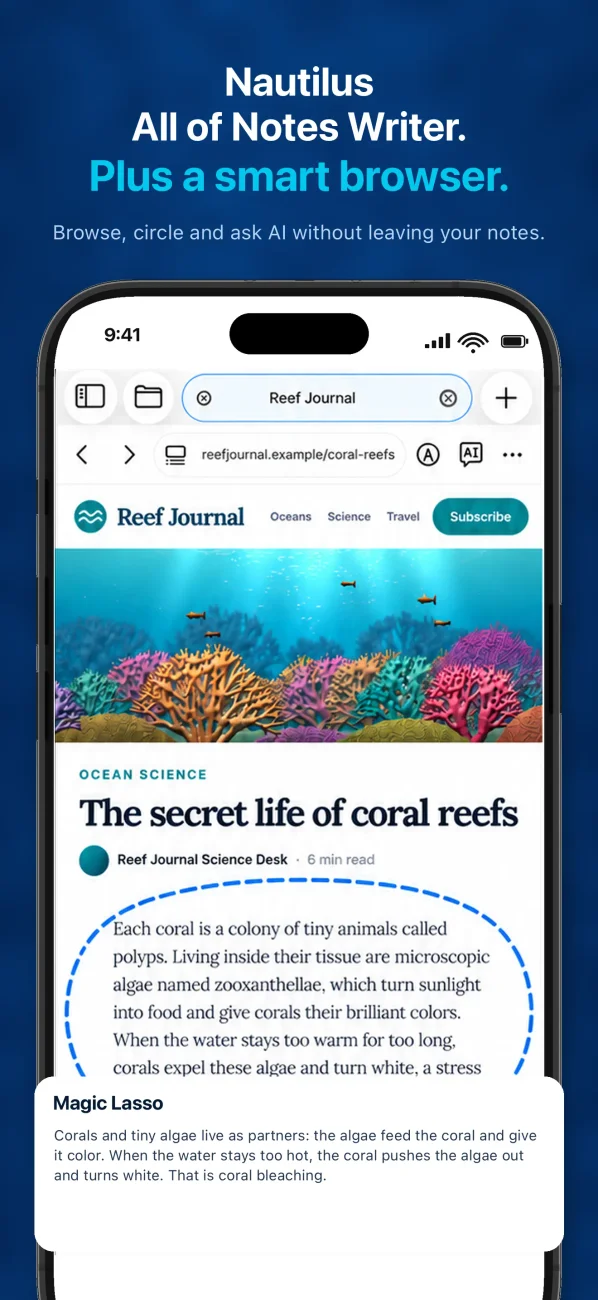
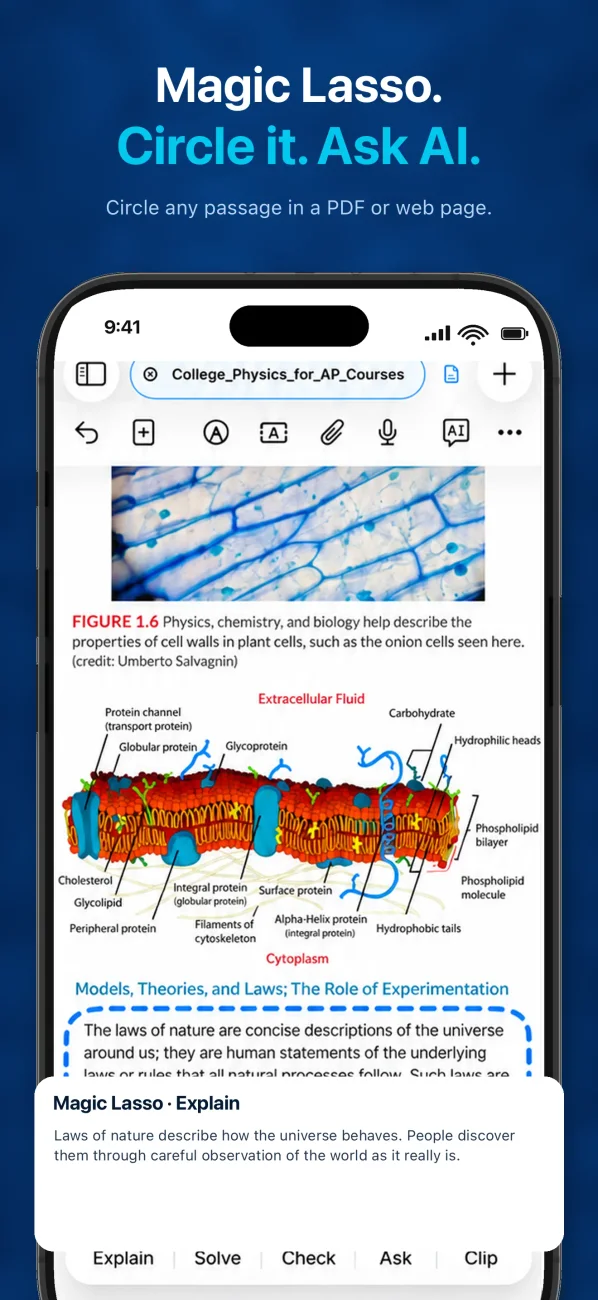
Circle it with Magic Lasso
Circle a passage, chart or image on a page. Ask AI to explain it, ask your own question, highlight it, or save it as a clip on your Clippings board so your findings stay together.
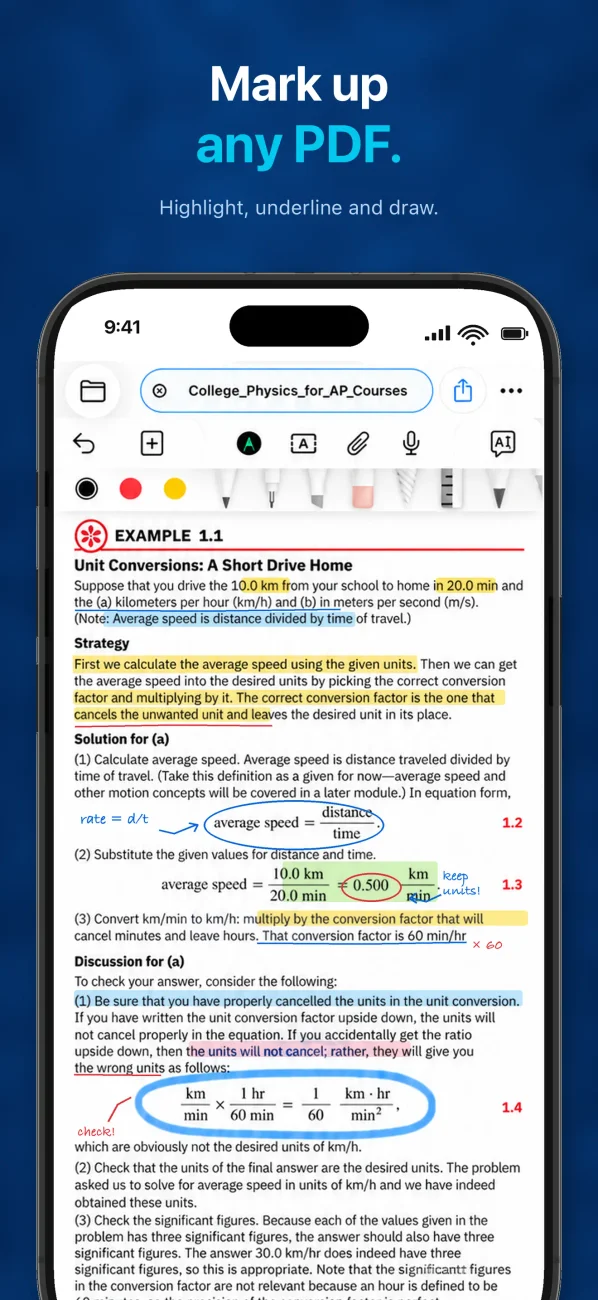
Mark up the web
Draw and write directly on web pages. Export a page with your markup as a PDF in A4, Letter or Legal size, or as a Word document, Markdown, RTF, plain text or an image.
Read and annotate your sources
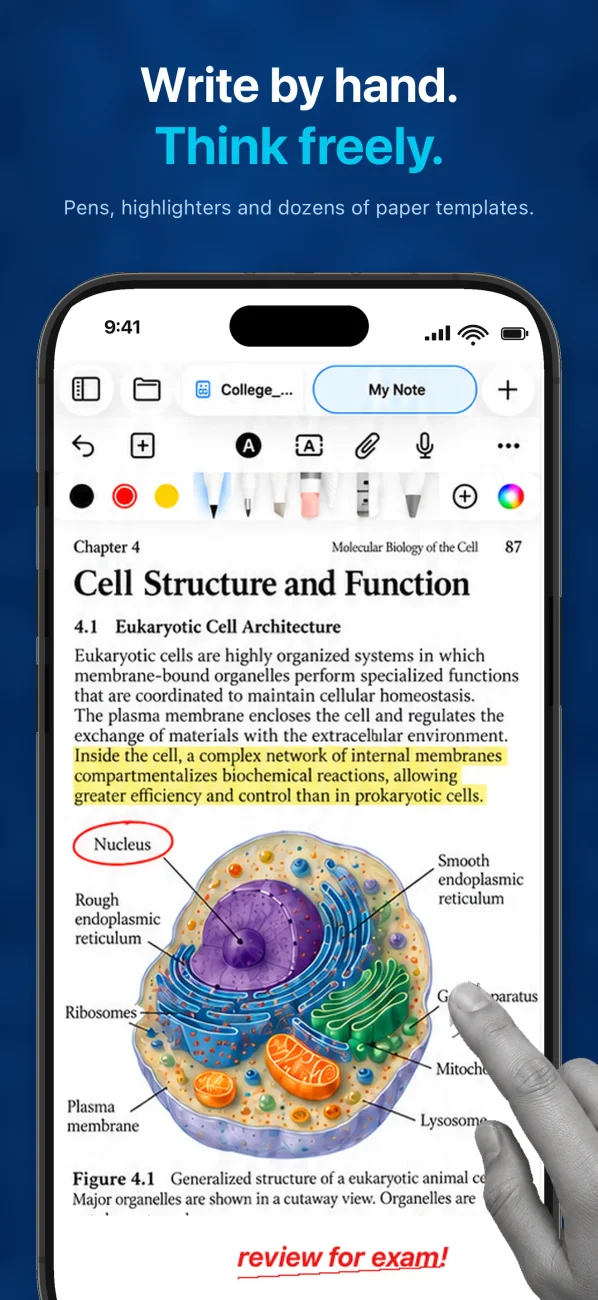
Open PDFs, papers and reports in tabs beside your web pages. Highlight, write in the margins, add comments, and compare two documents side by side. Fill and sign forms, scan paper pages into PDFs, measure scaled drawings, and hide sensitive text before you share.
Write it up
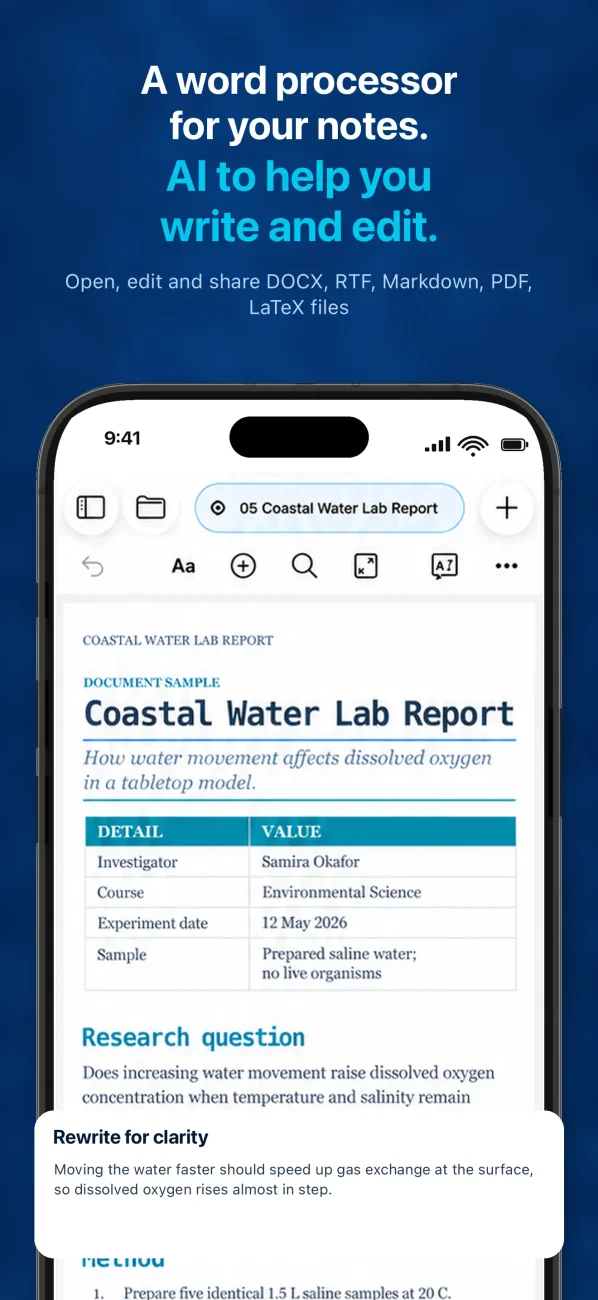
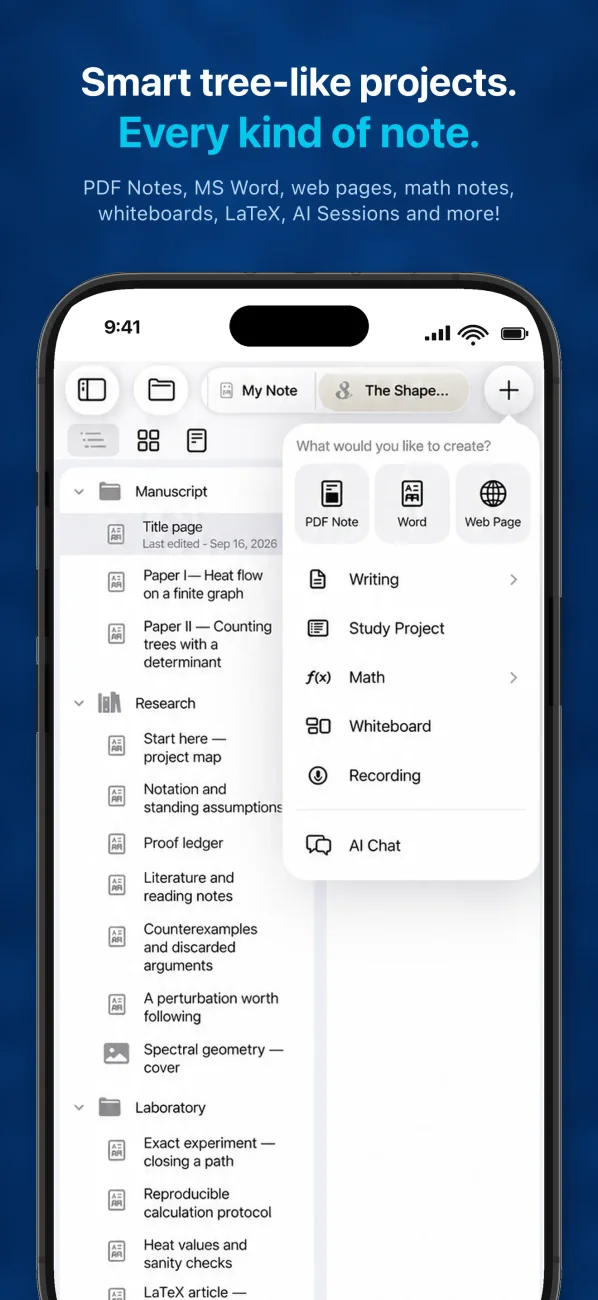
Draft in Word documents, RTF, Markdown or plain text. Plan a long paper or book section by section on a Corkboard, keep your sources open next to the draft, take snapshots of earlier versions, and compile everything into one document or ebook. Study Projects gather the readings for each subject in one place.
AI help from first idea to final draft
Chat through ideas, ask about your own documents, and get explanations. Rewrite, simplify, correct spelling and grammar, change the tone, or translate what you've written.
Also in Nautilus
Record lectures and interviews and create transcripts. Connect ideas on whiteboards with sticky notes, organize plans in outlines, and work through calculations and charts in Math Notebooks.
Your library, safe and in sync
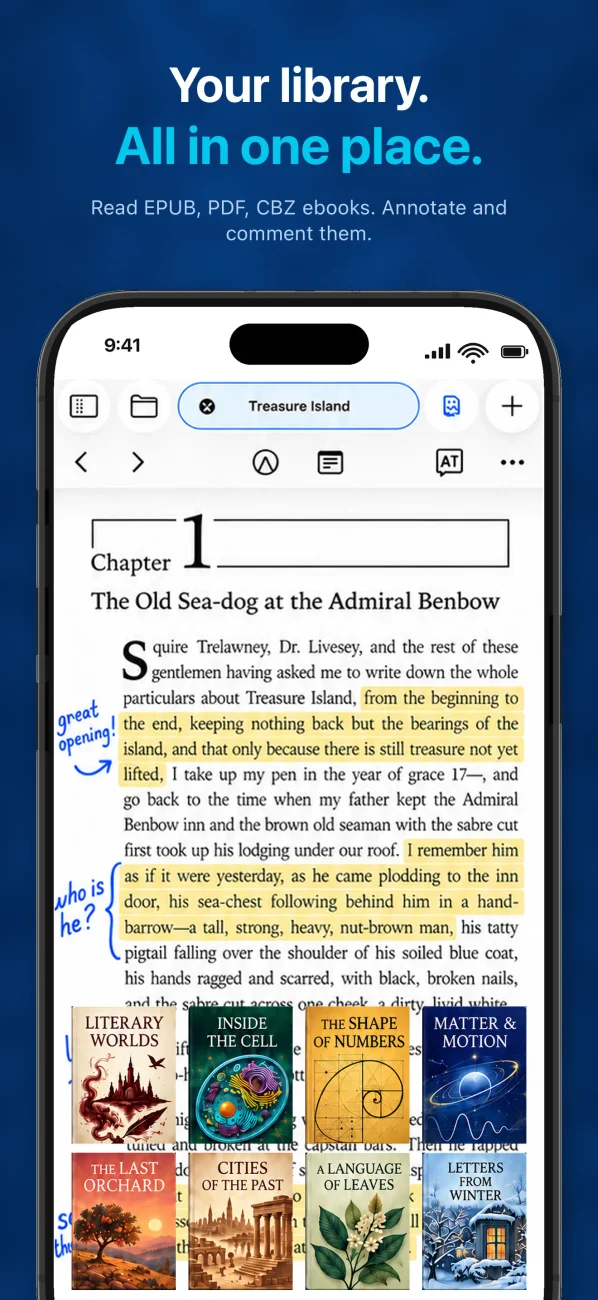
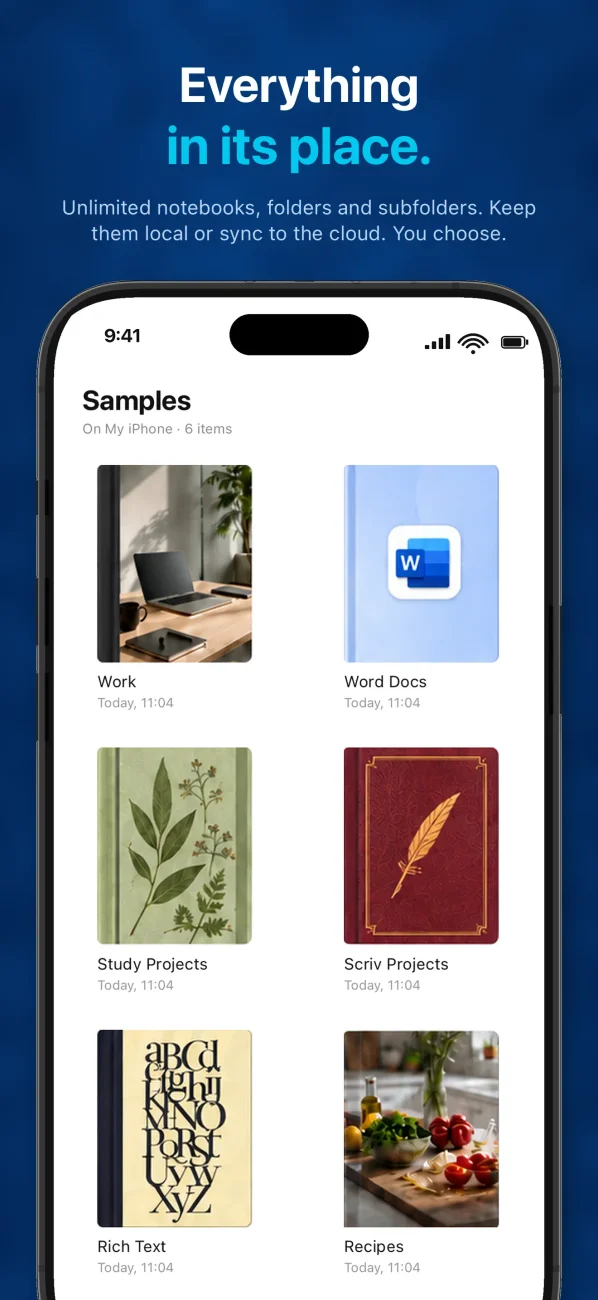
Keep documents in folders and notebooks with covers, and find anything with search. Export to PDF, Word, HTML, EPUB and more. Sync with iCloud, Dropbox, Box, Google Drive or WebDAV. Automatic saving, recovery and backups protect your work, and passcodes lock the app or private folders.
Formerly Notes Writer Pro
Nautilus is the new name of Notes Writer Pro. Your existing PDF notes and outlines open here.
Privacy Policy
http://www.noteswriter.com/Kairoos_Privacy_Policy.html
Terms of Use
https://www.apple.com/legal/internet-services/itunes/dev/stdeula/
What’s new
Version 27.2.0 · Nov 19, 2026
- Fixed several bugs and app crashes, improved performance
- Notes Writer Pro is now Nautilus! New user interface, new features and new app icon!
- iPhone Duo and iOS 27 ready! Huge major UI/UX app update! Now Microsoft Word and LaTeX compatible documents!
- We update Nautilus frequently to make it even better. Each update has product improvements or bug fixes. If you enjoy using the app, please leave us a review!
App privacy
What Kairoos Solutions SL declares on the App Store about how this app handles data.
-
Data not collected
The developer does not collect any data from this app.
Privacy practices may vary, for example with the features you use or your age.
Information
- Seller
- Kairoos Solutions S.L.
- Category
- Productivity
- Version
- 27.2.0
- Updated
- Nov 19, 2026
- Released
- Aug 15, 2018
- Size
- 505.6 MB
- Requires
- iOS 26.0 or later
- Age rating
- 17+
- Price
- Free
- In-app purchases
- Yes
- Languages
- English, Afrikaans, Albanian, Amharic, Arabic, Armenian, Azerbaijani, Basque, Bengali, Bulgarian, Burmese, Cambodian + 66 more
- Copyright
- © 2026 Kairoos Solutions
You might also like
-
 Ripple: Minimalist NotebookNotes, Inspiration, Ideas
-
 PDF to JPEG ™Productivity
-
 UltraNotes - Note Taking & PDFType, Write & Annotate PDF
-
 Kanban - DoneitAI task manager, to do app
-
 Notedrafts: Note TakingNotebook for study and work
-
 bypassgpt and humanizerundetectable ai - ai checker
-
 TinkleToolsHelp you make a decision
-
 Dumb Phone LauncherMinimalist Launcher, Declutter
-
 Paraphrase tool: FluxkeyAI reword rewrite keyboard
-
 JPG to PDF ™Convert image