네이버 스마트보드 - Naver Smartboard
검색,번역,맞춤법 기능을 키보드에서 한 번에!
Designed for iPhone, iPad
Free
- Age rating4+
- CategoryUtilities
- DeveloperNAVER Corp.
- LanguagesEnglish+ 1 more
- Size150.4 MB
Links to the official App Store page
Download.org hosts no file of 네이버 스마트보드 - Naver Smartboard. The button opens its official App Store page, published by NAVER Corp. Listing last checked on Nov 12, 2026.
Screenshots

About
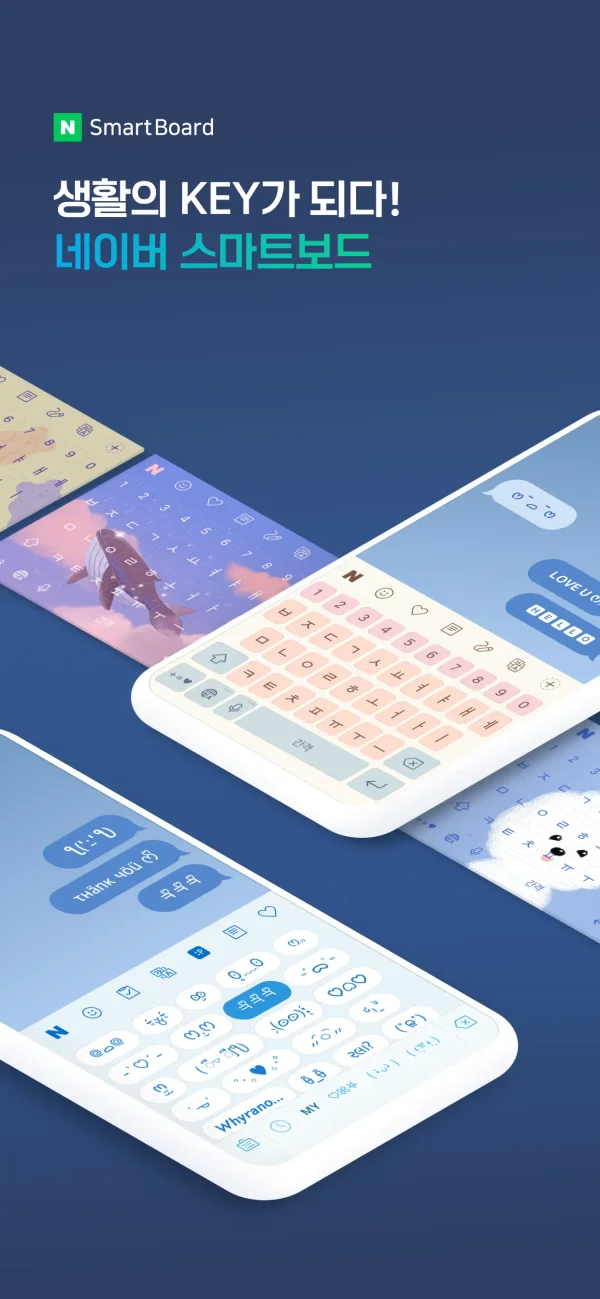
The more you use, the easier it gets. Search and translation are available on the keyboard.
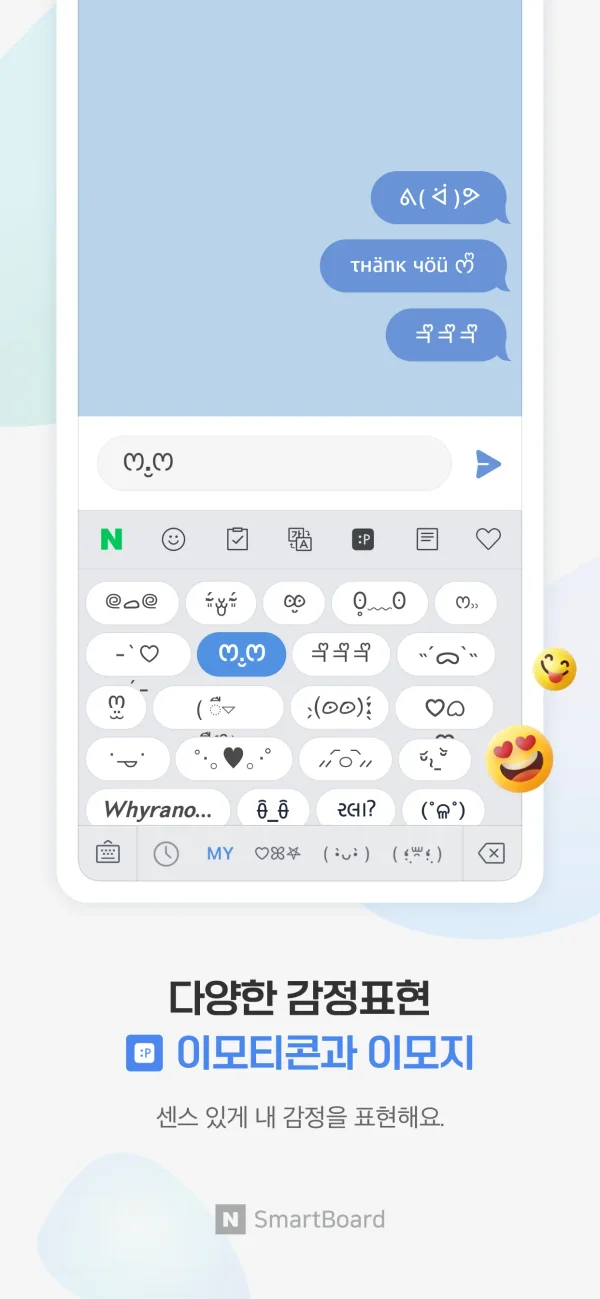
You also can use stickers or your own drawings.
Take a look at NAVER SmartBoard, a keyboard app that just fits you.
1. It gests smarter as you use it.
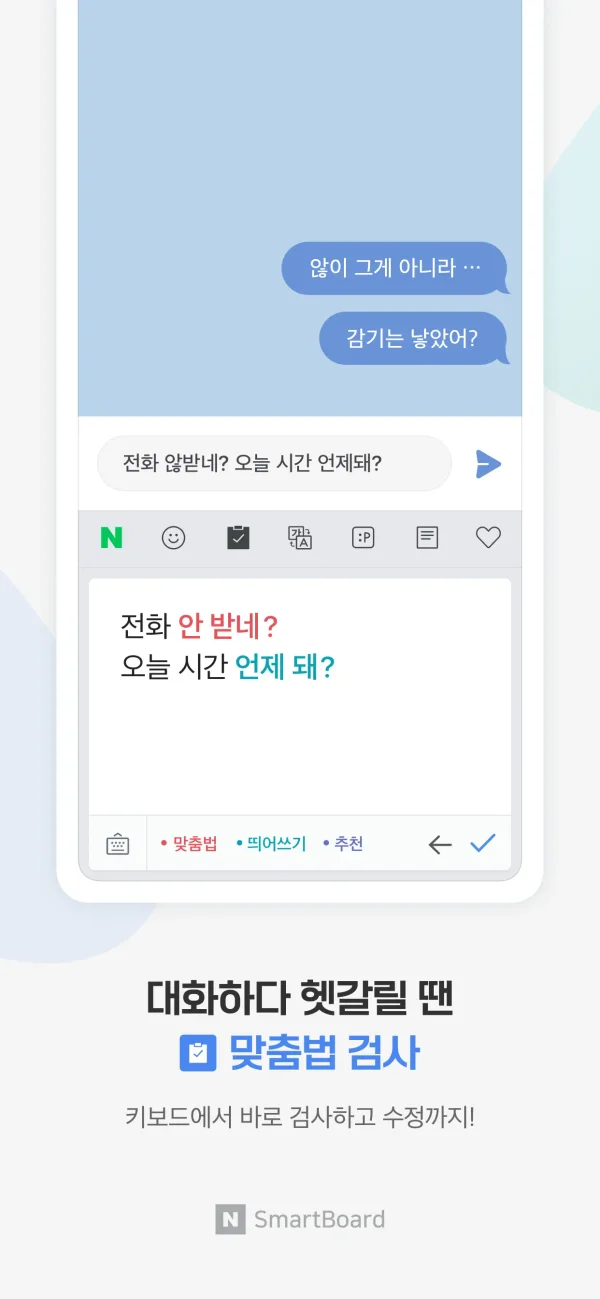
You can use suggestions from SmartBoard such as words, corrections, or emojis.
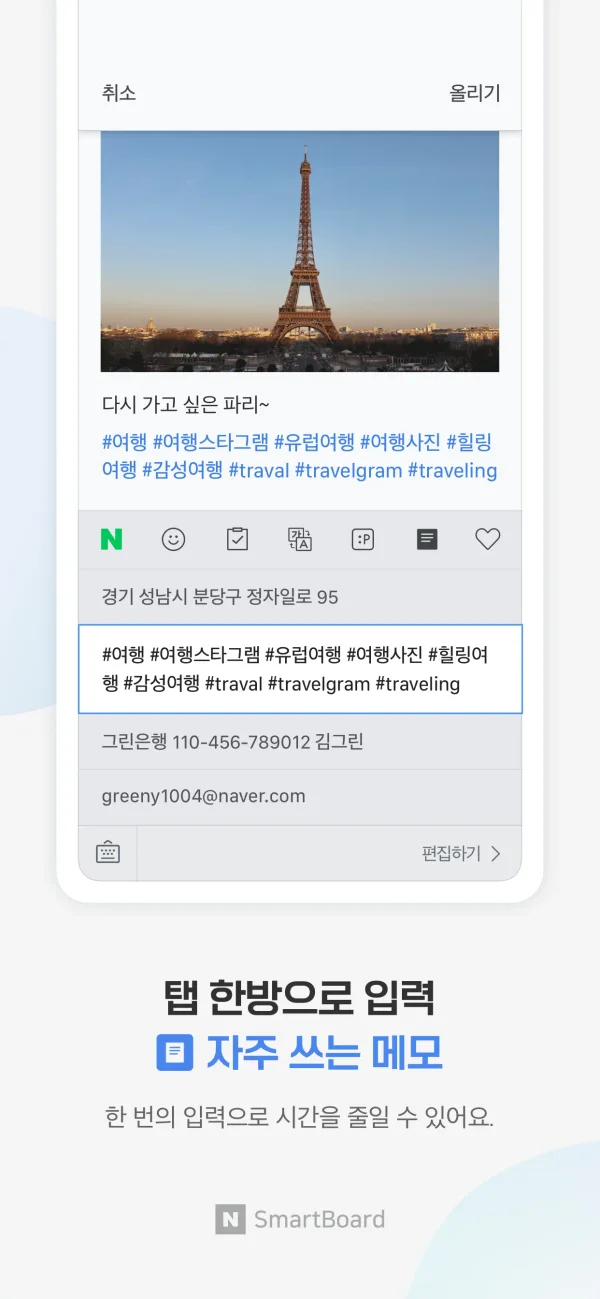
Custom texts help you enter long sentences each with a single tap while Quick Keys let your favorite shortened phrases stay in a single key.
You can not only change Korean syllables to Chinese characters but also type with your voice.
2. Search while you keep texting
You don't have to switch to a search app during a conversation.
Finding information of restaurants, movies, weather, and shopping has never been easier.
Stay where you are and get things done!
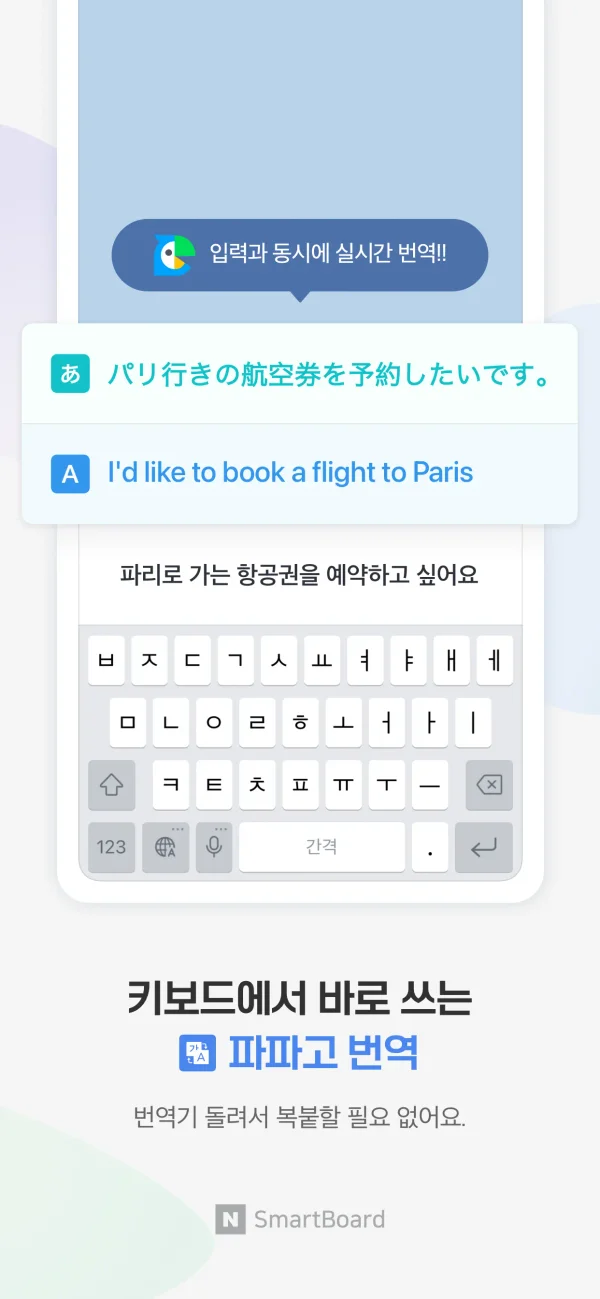
3. Real-time translation as you type in.
Don't be afraid of texting or emailing with foreigners any more.
Just type in Korean and SmartBoard does the rest translating into English, Chinese (Simplified), or Japanese using N2MT technology.
Using voice recognition while translating is even useful.
4. A single drawing wins the speech.
Sometimes it's a lot better to show a picture than to describe in words.
Draw anything you want to send either on a empty canvas or a picture in your gallery!
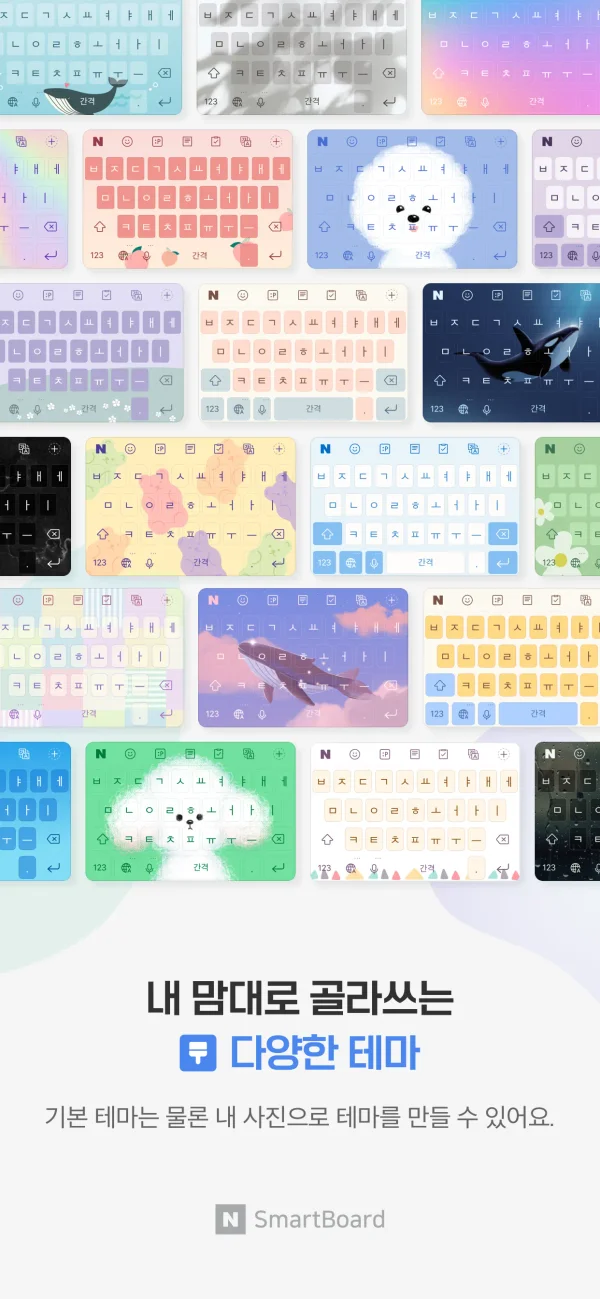
5. Customize your keyboard
Accustomed to a certain Korean layout? SmartBoard supports major Korean layouts such as "2-set Korean", "Danmoum", "Cheonjiin", "Naratgul", and "Vega". If you were frustrated with "Danmoum" before, meet our "Danmoum+" that has an additional SHIFT key.
You also can set any images for the keyboard background.
What’s new
Version 1.13.9 · Feb 11, 2026
● The stabilization operation was carried out
App privacy
What NAVER Corp. declares on the App Store about how this app handles data.
-
Data linked to you
May be collected and linked to your identity.
- Contact info
- User content
- Identifiers
-
Data not linked to you
May be collected but is not linked to your identity.
- Identifiers
- Diagnostics
Privacy practices may vary, for example with the features you use or your age.
Information
- Seller
- NAVER Corp.
- Category
- Utilities
- Version
- 1.13.9
- Updated
- Feb 11, 2026
- Released
- Oct 25, 2017
- Size
- 150.4 MB
- Requires
- iOS 17.0 or later
- Age rating
- 4+
- Price
- Free
- Languages
- English, Korean
- Copyright
- Copyright © Naver Corp. All Rights Reserved.
You might also like
-
 SlyderUtilities
-
 Mobile IDentification AppMobile ID
-
 VestMailUtilities
-
 Korean Keyboard + TranslatorType in Korean & Translate it
-
 SimejiJapanese Emoji Keyboard
-
 PlayKeyboard - Fonts, EmojiKeyboard theme, fonts, emoji
-
 KollusPlayerUtilities
-
 Korean Keyboard - TranslatorKorean keyboard and translator
-
 터치엔 앱프리 - 모바일 웹 전자서명, 전자계약Utilities
-
 더치트 - 사기피해 정보공유 공식 앱Utilities