
Navidrome Player: SubSonify
Jellyfin, Subsonic & CarPlay
Designed for iPhone, iPad
Free · In-app purchases
- Age rating4+
- CategoryMusic
- DeveloperDoubleFau
- LanguagesEnglish+ 4 more
- Size76.5 MB
Links to the official App Store page
Download.org hosts no file of Navidrome Player: SubSonify. The button opens its official App Store page, published by DoubleFau. Listing last checked on Nov 28, 2026.
Screenshots
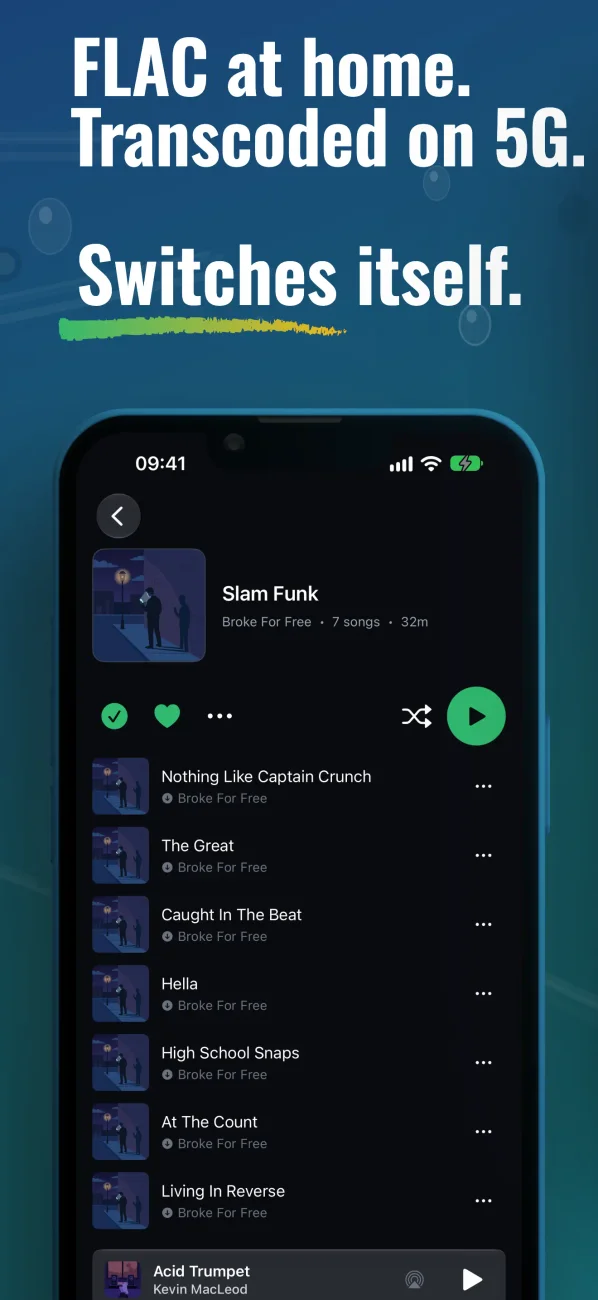

About
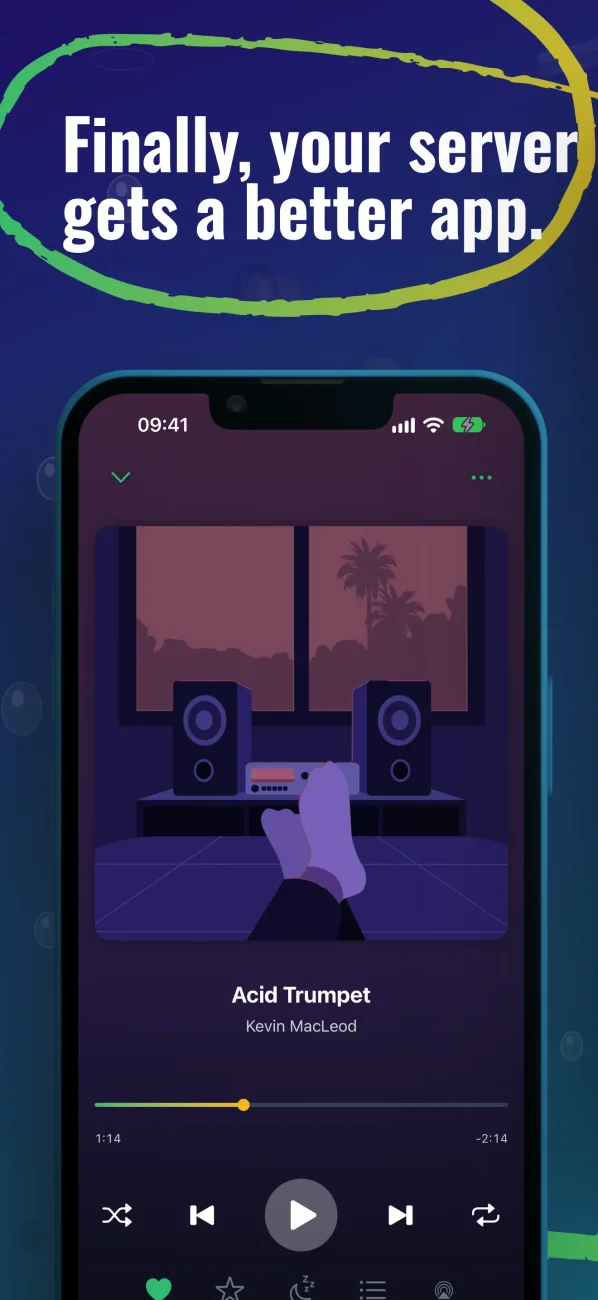
SubSonify is a native iOS client for self-hosted music servers: Jellyfin, Navidrome, Lyrion Music Server (formerly Logitech Media Server), Airsonic, Ampache, gonic, LMS (Lightweight Music Server) and anything else that speaks the Subsonic API. Your library, offline, in CarPlay, on Apple Watch, and one "Hey Siri" away. No tracking, and the only server the app talks to is yours. Free to stream, with CarPlay. Pro for offline, discovery and your Watch.
WHAT IT DOES
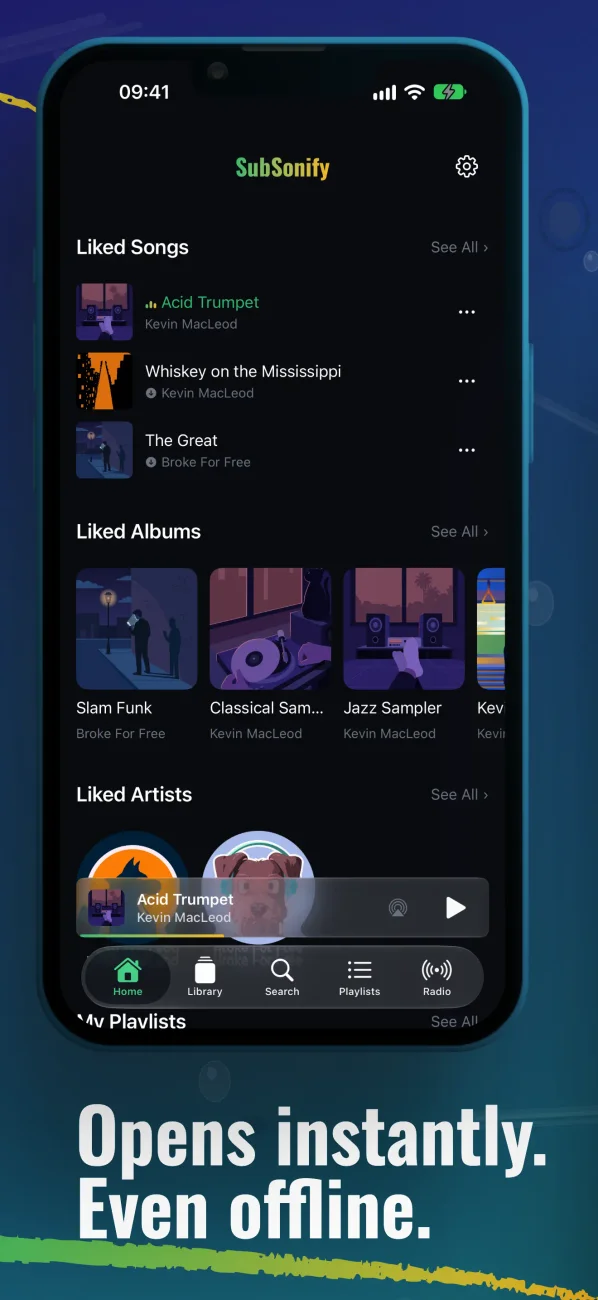
• Full offline library. The app keeps a local copy of your library, so browsing and search are instant and work with no signal. It syncs in the background.
• Home. Continue Listening, suggestions, For You mixes and Start a Radio from any song, built from your listening.
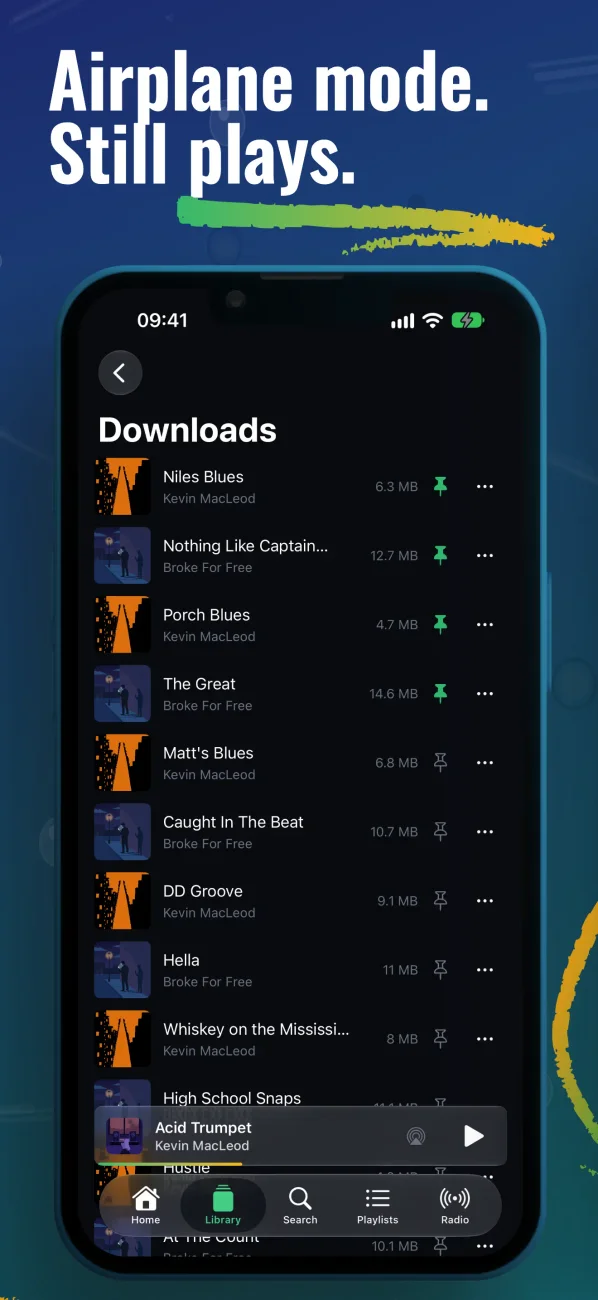
• Downloads (Pro). Keep albums, playlists, songs or the whole library on the device; they keep playing when your server is down.
• Auto-download (Pro). Starred songs, any playlist or smart playlist: new additions download on their own.
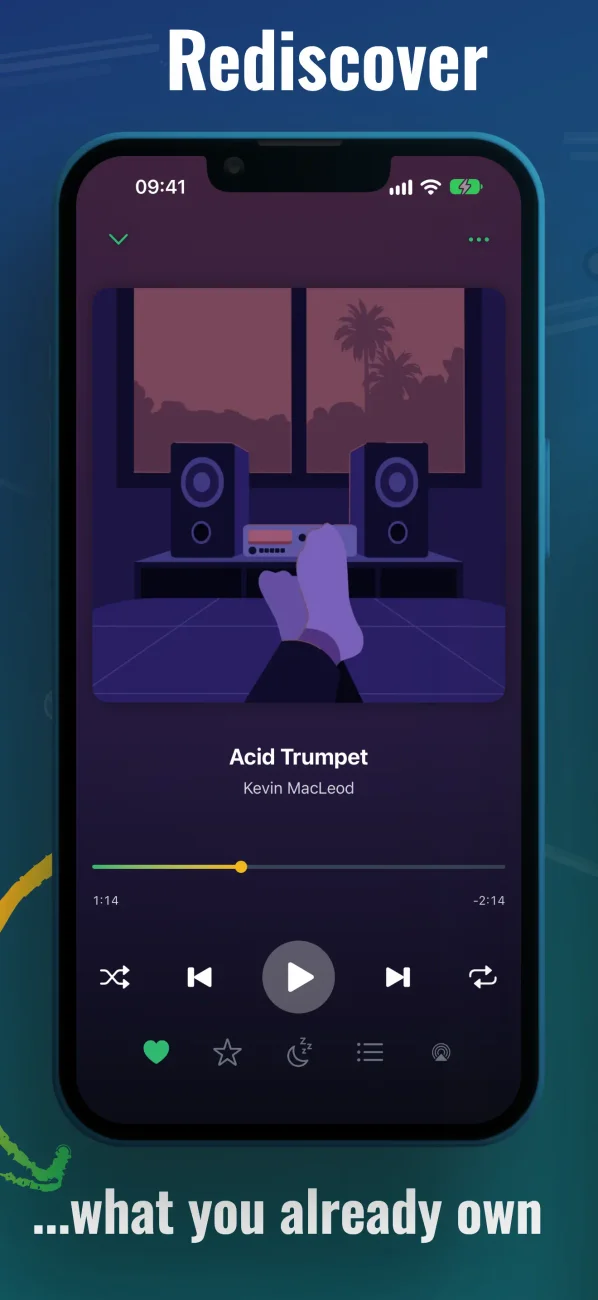
• Synced lyrics. On the player, from your server or LRCLIB.
• Smart playlists (Pro). Rules over your library, kept fresh and downloaded on their own.
• Equalizer (Pro). Ten bands, presets and AutoEq headphone profiles.
• Mix transitions (Pro). Beat-aligned blends from one song into the next.
• Chromecast (Pro). Play on your TV or speaker.
• CarPlay. Browse, search and play from the car screen, with artwork, queue, Up Next, shuffle and repeat.
• Apple Watch. A free remote for the phone; Pro makes it standalone, streaming or synced, with the phone at home.
• Siri. "Hey Siri, play [artist] on SubSonify" plays from your server. Artists, albums, songs, playlists, or "play something" to shuffle the library.
• Internet radio. Add your own stations in the app; where the server allows it they are saved there, otherwise they stay on the device. Your server's stations appear too, on the Watch as well.
• Home and away. Two addresses for one server; the app takes the home one when it answers, the other everywhere else.
• Crossfade and quality. Adjustable crossfade, and separate stream quality for Wi-Fi and cellular.
• Five languages: English, German, Spanish, French, Ukrainian.
SERVERS AND LOGIN
Tested against Navidrome, LMS, Ampache, gonic, Jellyfin 10.11 and 12, and Lyrion 9.1. On Jellyfin, sign in with a password or Quick Connect; the app keeps a session token, so your password is never stored on the device. Subsonic servers get an OpenSubsonic API key where offered, otherwise the salted-token login. Credentials live in the iOS Keychain and go to your server and nowhere else.
WHAT IT COLLECTS
Nothing. There is no account to create, and the app ships without an analytics SDK or a crash reporter. Listening history, playlists, downloads and settings stay on your device and your server. It talks to your server, to Apple for purchases and, for internet radio, to the broadcaster, who can see your IP address.
FREE AND PRO
Free means streaming with no daily limit: your whole library, search, playlists, lyrics, Siri, internet radio and CarPlay. Pro adds downloads and offline playback, discovery (For You, Song Radio, Play something), the standalone Apple Watch app, the equalizer, mix transitions, smart playlists and Chromecast.
Pro is available monthly, yearly, or as a one-time lifetime purchase. The yearly plan starts with a free week. Prices are shown in the app in your local currency.
Payment is charged to your Apple Account at confirmation of purchase. Subscriptions renew automatically unless auto-renew is turned off at least 24 hours before the end of the current period; your account is charged for renewal within 24 hours of the end of that period. Manage your subscription and turn off auto-renew in your Apple Account settings after purchase.
Privacy policy: https://subsonify.app/privacy
Terms of use: https://www.apple.com/legal/internet-services/itunes/dev/stdeula/
Screenshot music: Kevin MacLeod (incompetech.com) and Broke For Free, CC BY. More at https://subsonify.app
What’s new
Version 1.9.0 · Nov 27, 2026
Smart playlists, grown up.
• Smart playlists: sections, each with its own rules, sort and limit.
• Smart playlists: groups, to mix "all" and "any" rules.
• Smart playlists: a random order or pick that stays put, reshuffled daily, on open or when you ask.
• Smart playlists: sort either way round, a second sort, a limit in minutes.
• Smart playlists: more fields, "in a playlist", "is set", songs per artist.
• Smart playlists: on the Apple Watch.
• Library: All Songs, a Sort button and an A–Z index on long lists.
• Search inside a playlist.
• Playback: play from headphones or the car resumes your queue after hours away.
• Playlists deleted on the server leave the app and the watch.
App privacy
What DoubleFau declares on the App Store about how this app handles data.
-
Data not collected
The developer does not collect any data from this app.
Privacy practices may vary, for example with the features you use or your age.
Information
- Seller
- DoubleFau UG haftungsbeschrankt
- Category
- Music
- Version
- 1.9.0
- Updated
- Nov 27, 2026
- Released
- Sep 2, 2026
- Size
- 76.5 MB
- Requires
- iOS 26.1 or later
- Age rating
- 4+
- Price
- Free
- In-app purchases
- Yes
- Languages
- English, French, German, Spanish, Ukrainian
- Copyright
- © 2026 DoubleFau UG (haftungsbeschränkt)
You might also like
-
 AmpSonic: Self-Hosted MusicNavidrome, Subsonic & Ampache
-
 Sonora - Navidrome ClientNavidrome Music Client
-
 Cassette — Navidrome ClientYour music, your app
-
 Minidisc - Navidrome & LidarrYour Music, Your Server
-
 NaviBeat: Navidrome PlayerSubsonic music, every device
-
 NetMusic: Cloud & NAS PlayerNavidrome, WebDAV & Offline
-
 NarjoMusic
-
 Sound Room: Audiophile PlayerLossless Subsonic & Navidrome
-
 Nautiline: OpenSubsonic ClientStream Your Music
-
 TuneBandYour music, your way.