
NC Video Compress
Fast Batch Video Compressor
Designed for iPhone, iPad
In-app purchases
- Age rating4+
- CategoryPhoto & Video
- DeveloperMartin Neifer
- LanguagesEnglish
- Size4.6 MB
Links to the official App Store page
Download.org hosts no file of NC Video Compress. The button opens its official App Store page, published by Martin Neifer. Listing last checked on Nov 13, 2026.
Screenshots




About
NC Video Compress - Powerful. Simple. Efficient.
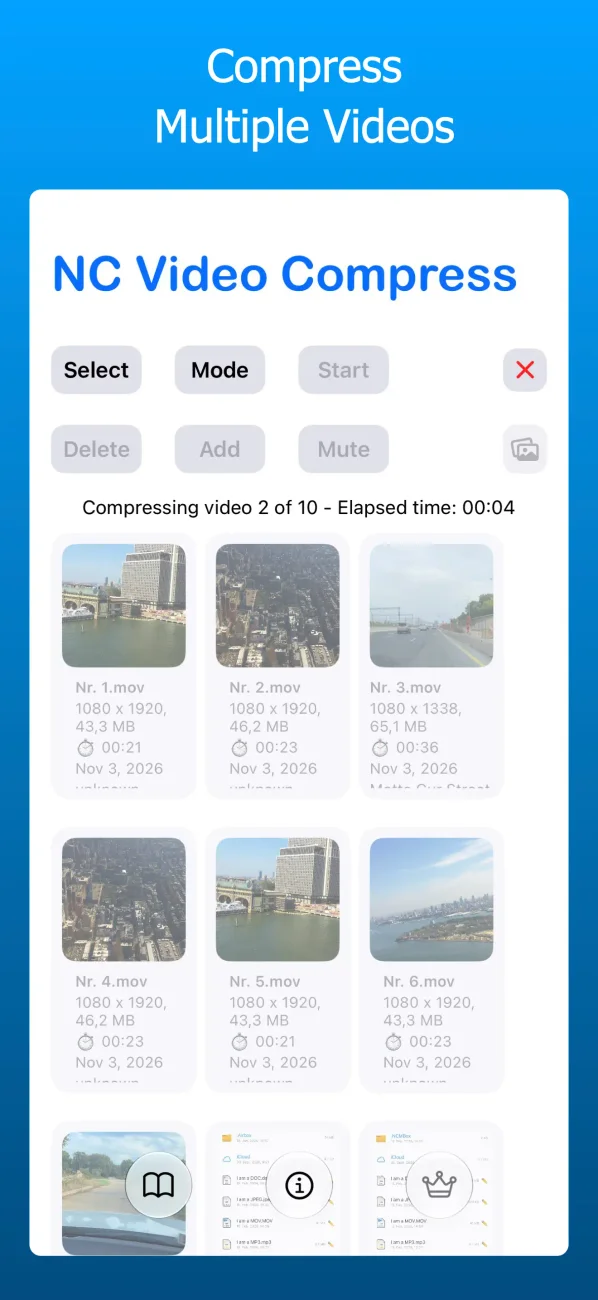
NC Video Compress helps you reduce video file size quickly and efficiently — without complicated settings.
Free to download with two flexible compression options:
• Compress videos up to the free size limit without a watermark
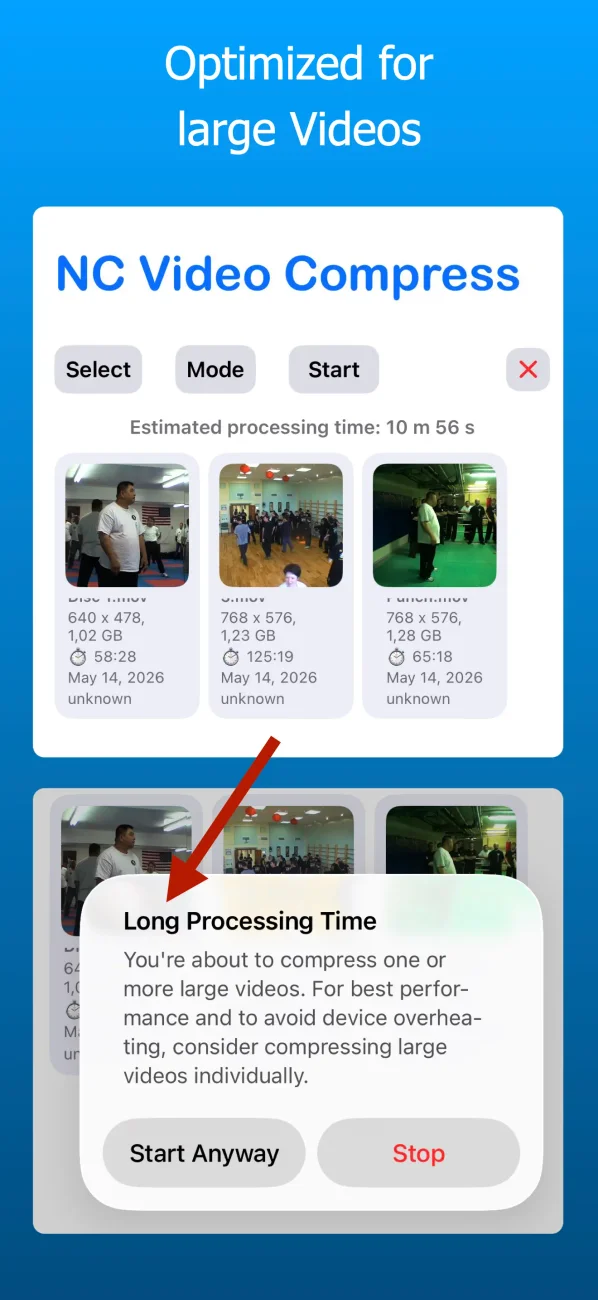
• Compress larger videos with a watermark
Upgrade to Remove Limits for watermark-free compression of videos of any size and larger batch processing.
Compress videos quickly and efficiently. Reduce file size, save storage space, and keep great quality — simple and powerful video compression.
Key Features
• High-quality video compression
• Preserves the original recording date, time, and GPS location information when saving compressed videos
• iPhone Time-Lapse video compression
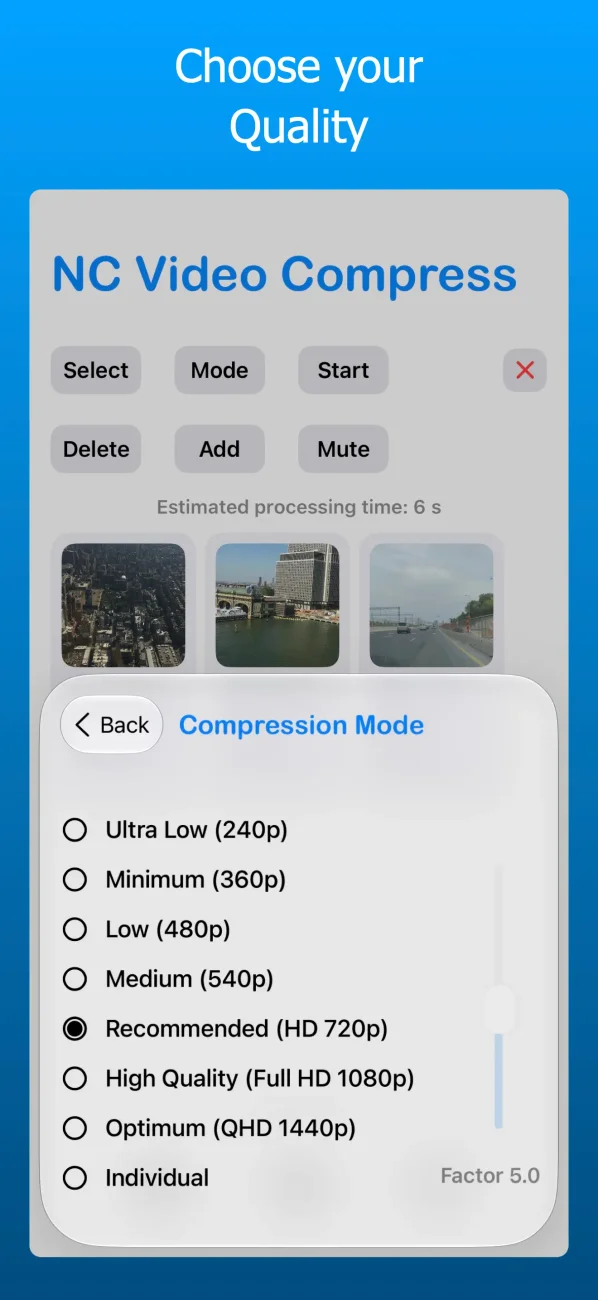
• Adjustable compression modes
• Preview videos before compression
• Add or remove videos from your selection
• Optionally remove the audio track during compression
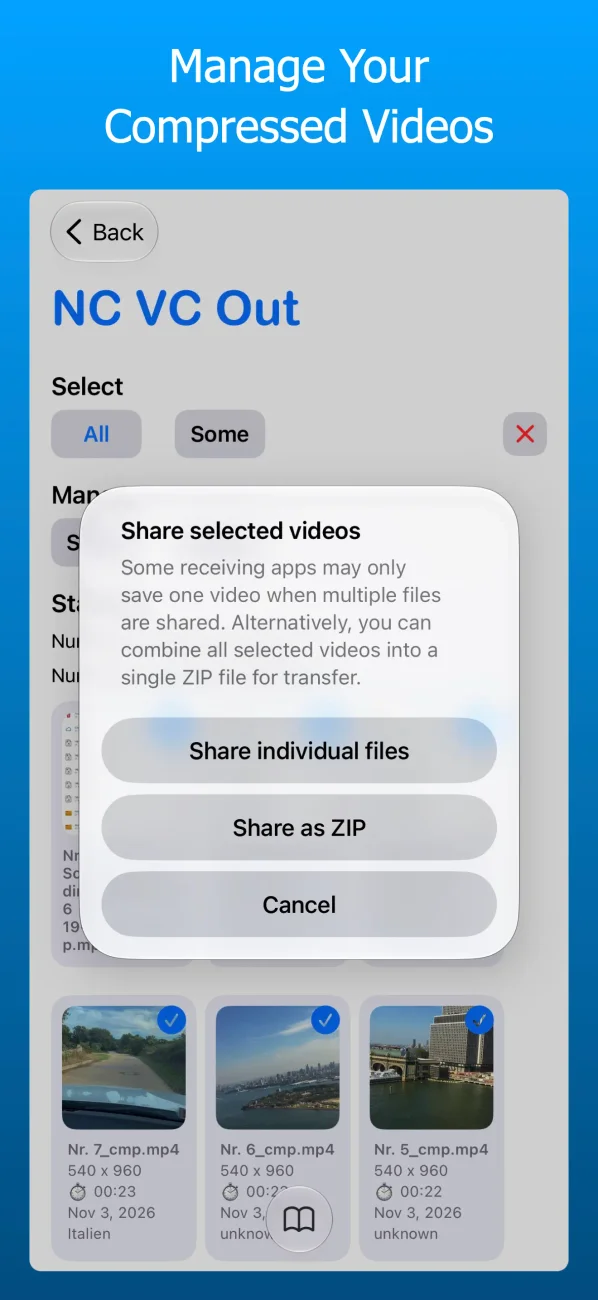
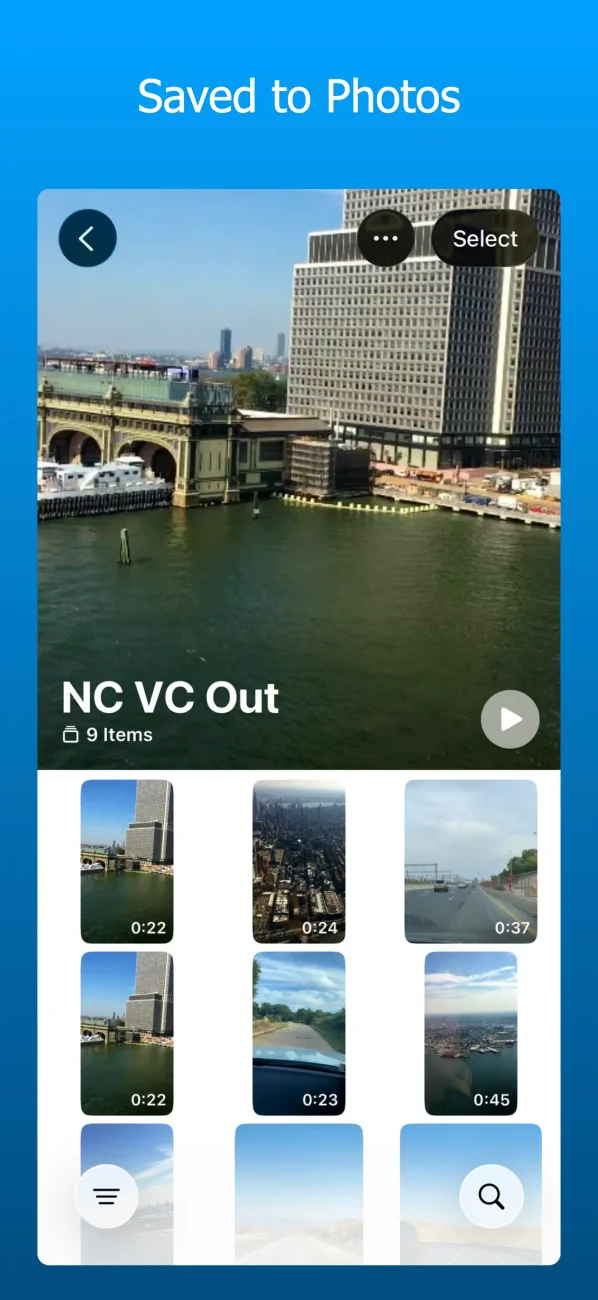
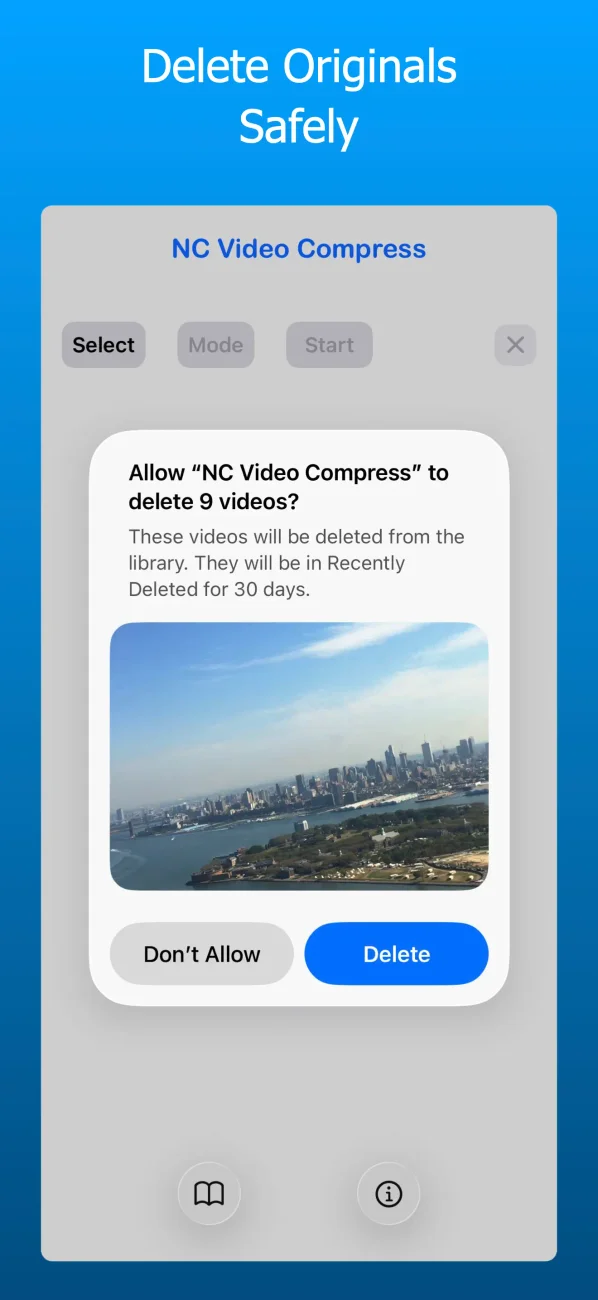
• Manage, preview, share, and delete compressed videos, including ZIP export for multiple videos
• Two flexible free compression options
• Upgrade to “Remove Limits” for watermark-free compression of videos of any size and larger batch processing
• Fast processing
• Clean and intuitive interface
• Ideal for preparing videos for editing in apps like CapCut or sharing on platforms such as TikTok
• Optimized for iPhone and iPad
Seamless NC File Manager Workflow
Compressed videos can be accessed by NC File Manager through a shared storage area.
Why NC Video Compress?
Large videos take up valuable storage and can be difficult to share. With NC Video Compress, you can significantly reduce file size while maintaining great visual quality.
Preview your videos, adjust your selection at any time, optionally remove the audio track, choose a compression mode, and start with a single tap.
Efficient compression. Maximum control. Minimal effort.
What’s new
Version 1.1.8 · Nov 6, 2026
• Manage your compressed videos directly in the app
• Select, preview, share, or delete compressed videos
• Share multiple videos individually or as a ZIP archive
App privacy
What Martin Neifer declares on the App Store about how this app handles data.
-
Data not collected
The developer does not collect any data from this app.
Privacy practices may vary, for example with the features you use or your age.
Information
- Seller
- Martin Neifer
- Category
- Photo & Video
- Version
- 1.1.8
- Updated
- Nov 6, 2026
- Released
- May 20, 2026
- Size
- 4.6 MB
- Requires
- iOS 26.2 or later
- Age rating
- 4+
- In-app purchases
- Yes
- Languages
- English
- Copyright
- © NeiCon Apps
You might also like
-
 Video Compress & Shrink VideoReduce Size with Compressor
-
 Video Compressor - ShrinkCompress Videos - Shrink Video
-
 AI Video Compressor: Reduce MBResize 4K, Shrink File Size
-
 Video Compressor: Video Editor#1 Video Compressor
-
 Batch Compress Videos - ShrinkVideo Compressor, Reduce Size
-
 Video Compress - Easily ShrinkCompress video to save storage
-
 Shrinkly: Compress VideoMake big videos smaller
-
 Smash: Smart Video CompressorSmash Video. Save Space.
-
 Video Compressor-Fast CompressShrink Videos. Keep Quality.
-
 VideoZipper Offline CompressorFast, local video compression