Neatbase: Personal Database
Collect and organize anything
Designed for iPhone, iPad, Mac
Free · In-app purchases
- Age rating4+
- CategoryProductivity
- DeveloperSeb Fontan
- LanguagesEnglish
- Size13.6 MB
Links to the official App Store page
Download.org hosts no file of Neatbase: Personal Database. The button opens its official App Store page, published by Seb Fontan. Listing last checked on Nov 23, 2026.
Screenshots

About
The personal database that feels like a notes app. Build your own CRM, inventory, contact book, or any other collection in minutes — native, private, and synced with iCloud.
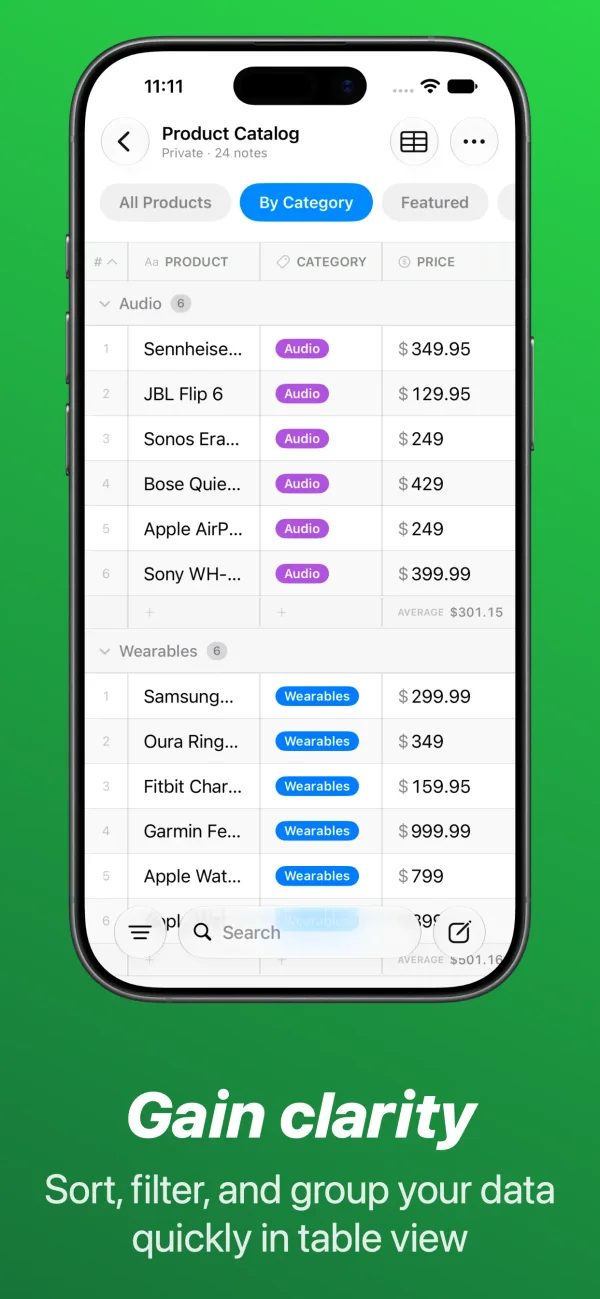
Most notes apps give you a blank page. Neatbase gives you structure. Create a notebook, choose its fields, and adding notes becomes as easy as filling out a form. View everything as clean cards or a spreadsheet-style table — sort, filter, and group to see exactly what matters.
WHAT WILL YOU BUILD?
- A lightweight CRM — leads, deals, follow-ups, activity logs
- A home inventory — photos, prices, barcodes
- A client directory — tap to call, tap to email
- A project plan — statuses, due dates, progress
- A content calendar planned around publish dates
- An expense log with categories and receipt photos
- A library of your books, movies, and recipes — rated and tagged
If you can describe it, you can collect it in Neatbase.
A FIELD FOR EVERYTHING
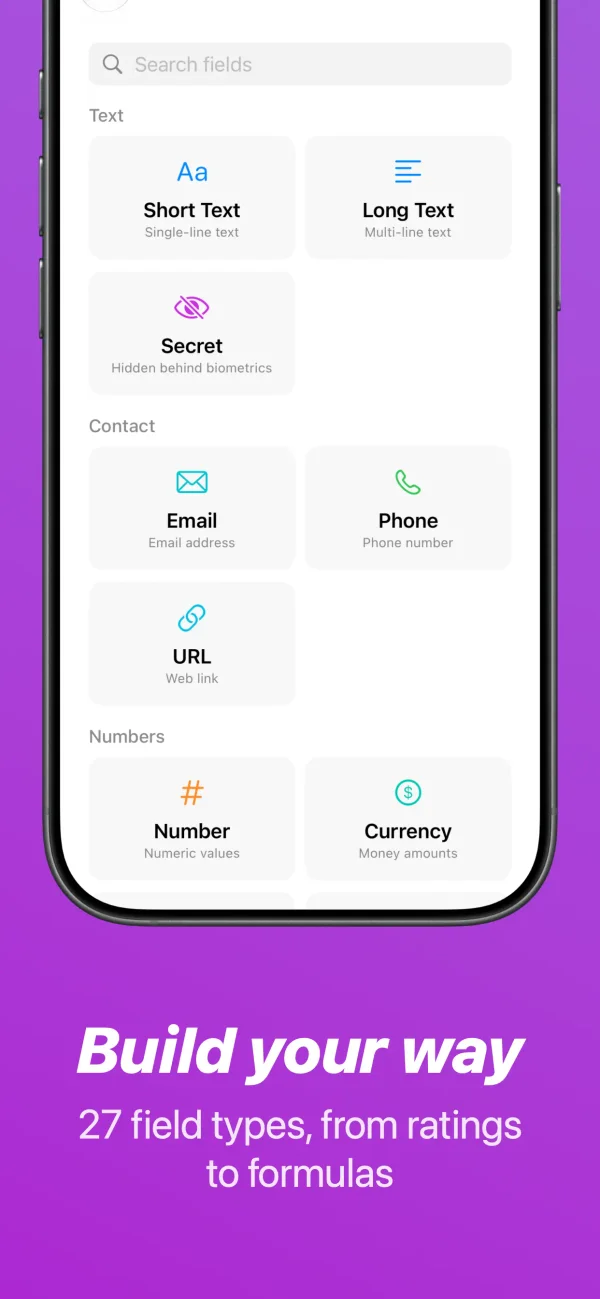
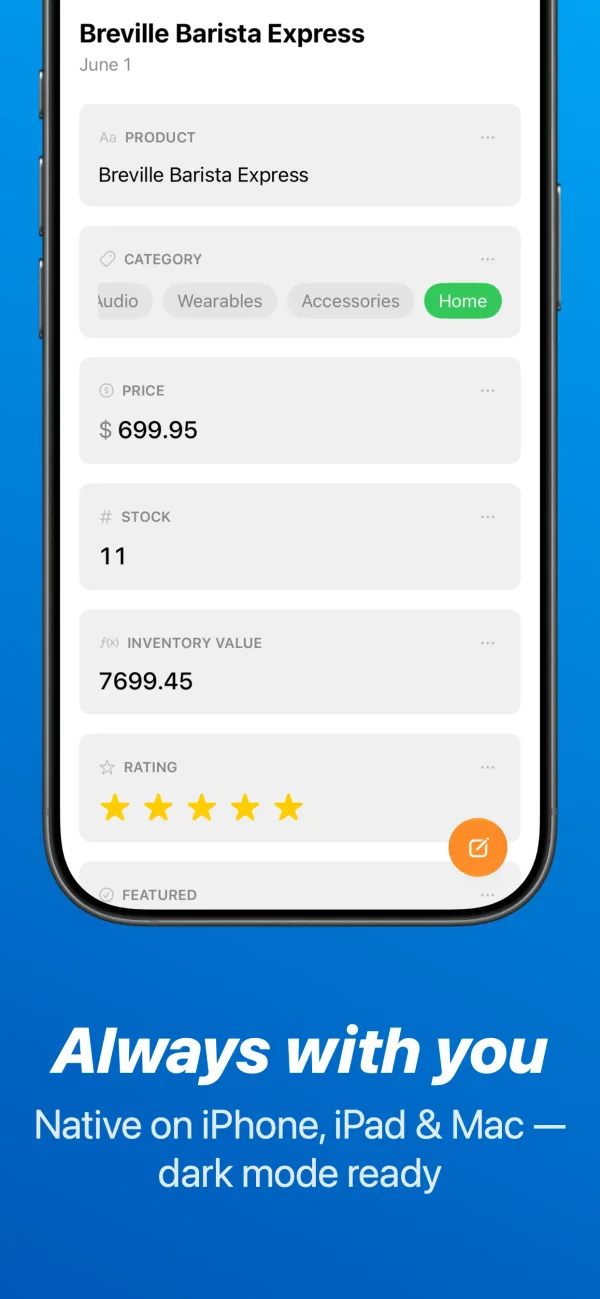
Choose from 27 field types: text and numbers, currency, dates with reminders, toggles, star ratings, color-coded tags, dropdowns, images, checklists, colors, durations, percent bars, barcodes and QR codes, tap-to-call phone and tap-to-email fields, secrets locked behind Face ID or Touch ID, buttons that open URLs — plus formulas, cross-notebook references, and comment threads with Pro.
Change your mind anytime: add, rename, or reorder fields, and every existing note updates instantly.
TWO VIEWS, ONE NOTEBOOK
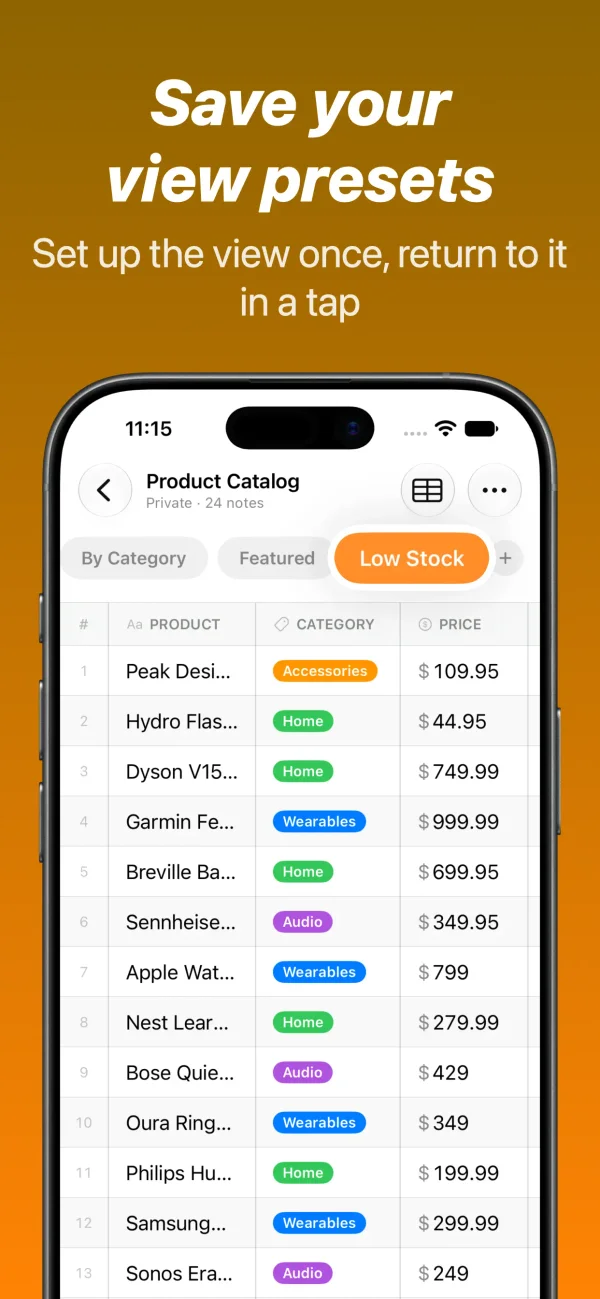
Browse and edit in a clean card view, or switch to a full table — resize and reorder columns, edit inline, copy and paste, navigate with the keyboard. Each notebook remembers your view, filters, and sorting.
TRULY NATIVE. ACTUALLY FAST.
Built in SwiftUI for iPhone, iPad, and Mac — one download covers all three. It launches instantly, works fully offline, and syncs through iCloud. No account to create, no password, no onboarding. Most database apps are websites in a wrapper — Neatbase feels like it shipped with your device.
YOUR DATA IS NOBODY'S BUSINESS
Your notes live on your device and sync securely through your own iCloud. No tracking, no analytics, no ads. Export everything to CSV anytime — even on the free plan. Your data is always yours.
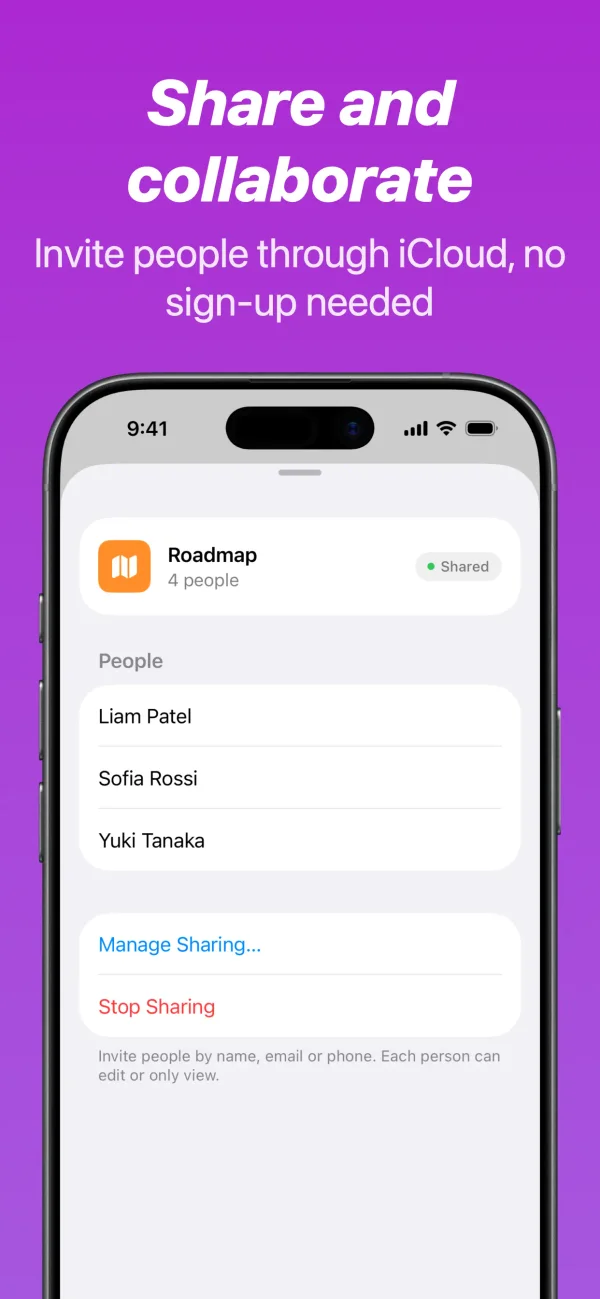
SHARE A NOTEBOOK THROUGH ICLOUD (PRO)
Share and collaborate with anyone using their Apple Account. Shared notebooks stay in your iCloud, and our server never sees them.
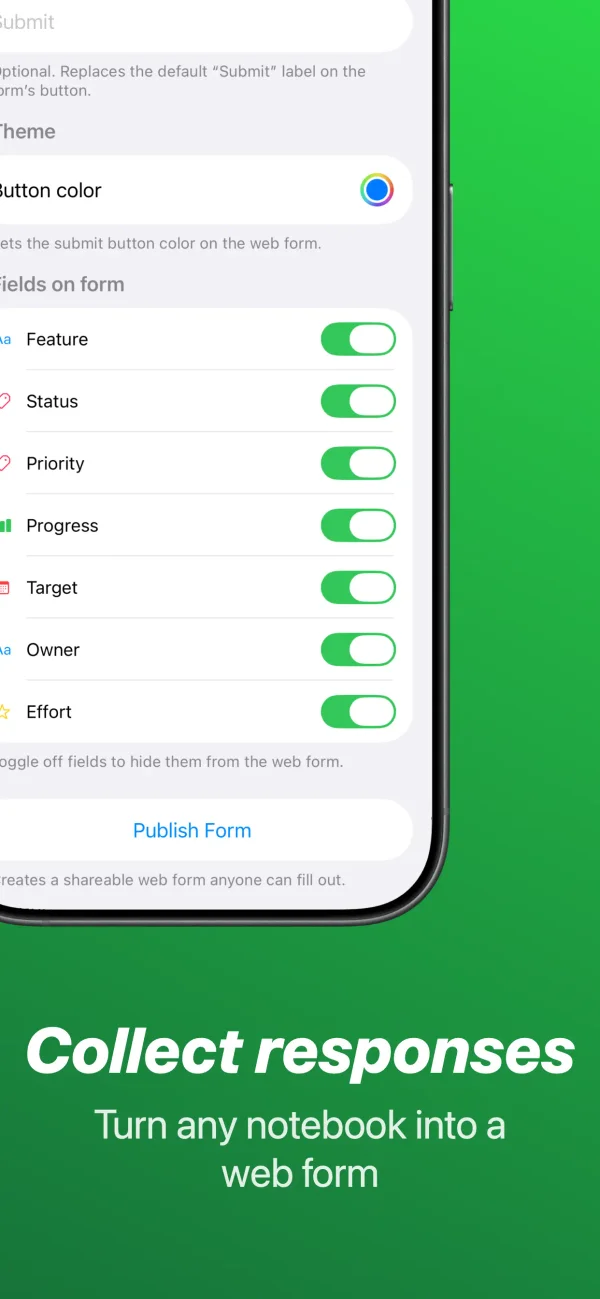
TURN ANY NOTEBOOK INTO A WEB FORM (PRO)
Publish a form in a few taps. Anyone with the link can submit from any browser, and responses land in your notebook automatically. Add your logo, pick an accent color, share the link. Perfect for intake forms, signups, surveys, orders, and RSVPs.
WORK WITH CLAUDE ON THE MAC (PRO)
Let Claude, ChatGPT, and other AI assistants read and edit your notebooks on your Mac. Turn it on in Settings.
FREE TO USE, FAIR TO UPGRADE
Free includes 3 notebooks with 100 notes each, both views, iCloud sync, groups, templates, and CSV export. Neatbase Pro unlocks unlimited notebooks and notes, sharing, web forms, assistants on the Mac, and advanced fields — one simple yearly subscription, Family Sharing included.
ALSO INCLUDED
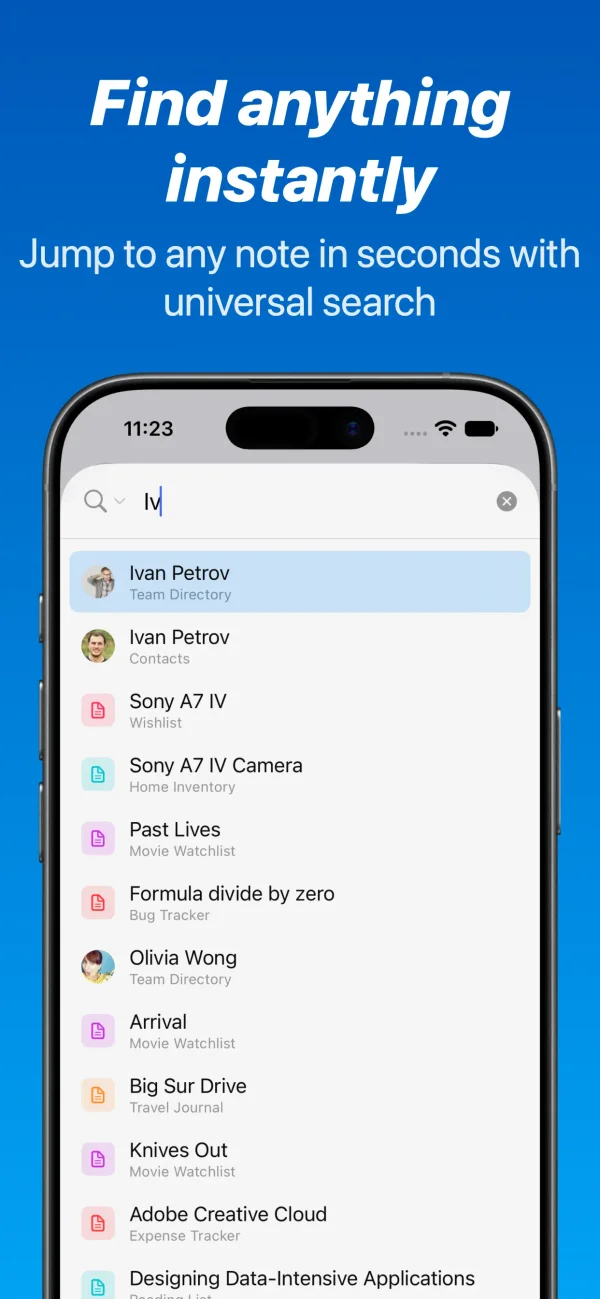
Notebook templates, Spotlight search, Home Screen widgets, reminders on date fields, nested groups, pinning, keyboard navigation, and custom icons for every notebook.
Don't settle for a blank page. Collect and organize anything, your way.
Terms of Use (EULA): https://www.apple.com/legal/internet-services/itunes/dev/stdeula/
Privacy Policy: https://neatbase.app/privacy
What’s new
Version 1.2.3 · Nov 23, 2026
New
- All Notebooks shows every notebook as a card. It's the first screen on iPhone, and one click away in the Mac and iPad sidebar.
- Recent in the Mac and iPad sidebar lists the five notebooks you opened last.
- Add to Claude connects Claude Desktop in one click. Find it in Settings › Assistants on the Mac.
- Mark All as Read in a notebook's menu clears its unread notes at once.
- Settings has a Data & Plan tab for iCloud sync, your plan, and Restore Purchase.
Changed
- The Mac and iPad sidebar lists Pinned, Recent, and Groups. Every other notebook is on All Notebooks.
- Pinned notebooks on iPhone are reordered with Edit, beside the Pinned heading.
- On Mac, Open Note is now Open in New Window.
- Check iCloud is gone from Settings. Neatbase runs the same check by itself every week.
Fixed
- A note deleted after iCloud lost it could come back
- A published form could be left without a logo
- The Mac sidebar could scroll away from the notebook you clicked
- An empty band could appear under the Notes heading on Mac
App privacy
What Seb Fontan declares on the App Store about how this app handles data.
-
Data not linked to you
May be collected but is not linked to your identity.
- User content
Privacy practices may vary, for example with the features you use or your age.
Information
- Seller
- Seb Fontan
- Category
- Productivity
- Version
- 1.2.3
- Updated
- Nov 23, 2026
- Released
- Jun 24, 2026
- Size
- 13.6 MB
- Requires
- iOS 26.4 or later
- Age rating
- 4+
- Price
- Free
- In-app purchases
- Yes
- Languages
- English
- Copyright
- © 2026 Fontan LLC
You might also like
-
 Day Base: Custom DatabaseCollect and organize anything
-
 TabulaDBPersonal Database Builder
-
 LinkNote: Relationship MapRemember everyone you meet
-
 LocalMind AI AssistantPrivate Offline AI
-
 Way Better ListsProductivity
-
 Note Hoard: Smart BookmarksAI second brain & read later
-
 Snagbox: Bookmark & Link SaverRead Later, Private Organizer
-
 PersonalProjectsTrack Projects & Costs
-
 CheckPad - ChecklistFeels like a real memo pad
-
 Lapaas: Team Tasks & ProjectsDelegate and track who owns it