
- Age rating12+
- CategoryPhoto & Video
- DeveloperMatthew Mendoza-Cicciarelli
- LanguagesEnglish
- Size1.2 MB
Links to the official App Store page
Download.org hosts no file of Negatives to Pixels. The button opens its official App Store page, published by Matthew Mendoza-Cicciarelli. Listing last checked on Nov 10, 2026.
Screenshots

About
Shoot film? Turn your negatives into finished photos, right on your iPhone or iPad.
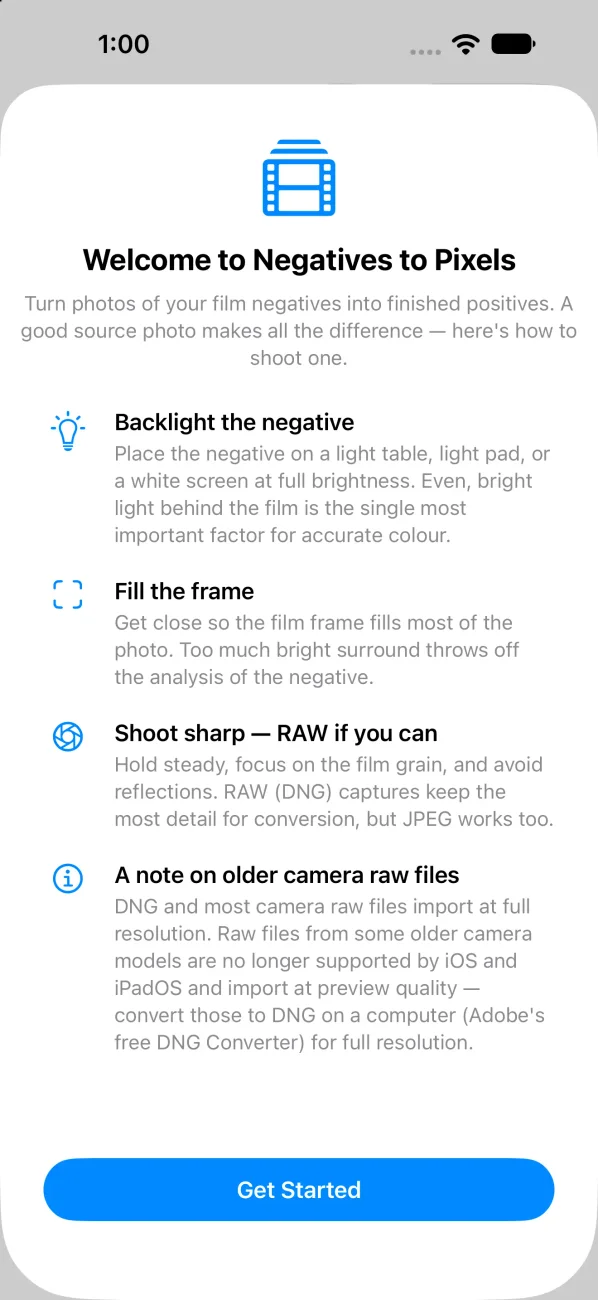
Photograph your colour or black & white negatives on a light table (or any bright, even backlight), import them, and Negatives to Pixels does the rest: a purpose-built conversion engine analyses each frame, removes the orange film mask, balances the colour, and delivers a clean positive you can fine-tune and share.
A REAL CONVERSION ENGINE
• Custom log-space inversion built for film, not a simple "invert" filter
• Automatic colour balance that neutralises the orange C-41 mask
• Auto exposure so every frame comes in at a consistent brightness
• Handles colour negatives (C-41) and black & white film
MAKE IT YOURS
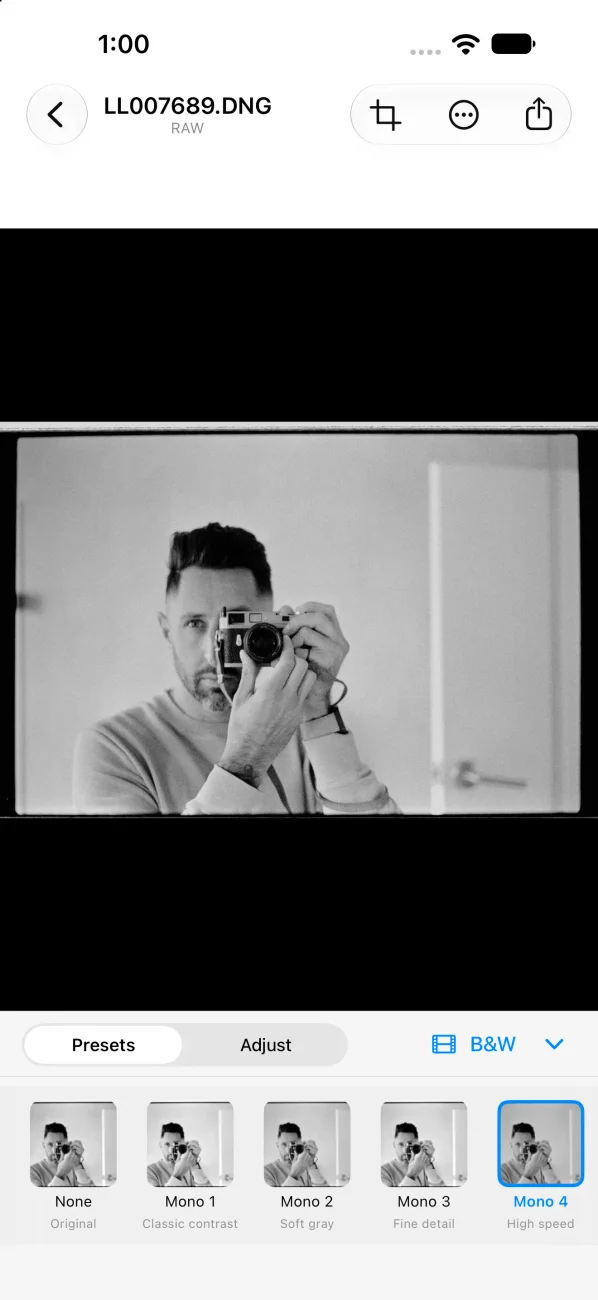
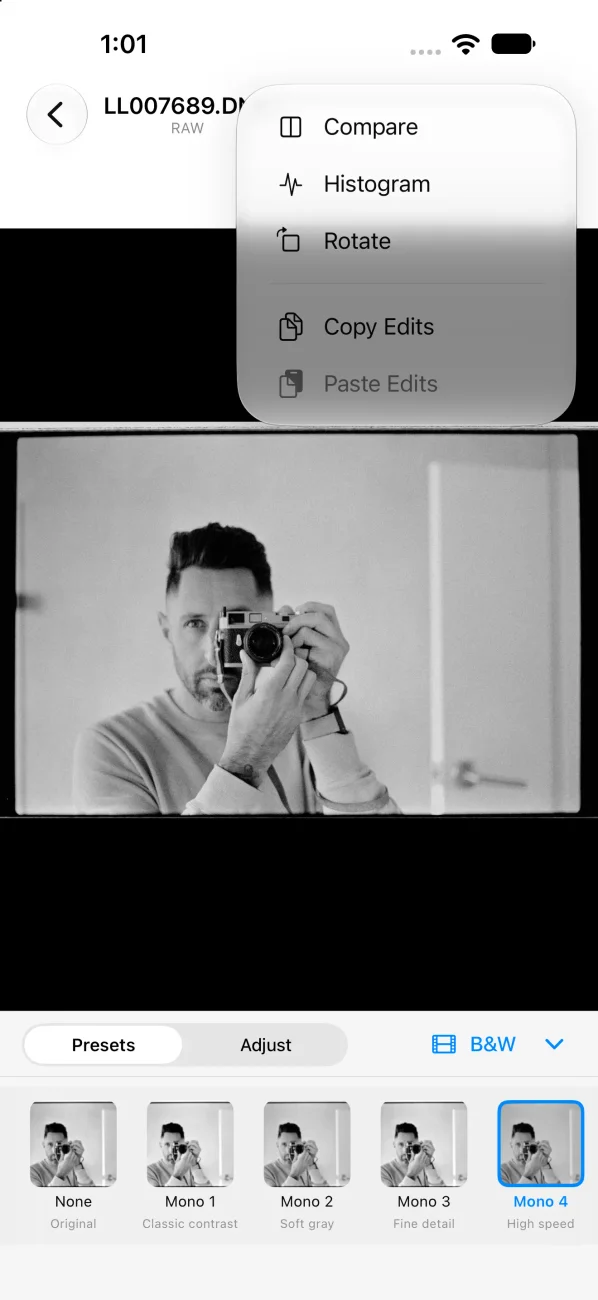
• 14 built-in looks: 9 colour styles and 5 black & white moods
• Exposure, contrast, brightness, saturation, temperature, tint, highlights, shadows, grain, and vignette
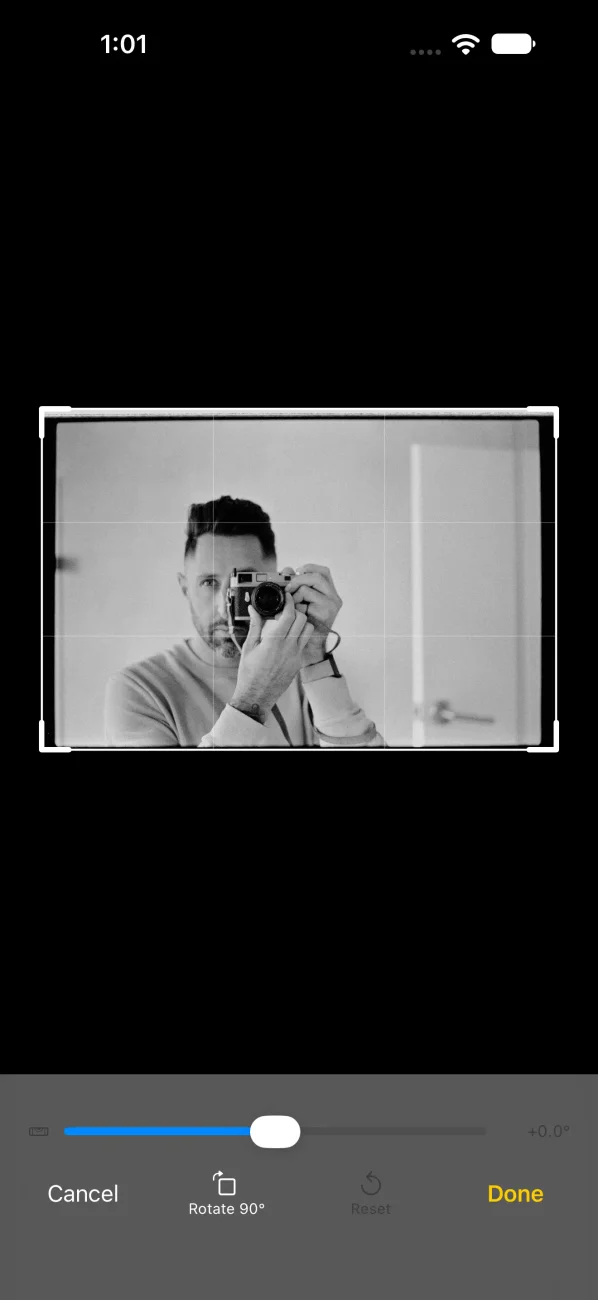
• Crop, straighten, and rotate with a full-screen tool
• Before/after compare slider and live RGB histogram
• Copy the edits from one frame and paste them onto the rest of the roll
BUILT FOR WHOLE ROLLS
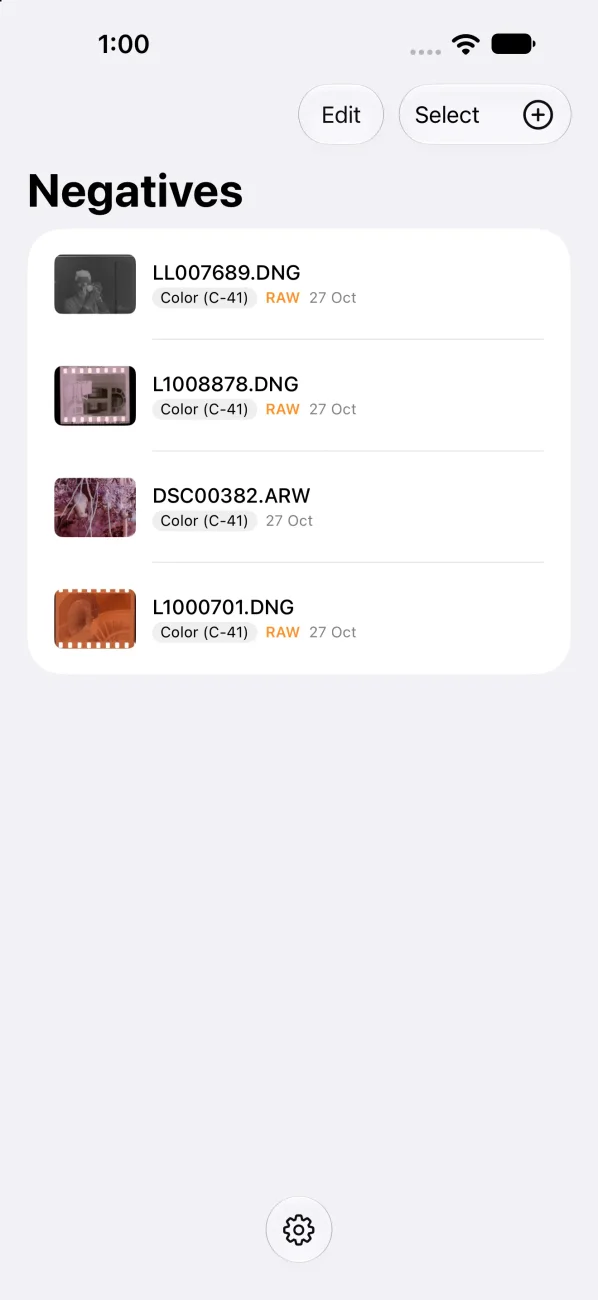
• Organise negatives into rolls
• See at a glance which frames you've edited and exported
• Batch export a full roll at full resolution
• Duplicate a frame to try different looks side by side
MADE FOR EVERY SCREEN
• Designed for iPhone, iPad, and iPhone Duo
• On iPhone Duo, start a roll on the front screen and unfold for a bigger editing view without losing your place
QUALITY IN, QUALITY OUT
• Import JPEG, HEIC, TIFF, and camera RAW (DNG, ARW, NEF, and more)
• Full-resolution processing with a float-precision pipeline
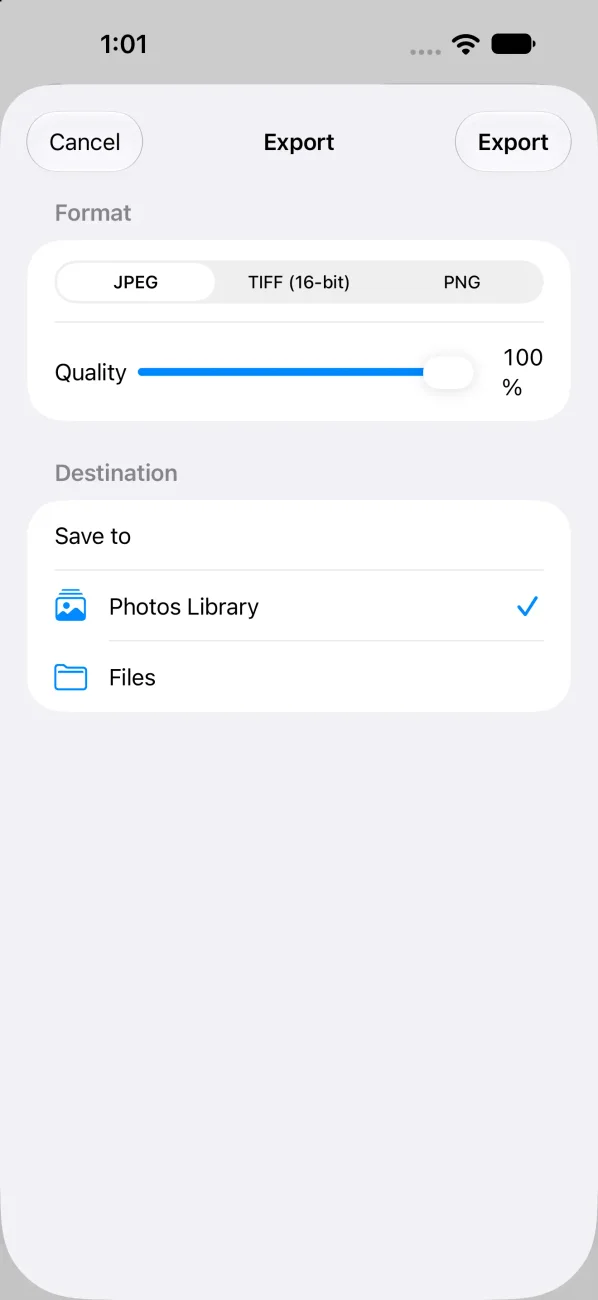
• Export JPEG, 16-bit TIFF, or PNG to Photos or Files
PRIVATE BY DESIGN
• Everything happens on your device. No account, no subscription, no analytics, no uploads. Your photos never leave your device.
Note: raw files from some older camera models are no longer supported by iOS and iPadOS and import at preview resolution. Converting those files to DNG on a computer (Adobe's free DNG Converter) restores full quality.
Dust off that shoebox of negatives. Your film deserves better than sitting in the dark. No ads, no subscriptions, no paid add-ons. Film photography is my passion and I want to try and enable as many people as possible to experience the art of film photography. Giving you this software hopefully helps with that mission.
What’s new
Version 2.0 · Oct 27, 2026
Negatives to Pixels is now on iPhone and iPhone Duo.
• Designed for iPhone: a streamlined editor with presets and adjustments one tap apart, and a panel you can hide to see your photo full screen
• iPhone Duo: switch between the front and inner screens mid-edit without losing your place
• Your library now shows the converted photo and marks frames you've edited and exported
• A new crop tool: the frame stays level while you straighten, plus a Rotate 90° button
• Highlights and Shadows sliders now give smooth, natural results
• Fixed: straightened photos could export tilted the opposite way
• A clearer home screen icon in tinted and clear modes
If you've used Highlights, Shadows, or Straighten on earlier edits, those frames may look a little different now. Open them to check.
App privacy
What Matthew Mendoza-Cicciarelli declares on the App Store about how this app handles data.
-
Data not collected
The developer does not collect any data from this app.
Privacy practices may vary, for example with the features you use or your age.
Information
- Seller
- Matthew Mendoza-Cicciarelli
- Category
- Photo & Video
- Version
- 2.0
- Updated
- Oct 27, 2026
- Released
- Jul 14, 2026
- Size
- 1.2 MB
- Requires
- iOS 18.6 or later
- Age rating
- 12+
- Languages
- English
- Copyright
- © @negatives_to_pixels
You might also like
-
 Agitate: Film Dev TimerDarkroom timer, B&W to E-6
-
 EditMe: Negative ConverterFilm look, grain & darkroom
-
 NFT Gallery WidgetDisplay POAPs & Crypto Art
-
 BrightroomFilm Negative & Slide Scanner
-
 Negative Lab - Film InverterConvert film negative to photo
-
 Photo Negative Scanner +Film Converter & Inverter
-
 Vidca - DSLR CameraManual Camera & RAW Video
-
 Color Splash : Photo Color PopColor Pop : Photo Editor
-
 Negative Photo InverterInvert Colors Camera Filter
-
 Trevni: Film Negative InverterConvert film negatives