
- Age rating4+
- CategoryTravel
- DeveloperGuillermo Kardolus
- LanguagesGerman+ 16 more
- Size6.4 MB
Links to the official App Store page
Download.org hosts no file of Nemo Places. The button opens its official App Store page, published by Guillermo Kardolus. Listing last checked on Nov 23, 2026.
Screenshots
About
Save the places you love. Share a map that stays current.
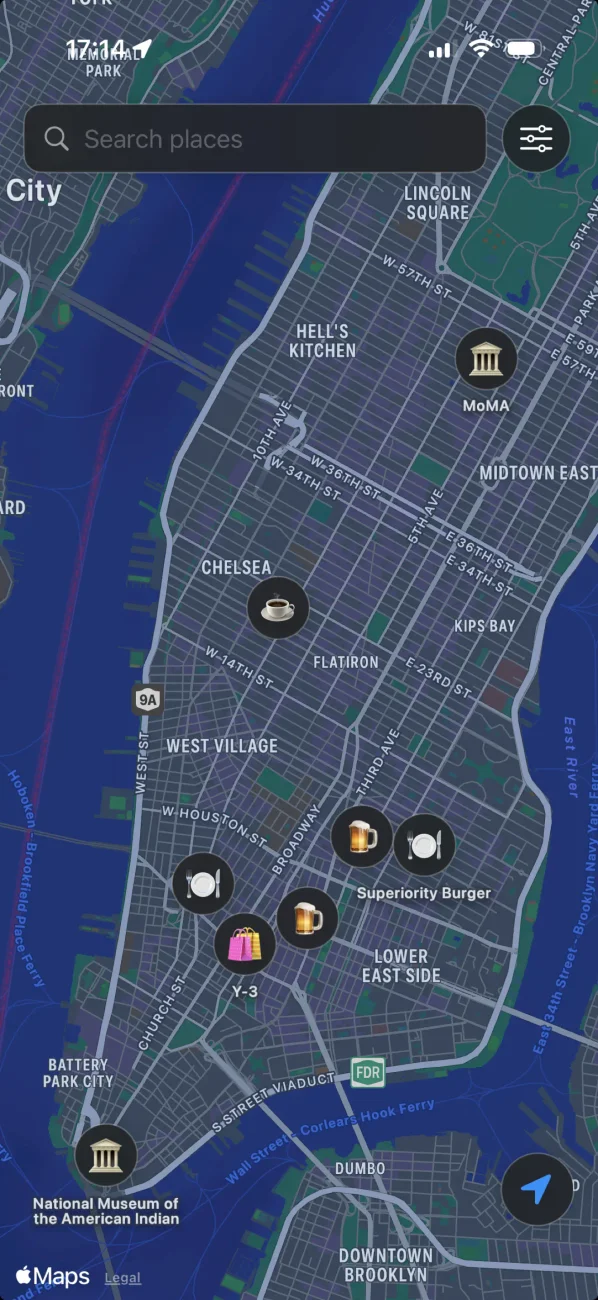
Build a personal map of favorite cafés, weekend plans and places worth coming back to. Share the places you choose with a link, or follow a friend's map right alongside your own.
SHARE ONCE, KEEP IT CURRENT
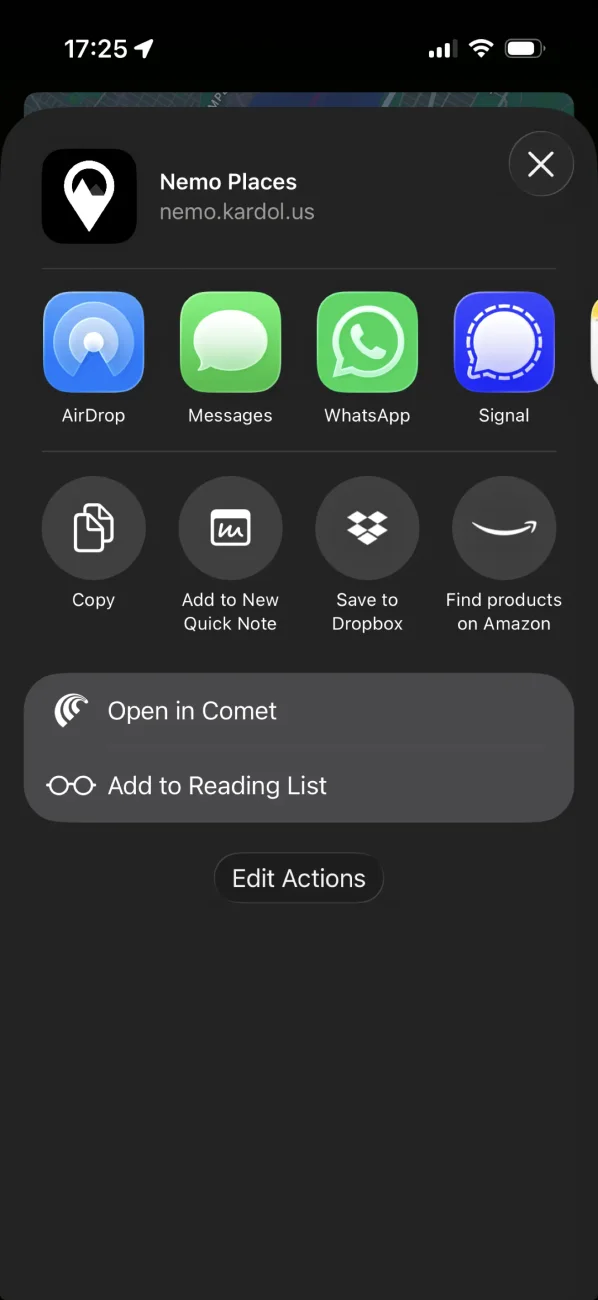
Choose "Share and keep updated" to create a link that follows your edits. Add a place, change a note or remove a spot, and anyone who opens the link sees the latest version. They can explore it without installing Nemo. You pick which places go out, and you can stop sharing anytime.
FOLLOW A FRIEND'S MAP
Keep a friend's shared map on yours. Their places appear next to your own, clearly marked, and refresh as they make changes. Get directions, or save your own copy of the ones you love.
SAVE A PLACE IN SECONDS
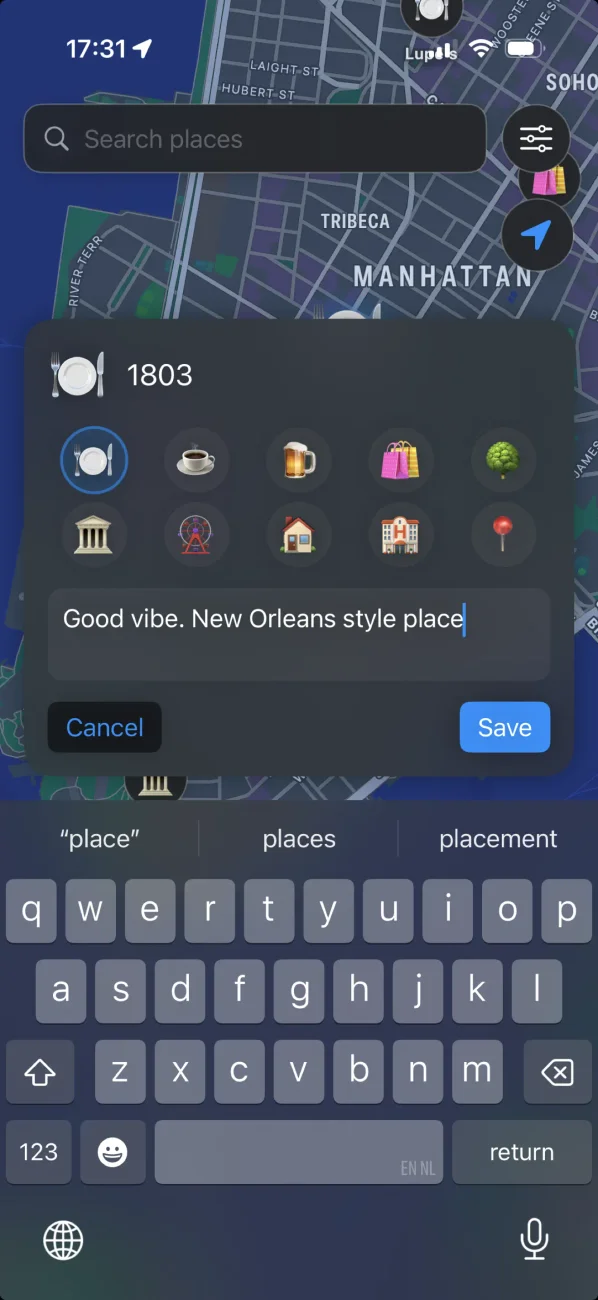
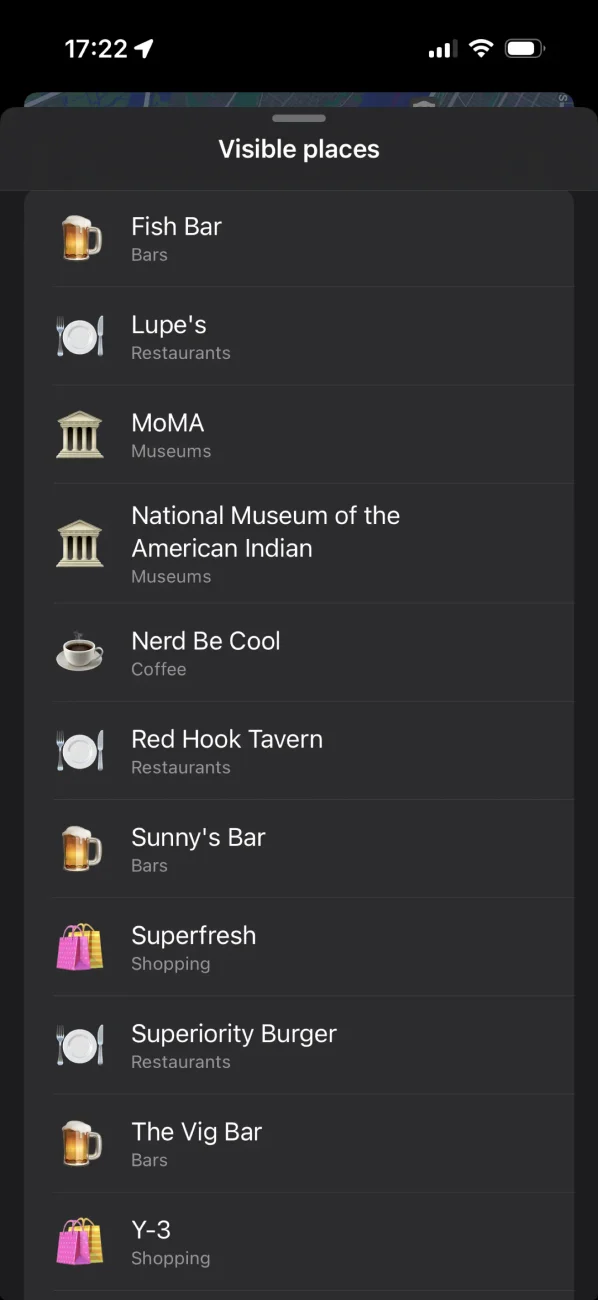
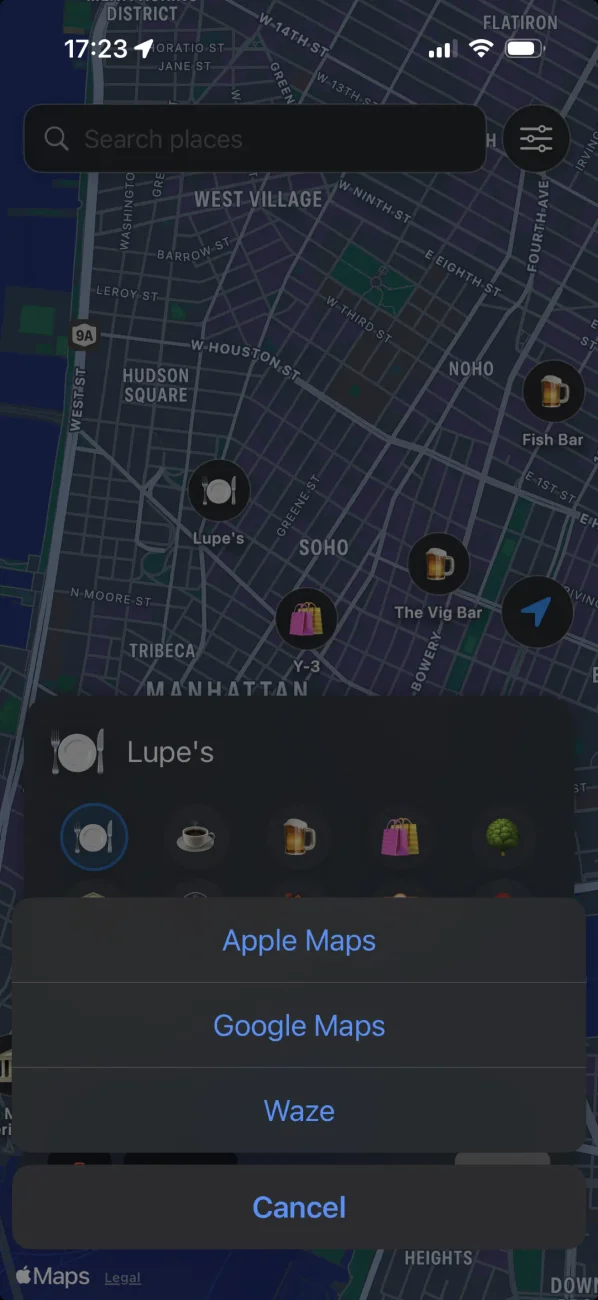
Long-press anywhere on the map to save a place. Add a name, notes and an emoji category: coffee, parks, bookstores, date spots, or whatever matters to you.
FIND YOUR NEXT STOP
The Visible places list shows how far each place is from you. Nothing saved in view? "Show nearest saved place" takes you to the closest one. Long-press a place in the list for Directions.
On iPad in landscape and on the Mac, keep the list pinned as a sidebar that follows the map while you explore.
PLANS THAT EXPIRE
Give a place an expiration date for pop-ups, festivals or weekly markets. An orange clock badge marks it until it expires and hides on its own.
PHOTOS FROM THIS PLACE
Open a saved place to see photos you took nearby, from your own Photos library. Photos stay on your device and are never included in shared maps.
SEND A COPY, TOO
Send a snapshot link that anyone can explore or forward. Friends who use Nemo can save a copy of your places to their own map.
IMPORT & EXPORT
Bring in places from Google My Maps, GeoJSON, KML or KMZ files, and export yours anytime.
ON iPHONE, iPAD AND MAC
Works without an account. Optional sign-in syncs your places across your devices. No ads and no cross-app tracking.
ACCESSIBILITY
VoiceOver and Voice Control support. Respects Reduce Motion and Reduce Transparency.
What’s new
Version 1.6.1 · Nov 21, 2026
Bike share stations, live.
New Guides show every bike share station in New York, Washington, Chicago, Paris, London, Barcelona, Mexico City and Buenos Aires. Tap a station to see how many bikes, e-bikes and free docks it has right now, and how often it has one at weekday rush hours.
More Guides to switch on: museums in New York, Amsterdam and the San Francisco Bay Area; markets, galleries and public toilets in Amsterdam; restrooms, drinking fountains, playgrounds and dog parks around the Bay.
Guides now describe themselves in your language. Their dots are easier to see in the dark and crowd together less, and the Guides button shows what is on in the area you are looking at.
App privacy
What Guillermo Kardolus declares on the App Store about how this app handles data.
-
Data linked to you
May be collected and linked to your identity.
- Location
- Contact info
- User content
- Identifiers
- Usage data
-
Data not linked to you
May be collected but is not linked to your identity.
- Diagnostics
Privacy practices may vary, for example with the features you use or your age.
Information
- Seller
- Guillermo Kardolus
- Category
- Travel
- Version
- 1.6.1
- Updated
- Nov 21, 2026
- Released
- Apr 14, 2026
- Size
- 6.4 MB
- Requires
- iOS 17.0 or later
- Age rating
- 4+
- Languages
- German, Arabic, English, French, Greek, Hebrew, Hindi, Indonesian, Italian, Japanese, Korean, Dutch + 5 more
- Copyright
- © 2026 Guillermo Kardolus
You might also like
-
 GeoTravelsSave places worth remembering
-
 My Traveler MapYour private bucket list
-
 Destiny - Maps, Places & NotesA place for your places.
-
 Map & MarksMap your places and share
-
 MapzaarDiscover Places Through People
-
 AdventureMap: Journeys & MapsRelive your travels
-
 WAM Pro : World Around MeAR Search, Tourist app
-
 Pocket Places: Travel MapShare a post, find the spot
-
 Pointy NavigationNavigation
-
 Wander: Travel Tour GuideDiscover stories around you