Neon Vision Editor
Native Code & Markdown Editor
Designed for iPhone, iPad, Mac
Free · In-app purchases
- Age rating4+
- CategoryDeveloper Tools
- DeveloperHilthart Pedersen
- LanguagesEnglish+ 6 more
- Size21.7 MB
Links to the official App Store page
Download.org hosts no file of Neon Vision Editor. The button opens its official App Store page, published by Hilthart Pedersen. Listing last checked on Nov 26, 2026.
Screenshots

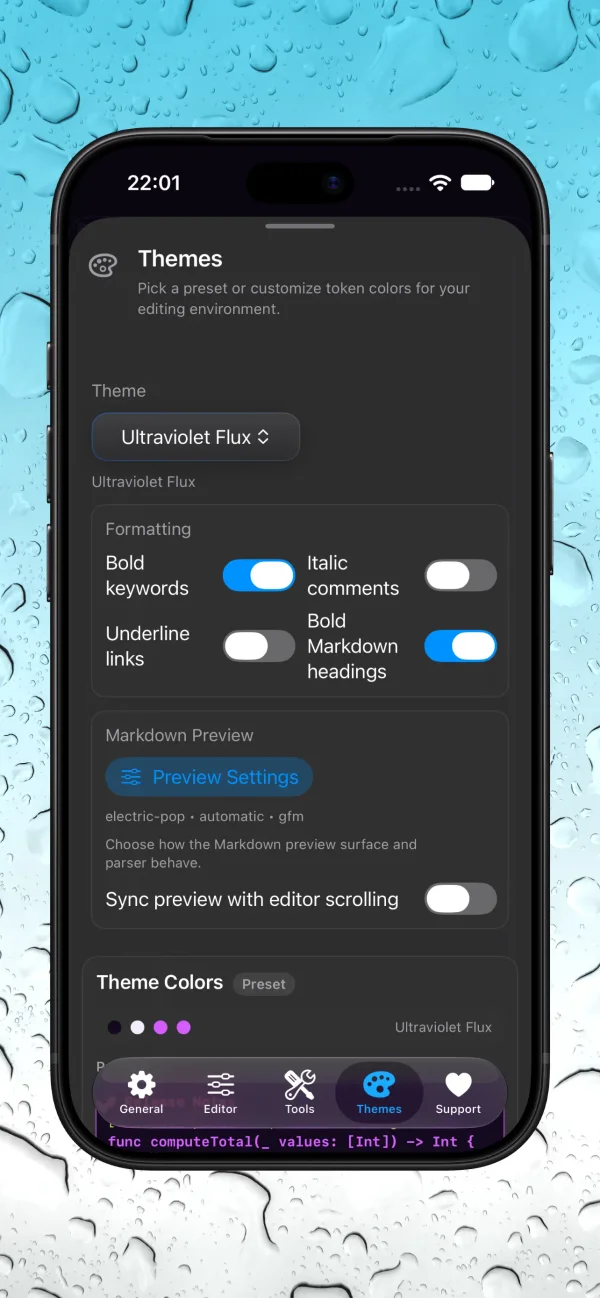
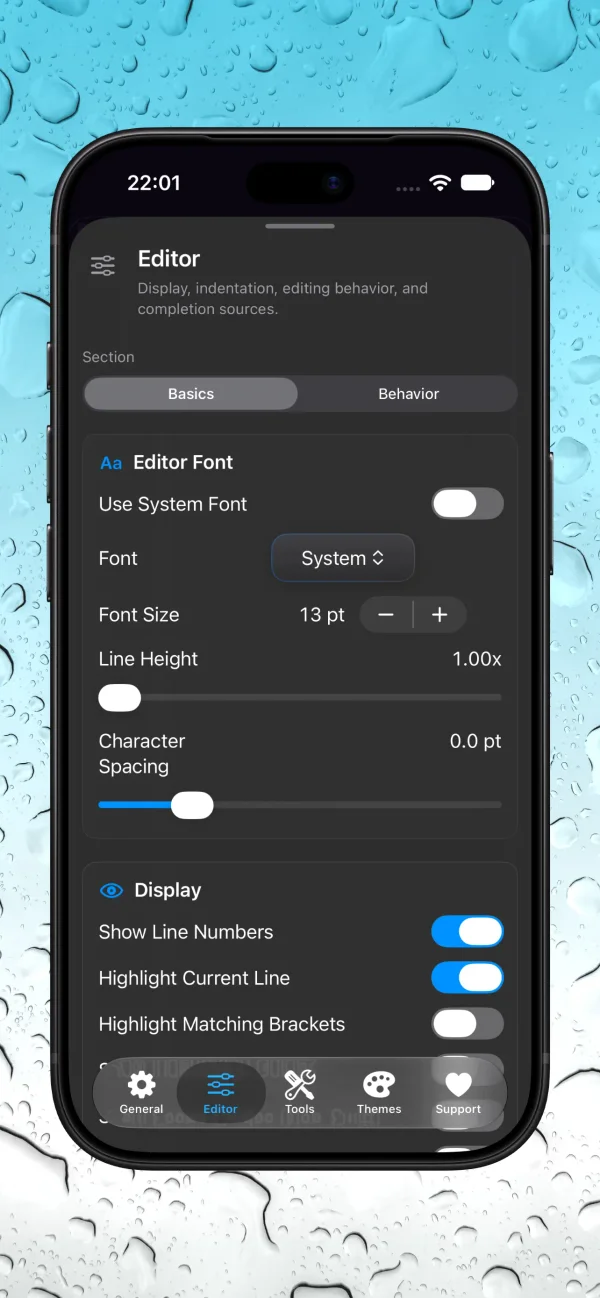
About
Neon Vision Editor is a fast, native text editor for macOS, iPhone, iPad, and Apple Vision Pro.
Bloat-free. Readable. Built for focused editing without Electron, required plugins, or full IDE complexity.
Edit notes, Markdown, code, configuration files, and large documents with an interface designed for each platform. Work with touch, hardware keyboards, and native editing controls. App Store editions do not include a local Terminal or shell-execution tools.
HIGHLIGHTS
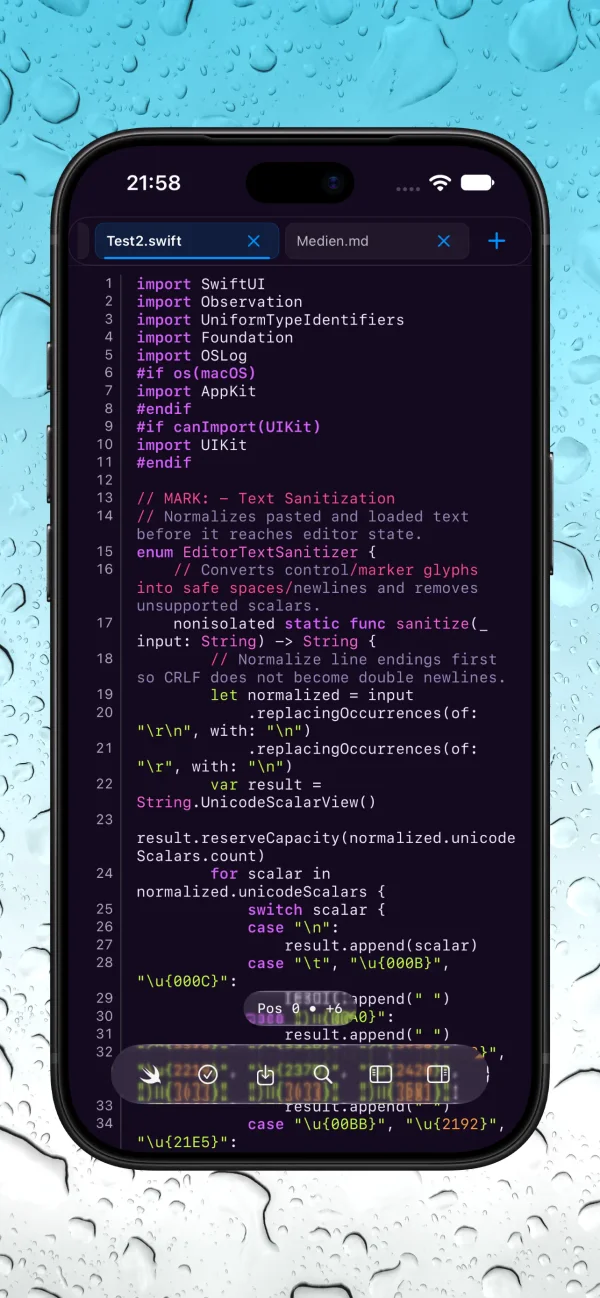
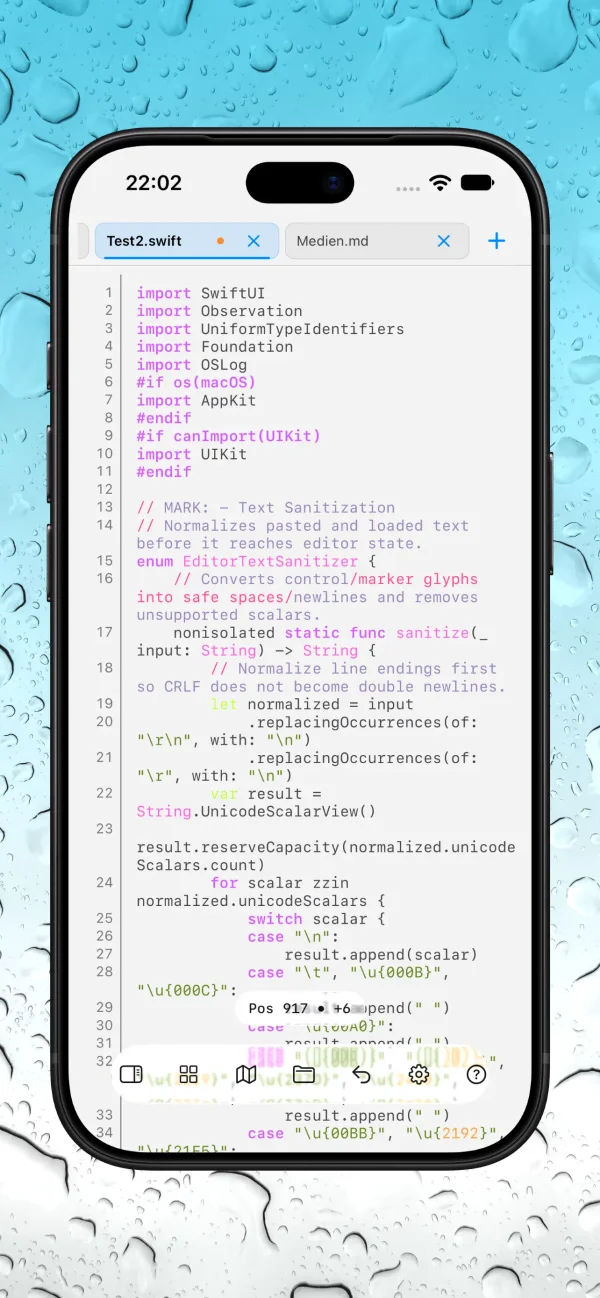
• Broad syntax highlighting for Swift, Python, JavaScript, TypeScript, Java, Kotlin, Go, Ruby, Rust, SQL, HTML, CSS, C/C++, Objective-C, JSON, XML, YAML, TOML, INI, Markdown, shell scripts, TeX/LaTeX, and more.
• Open text files with unfamiliar extensions or no extension. Preserve tabs, Unicode characters, and text content when loading and saving.
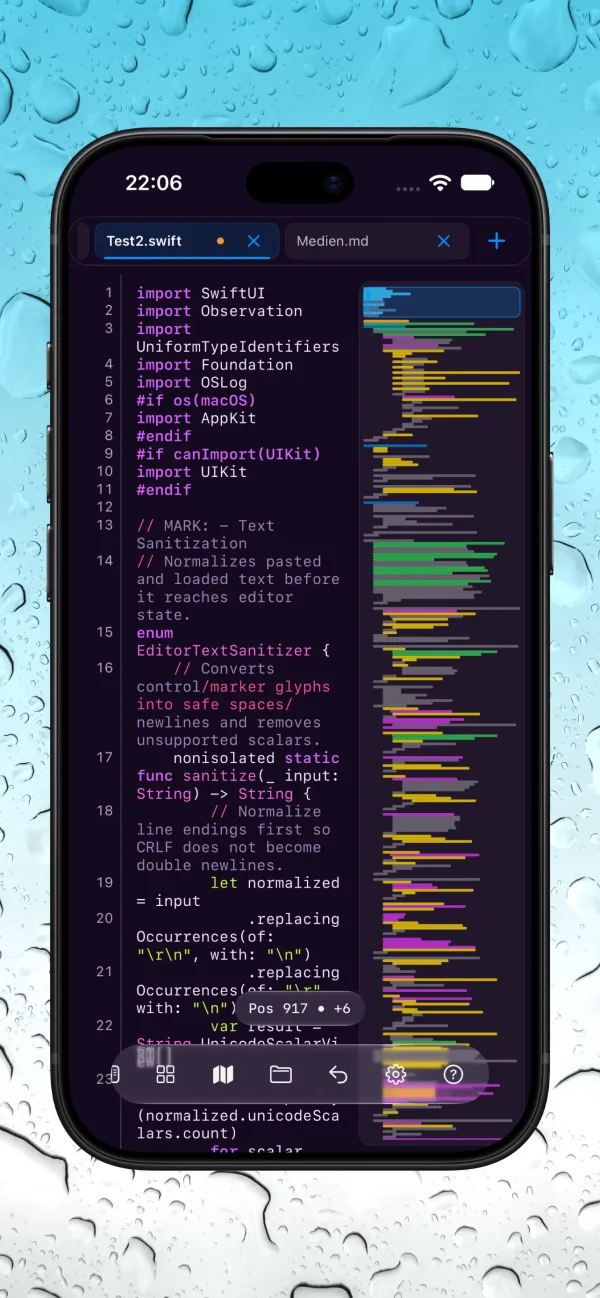
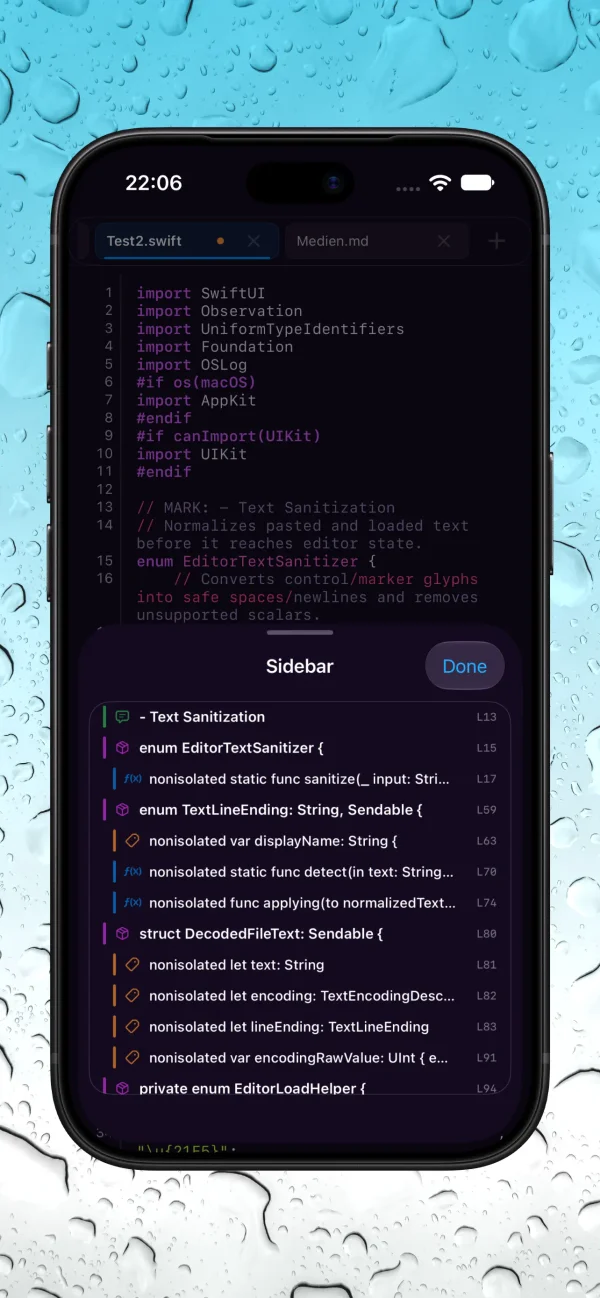
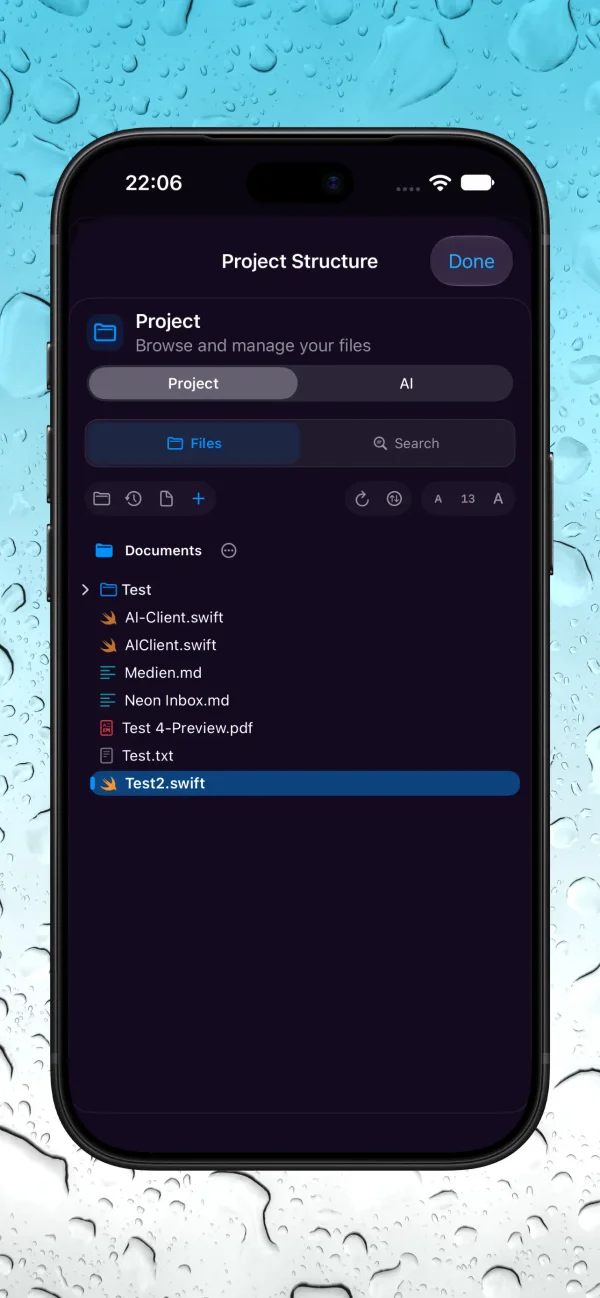
• Navigate with Quick Open, project browsing, folder trees, and Find in Files.
• Write Markdown with live preview, GitHub Flavored Markdown support, syntax-colored code blocks, preview templates, and PDF export. Preview HTML and SVG alongside your editing workflow.
• Expand markup and stylesheet abbreviations with built-in Emmet 2. Use optional Vim-style keyboard controls and export styled Code Snapshots.
• Edit on iPad with adaptive controls, hardware-keyboard support, line wrapping, and horizontal scrolling for long lines.
• Work with large documents using background preparation and viewport-based rendering. Files of 100 MB or more open as clearly marked, read-only partial previews.
• Handle external changes with conflict-aware saving and improved change detection for network files on macOS. Failed or conflicted saves keep affected documents open instead of silently closing them.
• Recover unsaved work with draft recovery and local recovery copies for external-document save payloads on iPhone, iPad, and Apple Vision Pro.
• Preview supported source and Markdown files directly in Finder with the macOS Quick Look extension.
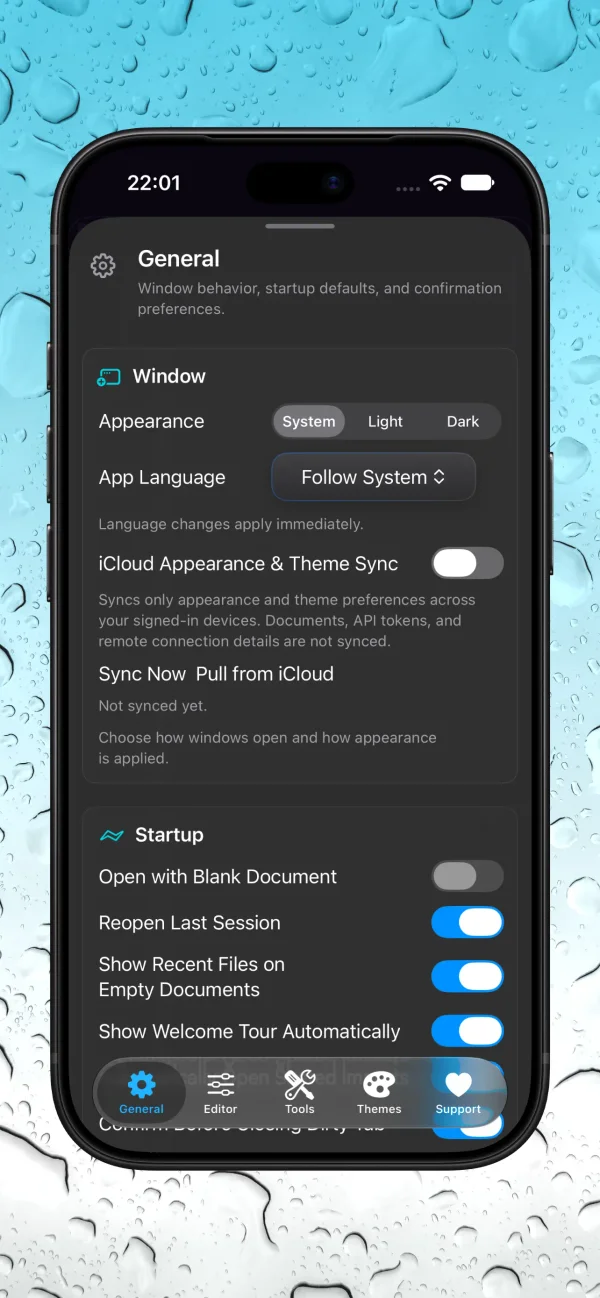
• Choose whether the Welcome Tour appears automatically. Opening a document from Finder skips the tour, including after updates.
OPTIONAL AI ASSISTANCE
Use AI-assisted completion and saved chat conversations with Apple Intelligence on supported devices or an external provider you configure.
Ask about a selected snippet, attach supported document context, or chat without including editor content. Available external providers include OpenAI, Anthropic, Gemini, Grok, OpenCode Go, and custom OpenAI-compatible services.
AI availability depends on your device and selected provider. Core editing works offline and does not require AI.
PRIVACY
Neon Vision Editor does not collect personal data for analytics or advertising.
External AI features are optional. When you use them, requests go to your selected provider over HTTPS. Completion requests include relevant editing context, such as text near the cursor or an active selection. Chat requests include your messages and the context you explicitly choose, which can include selected text, a supported current file, or project structure.
External AI providers process submitted content under their own terms and privacy policies. Provider API keys are stored securely in the system Keychain. Disabling AI features prevents AI-related requests; opening, saving, or previewing network-backed content may still communicate with the services you use.
Built for developers, writers, students, sysadmins, and anyone who wants focused native editing.
TERMS OF USE (EULA)
https://www.apple.com/legal/internet-services/itunes/dev/stdeula/
What’s new
Version 2.2.7 · Nov 25, 2026
• Line commands in the command palette, such as Delete Line, Toggle Comment and Sort Lines, change only the selected lines, not the whole document.
• On an iPad keyboard: Toggle Comment (⌘/), Duplicate Line (⌥⇧⌘↓) and Delete Line (⇧⌘K).
• The Copy button on Markdown preview code blocks copies the code, and single quotes in code blocks show correctly.
• The table of contents text size can be changed in Settings.
• More files open with the right syntax highlighting, such as SCSS, Less, JSON Lines and Gemfile.
• Trim Trailing Whitespace keeps indentation.
App privacy
What Hilthart Pedersen declares on the App Store about how this app handles data.
-
Data not collected
The developer does not collect any data from this app.
Privacy practices may vary, for example with the features you use or your age.
Information
- Seller
- Hilthart Pedersen
- Category
- Developer Tools
- Version
- 2.2.7
- Updated
- Nov 25, 2026
- Released
- Feb 13, 2026
- Size
- 21.7 MB
- Requires
- iOS 18.6 or later
- Age rating
- 4+
- Price
- Free
- In-app purchases
- Yes
- Languages
- English, Danish, French, German, Japanese, Simplified Chinese, Spanish
- Copyright
- © Hilthart Pedersen - h3p
You might also like
-
 Smart JSON & XML EditorViewer, Formatter & Tools
-
 Web DevTools+Powerful web developer tools
-
 Index - SQL ClientDatabase Client
-
 WidgetoJSON charts on Home Screen
-
 Text Editor : Code Editor#1 App Built for Developers
-
 Wander: Markdown EditorLocal-first notes, text & wiki
-
 Terminal File Manager AdvancedFiles FTP Server & Code Editor
-
 Nice SSHAll Your Hosts in One Place
-
 PushwordUltimate Text Editor
-
 JavaScript IDE & Node.jsScript, Console, Code Editor