
Nest Forms - Survey builder
Digital Inspection surveys
Designed for iPhone, iPad, iPod touch
Free
- Age rating4+
- CategoryProductivity
- DeveloperNestDesign
- LanguagesEnglish+ 18 more
- Size17.4 MB
Links to the official App Store page
Download.org hosts no file of Nest Forms - Survey builder. The button opens its official App Store page, published by NestDesign. Listing last checked on Nov 15, 2026.
Screenshots
About
About this app
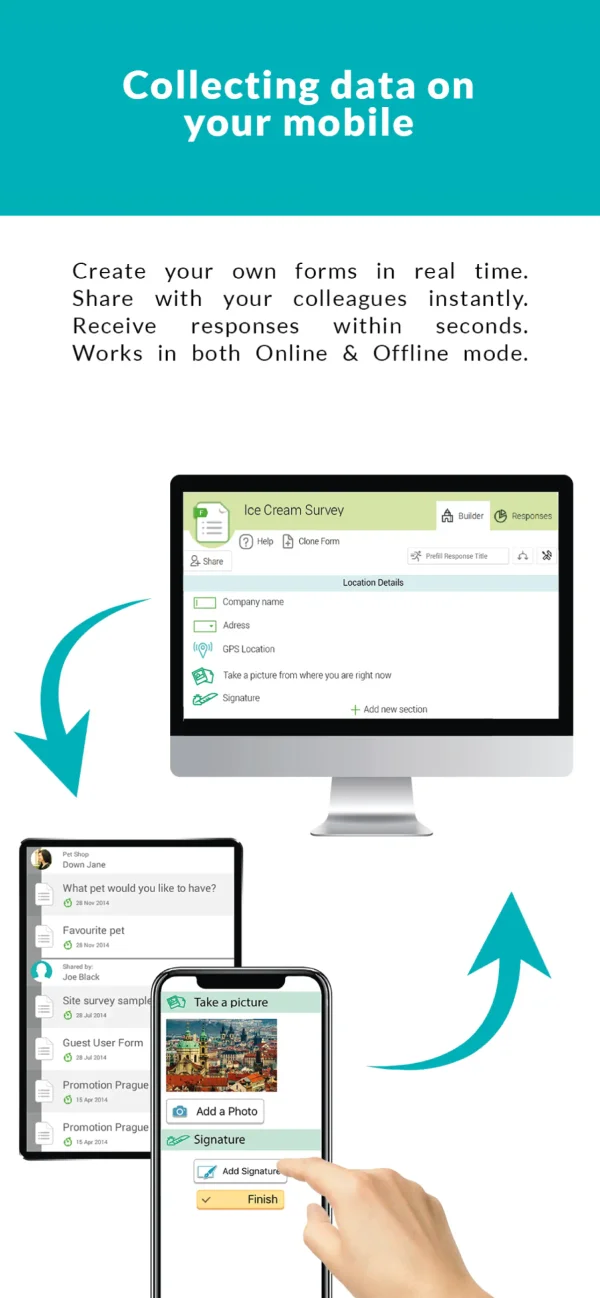
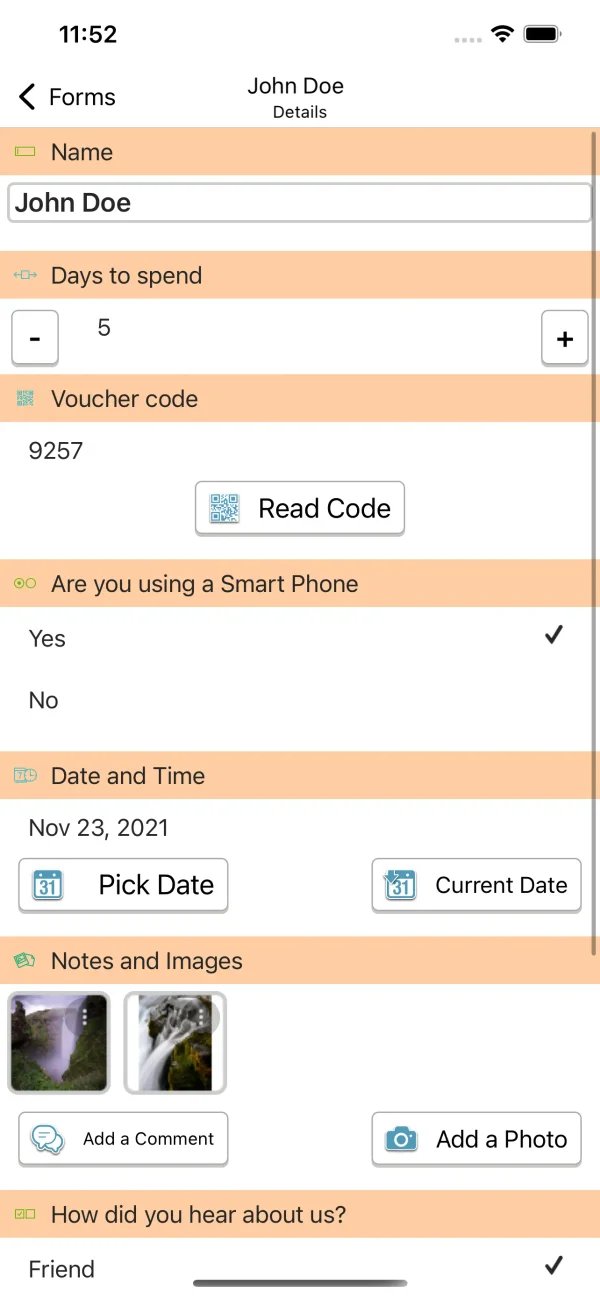
NestForms is a web and app-based form builder that allows you to create, share and manage paperless offline surveys. You can collect mobile data in many scenarios including market research surveys, punch list forms or for use as a quality control checklist app. You can use the NestForms form builder under your own dedicated account. You can access your forms from your desktop, online or native iPhone or iPad app.
How to use the app:
Try our mobile form app within the free demo account, where you can view the app interface and make several test responses. If you would like to try it out with your own surveys, you can create an account on https://www.nestforms.com. You can design offline surveys instantly in your web account and test your forms by sharing to your colleagues mobile devices. Your account will automatically sync with anyone who has downloaded the app and where the forms are shared.
What is it used for?
The NestForms mobile form app was created to accompany the NestForms Survey builder website. The app is free and is for data collection on an iPhone or iPad.
It can be used to create and share offline surveys for market research. health and safety audits, inspection forms or questionnaires. It can also be used as a quality control checklist app or perhaps for builder punch list or snag list forms. As an account owner you can collect mobile data instantly from colleagues working on the ground through their smart devices.
Is it easy to use?
We have thousands of users worldwide that have learned just how easy the NestForms mobile form app builder is to use. Making their lives easier In terms of any data collection offline surveys or field marketing interviews, check out our FAQs or have a look at our Help section to see just how the NestForms builder works!
You have no need for any programming or coding experience to use our intuitive drag and drop no code form builder interface via your own web account.
Who can collect my responses?
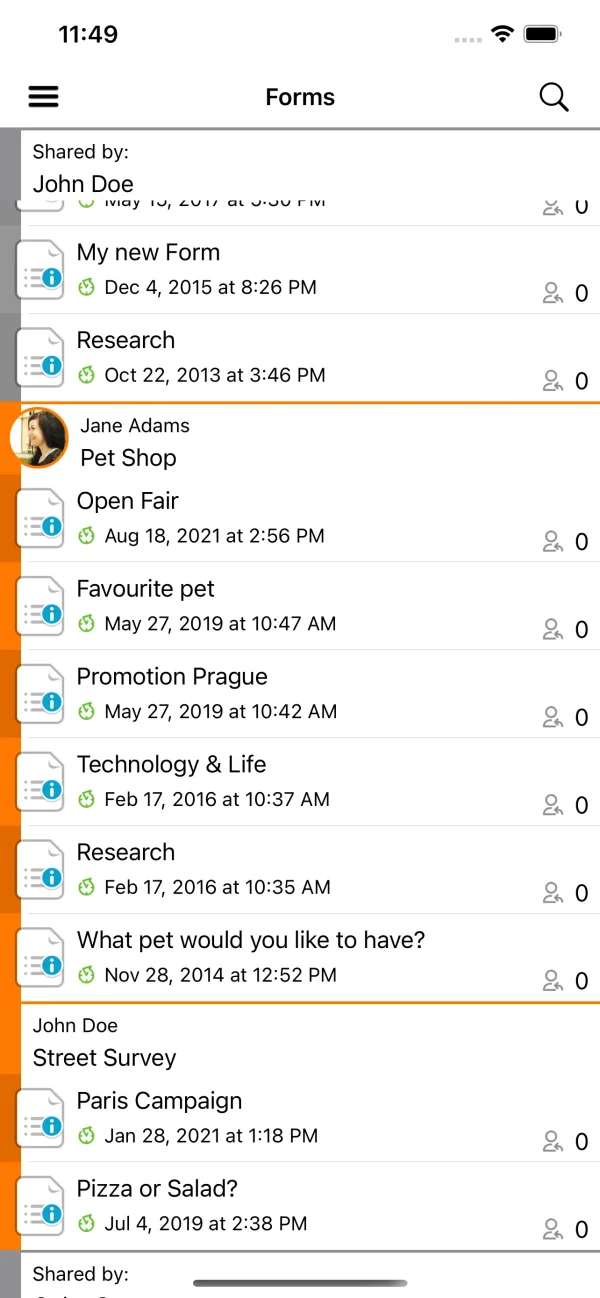
You can share your mobile forms with as many people depending on your subscription plan. You can share your forms with responders who have downloaded the NestForms offline survey app to their smart device. The number of forms and responses is dependent on subscription plans.
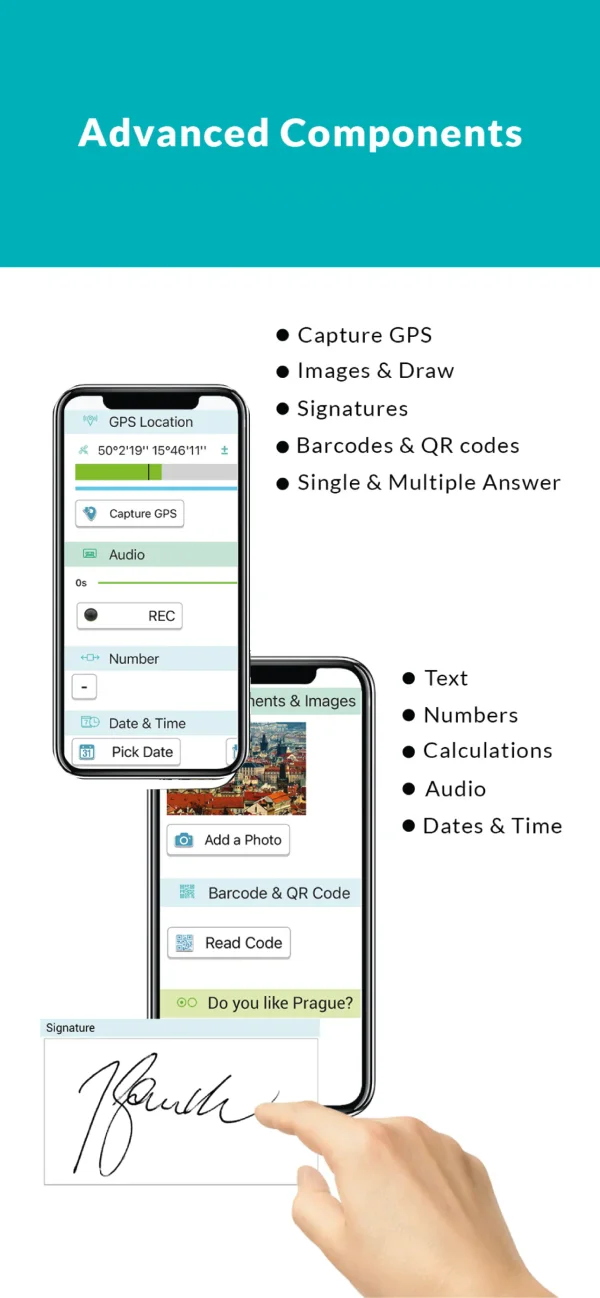
You can also verify the location where mobile users carried out their surveys or forms via the GPS location settings in their iPhone device.
Who can access my forms?
Only the account admin has full access to the responses. However, you can share access to your forms to designated colleagues to edit and approve responses. You can also share response data in various formats to your clients. For example, online via iFrame on your website or through a dedicated VIP area. Share it to your favourite cloud platforms. Or downloading Excel sheets, custom PDFs, word documents or ZIP images. All of your data is stored securely and can be accessed through the Events history.
What’s new
Version 3.2.2 · Aug 19, 2026
Fixed drawing revert failure with the images component on response reopening.
Fixed Signature not locking previous answers correctly.
Fixed Images component being able to modify already saved images.
Stability improvements.
App privacy
What NestDesign declares on the App Store about how this app handles data.
-
Data linked to you
May be collected and linked to your identity.
- Location
- User content
- Identifiers
- Usage data
- Diagnostics
- Other data
Privacy practices may vary, for example with the features you use or your age.
Information
- Seller
- Nest Design Ltd.
- Category
- Productivity
- Version
- 3.2.2
- Updated
- Aug 19, 2026
- Released
- Feb 8, 2013
- Size
- 17.4 MB
- Requires
- iOS 16 or later
- Age rating
- 4+
- Price
- Free
- Languages
- English, Arabic, Czech, Dutch, Finnish, French, German, Hebrew, Hindi, Hungarian, Indonesian, Italian + 7 more
- Copyright
- © Nest Design
You might also like
-
 Inspection Maintenance - HVICMMS, DOT DVIR, Safety, Fuel
-
 fragab - Scheduling & PollsCreate, vote & get feedback
-
 Mac Tools Smart ToolsProductivity
-
 forms.app: Unlimited ResponsesCreate online forms & surveys
-
 Forms for Google Drive ™Ready-Made Templates
-
 Pollie: Create PollsPoll, survey, share, vote!
-
 Form Filler: fill & sign formsCreate and Edit pdf documents
-
 ArcGIS Field MapsProductivity
-
 Forms for Google DriveCreate Forms & View Responses
-
 Forms for Google Forms ․AI Build Forms,Survey, Analyze