NestTime - Task & Time Tracker
24-Hour Ring & Nested Tasks
Designed for iPhone, iPad
- Age rating4+
- CategoryProductivity
- DeveloperTaiki Sato
- LanguagesJapanese+ 1 more
- Size1.4 MB
Links to the official App Store page
Download.org hosts no file of NestTime - Task & Time Tracker. The button opens its official App Store page, published by Taiki Sato. Listing last checked on Nov 17, 2026.
Screenshots
About
Take control of your daily routine with NestTime, the ultimate app that seamlessly blends time tracking with powerful task management.
Whether you are studying, working, or simply trying to organize your day, NestTime provides a highly visual and intuitive way to see exactly where your time goes.
KEY FEATURES:
• 24-Hour Ring Chart
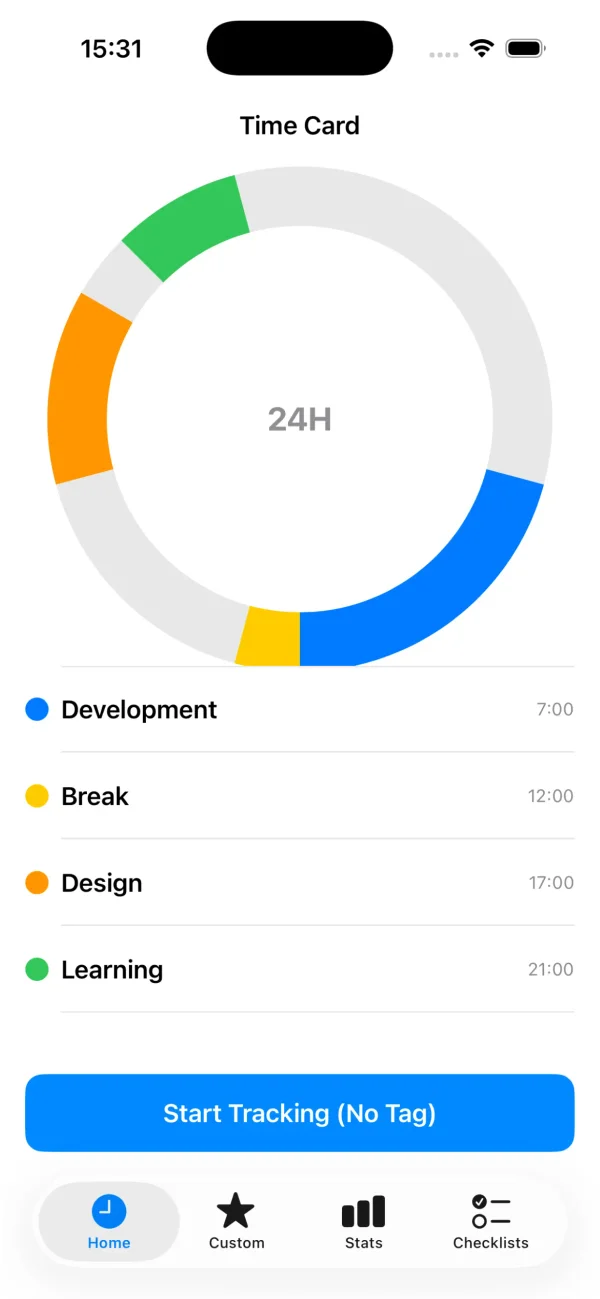
Say goodbye to boring lists. Your daily activities are beautifully visualized on a 24-hour circular chart. At a single glance, you can understand your daily rhythm, identify time-wasting habits, and optimize your schedule.
• Infinite Nested Checklists
Break down complex projects into manageable steps. Inside every time record, you can create checklists and sub-tasks with infinite depth (nested structure). Check off items as you go, and the app will automatically record the exact time it took to complete them!
• Custom Tags & Colors
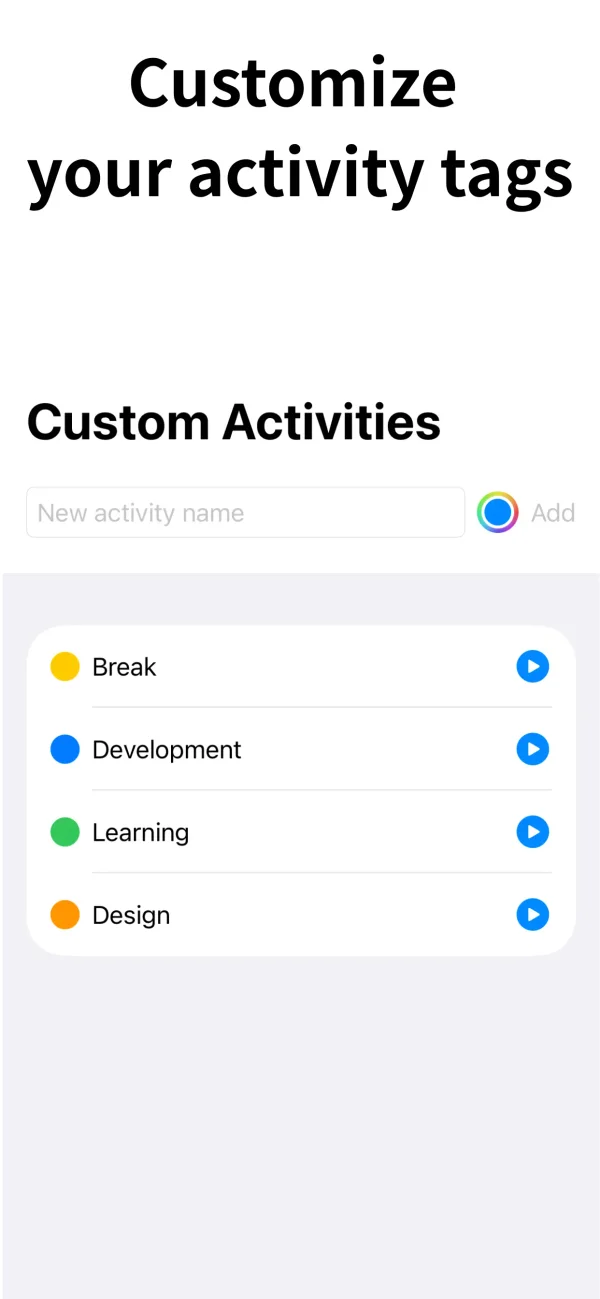
Personalize your timeline. Create custom activity tags (e.g., Coding, Reading, Workout) and assign vibrant colors to each. Start tracking your favorite activities with just one tap.
• Insightful Weekly Stats
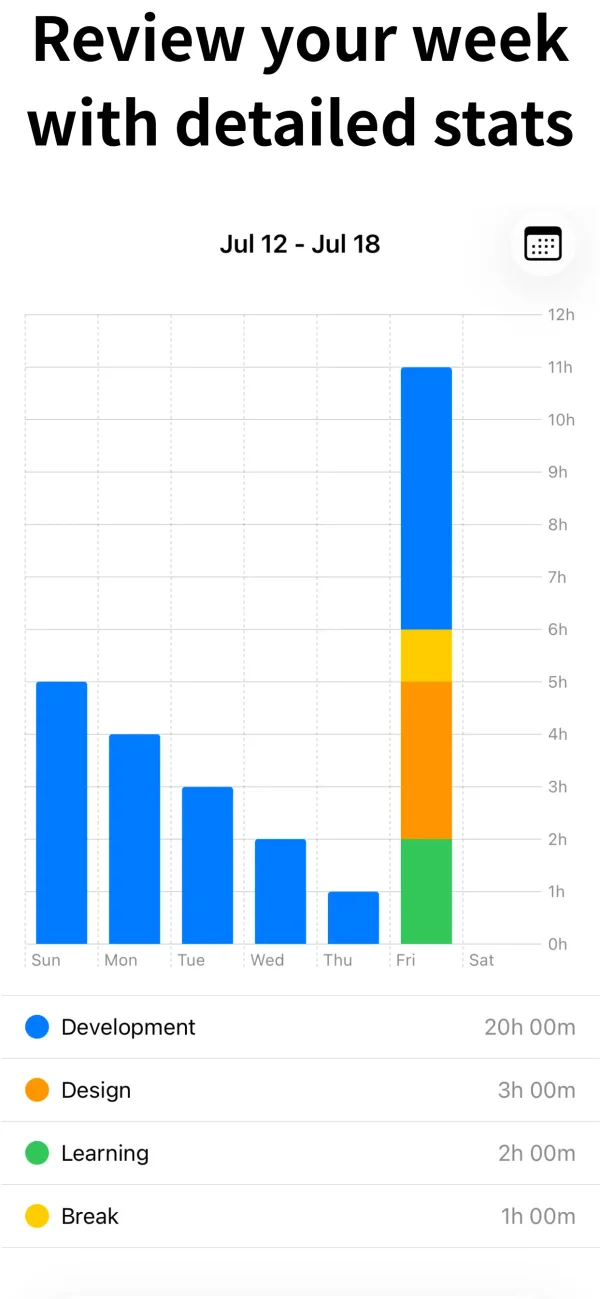
Analyze your productivity over time. Our detailed bar charts let you review your past week. Tap on any day to instantly view your detailed activity history and completed nested checklists!
• Fast & Private
Designed with SwiftUI and SwiftData, NestTime is incredibly fast. All your tracking data is securely saved directly on your device. No accounts, no subscriptions, and no internet connection required.
Stop wondering where your day went. Start tracking, start doing, and build a better routine with NestTime today!
What’s new
Version 1.03 · Aug 22, 2026
We have added new features to improve your tracking experience.
Pause Functionality
You can now pause and resume your time tracking. Paused durations are automatically excluded from your total working time and statistical charts.
Delete Records
You can now easily delete unwanted past records directly from the detail screen by tapping the trash icon.
App privacy
What Taiki Sato declares on the App Store about how this app handles data.
-
Data not collected
The developer does not collect any data from this app.
Privacy practices may vary, for example with the features you use or your age.
Information
- Seller
- Taiki Sato
- Category
- Productivity
- Version
- 1.03
- Updated
- Aug 22, 2026
- Released
- Jul 23, 2026
- Size
- 1.4 MB
- Requires
- iOS 18 or later
- Age rating
- 4+
- Languages
- Japanese, English
- Copyright
- © 2026 Taiki
You might also like
-
 Chrono Spark: AI PlannerPlan your goals, not your days
-
 じかん帳-スケジュール・時間管理Productivity
-
 TaskRTAProductivity
-
 Floyd: AI-powered CalendarProductivity
-
 Do. AI Task PlannerAI to-do list & daily planner
-
 Mendow –AI Task ManagerAI breaks tasks.
-
 MarkCard - Tiny habits on cardTrack on customizable cards
-
 Time Tracker 時間管理Productivity
-
 To Do List: Focus PlannerCalendar, Daily Tasks & Stats
-
 Focus. To DoTasks. No noise.