
NetDiag+ Network Toolkit
Fix Lag, MTU & Wi-Fi Speed
Designed for iPhone, iPad
Free · In-app purchases
- Age rating4+
- CategoryUtilities
- DeveloperDmytro Tishchenko
- LanguagesEnglish+ 12 more
- Size11.9 MB
Links to the official App Store page
Download.org hosts no file of NetDiag+ Network Toolkit. The button opens its official App Store page, published by Dmytro Tishchenko. Listing last checked on Nov 26, 2026.
Screenshots
About
Your game lags but the speed test says 300 Mbps. Your call breaks up while a download runs fine. Your VPN connects on one network and refuses on another. NetDiag+ shows where the problem is: your Wi-Fi, your router or your provider.
31 network tools on your iPhone, running on raw BSD sockets — no jailbreak, no desktop.
START HERE
• Health Score — one run of about 40 seconds gives a score from 0 to 100 and a verdict for your Wi-Fi, your router and your provider. One reminder can bring you back at the other end of the day, and a home-screen widget shows your last score.
• Report for your provider — two or more Health Score checks in one text or PDF document (in English): day or evening, which link was flagged each time, and the numbers from every check. Something concrete to send instead of "my internet is slow".
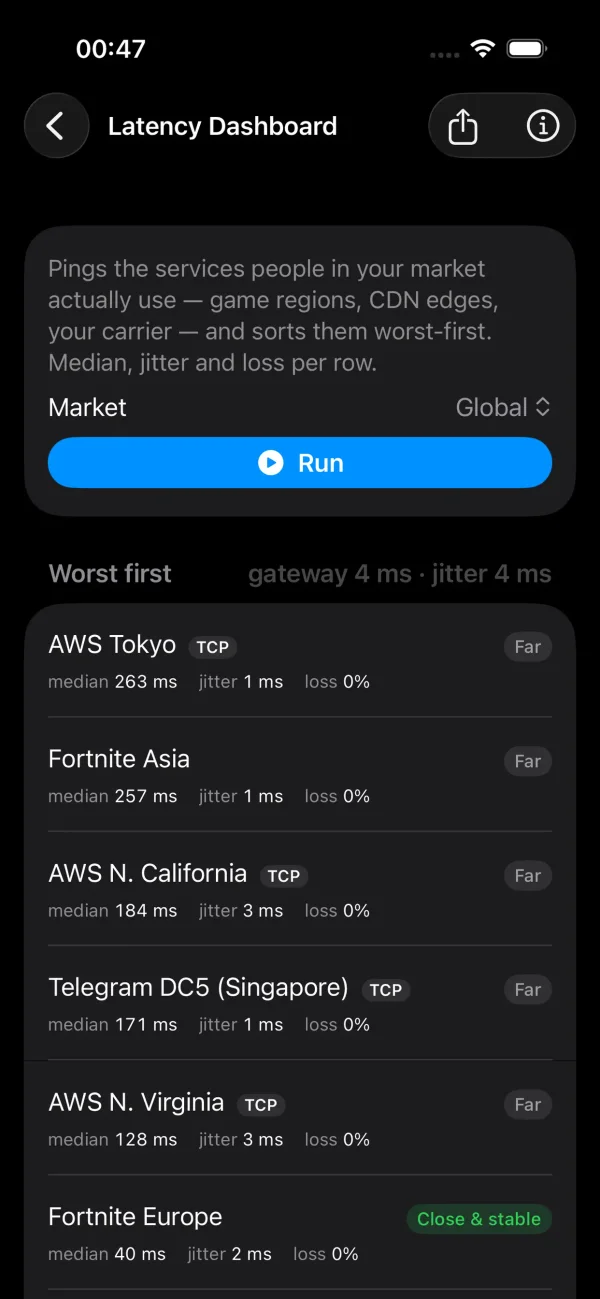
• Latency Dashboard — game regions and CDN edges, plus local carriers for the Gulf, Turkey, Russia and Egypt, sorted worst-first with median, jitter and loss. Your router is checked first, so a problem at home is not mistaken for a slow server.
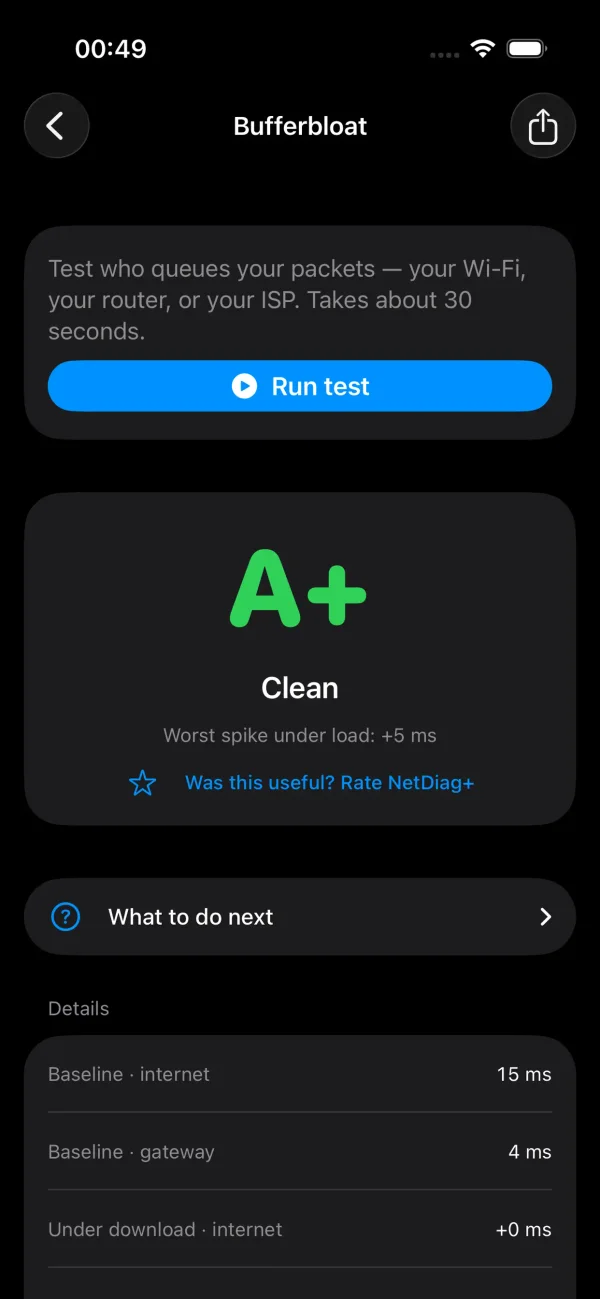
• Bufferbloat — loads your line while pinging your router and the internet, grades the result from A+ to F and shows where the queue builds up: at home or at your provider. If the test server is throttled, it says so instead of guessing a grade.
DIAGNOSE
• Ping & Traceroute — classic reach tests, with your own interval and packet size
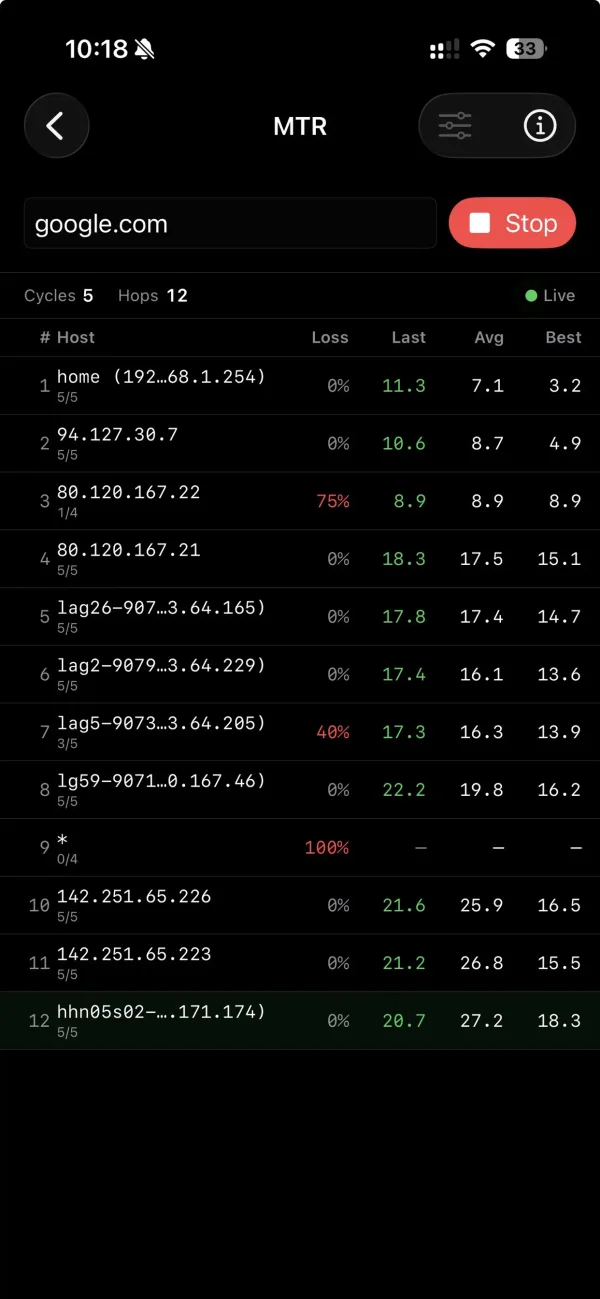
• MTR — continuous traceroute with per-hop loss and RTT, probed in parallel
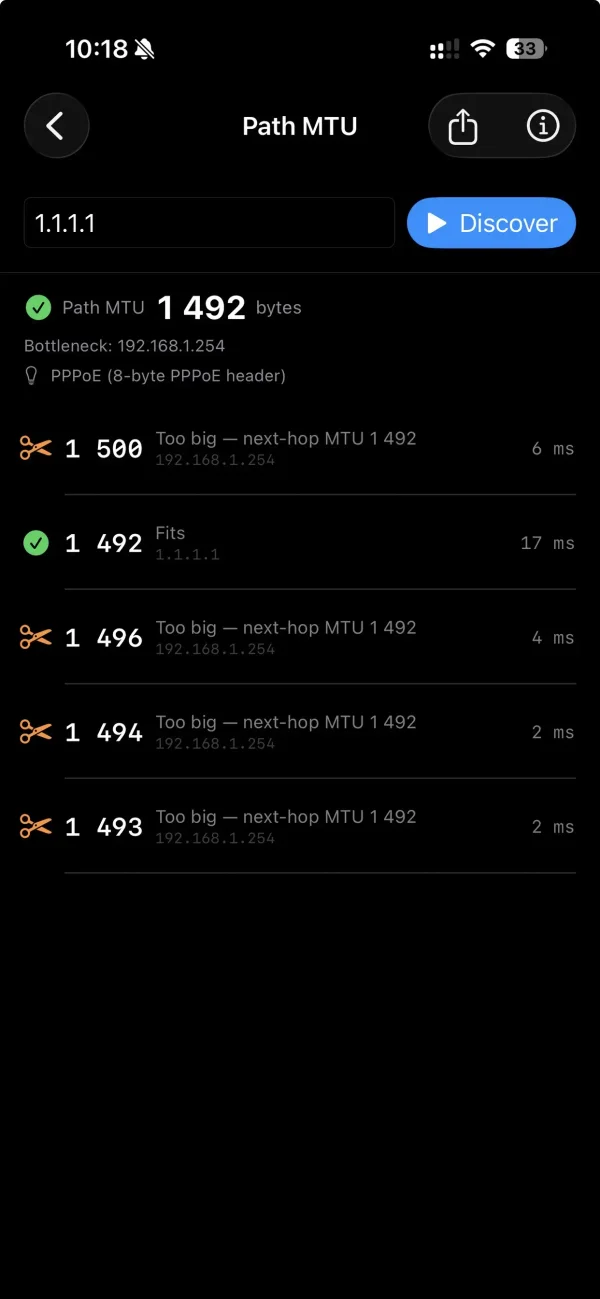
• Path MTU Discovery — finds the right MTU for your VPN or tunnel: the largest packet that really gets through, in about 30 seconds
• Speed Test — download and upload bandwidth
• Site Reach — TCP and TLS audit of 35 popular sites, detects SNI blocks
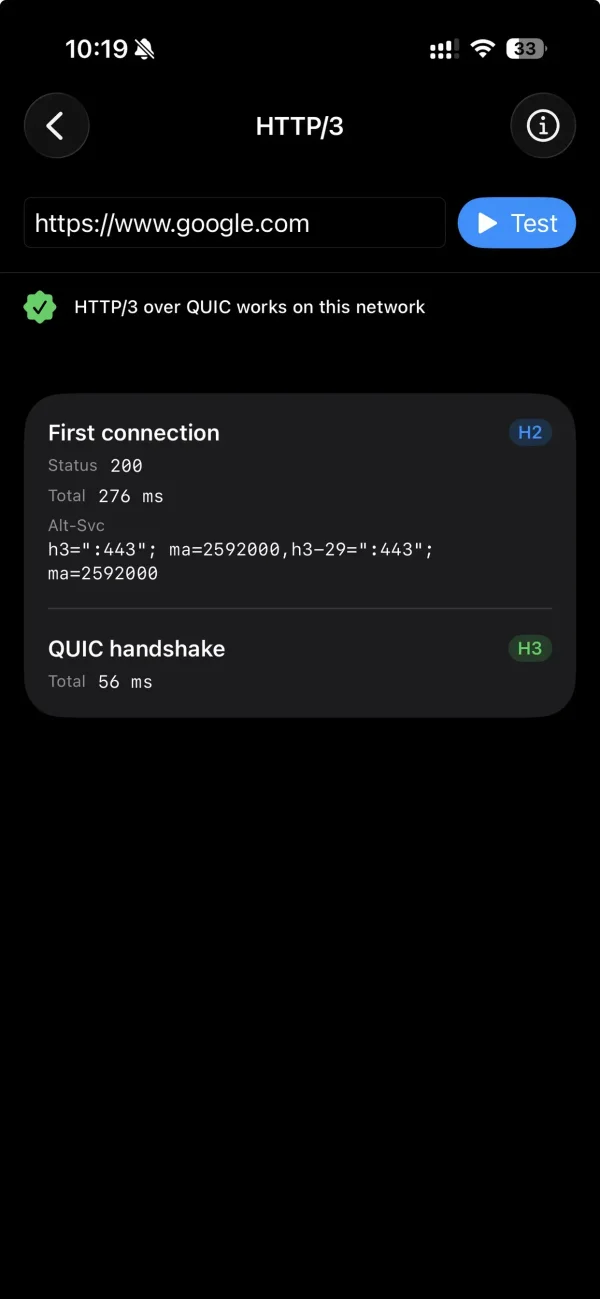
• HTTP/3 Tester — a real QUIC handshake, not a header
• Host Monitor — alerts when a server goes down
DNS, DOMAINS & SECURITY
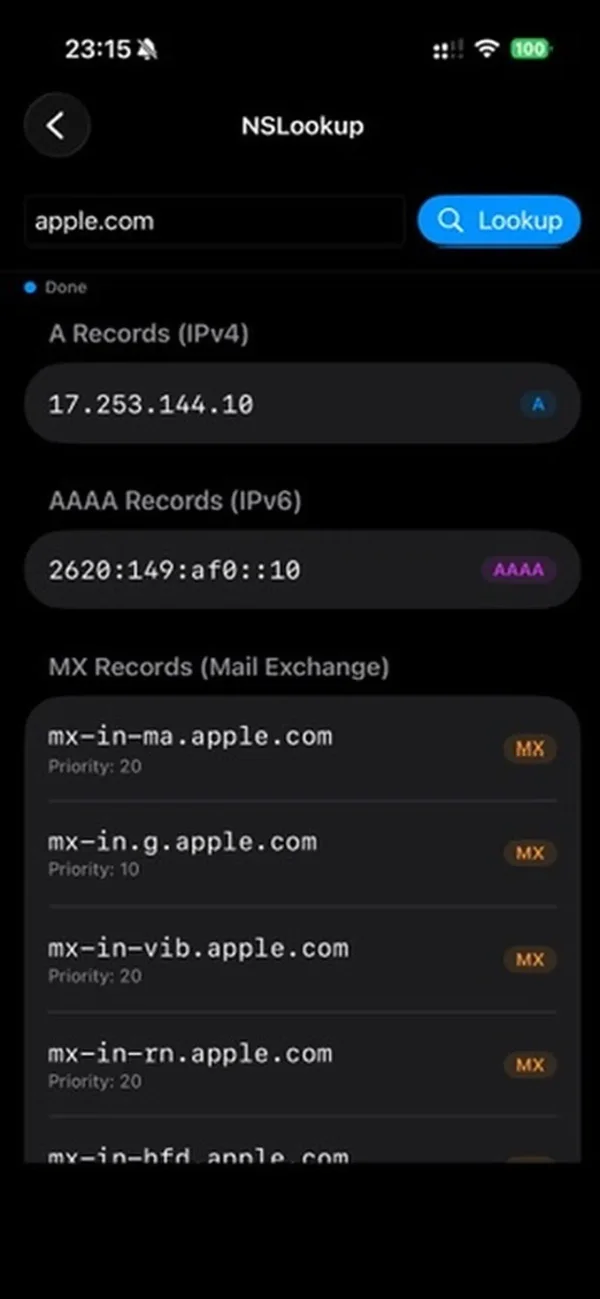
• NSLookup — any DNS record type
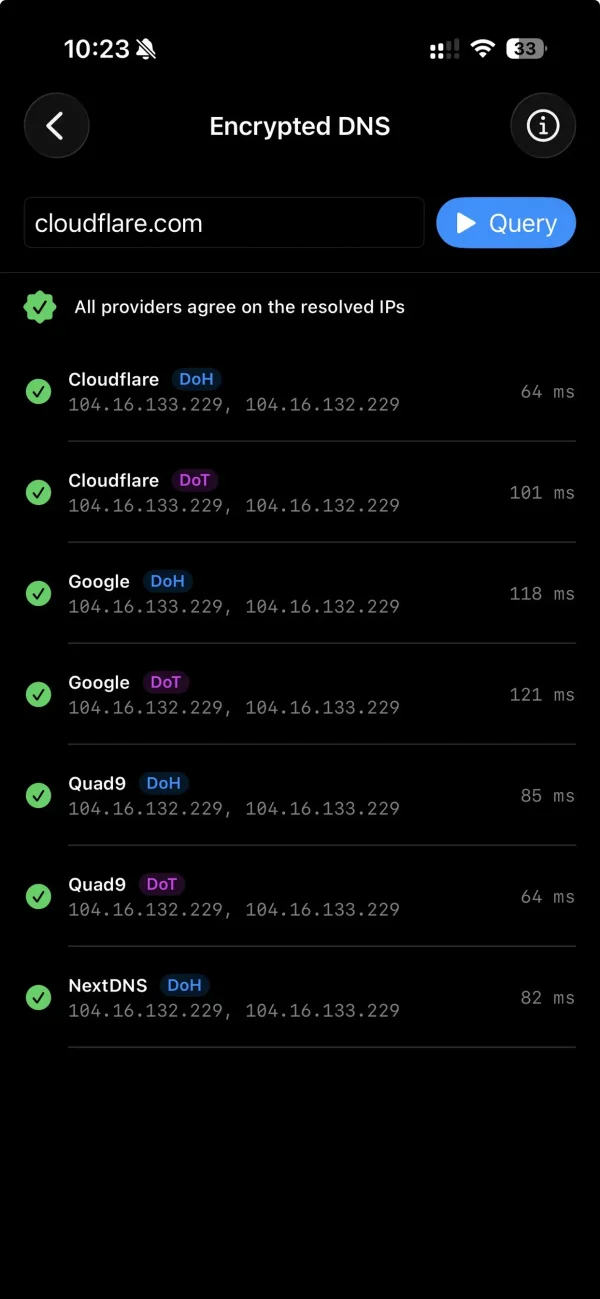
• Encrypted DNS — DoH and DoT across Cloudflare, Google, Quad9 and NextDNS, compared
• Whois — registration data with parsed fields
• SSL Checker — certificate chain and expiry dates
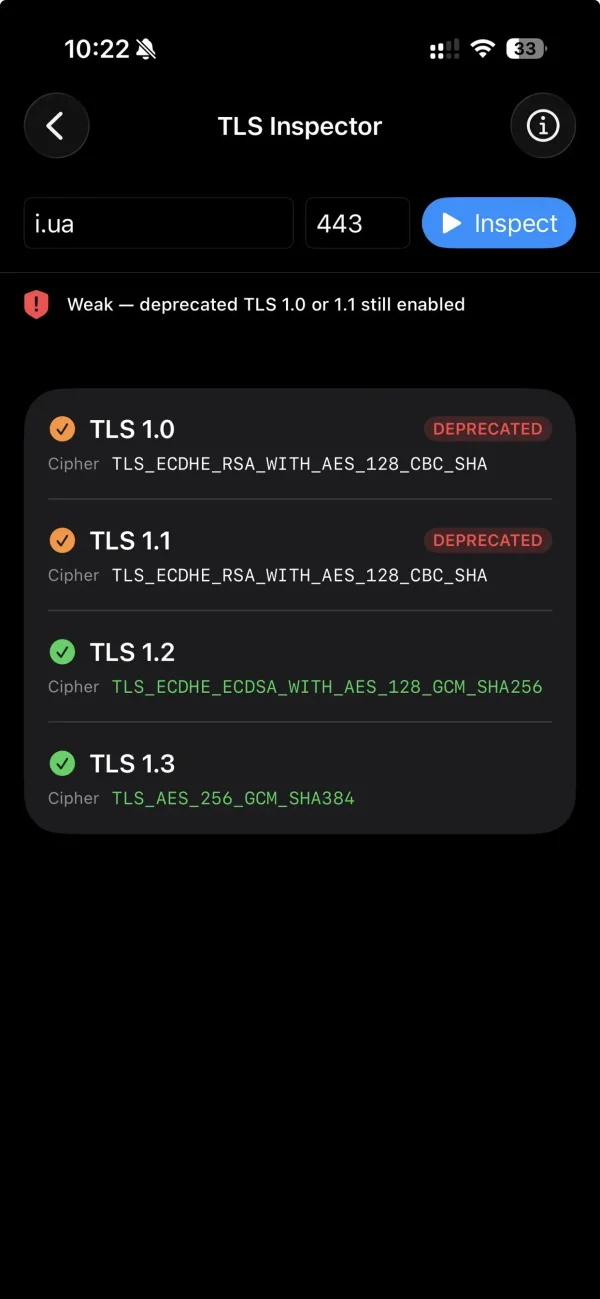
• TLS Inspector — which TLS versions and ciphers a server accepts
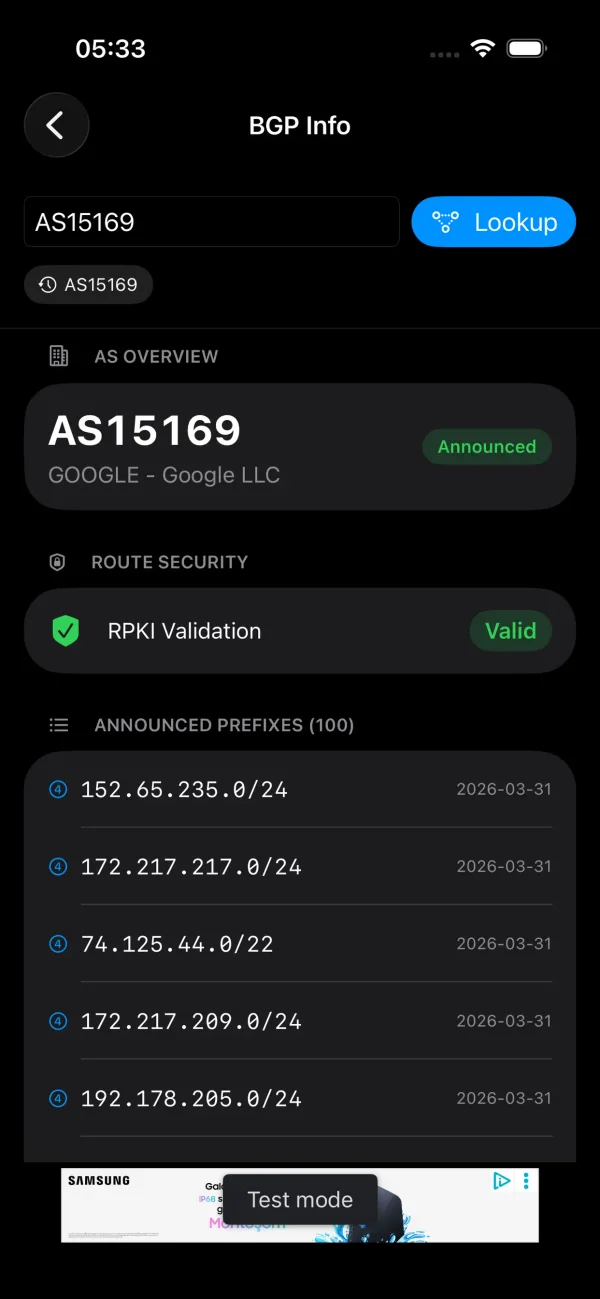
• BGP Info — AS, peers and announced prefixes for any IP
• Reverse DNS — the name behind an IP address
• HTTP Headers — every response header and the whole redirect chain
LOCAL NETWORK
• Wi-Fi Info — SSID, signal strength, IP details
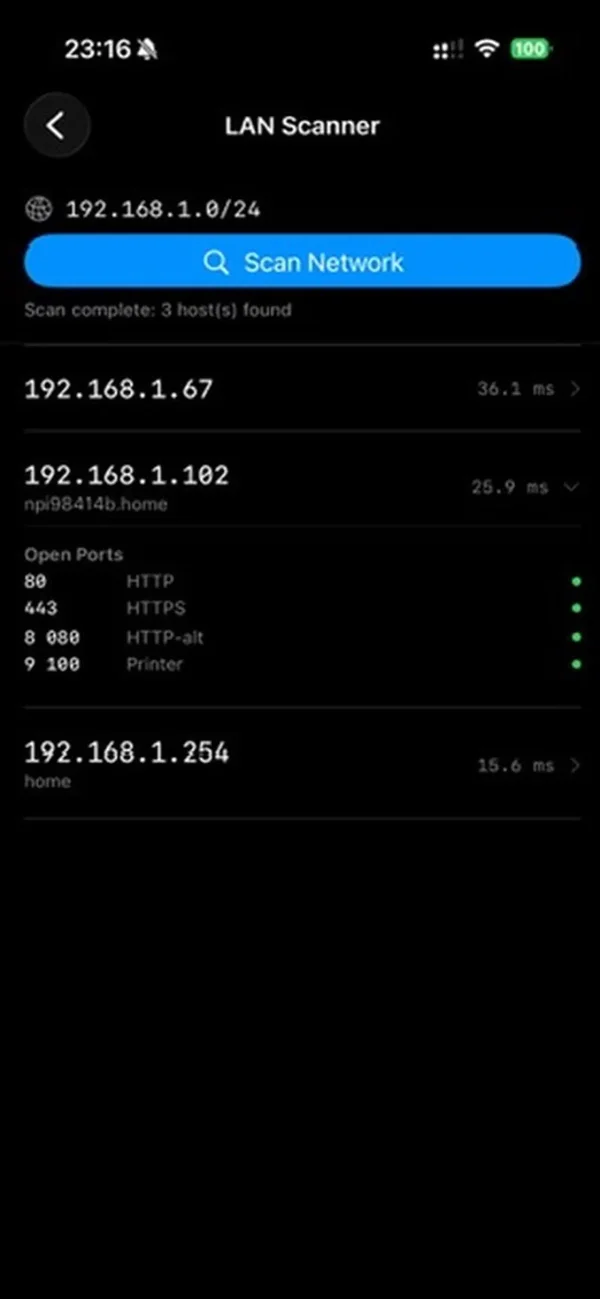
• LAN Scanner — every device answering on your subnet, with Wake-on-LAN
• Bonjour Browser — AirPlay receivers, printers, Chromecasts, HomeKit
• Port Scanner — open ports on a host
• STUN / NAT — public IP and NAT type for VoIP, gaming and peer-to-peer
• VPN Check — whether a VPN is active, your public IP and NAT type, and whether your DNS answers match an encrypted resolver
• IPv6 Check — connectivity, NAT64 / DNS64, v4 against v6
UTILITIES
• Subnet Calculator, IP Geolocation
• Network Passport — a shareable summary of the connection
• History — every diagnostic you have run
EVERY RESULT EXPORTS AS TEXT OR PDF
Text pastes into a support ticket or forum thread; a PDF attaches to a mail to your provider.
13 languages, Arabic with full right-to-left support. In-app help on every tool explains how to read the result.
Made for network engineers, sysadmins, gamers and anyone who has ever argued with their ISP.
No account. Results stay on your iPhone unless you share them. The app shows ads and collects usage analytics, like which tools you open, not what they measured. A one-time purchase removes ads.
Terms of Use (EULA): https://www.apple.com/legal/internet-services/itunes/dev/stdeula/
What’s new
Version 1.5 · Nov 26, 2026
NetDiag+ Pro is here — plus a faster way to see whether a slow connection is your network or the far end.
NetDiag+ Pro — monthly or yearly, with a 7-day free trial:
• Line Monitor watches your connection in the background and sends one alert when latency, jitter or loss starts to climb — so you catch the bad evening as it happens, instead of guessing later.
• Trends and full history — how your line behaves over time, day versus evening, with every past check kept.
• Exposure Check — which ports on your router are reachable from the public internet.
• More markets in Latency Dashboard — compare regions beyond your own.
• No ads.
Already bought the ad-free upgrade? You keep all of this, at no extra cost.
New for everyone:
• HTTP Headers now draws a timing waterfall for any address — DNS lookup, connect, TLS handshake, server response and download — and says in one line whether the wait is your network or their server.
• Health Score and Bufferbloat can now run with a VPN or a local filter app on: tap "Run anyway", and the result notes it was measured that way.
• Bufferbloat can produce a provider-ready report when the line itself is the weak link.
• Clearer wording about where delay builds up — including a note for when a slow Wi-Fi reading is really your own phone loading the line.
App privacy
What Dmytro Tishchenko declares on the App Store about how this app handles data.
-
Data used to track you
May be used to track you across apps and websites owned by other companies.
- Identifiers
- Usage data
-
Data not linked to you
May be collected but is not linked to your identity.
- Purchases
- Location
- Identifiers
- Usage data
Privacy practices may vary, for example with the features you use or your age.
Information
- Seller
- Dmytro Tishchenko
- Category
- Utilities
- Version
- 1.5
- Updated
- Nov 26, 2026
- Released
- Apr 12, 2026
- Size
- 11.9 MB
- Requires
- iOS 16.0 or later
- Age rating
- 4+
- Price
- Free
- In-app purchases
- Yes
- Languages
- English, Arabic, French, German, Italian, Japanese, Korean, Polish, Portuguese, Russian, Spanish, Turkish + 1 more
- Copyright
- © 2026 Dmytro Tishchenko
You might also like
-
 Bandly: 4G/5G Router SignalBoost your home router signal
-
 WiFi Coverage Survey & HeatmapSignal strength & speed test
-
 Remotify Pro TV Remote ControlYour remote, always charged
-
 AI Voice Recorder Pro: NotesSpeaker labels & AI summaries
-
 Ping OptAuto Ping & Speed Optimization
-
 ASABlockerPrivate browser, no ads
-
 NetDiagProfessional Network Toolkit
-
 TV Remote for Google & AndroidFor Samsung, LG, Roku, Hisense
-
 Stud Finder and Beam DetectorScan walls for metal and wood
-
 zizaiTVRemotesmarter way to control your TV