
- Age rating4+
- CategoryUtilities
- DeveloperNicholas Boults
- Size4.4 MB
Links to the official App Store page
Download.org hosts no file of NetProbe: LAN Scanner. The button opens its official App Store page, published by Nicholas Boults. Listing last checked on Nov 22, 2026.
Screenshots
About
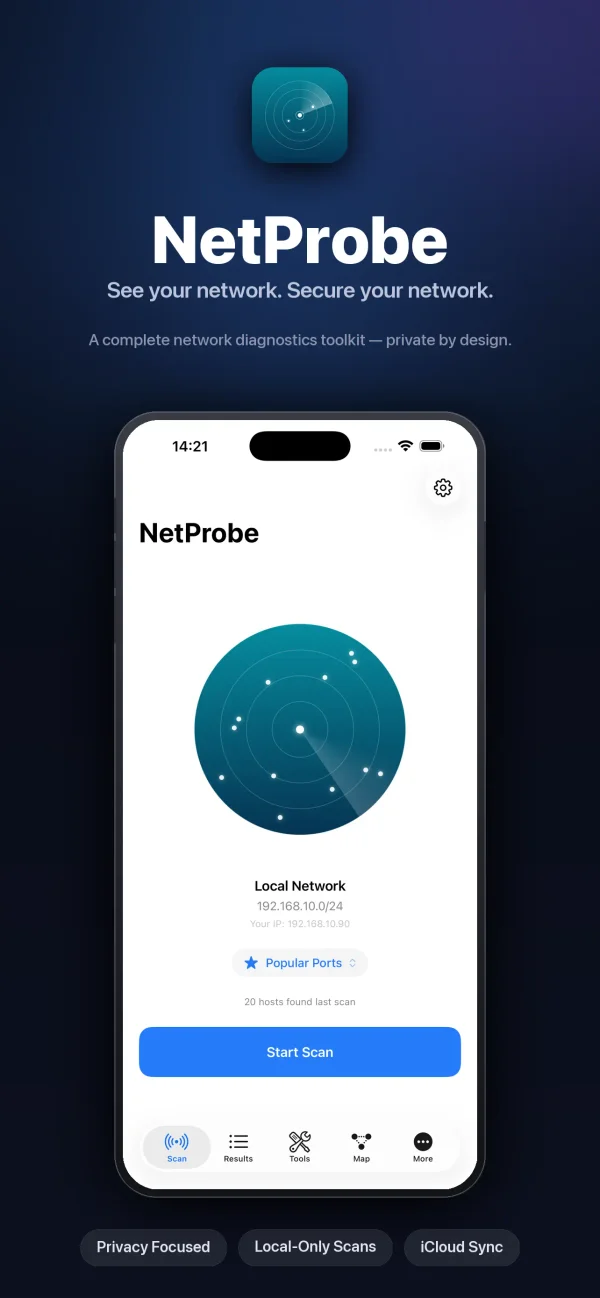
NetProbe turns your iPhone or iPad into a serious network diagnostics toolkit — the kind of thing IT pros keep on their laptop, now in your pocket.
DISCOVER YOUR NETWORK
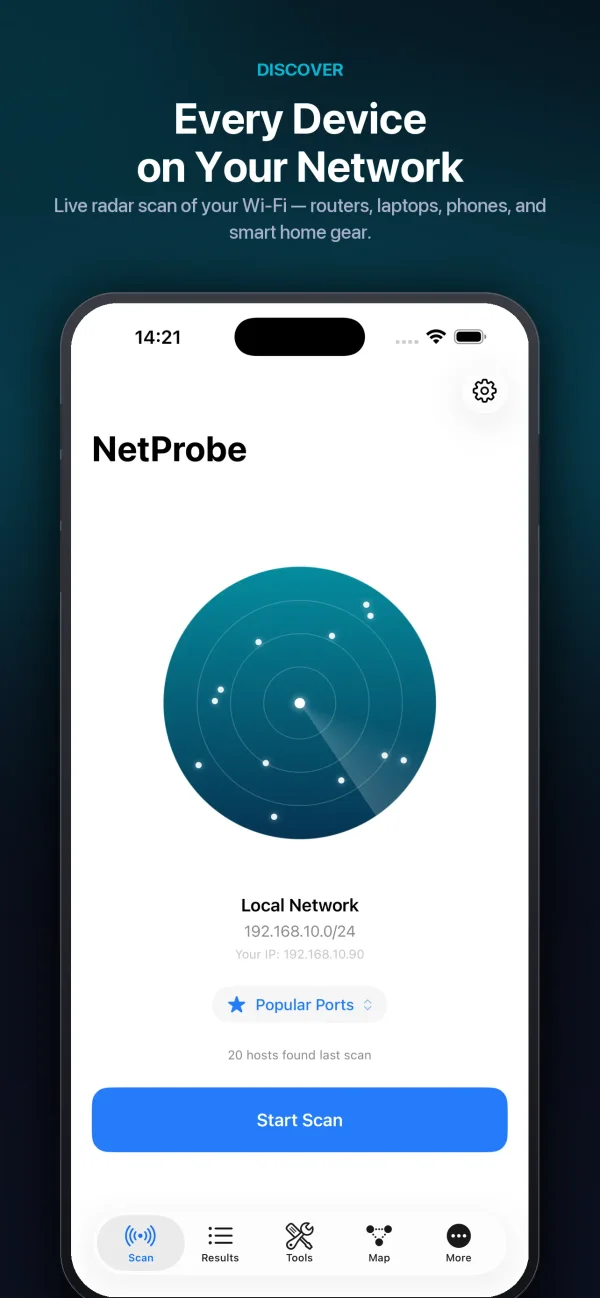
Scan your Wi-Fi to find every device connected to it — routers, laptops, phones, smart TVs, printers, and smart home gear. NetProbe identifies device vendors, MAC addresses, and open ports using standard, sandbox-safe techniques (ARP, mDNS/Bonjour, SSDP).
SEE IT MAPPED OUT
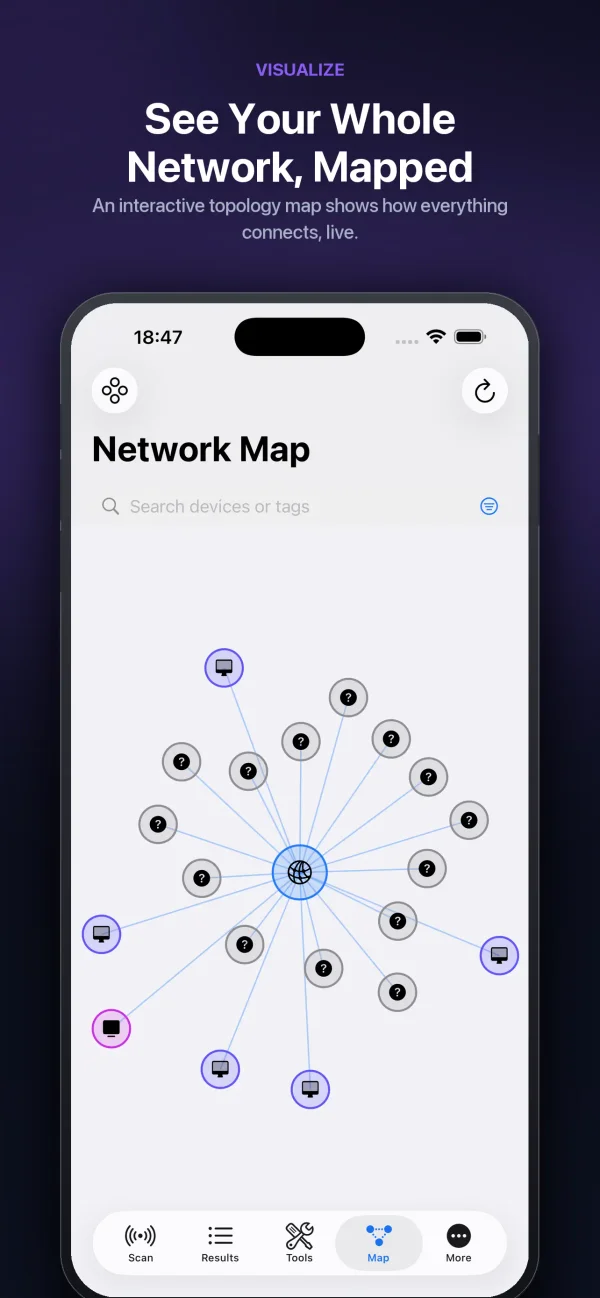
An interactive network topology map shows how every device connects, with search, filtering, and live status — so you can actually see your network instead of guessing at it.
KNOW WHAT'S EXPOSED
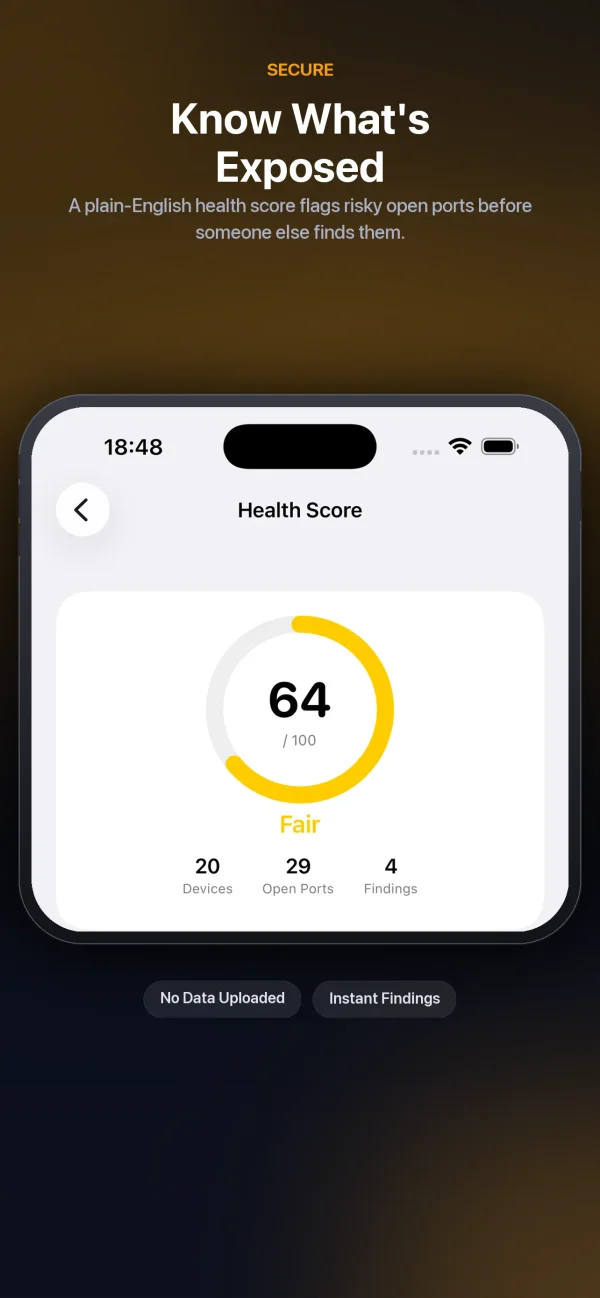
A plain-English health score flags risky open ports, weak TLS certificates, and other signals before someone else finds them — turning a scan into an actual security checkup.
A COMPLETE TOOLKIT
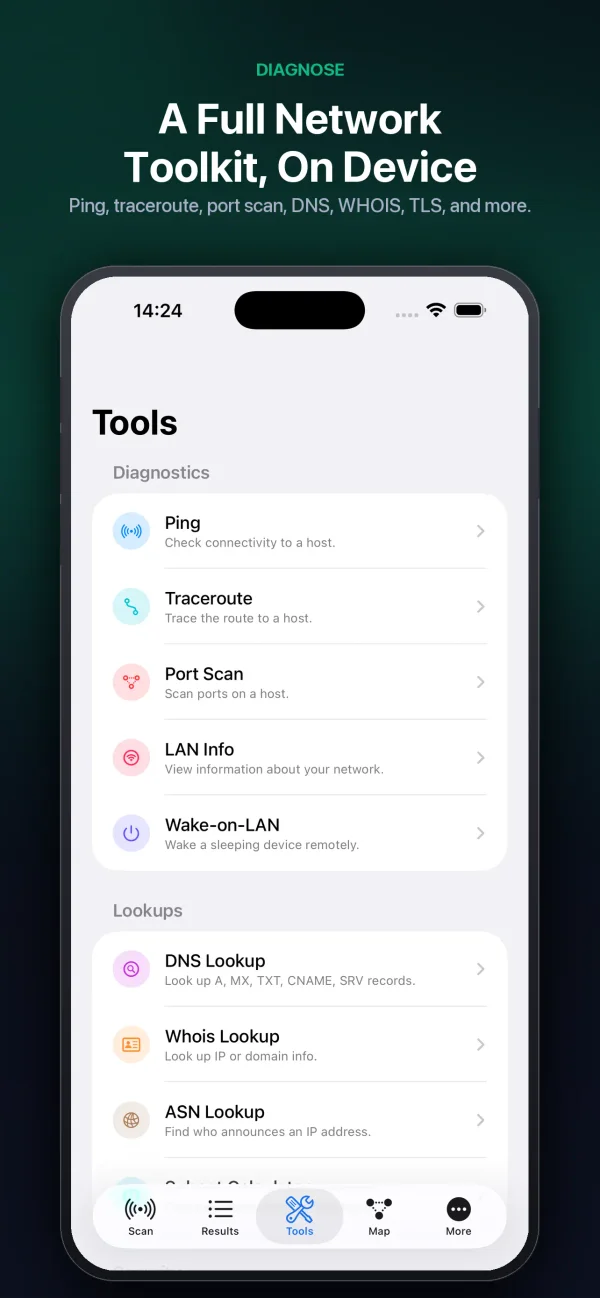
• Ping — check connectivity to any host
• Traceroute — trace the route to a host, hop by hop
• Port Scan — scan common or custom TCP ports
• DNS Lookup — A, MX, TXT, CNAME, SRV records
• WHOIS Lookup — domain and IP registration info
• ASN Lookup — find who announces an IP address
• Subnet Calculator — CIDR ranges at a glance
• TLS Certificate Inspector — check expiry, chain, and strength
• HTTP Header Inspector — see exactly what a server returns
• Website Security Check — headers, HSTS, CSP, and TLS in one pass
• Wake-on-LAN — wake a sleeping device remotely
• LAN Info — your IP, subnet, router, and Wi-Fi details
SAVE AND COMPARE
Every scan is saved to history automatically, so you can compare two scans and see exactly what changed on your network — a new device, a port that opened, a device that disappeared.
WIDGET & SHORTCUTS
Add the NetProbe widget to your Home Screen for an at-a-glance network summary, and use Siri Shortcuts to kick off a ping or quick scan hands-free.
PRIVATE BY DESIGN
NetProbe does not run its own servers and includes no ads, tracking, or analytics. Scan results and history are stored on your device. When iCloud Sync is enabled, history and saved devices sync through your private iCloud account using Apple CloudKit; the NetProbe developer cannot access that private data. You can manage iCloud Sync in Settings. Network discovery scans your connected local network; diagnostic tools contact the host or service you choose. Reports leave the app only when you export or share them.
NetProbe is for home users who want to understand their network, and for professionals who want real diagnostics without opening a laptop.
What’s new
Version 1.2.1 · Nov 15, 2026
Speed Test improvements: download and upload now run several parallel streams for a more accurate real-world reading, and recent results are saved so you can see how your connection changes over time.
App privacy
What Nicholas Boults declares on the App Store about how this app handles data.
-
Data not collected
The developer does not collect any data from this app.
Privacy practices may vary, for example with the features you use or your age.
Information
- Seller
- Nicholas Boults
- Category
- Utilities
- Version
- 1.2.1
- Updated
- Nov 15, 2026
- Released
- Sep 2, 2026
- Size
- 4.4 MB
- Requires
- iOS 18.0 or later
- Age rating
- 4+
- Price
- Free
- Copyright
- © 2026 Nicholas Boults
You might also like
-
 Network Scanner AnalyzerWi-Fi Device Discovery
-
 NetWho – Network ScannerInstantly scan your network
-
 Mochi NetProbeSee every device on your Wi-Fi
-
 PacketWake: Wake on LANWake PCs on your LAN
-
 PiParentSmart Pi-hole Management
-
 VPN Port Scanner NetworkScan ports and check network
-
 WiFi Analyzer: Network ScansCheck internet speed and ping
-
 EEVBlog 121GWUtilities
-
 Smart Home Playground AnalyzerWiFi & Matter Network Scanner