Netti: Modern Network Tools
VPN, Speed Test & Diagnostics
Designed for iPhone
Free · In-app purchases
- Age rating4+
- CategoryUtilities
- DeveloperYevhen Don
- LanguagesEnglish
- Size130.3 MB
Links to the official App Store page
Download.org hosts no file of Netti: Modern Network Tools. The button opens its official App Store page, published by Yevhen Don. Listing last checked on Nov 29, 2026.
Screenshots


About
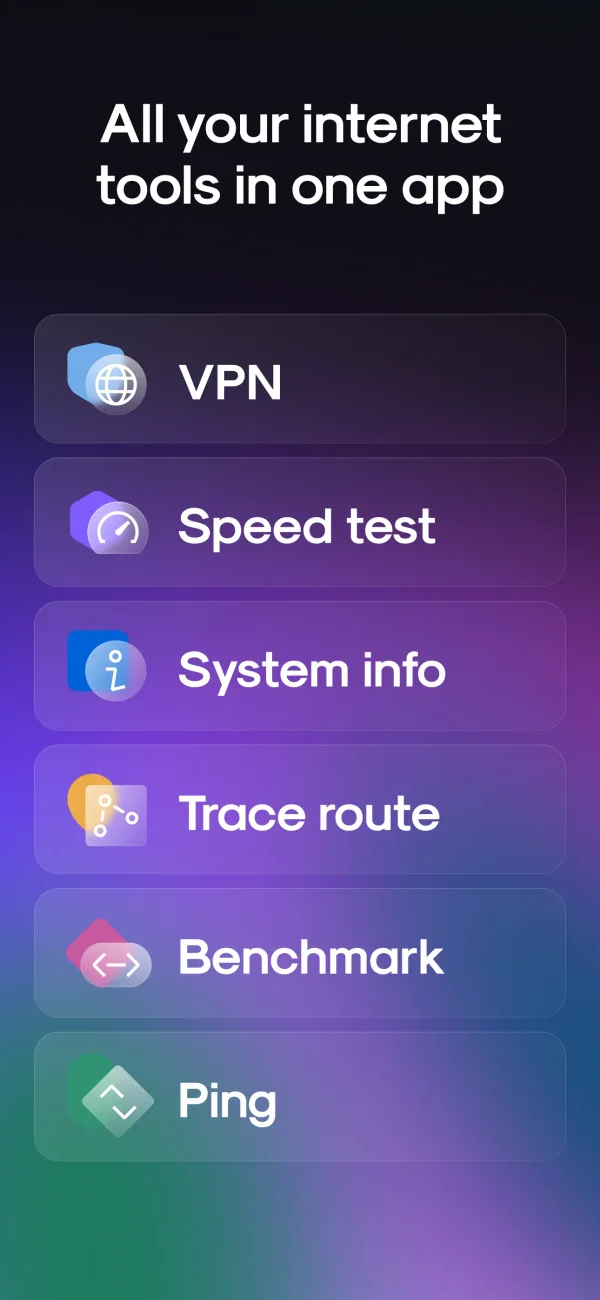
Netti is a modern network utility where technology and design come together. Powerful networking tools no longer have to feel complicated — Netti makes them accessible, intuitive, and genuinely pleasant to use.
Analyze your network, test its performance, and understand how your device connects to the internet. Monitor Wi-Fi, Cellular, Ethernet, VPN, and iCloud Private Relay, verify IP masking, identify your ISP, and discover the external IP address used by each connection.
Netti can also monitor your connection in the background. Internet Connectivity Checker detects when internet access is lost or restored, Security Network Checker tracks VPN and iCloud Private Relay protection, and Network Status Checker monitors changes between Wi-Fi, Cellular, and Ethernet.
1. VPN
Secure, private, and now even harder to detect.
Netti VPN helps protect your internet connection while giving you more privacy and control. Seamlessly integrated with Netti's network analysis tools, it lets you monitor your connection, verify IP masking, and check your external IP address.
Stealth VPN
Go beyond traditional VPN protection. Stealth mode helps bypass restrictions imposed by internet providers and censorship systems while making VPN usage significantly harder to detect.
Kill Switch
Take greater control of your connection by routing app traffic through the VPN and isolating your device from the local network, helping prevent unintended exposure.
2. Speed Test
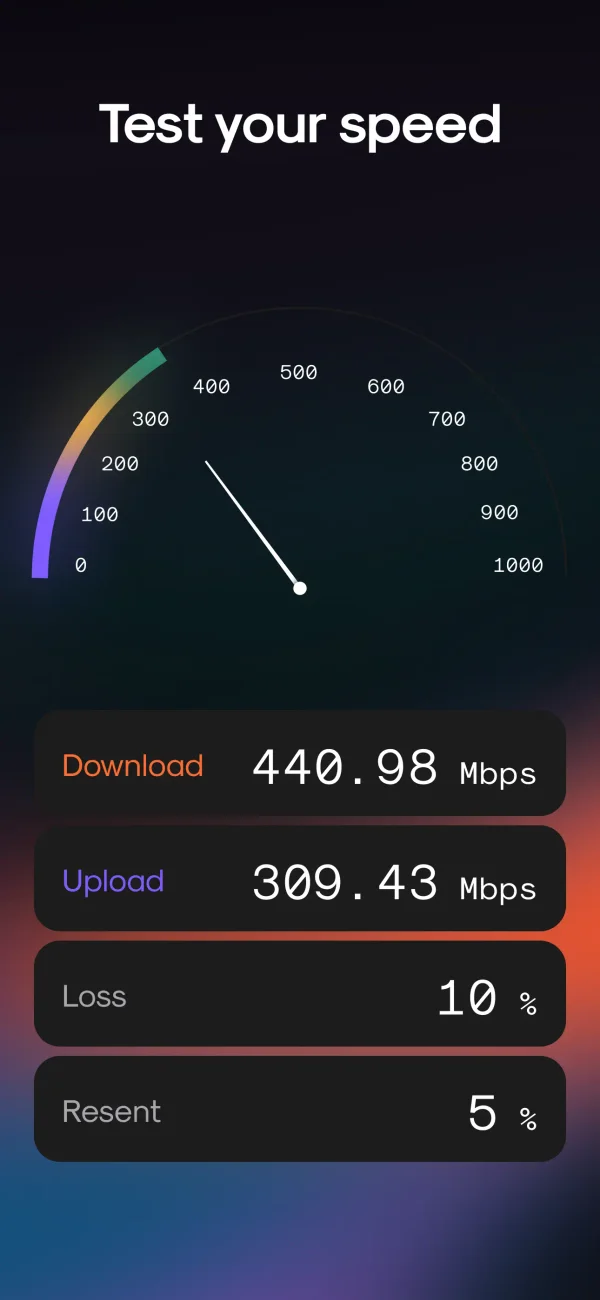
Speed Test gives you a clear and direct way to measure network performance. It helps you understand connection quality, throughput, latency, and responsiveness through both local network and external internet testing.
Local Network Testing
Measure how quickly devices exchange data within your local network. This helps reveal the real performance of your router, Wi-Fi or Ethernet connection, and connected devices — independently of your internet connection.
External Internet Testing
Measure real-world internet performance using a global network of public test servers. Netti currently provides access to 190 servers across 60 countries, giving you a broader view of your internet connection and its performance across different locations.
Premium Servers
For more consistent and reliable testing, Netti also includes a selection of Premium Servers. This feature is currently in preview and available to everyone.
3. System Transfer Benchmark
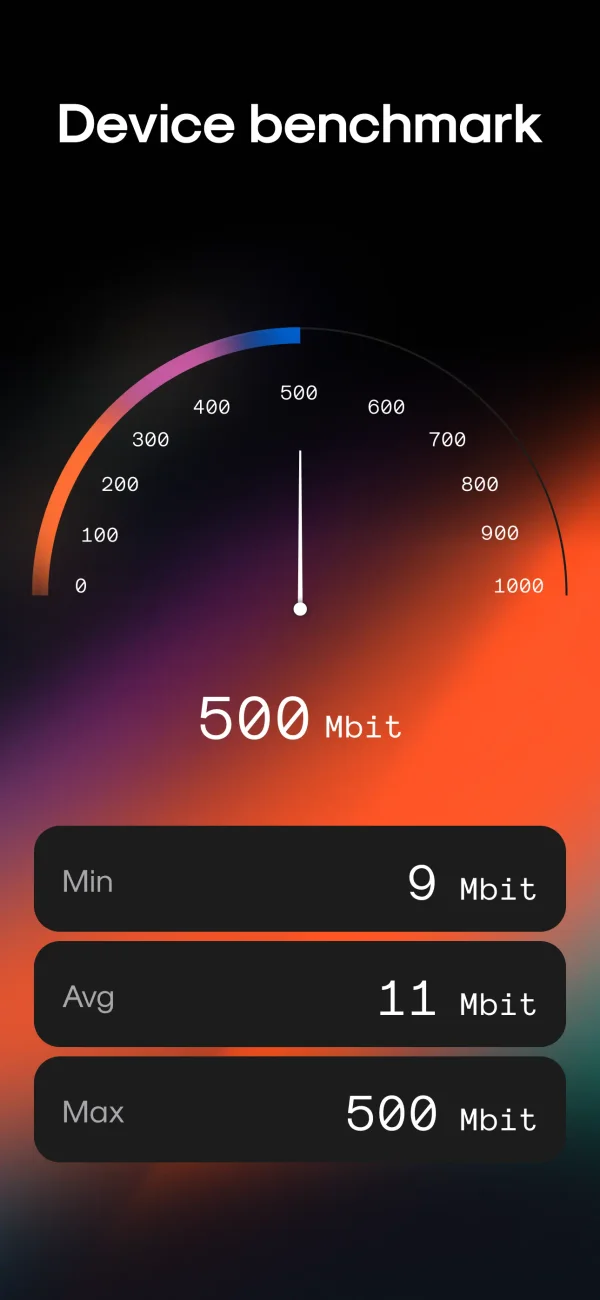
Measure your device's internal data-transfer performance without involving the network. This benchmark reflects the efficiency of your device's network stack, CPU, memory bus, and overall data path, making it useful for comparing device performance.
It can also help estimate the maximum transfer speeds your device can sustain under ideal network conditions, where the network itself is not the limiting factor.
4. Network Information
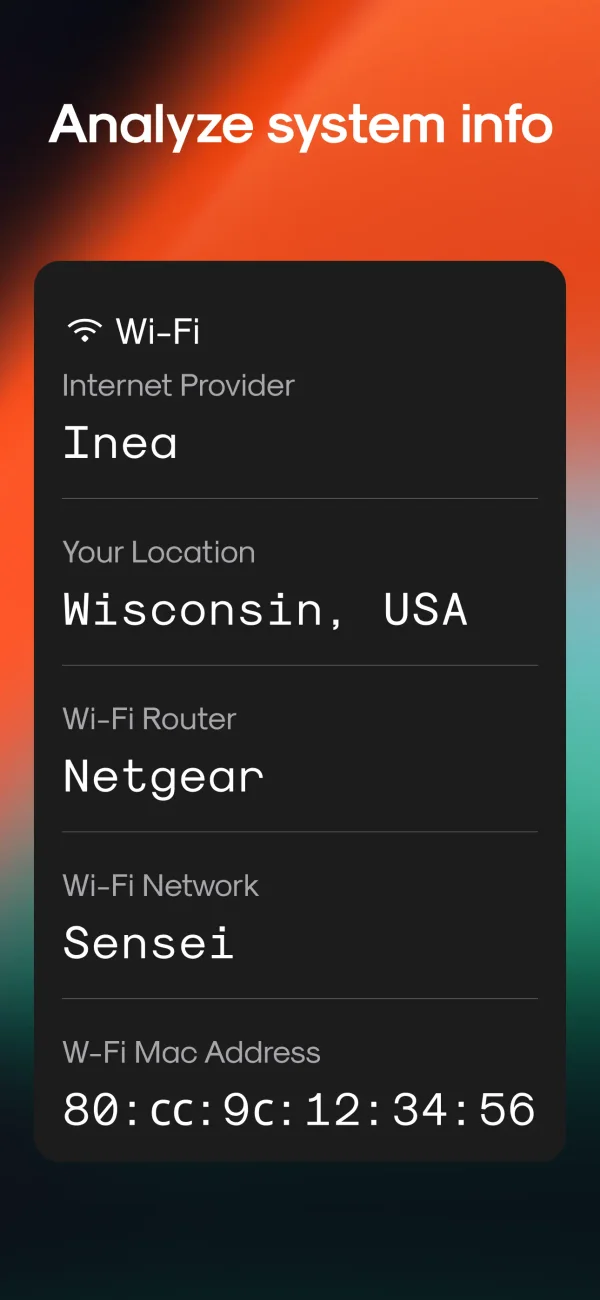
Get a detailed view of how your device connects to the network and the internet. Netti can also help verify whether VPN or iCloud Private Relay is active and whether your external IP address is being masked as expected.
Available information includes:
- Local IP address
- External IP address
- IP address location
- Internet Service Provider (ISP)
- Network equipment manufacturer, when available
Information can be analyzed across Wi-Fi, Cellular, Ethernet, VPN, and iCloud Private Relay connections.
5. Ping
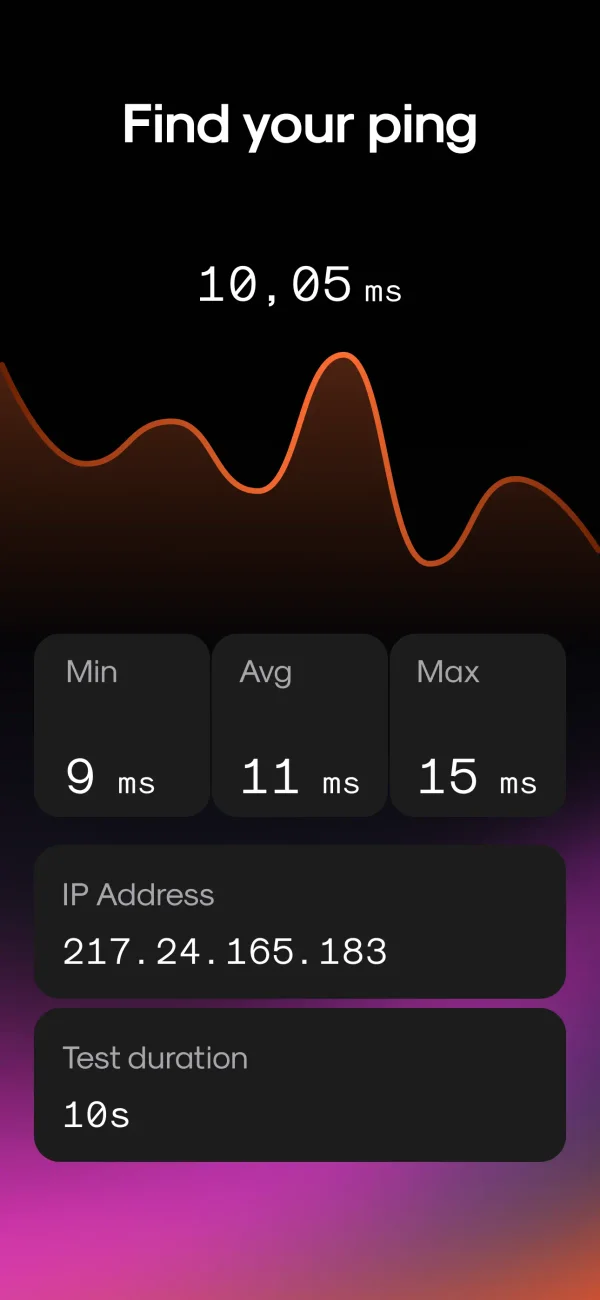
Check whether a server is reachable and measure its response time. Choose a test duration of 10 seconds, 30 seconds, 5 minutes, or indefinitely.
Results are available as either a visual graph or a detailed text log for deeper technical analysis.
6. Trace Route
See the path network packets take from your device to a remote server. Trace Route can help identify latency, packet loss, and problematic nodes along the route.
Results can be explored in two ways: visually on a map, or through a detailed text log for technical analysis.
Terms of Use (EULA): https://www.apple.com/legal/internet-services/itunes/dev/stdeula/
What’s new
Version 1.2.20 · Nov 28, 2026
A little more precision. A little more polish. :)
This update focuses on making Netti more stable, accurate, and responsive.
What's New:
• Improved overall app stability and background network monitoring.
• Improved Ping accuracy and Traceroute reliability.
• Fixed route visualization on the map.
• Improved System Transfer Benchmark accuracy and test cancellation.
• Fixed a potential crash when processing Speed Test results.
• Refined the subscription screen and improved button responsiveness.
Small details make a big difference.
More to come. :)
App privacy
What Yevhen Don declares on the App Store about how this app handles data.
-
Data not linked to you
May be collected but is not linked to your identity.
- Diagnostics
Privacy practices may vary, for example with the features you use or your age.
Information
- Seller
- Yevhen Don
- Category
- Utilities
- Version
- 1.2.20
- Updated
- Nov 28, 2026
- Released
- Apr 9, 2025
- Size
- 130.3 MB
- Requires
- iOS 18.0 or later
- Age rating
- 4+
- Price
- Free
- In-app purchases
- Yes
- Languages
- English
- Copyright
- © Eugene Don
You might also like
-
 VPN: Super Wind VPN ProSuper Fast VPN Proxy
-
 RapidTunnel VPNPrivacy-first VPN Suite
-
 VPN - Max VPN Pro MasterFast VPN connection, Unlimited
-
 YallaVPNFast & Secure VPN Proxy
-
 CumulusVPNPrivate VPN. No account.
-
 SecurQbit VPNFast, private VPN. One tap.
-
 FairyVPNUtilities
-
 Kappy VPNThe Most Secure & Fastest VPN
-
 VPN - Eagle MistUtilities
-
 WhaleVPN 2026Utilities