
Network Diagnotor
Speed Test, Ping, Trace, DNS
Designed for iPhone, iPad, iPod touch
Free · In-app purchases
- Age rating4+
- CategoryUtilities
- Developer臻本科技
- LanguagesEnglish+ 19 more
- Size34.1 MB
Links to the official App Store page
Download.org hosts no file of Network Diagnotor. The button opens its official App Store page, published by 臻本科技. Listing last checked on Nov 13, 2026.
Screenshots



About
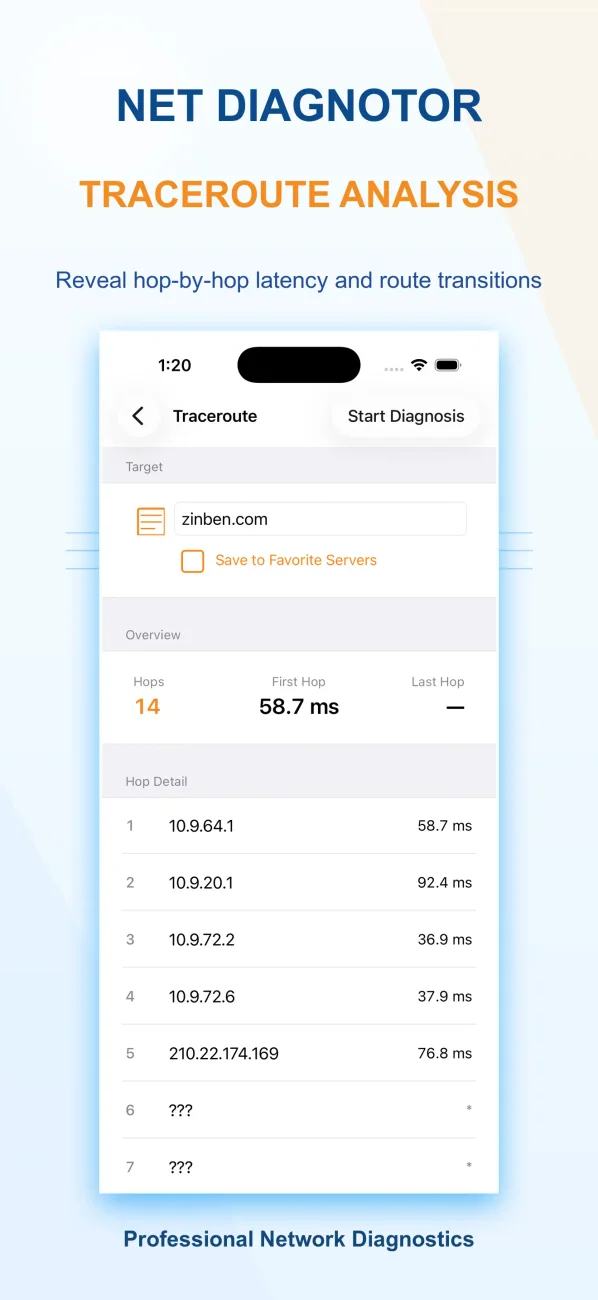
Network Diagnotor helps you see why the network feels slow, choppy, or drops — whether a work call stutters, a game disconnects, a video keeps buffering, or home/office Wi‑Fi is flaky. Use Speed Test, Ping, Traceroute, and DNS to tell if the snag is more likely your router, the ISP, or the service on the other end.
Open the app from a web link. Results appear as each step finishes. No sign-up; core checks run on-device.
Built for real situations
- Work & meetings: unstable calls, cloud docs, or remote desktop — check latency, loss, and DNS first
- Gaming: high ping or disconnects — use Ping / Trace to separate home Wi‑Fi from path or host issues
- Video & streaming: buffering or quality swings — measure speed and path (diagnostics only; not a booster)
- Everyday Wi‑Fi: hotels, campuses, rentals; sites that will not load; slow downloads
What you can do
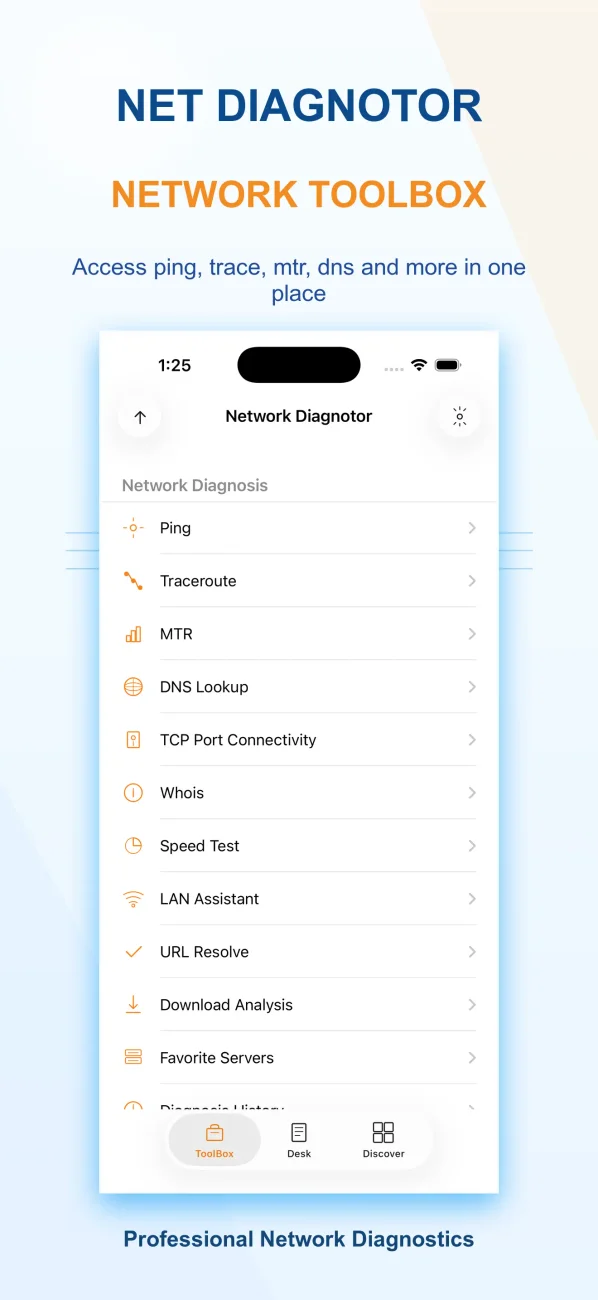
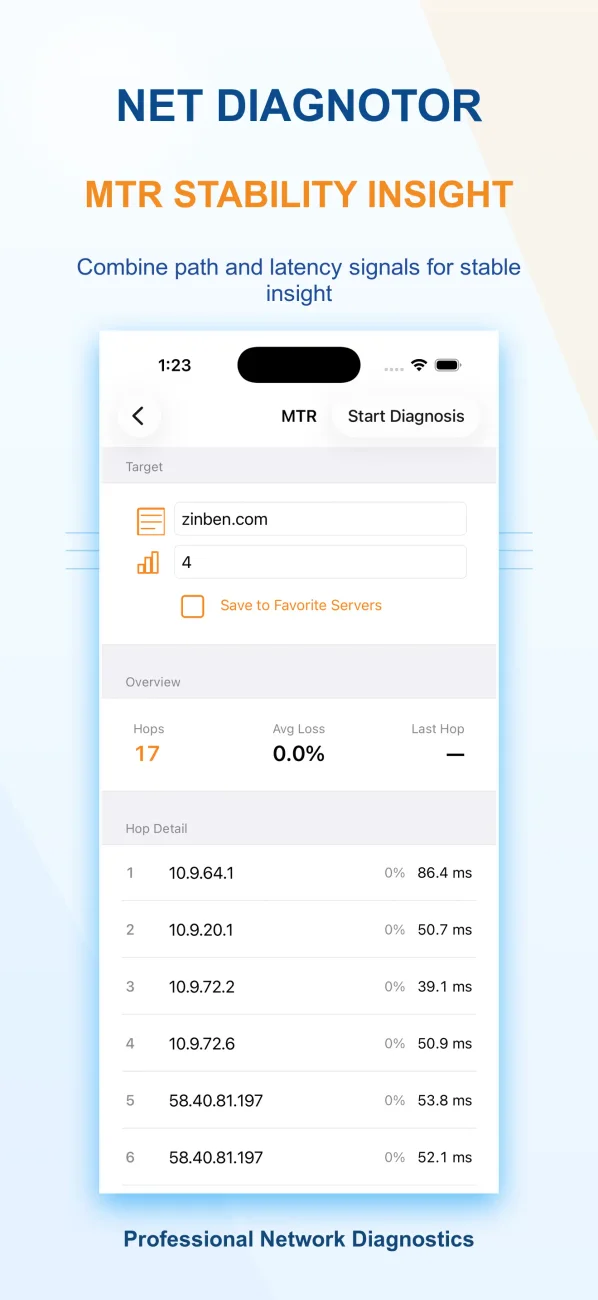
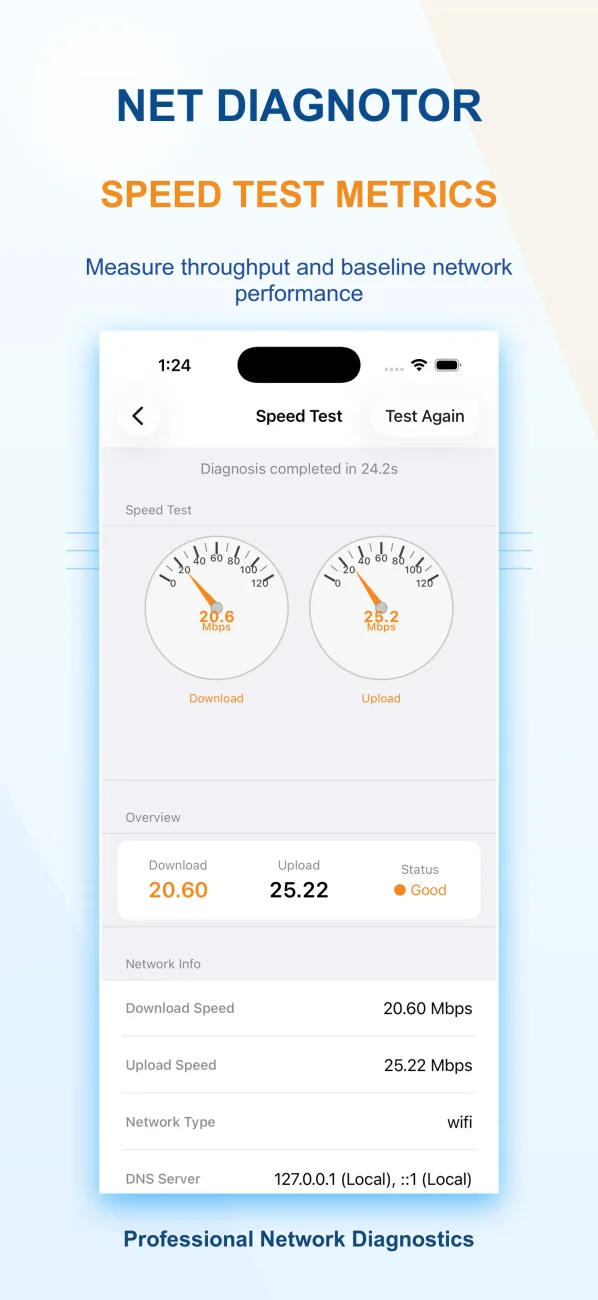
- Full toolkit: Ping / Traceroute / MTR / DNS / TCP port / Whois / Speed Test
- Task Desk: save recurring checks and re-run before a match or a meeting
- Monitor check: a quick pass on whether the network is fit to keep going
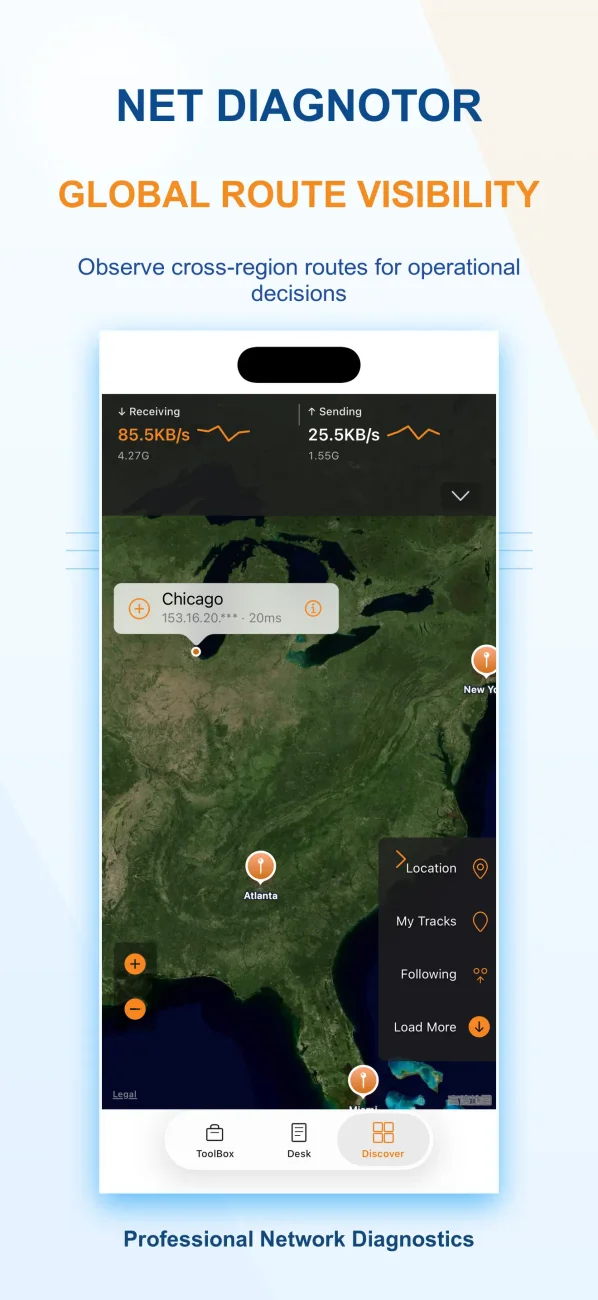
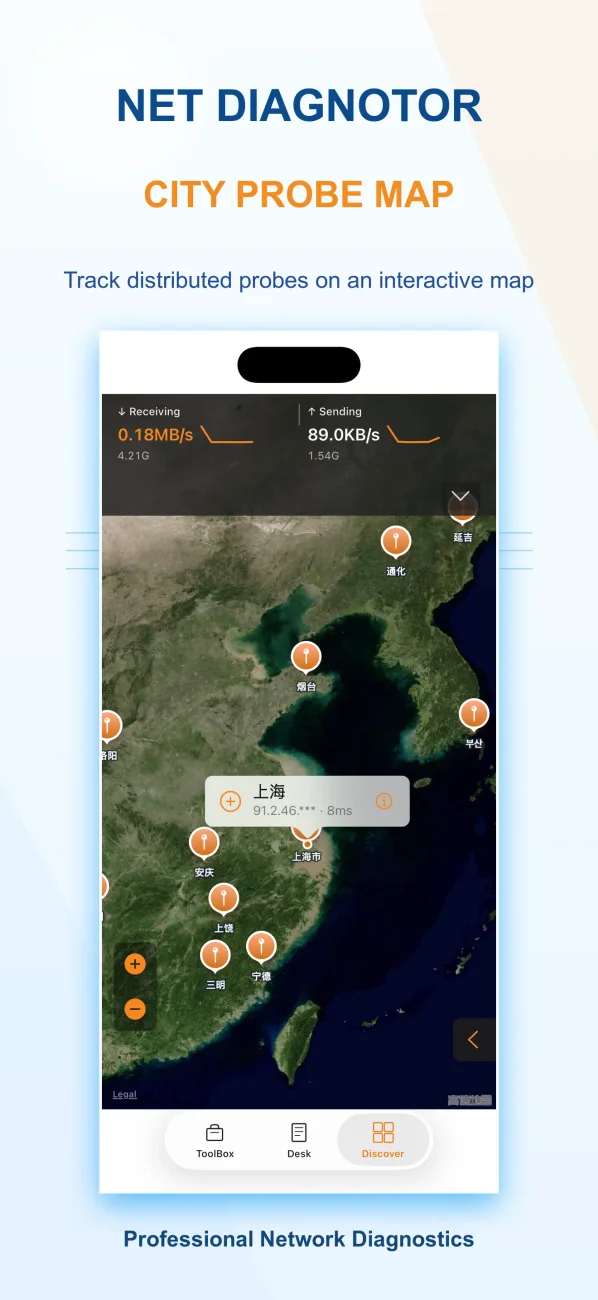
- Discovery map: centers on your device IP with probe points and city entry
- Advanced: URL Resolve, Download Analysis, LAN Assistant (tiered)
- Privacy: self-service deletion under Settings → Privacy (DSR)
Membership (matches in-app copy)
- Free: Ping, Traceroute, DNS, port check, Whois, Speed Test, device info, QR, and other basics
- Basic: adds MTR, URL Resolve, Download Analysis, and LAN Assistant
- Pro: favorite servers, diagnosis history, ad-free, unlimited tasks, export reports, priority support
- Tip: support ongoing development
Notes
- This app diagnoses and troubleshoots; it does not accelerate networks, boost games, or enhance video quality
- Results depend on target hosts and network conditions; some hosts block Ping/Trace
- Some features need connectivity and system permissions
Terms & Privacy
- Terms of Use: https://api-net-diagnotor.zinben.net/legal/terms-of-service.en.html
- Privacy Policy: https://api-net-diagnotor.zinben.net/legal/privacy-policy.en.html
What’s new
Version 1.19 · Nov 11, 2026
This update:
1. Rewarded videos load more smoothly and benefits are claimed more reliably
2. Overall stability improvements
App privacy
What 臻本科技 declares on the App Store about how this app handles data.
-
Data used to track you
May be used to track you across apps and websites owned by other companies.
- Identifiers
-
Data not linked to you
May be collected but is not linked to your identity.
- Identifiers
- Usage data
- Diagnostics
Privacy practices may vary, for example with the features you use or your age.
Information
- Seller
- Zinben Technologies Co., Ltd
- Category
- Utilities
- Version
- 1.19
- Updated
- Nov 11, 2026
- Released
- Sep 10, 2016
- Size
- 34.1 MB
- Requires
- iOS 15.0 or later
- Age rating
- 4+
- Price
- Free
- In-app purchases
- Yes
- Languages
- English, Arabic, Cambodian, Dutch, French, German, Hindi, Indonesian, Italian, Japanese, Korean, Polish + 8 more
- Copyright
- © 2016 ZINBEN
You might also like
-
 Ping Network ScannerTraceroute, DNS & LAN scan
-
 NetPulse - Pro Network ToolsPing, MTR, DNS & Traceroute
-
 Best NetToolsA Good Network Utility
-
 DNS Benchmark: Speed TestPing Test & Network Optimizer
-
 Network UtilityNetwork tools made easy
-
 Bark - Custom NotificationsPrivacy-Protected Push Tool
-
 iNetTools - Ping,DNS,Port ScanBest Network Diagnosis App
-
 WiFi Password Map Wifi HotspotWifi Passwords on Map
-
 iDefNet VPN: Safe Proxy MasterFast and stable pro connection
-
 Ping - network utilityTest host reachability