
Network Scanner: Device Finder
WiFi & Bluetooth Detector
Designed for iPhone, iPad
Free · In-app purchases
- Age rating4+
- CategoryUtilities
- DeveloperAI APPS SRL
- LanguagesEnglish
- Size40.7 MB
Links to the official App Store page
Download.org hosts no file of Network Scanner: Device Finder. The button opens its official App Store page, published by AI APPS SRL. Listing last checked on Nov 25, 2026.
Screenshots
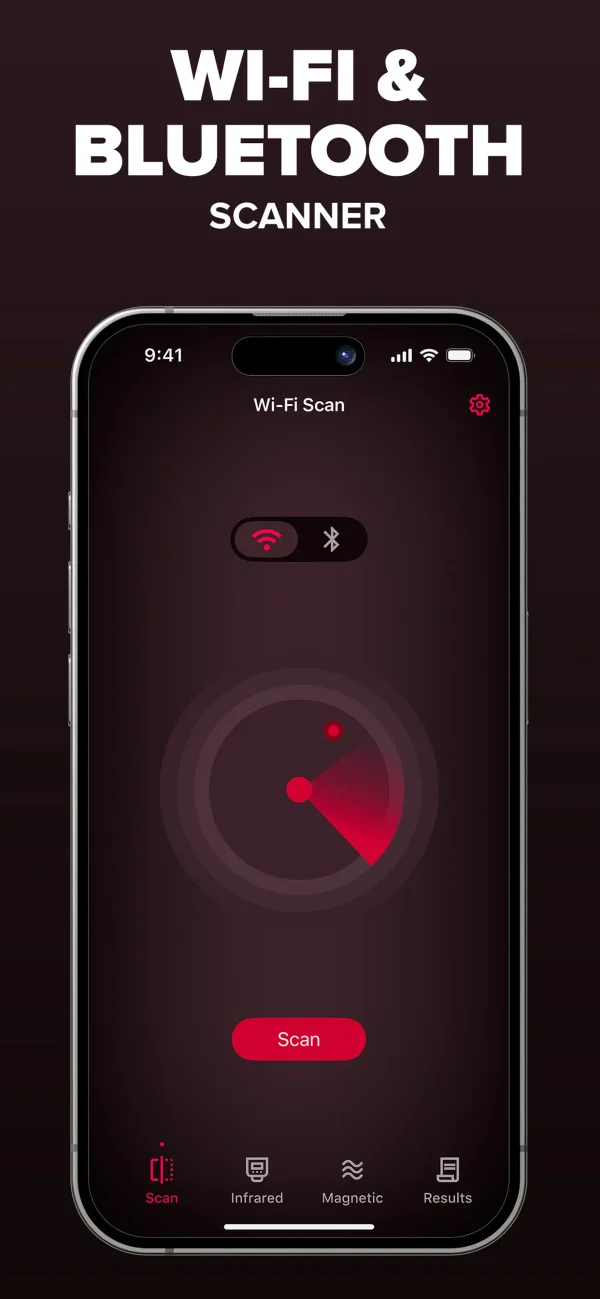
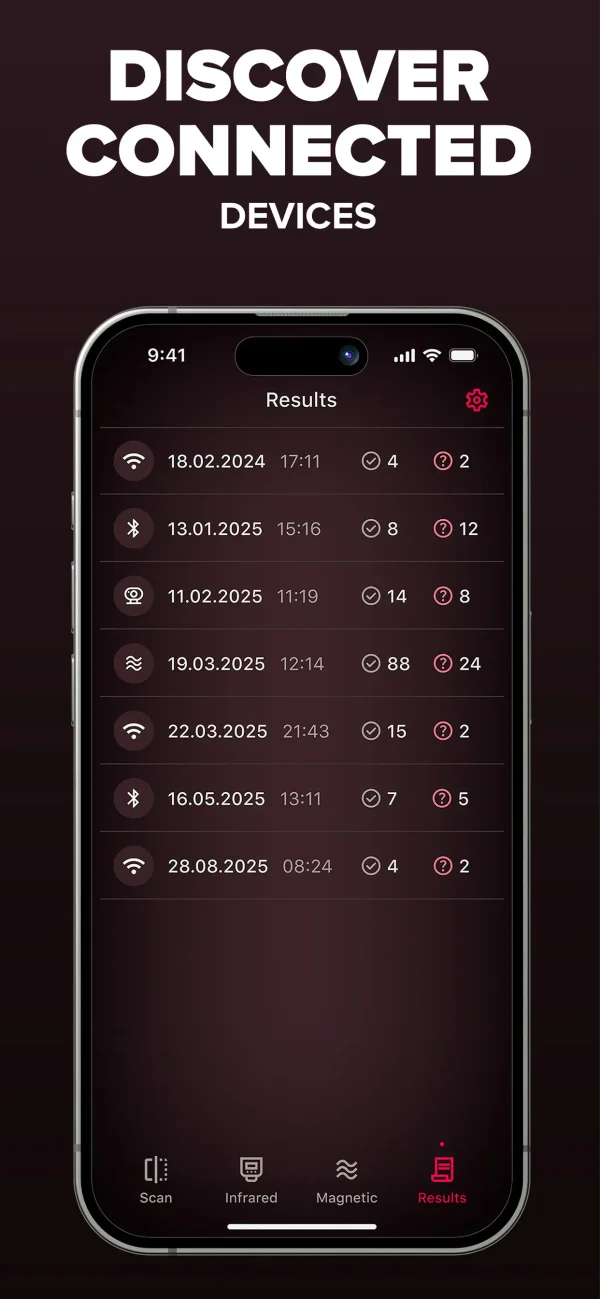
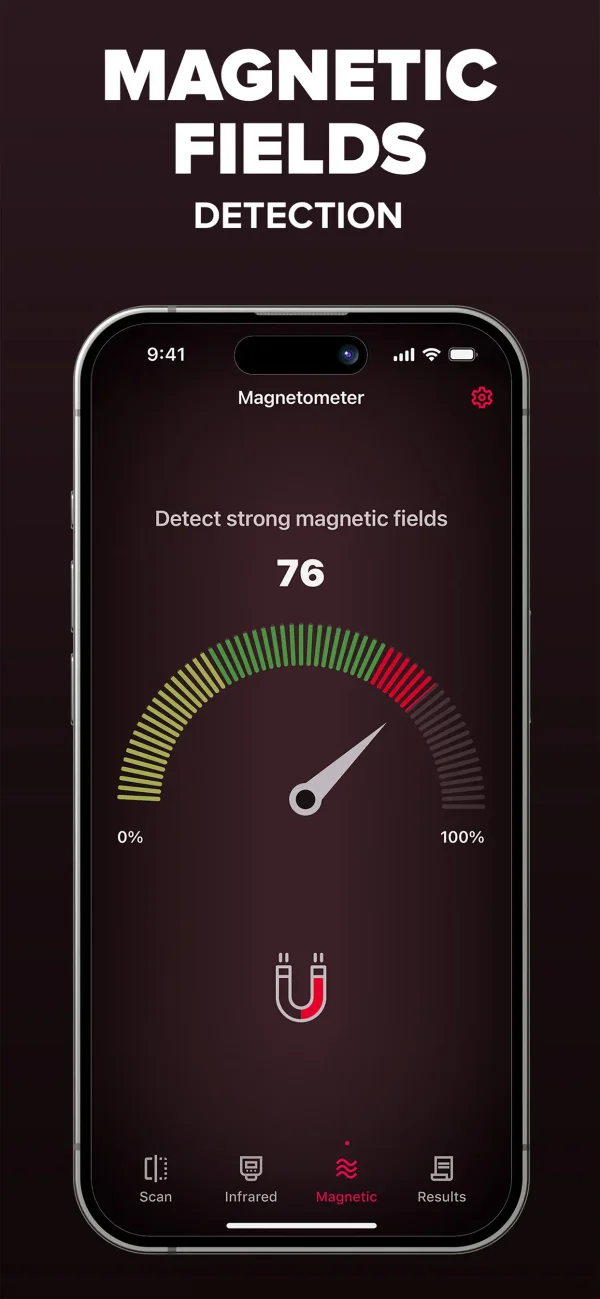
About
Network Scanner is a simple utility app that helps you explore your surroundings in fun and informative ways.
With a combination of Wi-Fi, Bluetooth, magnetic field, and camera filter tools, you can better understand the environment around you and feel more confident wherever you are.
What it does:
- Wi-Fi & Bluetooth Device Finder – Scan nearby connections to see what devices are around you.
- Magnetometer Sensor – Detect changes in magnetic fields using your phone's built-in sensor.
- Infrared Camera Filters – Apply unique filters (green, red, blue, and monochrome) to discover what your camera sees in different visual layers.
- Simple & Accessible – Easy-to-use tools, no technical knowledge required.
Why Use Network Scanner?
- Explore Your Environment – See what's connected, what's nearby, and how signals behave.
- Stay Curious – Use filters and sensors to view the world in a new way.
- Peace of Mind – Feel more aware of your surroundings when traveling or at home.
Try Network Scanner today and take control of your privacy.
Upgrade to Premium to enjoy an ad-free experience, Unlimited scanning, Advanced Device Identification
Subscription:
Payment will be charged to iTunes Account at confirmation of purchase. Subscription with a free trial period will automatically renew to a paid subscription. Subscription automatically renews unless auto-renew is turned off at least 24 hours before the end of the current period. Account will be charged for renewal within 24 hours prior to the end of the current period at the rate of the selected plan. Subscriptions and auto-renewal may be managed by going to Account Settings after purchase. You can cancel your subscription or free trial in the iTunes settings at least 24-hours before the end of the free trial period. The cancellation will take effect the day after the last day of the current subscription period and you will be downgraded to the free service.
Subscription options:
Week Price: $ 3.99
Lifetime: $ 59.99
Privacy policy: https://aiapps.com.co/privacy-policy/
Terms of use: https://aiapps.com.co/terms/
Contact: support@aiapps.com.co
What’s new
Version 2.5.3 · Nov 16, 2026
This update marks the first small step toward a more refined app. It brings small improvements for a smoother experience and lays the groundwork for a larger update we’re working on.
App privacy
What AI APPS SRL declares on the App Store about how this app handles data.
-
Data used to track you
May be used to track you across apps and websites owned by other companies.
- Identifiers
-
Data linked to you
May be collected and linked to your identity.
- Identifiers
-
Data not linked to you
May be collected but is not linked to your identity.
- Usage data
- Diagnostics
- Other data
Privacy practices may vary, for example with the features you use or your age.
Information
- Seller
- AI APPS S.R.L.
- Category
- Utilities
- Version
- 2.5.3
- Updated
- Nov 16, 2026
- Released
- Mar 8, 2024
- Size
- 40.7 MB
- Requires
- iOS 17.0 or later
- Age rating
- 4+
- Price
- Free
- In-app purchases
- Yes
- Languages
- English
- Copyright
- © Ai Apps
You might also like
-
 Hidden Spy Camera Finder Pro#1 Recommended Cam Scanner
-
 Hidden Camera Detector FindSpySpy Camera Scanner,Find Camera
-
 AntiLost - Clap to Find PhoneMy Device Finder & Spy Tracker
-
 #1 Hidden Camera DetectorDevice & Spy Cam Finder
-
 Hidden Spy Camera Detector AppDetect & Find Spyware Devices
-
 Spy Camera Scanner - SpyGuardHidden Cam & Spyware Detector
-
 Hidden & Spy Camera DetectorSpyCam Devices Finder App
-
 Cape: App to Pause ExcessTake Control of Screen Time
-
 Hidden Camera Detector,Spy 360Camera Finder: Device Scanner
-
 Device Detector: Wifi AnalyzerFind Hidden Devices On Network