- Age rating4+
- CategoryHealth & Fitness
- DeveloperNeurosmart Inc.
- LanguagesEnglish
- Size14.1 MB
Links to the official App Store page
Download.org hosts no file of Neurosmart. The button opens its official App Store page, published by Neurosmart Inc. Listing last checked on Nov 20, 2026.
Screenshots


About
Neurosmart works with the NeuroSmart sensor, a wearable that measures skin conductance (electrodermal activity, EDA), pulse, and movement, and shows those signals during training, work, and recovery. A live recording needs a NeuroSmart sensor.
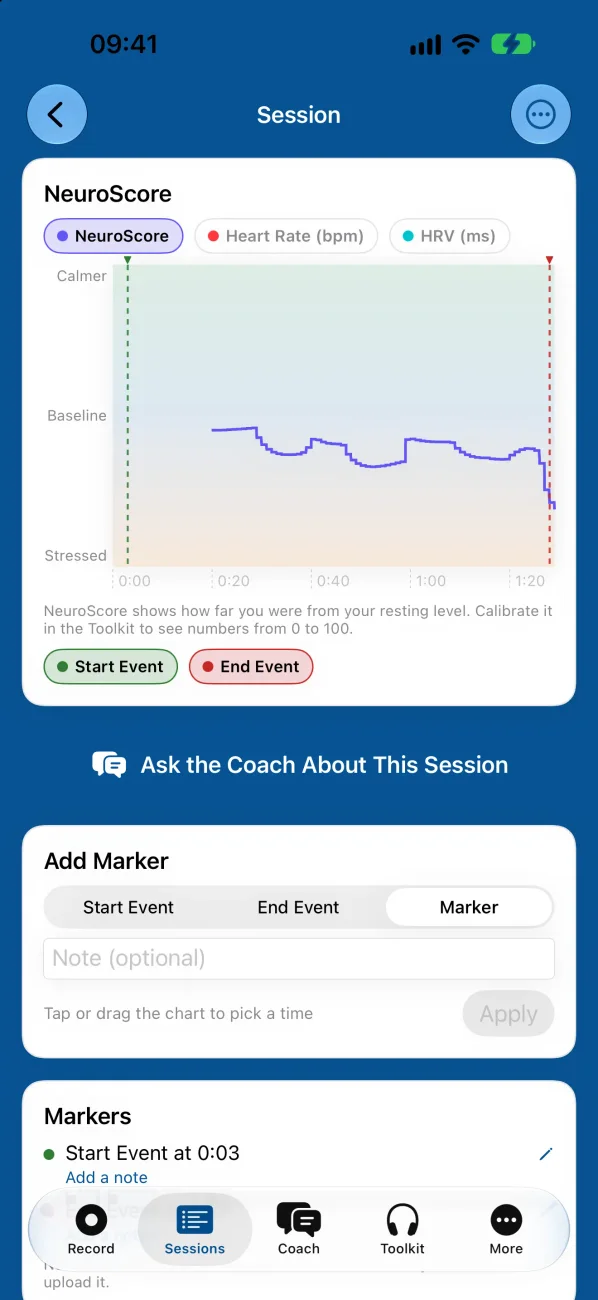
During a recording the app shows EDA, heart rate, and heart rate variability (HRV), together with the NeuroScore, a score from 0 to 100 that the iPhone calculates from the sensor signals with fixed formulas. Event buttons mark the start and end of a training scenario, a presentation, or a workout, and activity tags note what was going on. Optional video and audio recorded with the session let an athlete and a coach review the footage in sync with the signals.
Each saved session keeps its chart and markers. When a recording has Start and End events, the app also scores the periods before, during, and after the event.
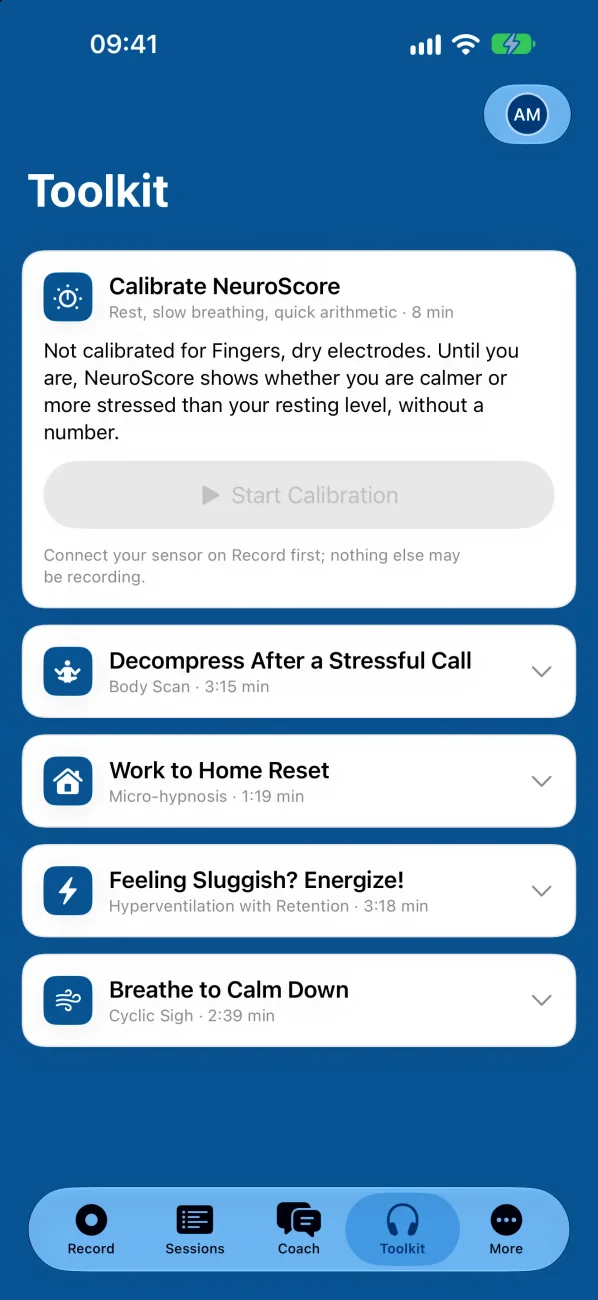
The Toolkit holds four short guided audio exercises for relaxation and focus: a body scan, a short reset between work and home, an energizing breathing exercise, and cyclic sighing. The audio keeps playing with the screen locked or while moving between tabs. With a sensor connected, the app records the exercise as a session and shows skin conductance at the start and end and the average heart rate.
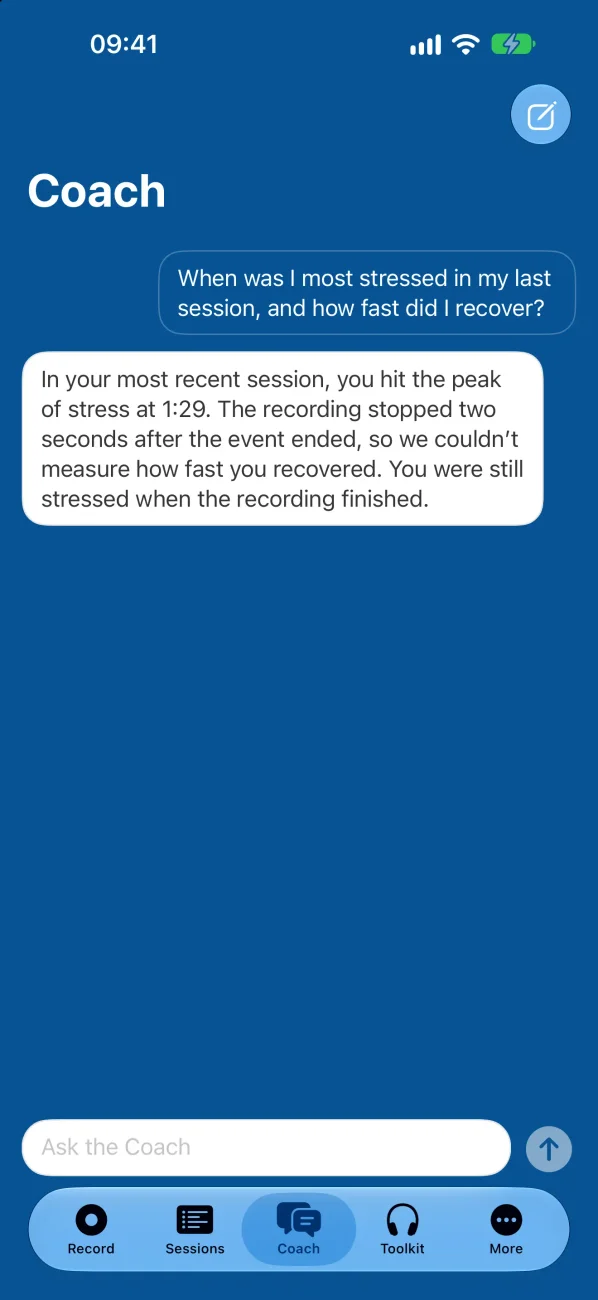
The Coach answers questions about your sessions, such as when stress rose and how fast you recovered, and about stress in general. It runs on Apple's on-device model, so your questions and data stay on the iPhone. It needs an iPhone with Apple Intelligence turned on.
Recordings stay on the iPhone unless you export or upload them. You can export a session through the share sheet or upload it to your Neurosmart account. With Save to Apple Health turned on in Settings, the app writes EDA, heart rate, HRV, and a breathing rate estimated from the pulse to Apple Health after each recording on the Record tab. It does not read Health data.
Settings > Test Mode > Simulated Sensor runs the app on simulated signals when no sensor is at hand. Test Mode sessions are never written to Apple Health.
Law enforcement academies, athletes, and teams use Neurosmart to see how the body responds during training and how the signals settle afterwards.
Neurosmart is a general wellness app for stress awareness, relaxation, and training. It is not a medical device and is not intended to diagnose, treat, cure, monitor, or prevent any disease or condition. Check with a doctor in addition to using this app and before making medical decisions.
App privacy
What Neurosmart Inc. declares on the App Store about how this app handles data.
-
Data linked to you
May be collected and linked to your identity.
- Health and fitness
- Contact info
- User content
- Identifiers
- Diagnostics
Privacy practices may vary, for example with the features you use or your age.
Information
- Seller
- Neurosmart Inc.
- Category
- Health & Fitness
- Version
- 27.0.0
- Updated
- Nov 13, 2026
- Released
- Nov 13, 2026
- Size
- 14.1 MB
- Requires
- iOS 17.0 or later
- Age rating
- 4+
- Price
- Free
- Languages
- English
- Copyright
- © 2026 Neurosmart Inc.
You might also like
-
 StudySync - Snyder LabHealth & Fitness
-
 LUCI CompanionConsumer Health Insights
-
 TummyTrail: Gut & IBS TrackerFood, Symptom & Poop Diary
-
 StudyU HealthStudy your health!
-
 nutribenchAI Nutrition from UCSB
-
 Train the MindHealth & Fitness
-
 NuanicHealth & Fitness
-
 The Path: AI for Mental HealthGet help. Achieve your goals.
-
 Mountain View TennisHealth & Fitness
-
 Workout Live - Heart Rate ZoneTreadmill & Gym HR Display