- Age rating4+
- CategoryEducation
- DeveloperDilrabo Abdullayeva
- LanguagesEnglish+ 2 more
- Size8.6 MB
Links to the official App Store page
Download.org hosts no file of NEXT LMS STUDENT. The button opens its official App Store page, published by Dilrabo Abdullayeva. Listing last checked on Nov 26, 2026.
Screenshots
About
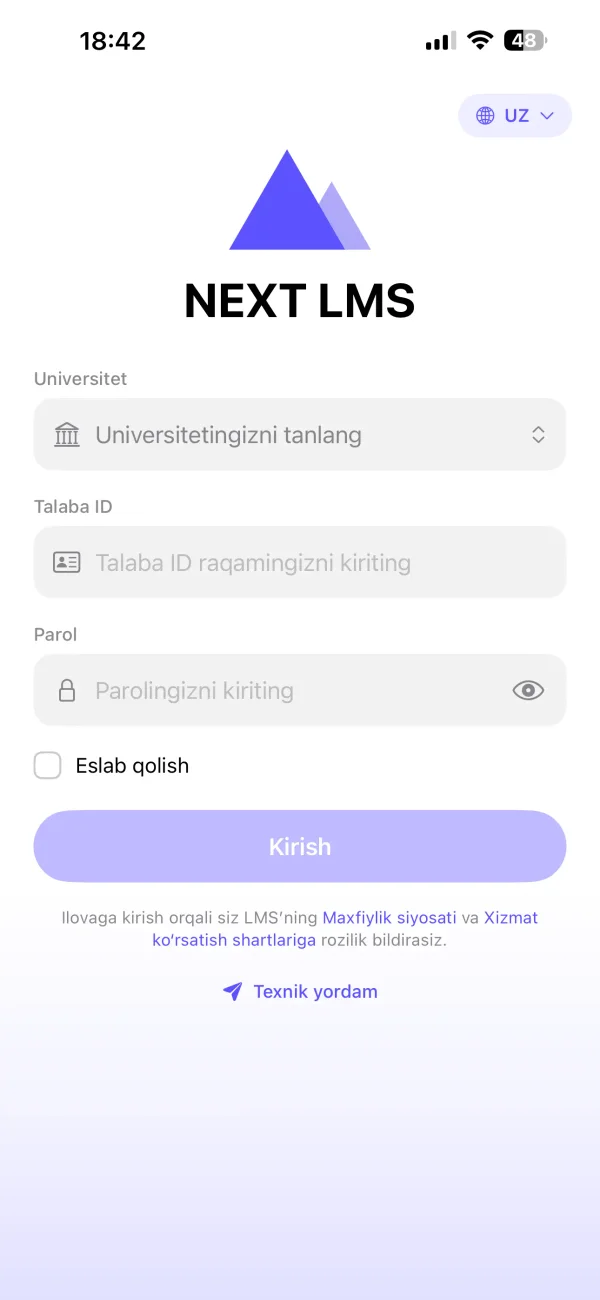
NEXT LMS is the student app for your university's learning system. Sign in with the student ID your institution gave you and everything is in one place.
WHAT YOU CAN DO
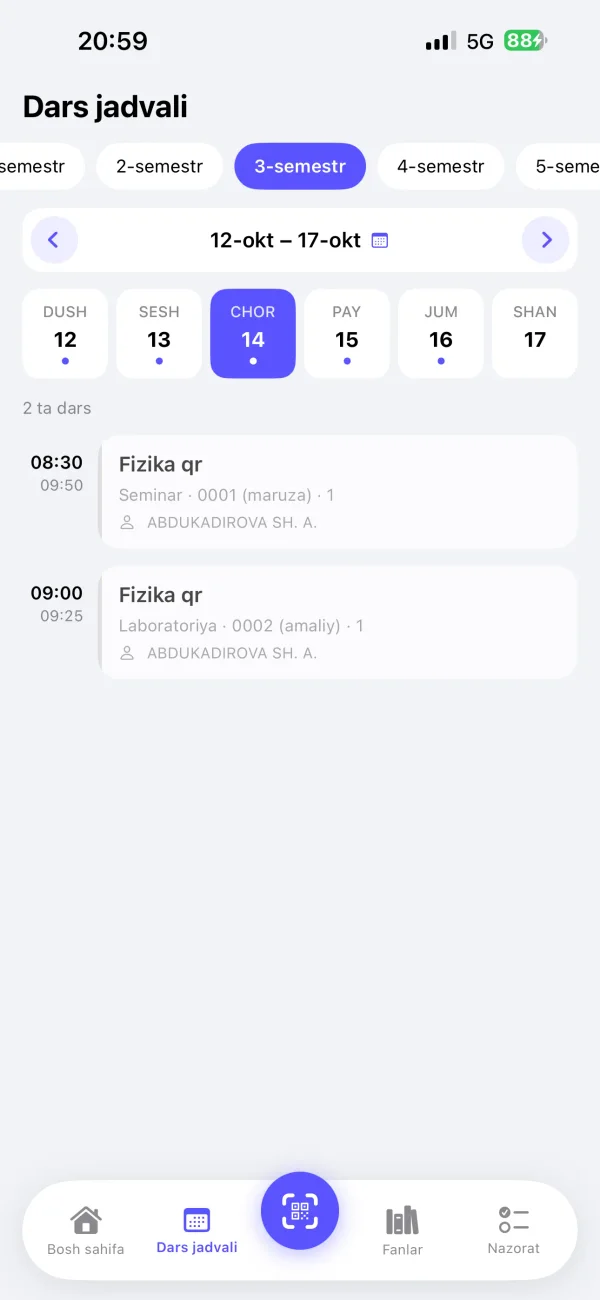
• Timetable — your week, lesson by lesson, with the room and the teacher.
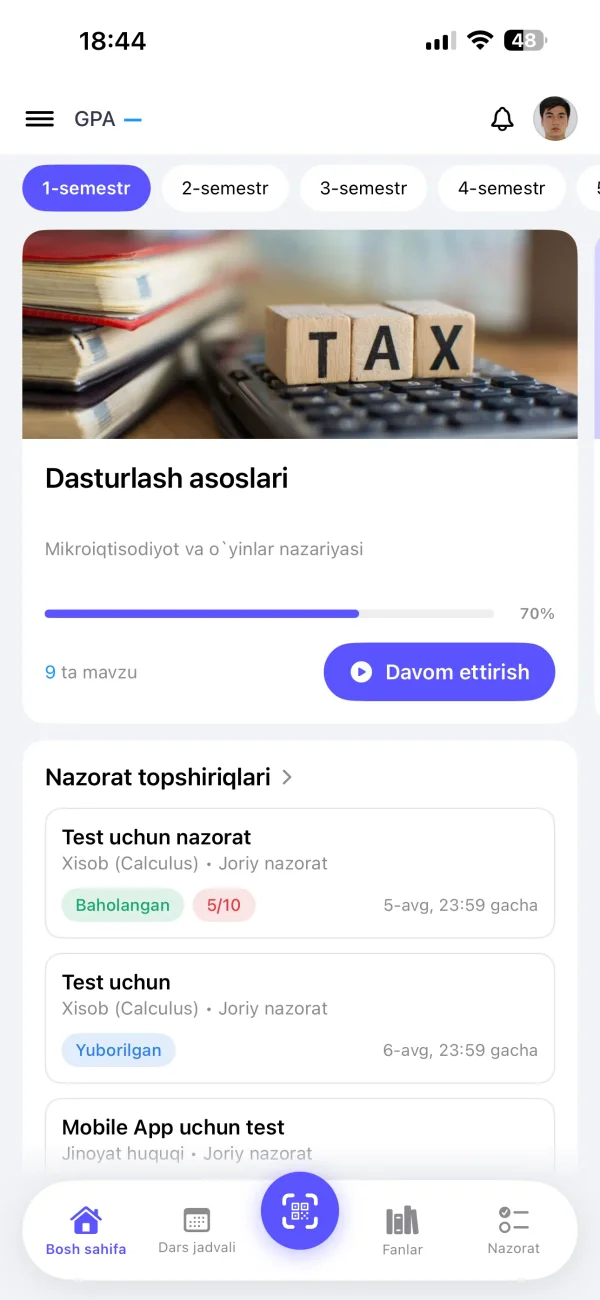
• Assignments — what is due, when, and what you were given for it.
• Grades and attendance — current scores, GPA and every lesson you attended.
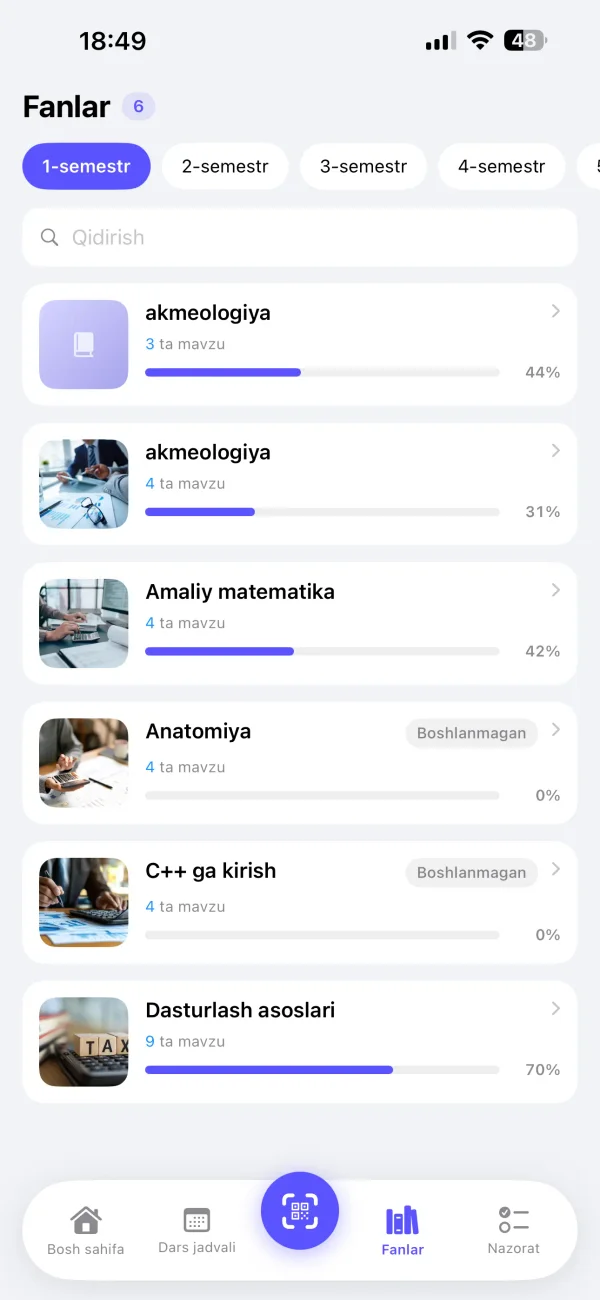
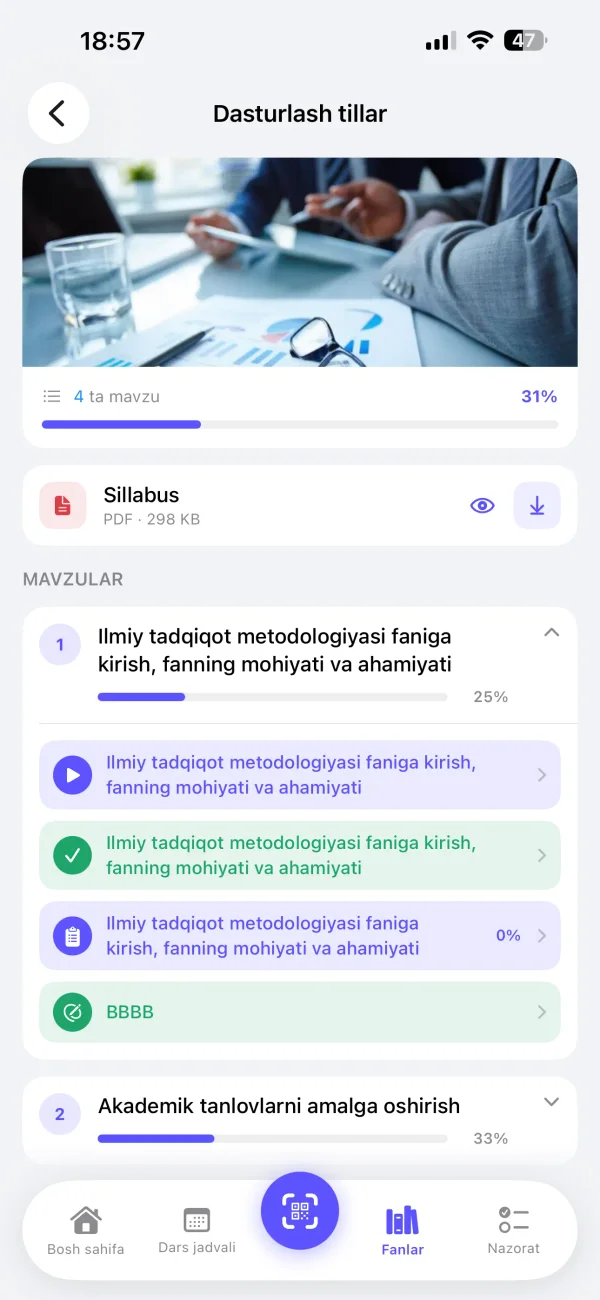
• Subjects — course materials, video lessons, reading and practice work.
• Attendance by QR — scan the code on your teacher's screen to be marked present.
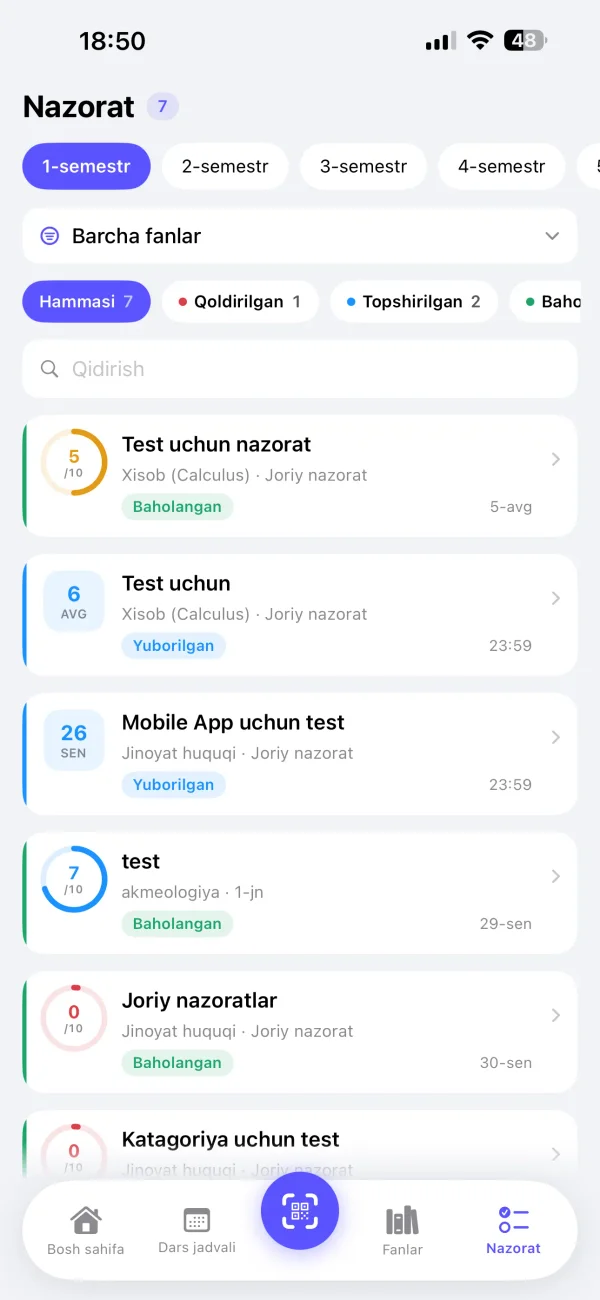
• Exams — tests and written tasks are taken in the app, with proctoring where your institution requires it.
• Chat — message teachers and staff.
• Library — the books your institution licenses.
• Documents and payments — your papers and your contract.
THREE LANGUAGES
Uzbek, Russian and English. Change it any time; nothing is lost.
ABOUT PROCTORING
Some exams are supervised. Before such an exam the app checks your face against your HEMIS photo; during it, a photo is taken every 30 seconds and events such as leaving the app are recorded for the invigilator. No video or audio is recorded. The camera is used only for this and for the attendance QR code — never in the background.
WHAT YOU NEED
An account issued by your institution. The app does not create accounts and is of no use without one.
Privacy policy: https://lms.uz/privacy
Terms of service: https://lms.uz/terms
What’s new
Version 1.0.5 · Nov 24, 2026
Sign in with HEMIS. Choose your university, tap "Sign in with HEMIS", and the HEMIS page opens inside the app; nothing of that session is left on the phone afterwards.
Attendance now names the kind of each class — lecture, practical, laboratory — so two marks on one subject on one day are no longer guesswork. Tap a mark and the subject opens for the whole semester: hours missed with a reason, hours missed without one, and the share of the subject's plan that has gone, shown in red once it passes the quarter at which a subject is failed.
Handing in an exam answer no longer loses it. A dropped connection is retried by itself, and any other failure leaves your work on screen to send again rather than clearing the page. Written answers are kept as a draft while you work on them, and a message from the test host now arrives in your own language.
You stay signed in between launches. Messages and people you report are hidden from you straight away.
App privacy
What Dilrabo Abdullayeva declares on the App Store about how this app handles data.
-
Data linked to you
May be collected and linked to your identity.
- Contact info
- User content
- Identifiers
- Other data
-
Data not linked to you
May be collected but is not linked to your identity.
- Diagnostics
Privacy practices may vary, for example with the features you use or your age.
Information
- Seller
- Dilrabo Abdullayeva
- Category
- Education
- Version
- 1.0.5
- Updated
- Nov 24, 2026
- Released
- Nov 1, 2026
- Size
- 8.6 MB
- Requires
- iOS 18.0 or later
- Age rating
- 4+
- Languages
- English, Russian, Uzbek
- Copyright
- © 2026 NEXT-DATA LLC
You might also like
-
 Sarbon LMSClasses, tasks & exams
-
 SLMS360-StudentEducation
-
 SLMS 360Education
-
 PDP StudentEducation
-
 Bildung: Testlar & TahlilLevel-based test selection
-
 Vaqt: Prayer Times & QiblaAzan, Quran, Adhkar & Tracker
-
 Prava Plus - YHQ 2026Education
-
 CyberKentEducation
-
 Vision StudentEducation
-
 Mock StreamAI exam practice & mock tests