
NFC-RFID Reader
Scan & Analyze NFC Tags
Designed for iPhone
Free · In-app purchases
- Age rating4+
- CategoryUtilities
- DeveloperJongMin Lee
- LanguagesEnglish+ 11 more
- Size6.5 MB
Links to the official App Store page
Download.org hosts no file of NFC-RFID Reader. The button opens its official App Store page, published by JongMin Lee. Listing last checked on Nov 20, 2026.
Screenshots

About
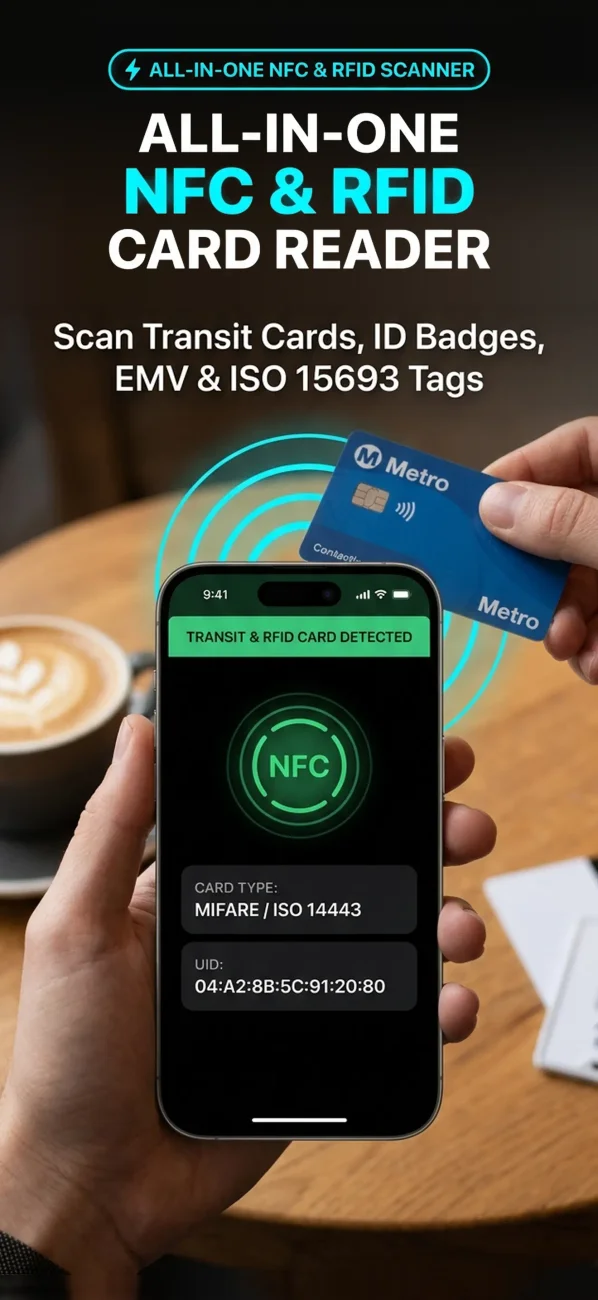
The ultimate all-in-one NFC & RFID toolkit for iPhone. Read, write, duplicate, and inspect NFC tags, transit cards, and contactless smart chips with professional diagnostics and an intuitive interface.
Whether you want to check your transit card balance, program NFC stickers for smart automation, duplicate standard NDEF tags, or analyze raw chip memory, NFC-RFID Reader puts laboratory-grade RFID tools right in your pocket.
=== KEY HIGHLIGHTS & FEATURES ===
[ TRANSIT CARD & SMART CARD INSPECTOR ]
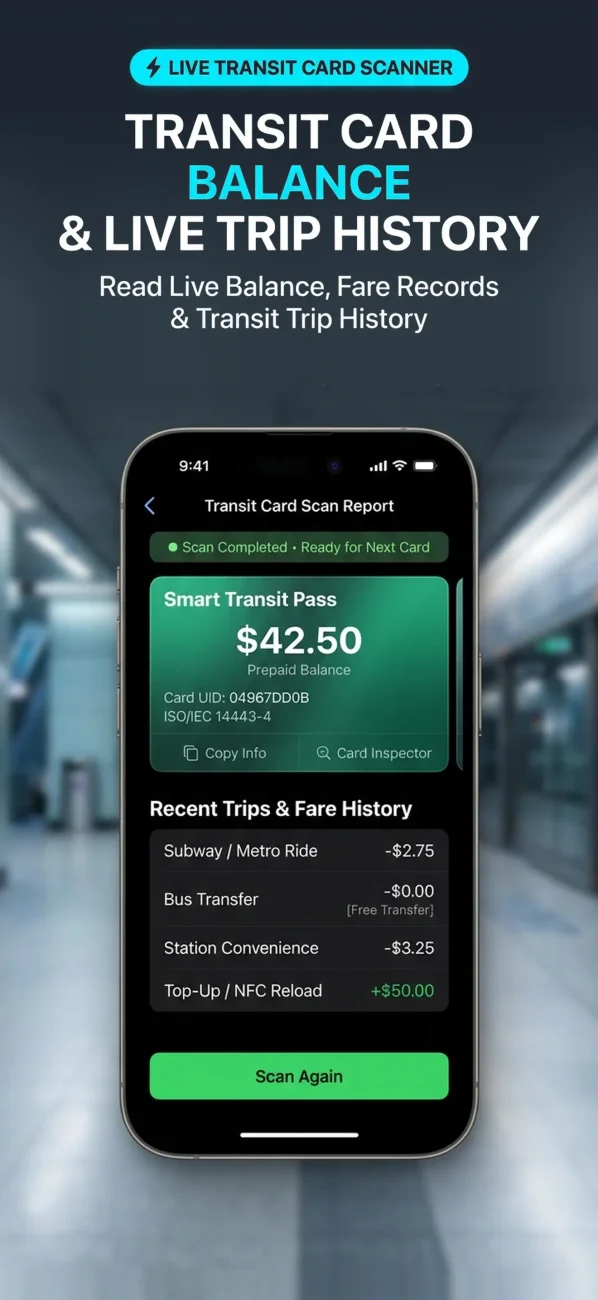
- Check live card balances and remaining funds instantly
- View recent transaction history with timestamps and ride details
- Supported Transit Card Formats:
* T-Money, Cashbee, Rail+ (South Korea)
* Suica, Pasmo, ICOCA (Japan / FeliCa)
* Octopus Card (Hong Kong)
* Various ISO/IEC 14443 & FeliCa transit smart cards
[ POWERFUL NFC TAG WRITER ]
Easily program blank NFC tags and stickers (NTAG213, NTAG215, NTAG216, MIFARE, and compatible chips):
- Website URLs & Social Media Links
- Plain Text & Quick Notes
- Digital Business Cards (vCard contact info)
- Wi-Fi Auto-Connect (SSID, security type, password)
- Direct Phone Calls & SMS Triggers
- Geo-Coordinates & Map Locations
[ NDEF TAG DUPLICATION & BACKUP ]
- Seamless 2-step tag copying: Read source NDEF tag -> Write to blank target tag
- Perfect for duplicating smart automation tags, digital business cards, and preset triggers
- Verifies written data integrity automatically after writing
- Designed strictly for standard open NDEF tags (does not clone encrypted payment cards or secured building access badges)
[ DEEP RAW HEX / ASCII MEMORY DUMP ]
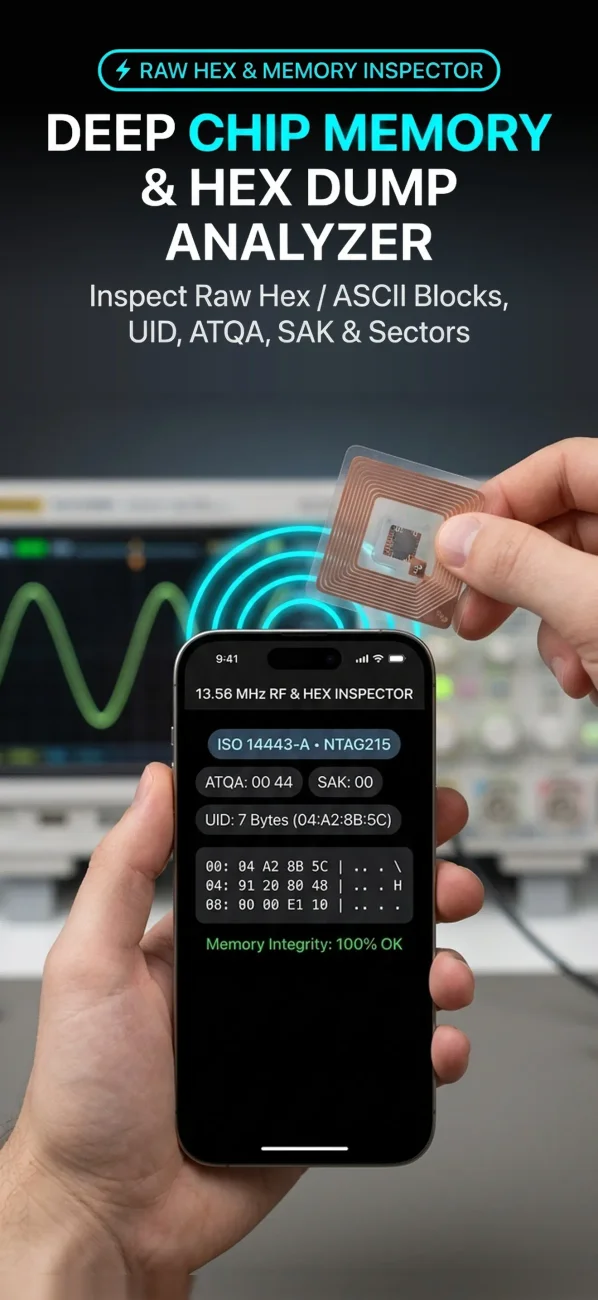
- Professional-grade memory inspector for developers and RFID enthusiasts
- View accessible memory blocks in synchronized Hexadecimal and ASCII formats
- Interactive byte offset counter with quick-copy functionality
- Inspect sector architecture, UID/Serial numbers, ATQA, SAK, and memory capacity
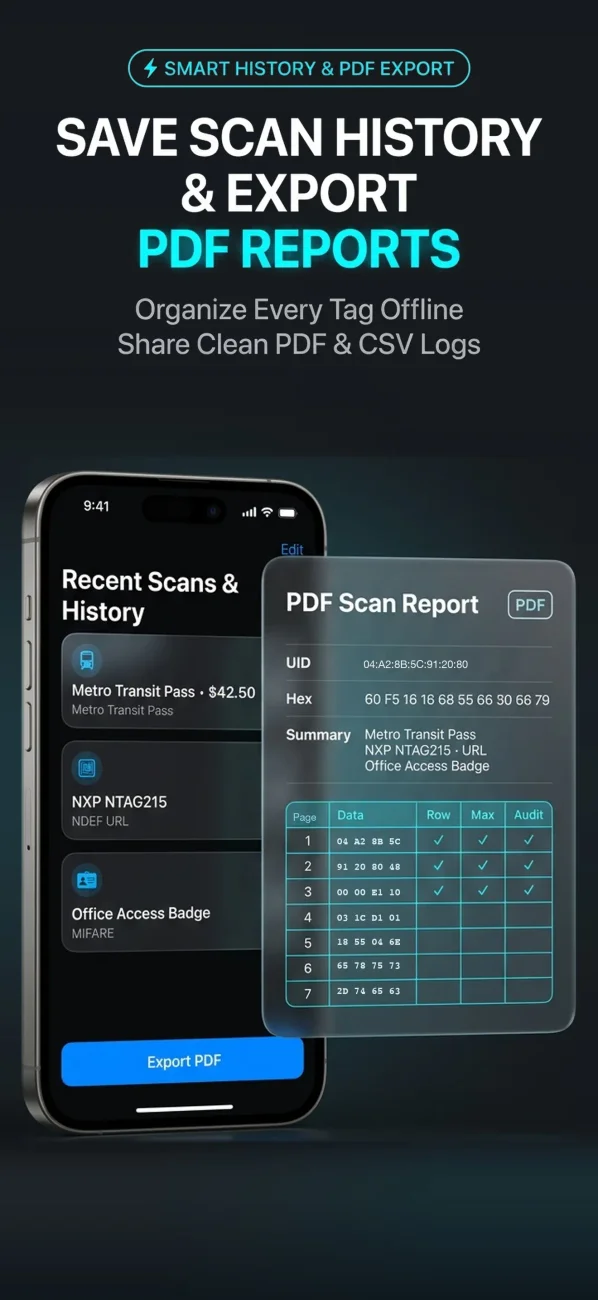
[ COMPREHENSIVE SCAN HISTORY & EXPORTS ]
- Automatically saves scans and writes locally for quick offline reference
- Instant search and filter by card type, date, or tag content
- Export rich diagnostic reports to PDF, CSV spreadsheet, or JSON data formats
- Share diagnostic logs effortlessly via AirDrop, Email, or Files
=== SUPPORTED NFC & RFID TECHNOLOGIES ===
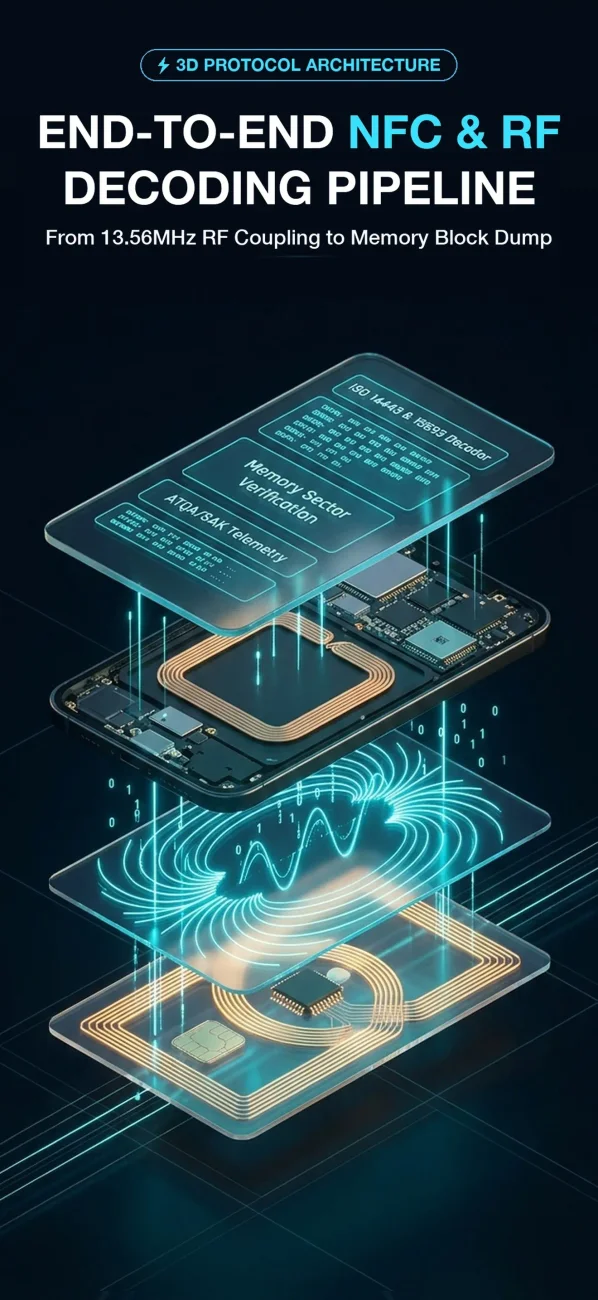
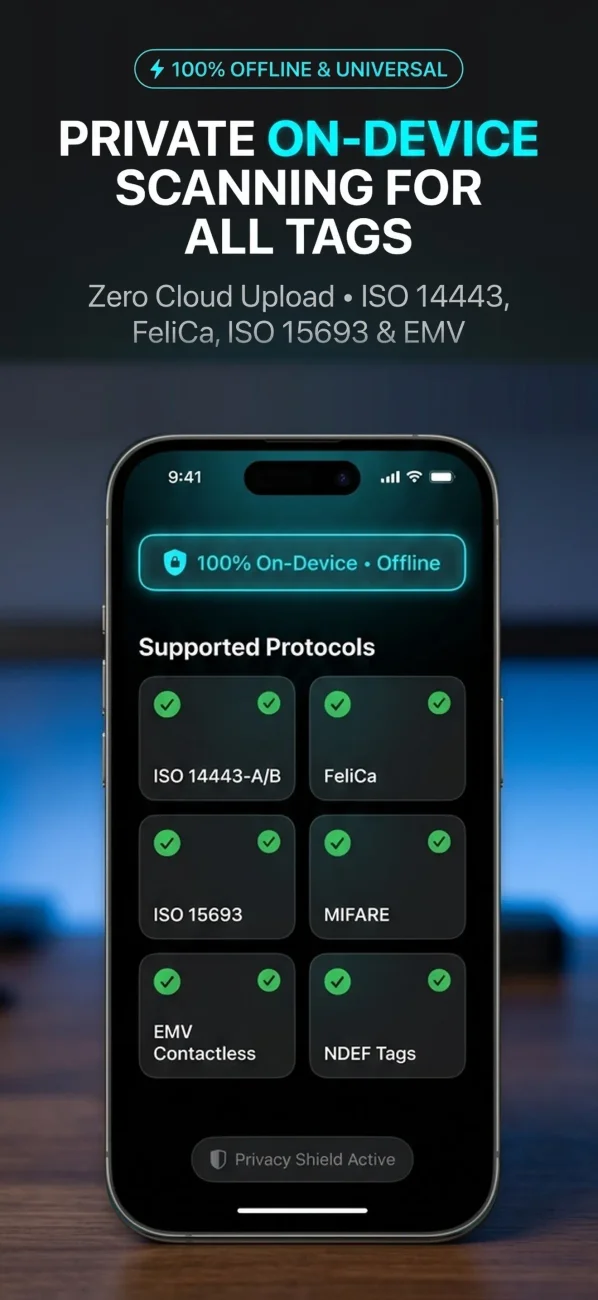
- ISO/IEC 14443 Type A & B: MIFARE Classic, Ultralight, Plus, DESFire, and smart cards
- ISO/IEC 15693 (Vicinity Cards): NXP ICODE series (SLI, SLX, DNA), ST, and Infineon
- FeliCa Technology: Standard FeliCa, FeliCa Lite-S, and transit passes
- ISO/IEC 7816 Contactless Smart Cards: Microprocessor & cryptographic security chips
- NFC Forum Tag Types: Type 1, Type 2 (NTAG 203/213/215/216), Type 3, Type 4, Type 5
=== WHO IS THIS APP FOR? ===
- Commuters & Travelers: Check balances and journey history on subway/bus cards in seconds.
- Smart Home Enthusiasts: Write NFC stickers for iOS Shortcuts, HomeKit scenes, and Wi-Fi access.
- IT Professionals & Engineers: Diagnose asset tracking tags, inventory tokens, and industrial sensors.
- Developers & Researchers: Inspect raw Hex dumps, test NDEF payloads, and verify tag architectures.
=== PRIVACY & SECURITY FIRST ===
- 100% On-Device Processing: Scanned card data and dumps stay strictly in local memory.
- Zero Cloud Tracking: No accounts, no logins, and zero third-party telemetry.
- Read-Only Inspection: Card scanning never modifies your sensitive payment credentials.
=== COMPATIBILITY & DISCLAIMERS ===
- Requires iPhone 7 or newer with iOS 16.0 or later (CoreNFC enabled).
- Reading memory and tag features adheres strictly to Apple CoreNFC security boundaries.
- All brand names, product logos, and registered trademarks (such as Suica, Pasmo, T-Money, Octopus, and MIFARE) are property of their respective owners and used solely for format compatibility identification.
What’s new
Version 1.2.1 · Nov 16, 2026
Minor fixes and updated screenshots.
App privacy
What JongMin Lee declares on the App Store about how this app handles data.
-
Data used to track you
May be used to track you across apps and websites owned by other companies.
- Identifiers
-
Data not linked to you
May be collected but is not linked to your identity.
- Identifiers
- Usage data
Privacy practices may vary, for example with the features you use or your age.
Information
- Seller
- JongMin Lee
- Category
- Utilities
- Version
- 1.2.1
- Updated
- Nov 16, 2026
- Released
- Jun 17, 2025
- Size
- 6.5 MB
- Requires
- iOS 17.0 or later
- Age rating
- 4+
- Price
- Free
- In-app purchases
- Yes
- Languages
- English, Dutch, French, German, Italian, Japanese, Korean, Portuguese, Russian, Simplified Chinese, Spanish, Traditional Chinese
- Copyright
- © 2025 daniel25 soft
You might also like
-
 NFC Tools & RFID Scannerwriter & reader & tag
-
 MTools BLE RFID ReaderMifare Classic Ultralight Tool
-
 CS108 RFID ReaderUtilities
-
 Smart NFC Tools: Read & WriteThe best NFC Reader and Writer
-
 NFC - Reader & WriterRead, Write, and Lock NFC Tags
-
 NFC Tools & QR Code ScannerRead, Write Tags & Barcodes
-
 NFC Tag Reader & Writer +NFC Scanner & Taginfo
-
 NFC Reader & Writer ToolsQuick Tag Interaction
-
 NFC TapRead and Write ST25 NFC Tags
-
 NFC Tag ManagerRead and Write NFC Tags