Nightstand – Bedside Clock PRO
Night Light, Weather & StandBy
Designed for iPhone, iPad
Free · In-app purchases
- Age rating4+
- CategoryUtilities
- DeveloperGianluca Di Maggio
- LanguagesEnglish+ 5 more
- Size9.4 MB
Links to the official App Store page
Download.org hosts no file of Nightstand – Bedside Clock PRO. The button opens its official App Store page, published by Gianluca Di Maggio. Listing last checked on Nov 12, 2026.
Screenshots

About
Turn your iPhone into the perfect bedside clock — beautiful, dim, and always readable in the dark.
No squinting. No fumbling. Just tap to wake, one glance to know.
—
WHAT YOU GET
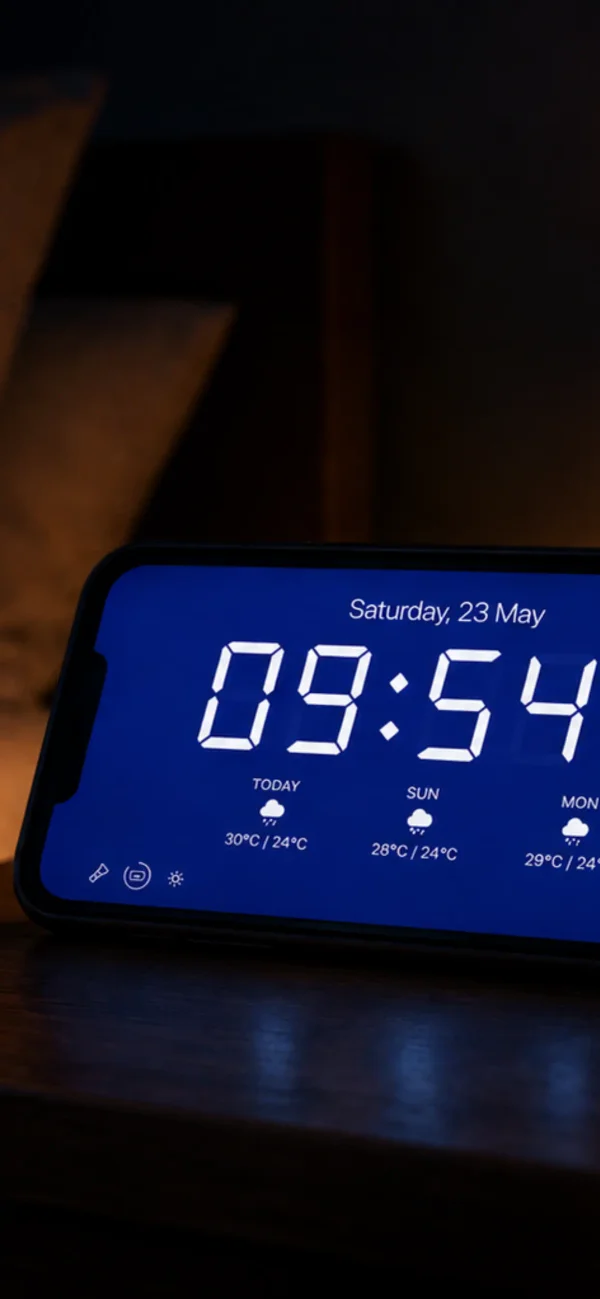
· A clean, large-digit clock that's easy to read in complete darkness
· Real-time weather so you wake up knowing what to wear
· 3-day weather forecast
· Portrait mode — use Nightstand upright on your nightstand or desk
· Battery level always visible — no surprises in the morning
· Tap anywhere to adjust screen brightness instantly
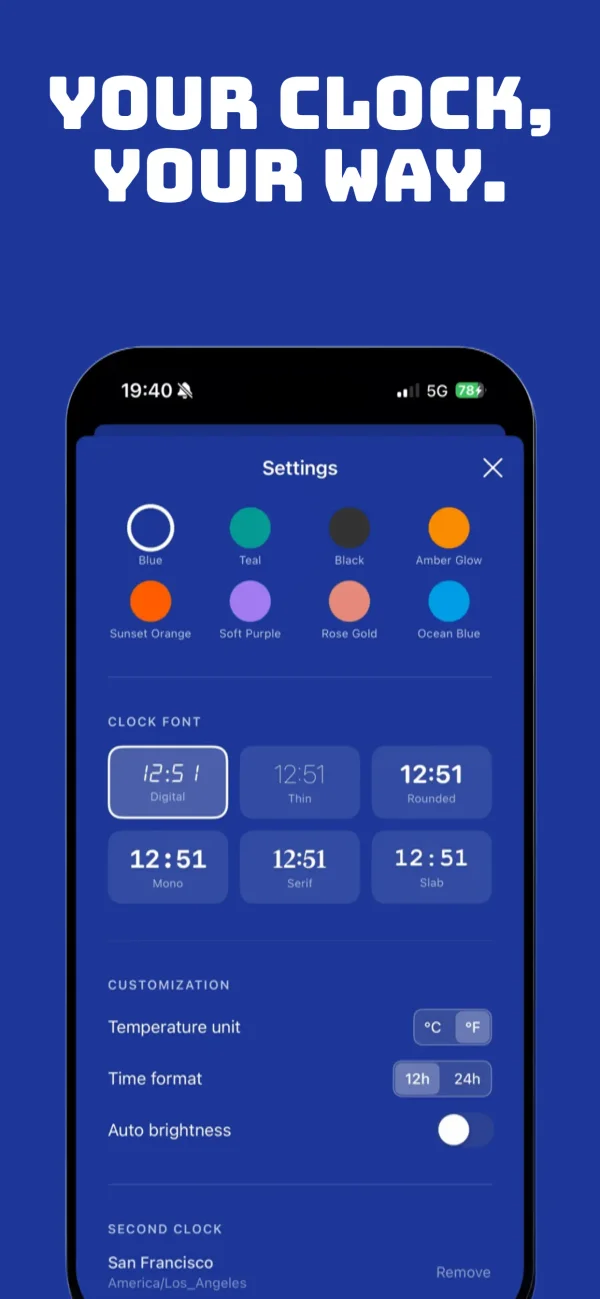
· Multiple color themes: cool blue, warm gray, night green and much more
· Choose your perfect font — from classic digital to minimal thin, rounded, serif and more
· A sleep reminder that nudges you to wind down at your chosen time each night
—
DESIGNED FOR NIGHT
Most clock apps are built for daytime. Nightstand is built for the dark — low brightness by default, soothing colors, and zero distractions.
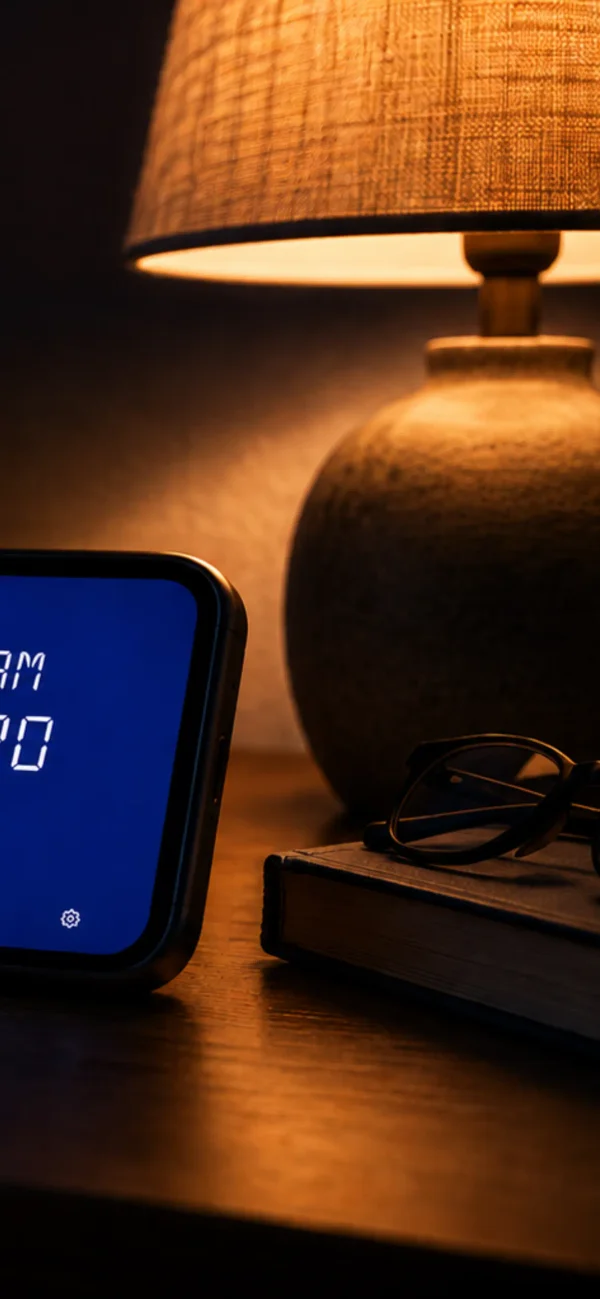
Put your phone on the charger, open Nightstand, and your nightstand is transformed.
—
PERFECT FOR
· Bedside use while charging overnight
· Hotel rooms and travel (no more clock-hunting)
· Desk use as an ambient time display
What’s new
Version 2.1.0 · Oct 13, 2026
A small but useful addition this update.
You can now hide the seconds display from the clock face — perfect if you prefer a cleaner, distraction-free look at night. Toggle it on or off anytime in Settings.
App privacy
What Gianluca Di Maggio declares on the App Store about how this app handles data.
-
Data used to track you
May be used to track you across apps and websites owned by other companies.
- Identifiers
- Usage data
- Diagnostics
-
Data linked to you
May be collected and linked to your identity.
- Identifiers
- Usage data
-
Data not linked to you
May be collected but is not linked to your identity.
- Location
- Diagnostics
Privacy practices may vary, for example with the features you use or your age.
Information
- Seller
- Gianluca Di Maggio
- Category
- Utilities
- Version
- 2.1.0
- Updated
- Oct 13, 2026
- Released
- Apr 7, 2017
- Size
- 9.4 MB
- Requires
- iOS 17.6 or later
- Age rating
- 4+
- Price
- Free
- In-app purchases
- Yes
- Languages
- English, French, German, Italian, Japanese, Spanish
- Copyright
- © Gianluca Di Maggio, 2026
You might also like
-
 Nightstand ※Alarm Clock Beside Me
-
 Nightstand Digital Clock TimerAdd Alarm Sleep Sound
-
 Digital Clock: Night Stand-bySimple Bedside Alarm & Widget
-
 Digital Clock: Big LEDAlways on clear display screen
-
 AlwaysOn: Standby ClockNightstand & Ambient Display
-
 TalkingAlarm: Alarm ClockSleep Sounds, Weather, Voice
-
 Stand Clock DisplayUltimate Desk Clock
-
 Huge Digital Clock - Bed SideDesk Clock & Night Stand Clock
-
 Alarm Clock - Wake Up Easily!Utilities
-
 Big Clock – Always On DisplayFullscreen Desk Clock