
- Age rating4+
- CategoryEducation
- Developerlifeguardmedia GmbH
- LanguagesGerman+ 1 more
- Size4.0 MB
Links to the official App Store page
Download.org hosts no file of NineTalk - AAC. The button opens its official App Store page, published by lifeguardmedia GmbH. Listing last checked on Nov 12, 2026.
Screenshots




About
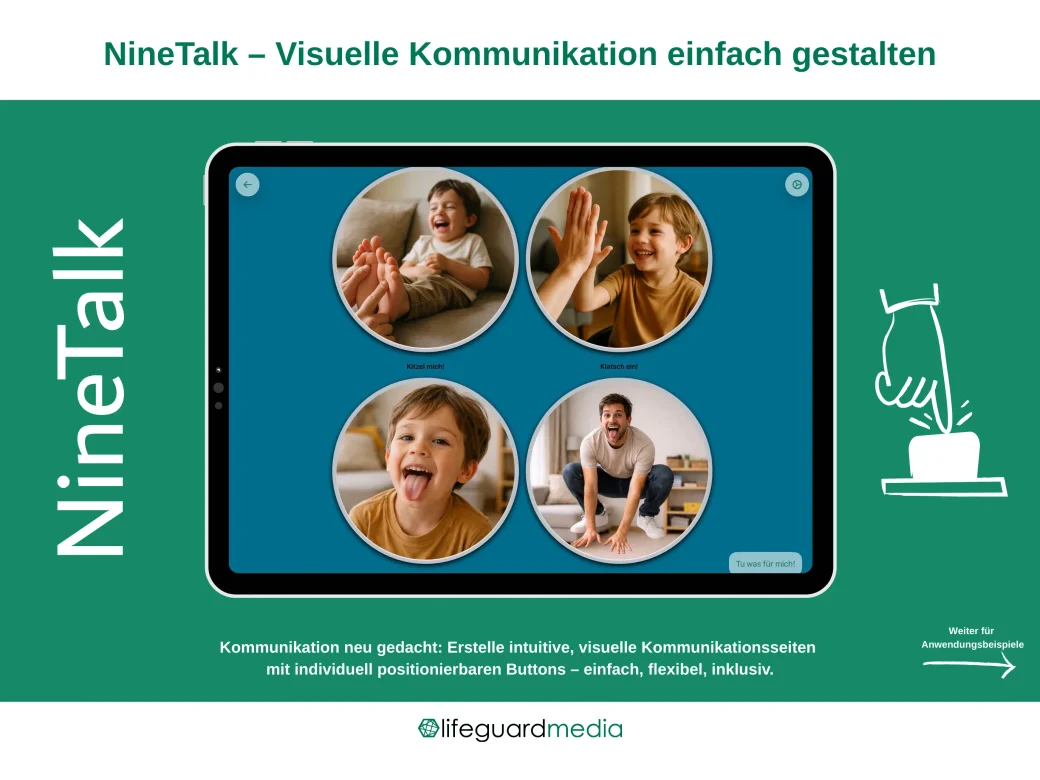
NineTalk – Making Visual Communication Simple
NineTalk supports people with limited spoken language in expressing themselves in everyday life – individually, visually, and intuitively.
The app was specifically developed for Augmentative and Alternative Communication (AAC) and is suitable for children, adolescents, and adults with communication needs, as well as for parents, educators, and therapists.
NineTalk offers a fast and affordable solution that is available immediately, without lengthy application or approval processes.
It can be used both for first steps into communication and for concrete everyday situations where a communication interface needs to be created quickly and easily.
Instead of predefined grids, NineTalk deliberately focuses on simplicity and clarity: communication pages are based on real-life situations and individual needs.
------------------------------------
Communication that fits everyday life
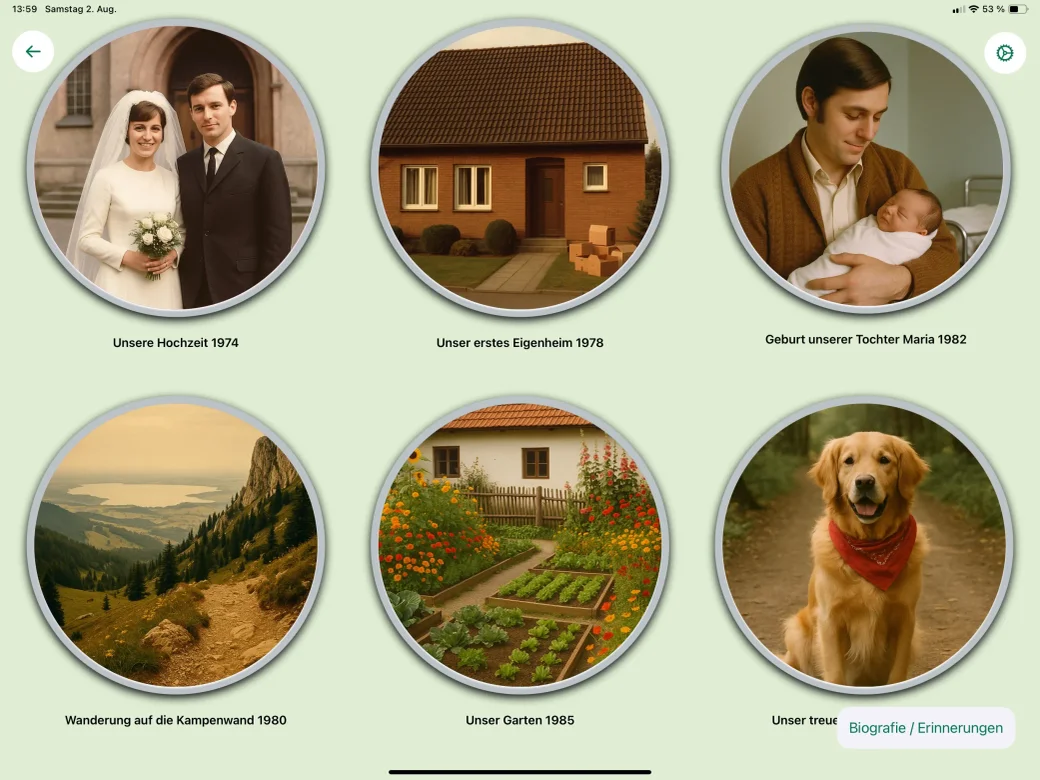
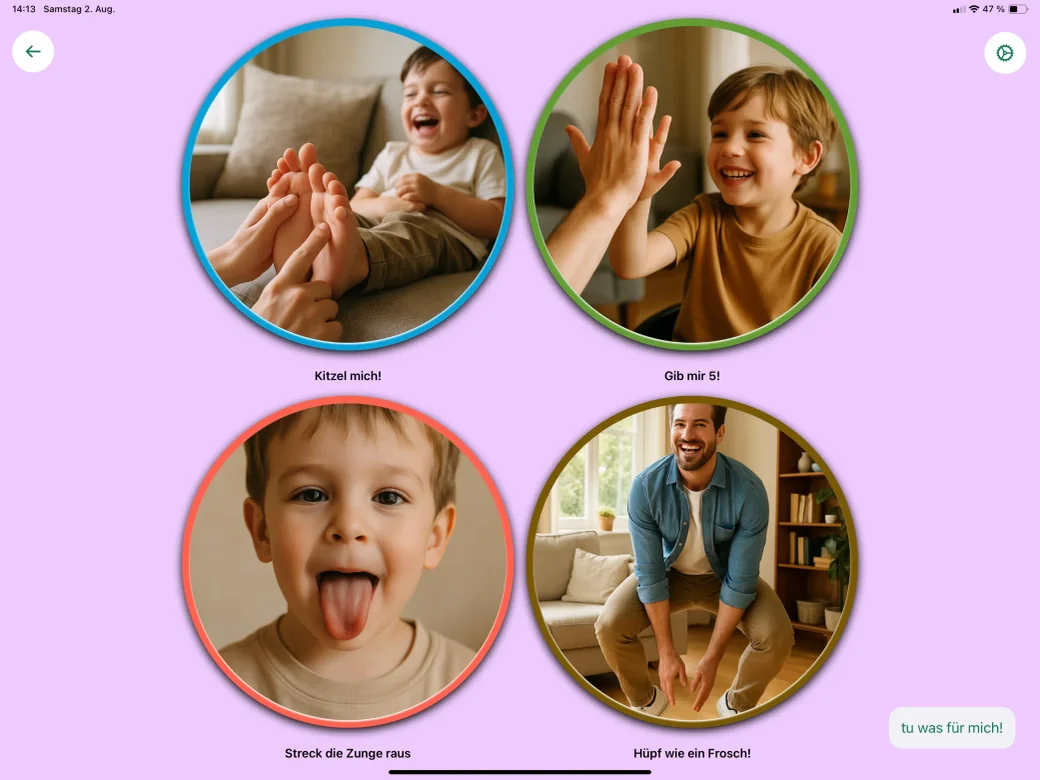
With NineTalk, you can create your own communication pages with up to nine freely placeable buttons per page.
Each page can be individually customized – using colors or your own photos as backgrounds.
This results in communication tools that:
- remain clear and uncluttered
- are visually well structured
- can be flexibly adapted to different abilities
------------------------------------
Scene-based communication – visually grounded
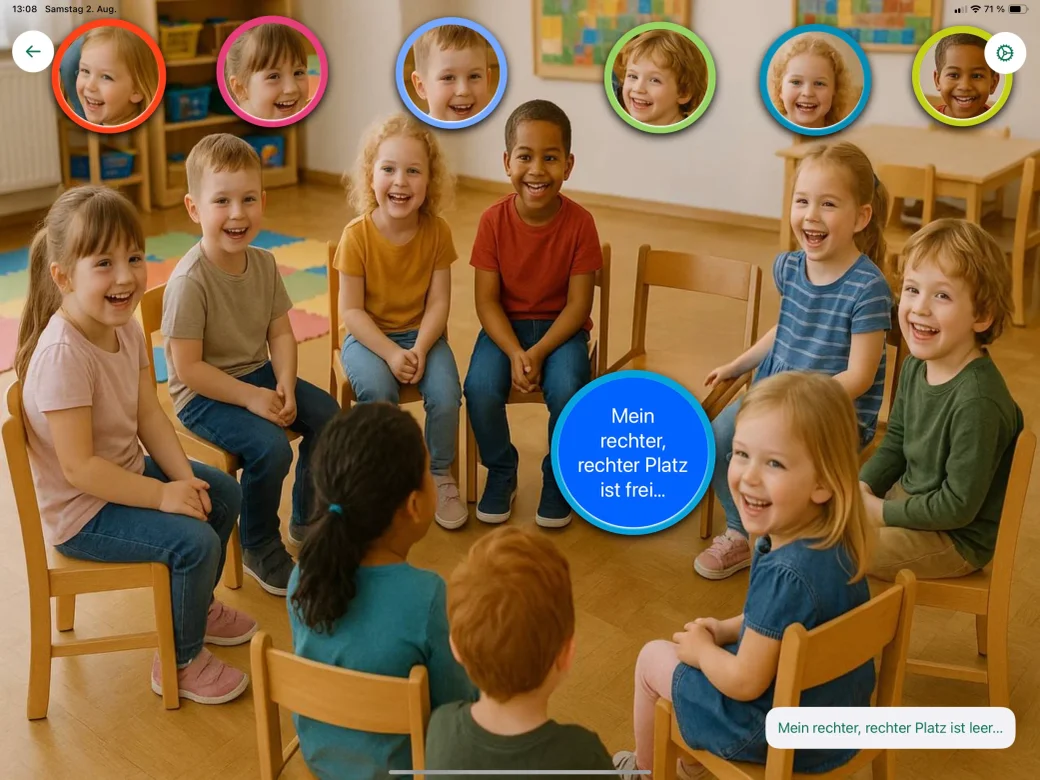
A key feature of NineTalk is working with scene images:
- use your own photos (e.g. classroom, home, playground)
- place buttons directly on relevant areas of the image
- link places, objects, or actions directly to spoken language
This supports:
- spatial orientation
- better understanding of situations
- independent communication in everyday life
------------------------------------
Individual buttons – simple & flexible
Each button can be individually customized with:
- an image or symbol
- text on the button
- text below the button
- speech output (own recording or audio file)
Optional:
- click sounds for feedback
- ocking audio playback until it has finished playing
This makes it easy to create clear statements, such as:
- "I'm hungry."
- "Break."
- "I need help."
- "I want to swing."
------------------------------------
Easy to use & clearly structured
NineTalk is designed to be easy to understand, even without prior experience:
- clearly separated edit mode
- free placement of buttons or automatic alignment using a grid function
- resizing and layer adjustments using gestures
------------------------------------
Offline use & suitable for everyday life
- no internet connection required, fully usable offline
- ideal for school, therapy, and everyday situations
- no registration required
- video tutorial and PDF guide available free of charge
- export function and content sharing available
------------------------------------
Who is NineTalk for?
Suitable for:
- people with complex communication needs (AAC)
- preschool and primary school children
- students with special educational needs
- adults with acquired speech impairments
- parents, family members, educators, and therapists
Areas of use:
- home
- daycare & school
- therapy
- everyday life & leisure
------------------------------------
Transparent pricing model
- free entry (one free test board)
- full version via one-time in-app purchase
- no subscription, no recurring costs
- introductory price: 24.99 EUR
------------------------------------
Developed with a focus on what matters
NineTalk was developed with the goal of enabling communication – not overwhelming users.
The app is clear, flexible, and reliable, and can be adapted to individual needs.
NineTalk – making visual communication simple.
What’s new
Version 1.3 · Mar 20, 2026
What's New in NineTalk iOS 1.3
- Fixed purchase issues in the USA
- Renamed text color option
- PDF instructions now load correctly
- Stability improvements and bug fixes
App privacy
What lifeguardmedia GmbH declares on the App Store about how this app handles data.
-
Data not collected
The developer does not collect any data from this app.
Privacy practices may vary, for example with the features you use or your age.
Information
- Seller
- lifeguardmedia GmbH
- Category
- Education
- Version
- 1.3
- Updated
- Mar 20, 2026
- Released
- Aug 7, 2025
- Size
- 4.0 MB
- Requires
- iOS 17.0 or later
- Age rating
- 4+
- In-app purchases
- Yes
- Languages
- German, English
- Copyright
- © lifeguardmedia GmbH
You might also like
-
 ZeitkompassSymbolbasierte Tagespläne
-
 TouchMe PuzzleKlick PROEducation
-
 SwitchTrainerLearn to use switches LIFEtool
-
 HokusPokus PROLIFEtool
-
 ChoiceTrainer 2.0Education
-
 TouchMe PairsEducation
-
 ShowMe 3.0Learn and train (LIFEtool)
-
 ChoiceTrainer 2.0 PROEducation
-
 PreNumbers PROPre-numeric skills LIFEtool
-
 ShowMe 3.0 PROLearn and train (LIFEtool)