
- Age rating17+
- CategorySocial Networking
- Developeryunjin han
- LanguagesKorean+ 4 more
- Size81.8 MB
Links to the official App Store page
Download.org hosts no file of NINIGU. The button opens its official App Store page, published by yunjin han. Listing last checked on Nov 10, 2026.
Screenshots



About
Not a stranger —
someone your friend thinks you'd really get along with.
NINIGU brings the familiar tradition of being introduced through friends into an app built around the people you already know.
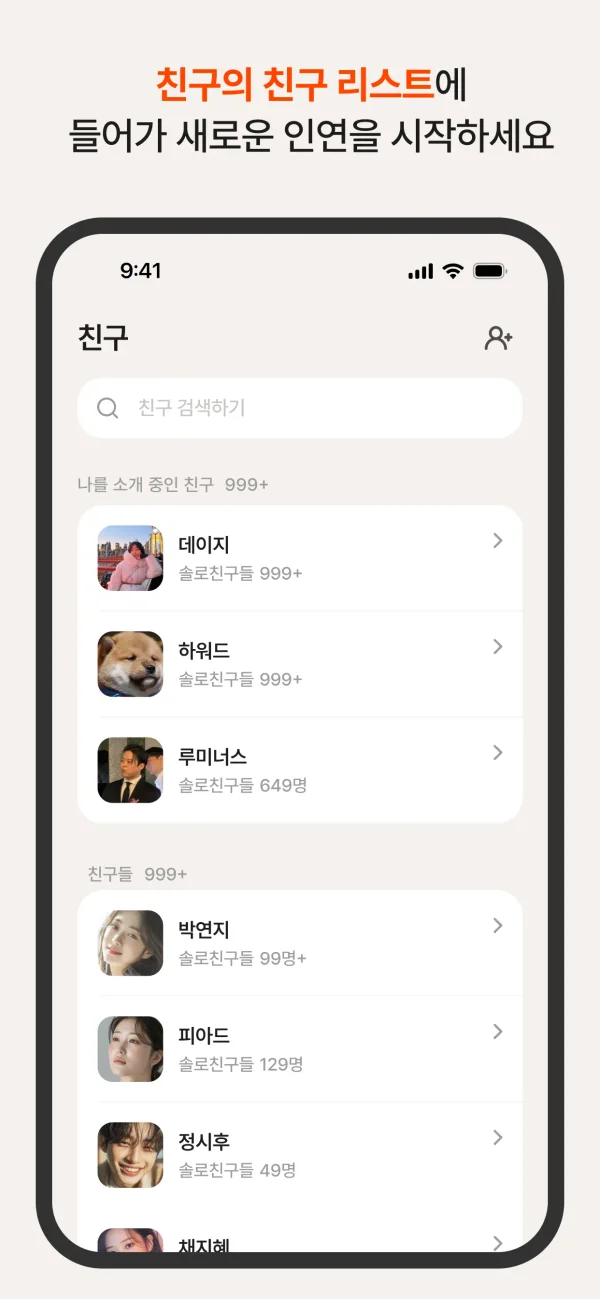
[Friends]
Add the friends you know in real life. Everything on NINIGU starts from these real connections — there is no browsing of strangers.
[Introductions by a trusted friend]
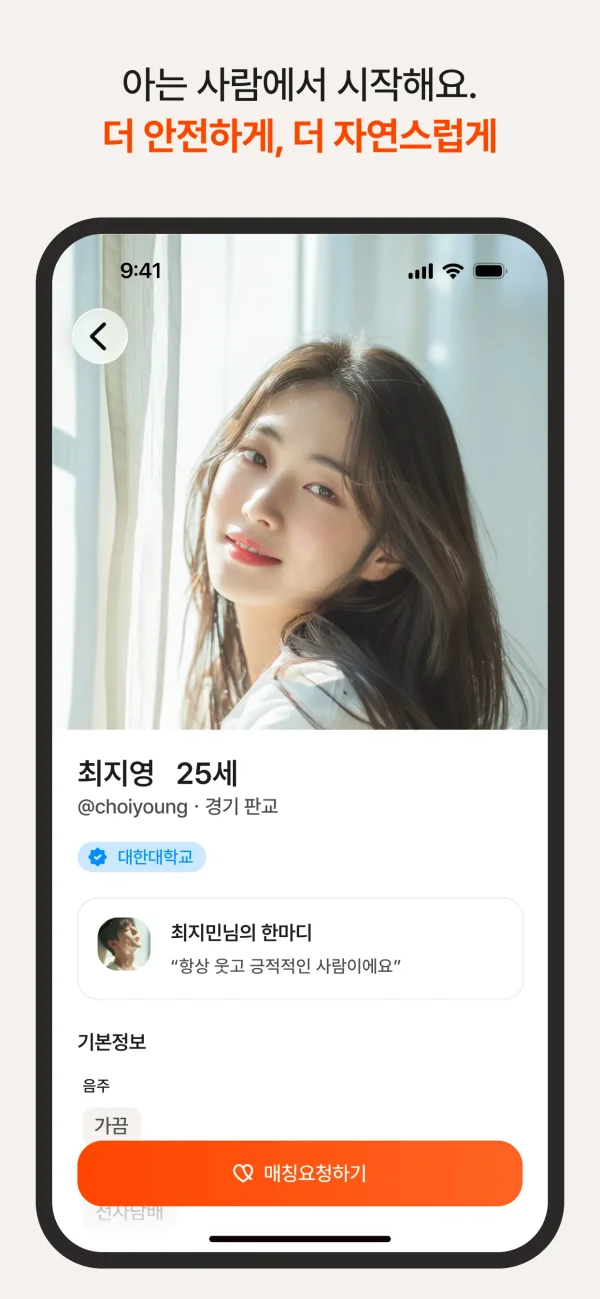
Friends can create an Introduction Circle of friends they know well and vouch for.
When you'd like to be introduced to someone in a friend's circle, your request goes to that friend first — not to the other person.
Your friend decides whether the introduction makes sense, adds a short note, and only then passes it along.
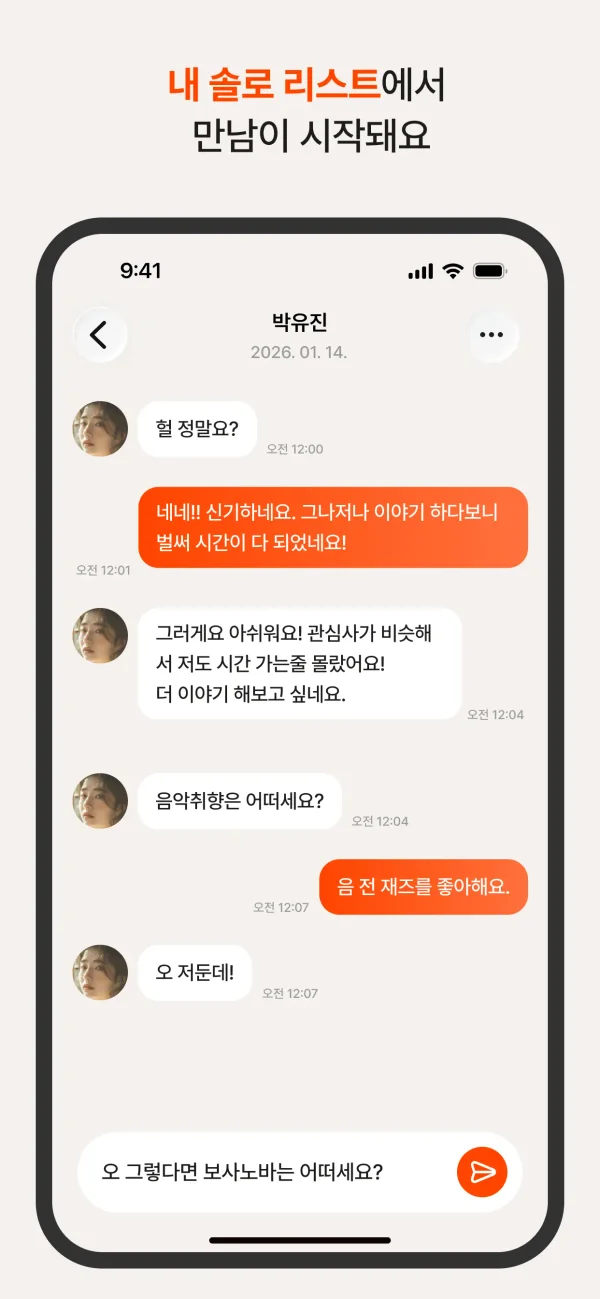
A conversation starts only if the other person also says yes.
[Be the matchmaker]
You don't have to be looking for anyone yourself. Many people use NINIGU simply to introduce two friends who might get along.
[Plaza]
Join hobby boards, share posts and photos, comment, and plan meetups with people who share your interests. Save meetup posts to your calendar.
[Meetings]
Friends can arrange small group meetups together and chat in a shared room before meeting.
[Profile]
Share your interests, values, and a favorite song, so friends can introduce you thoughtfully.
[Safety]
• Introductions always go through a mutual friend and require both people to agree
• Report and block from any profile, chat, post, or comment
• Users must be 19 or older
Sometimes the people who know us best make the most meaningful introductions.
NINIGU — introductions from people you trust.
What’s new
Version 2026.10.17 · Oct 17, 2026
Your profile now has one address
Sharing your profile no longer creates a new link each time. You get a single
address, and it doesn't expire.
• Find it in Settings ▸ App Settings ▸ My Profile Address — view it, copy it,
or show it as a QR code
• Close it whenever you like. Turn it back on and it's the same address, so
links you've already handed out start working again
• Write it to an NFC card and hand that over. You can also read a card to check
which address it holds
• Lost a card? Create a new address and the old one closes for good
Also
• People without the app can now see a shared profile right away
• Joining the solo list is on by default when you add a friend by ID
• Creating a meeting is split into three steps, so you're asked less at once
App privacy
What yunjin han declares on the App Store about how this app handles data.
-
Data used to track you
May be used to track you across apps and websites owned by other companies.
- Identifiers
- Usage data
-
Data linked to you
May be collected and linked to your identity.
- Identifiers
- Usage data
-
Data not linked to you
May be collected but is not linked to your identity.
- Contact info
- User content
- Identifiers
- Sensitive info
Privacy practices may vary, for example with the features you use or your age.
Information
- Seller
- yunjin han
- Category
- Social Networking
- Version
- 2026.10.17
- Updated
- Oct 17, 2026
- Released
- Jun 18, 2026
- Size
- 81.8 MB
- Requires
- iOS 26.0 or later
- Age rating
- 17+
- Languages
- Korean, English, Indonesian, Japanese, Simplified Chinese
- Copyright
- © 2026 Hoit