
- Age rating4+
- CategoryBusiness
- DeveloperNintex
- LanguagesEnglish+ 10 more
- Size29.1 MB
Links to the official App Store page
Download.org hosts no file of Nintex K2 Workspace. The button opens its official App Store page, published by Nintex. Listing last checked on Nov 25, 2026.
Screenshots
About
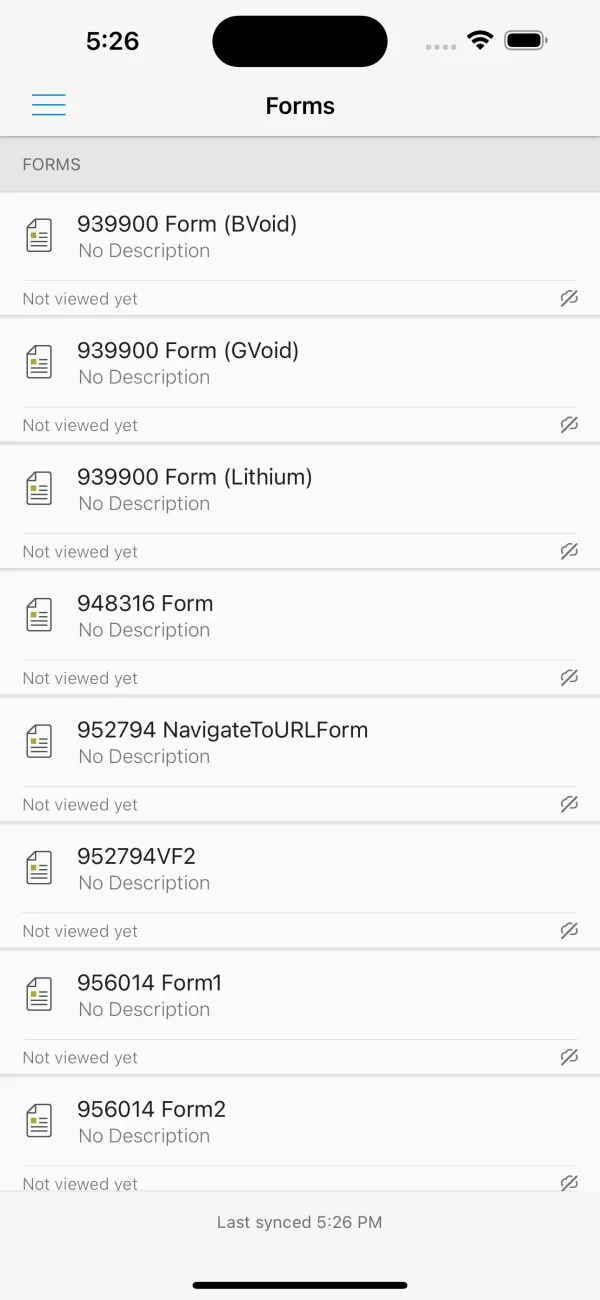
K2 Workspace, a free app available to current K2 Cloud and K2 Five customers, provides users with access to the forms, workflow tasks and information they need to work efficiently and make informed decisions, no matter where they are.
K2 Workspace for iOS includes the following features:
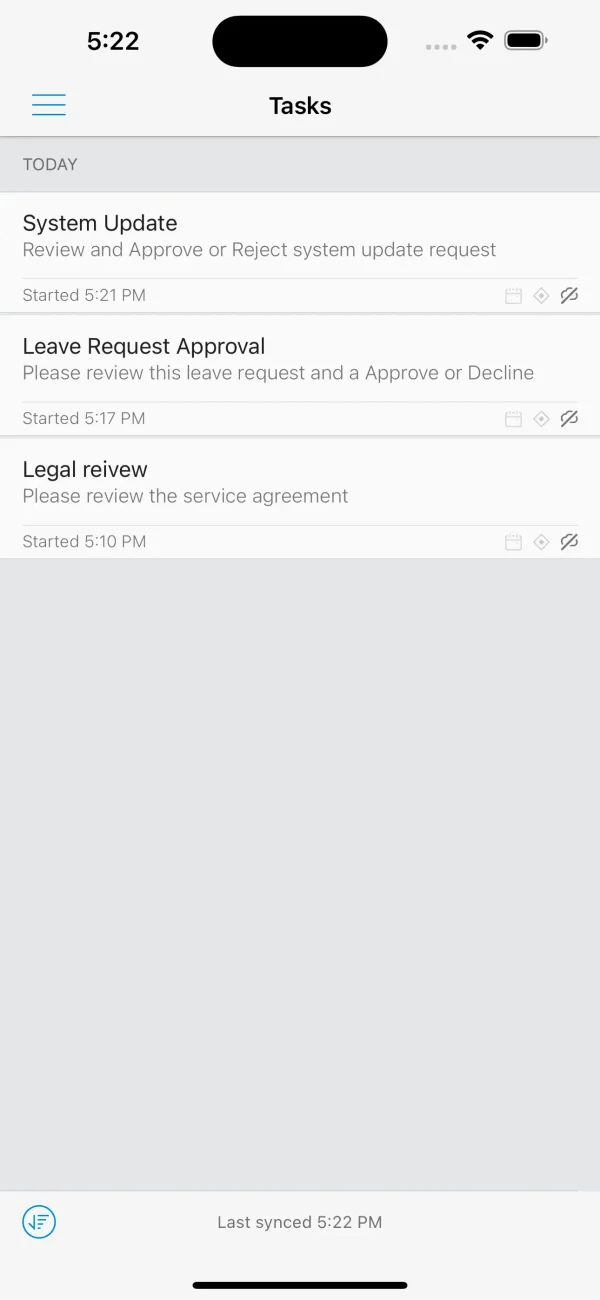
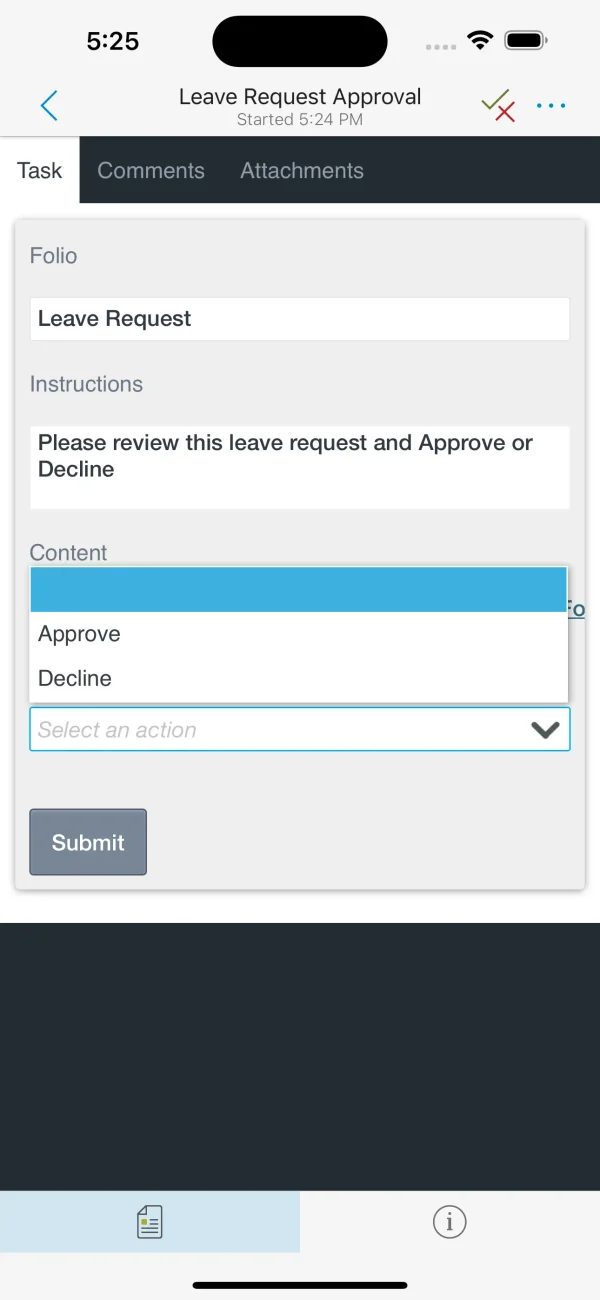
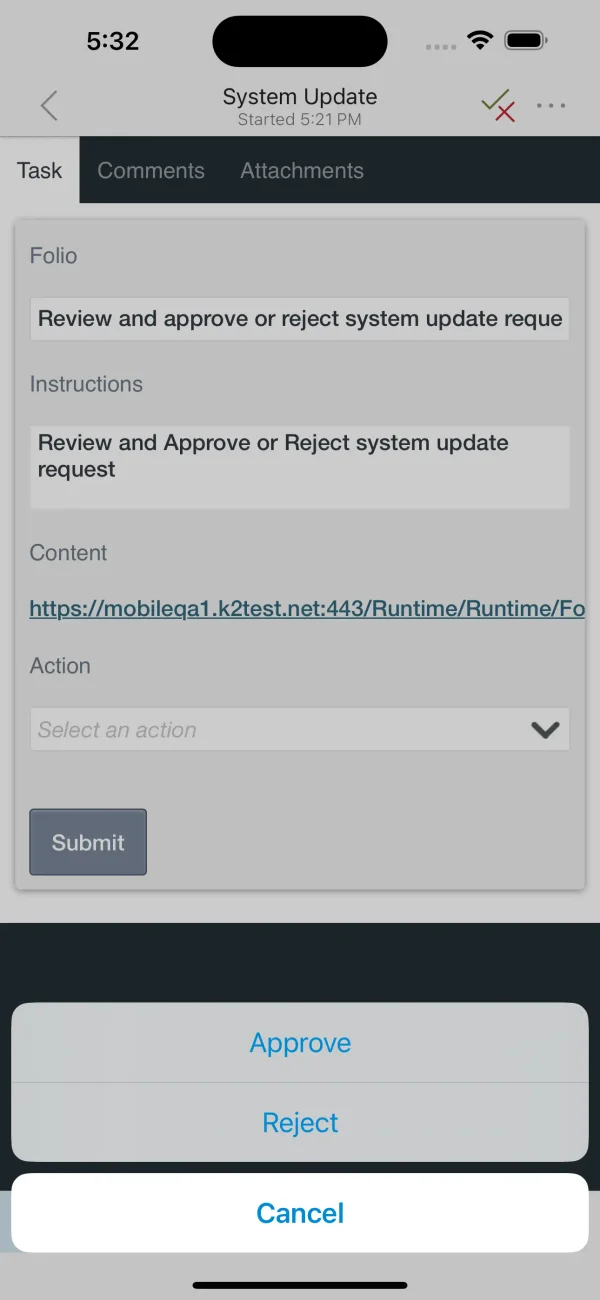
• A global task list that provides users with access to all their workflow tasks from a single interface. Tasks can be actioned quickly from within the app. Task list sync capabilities allow you to continue working on critical tasks, even if you’re offline.
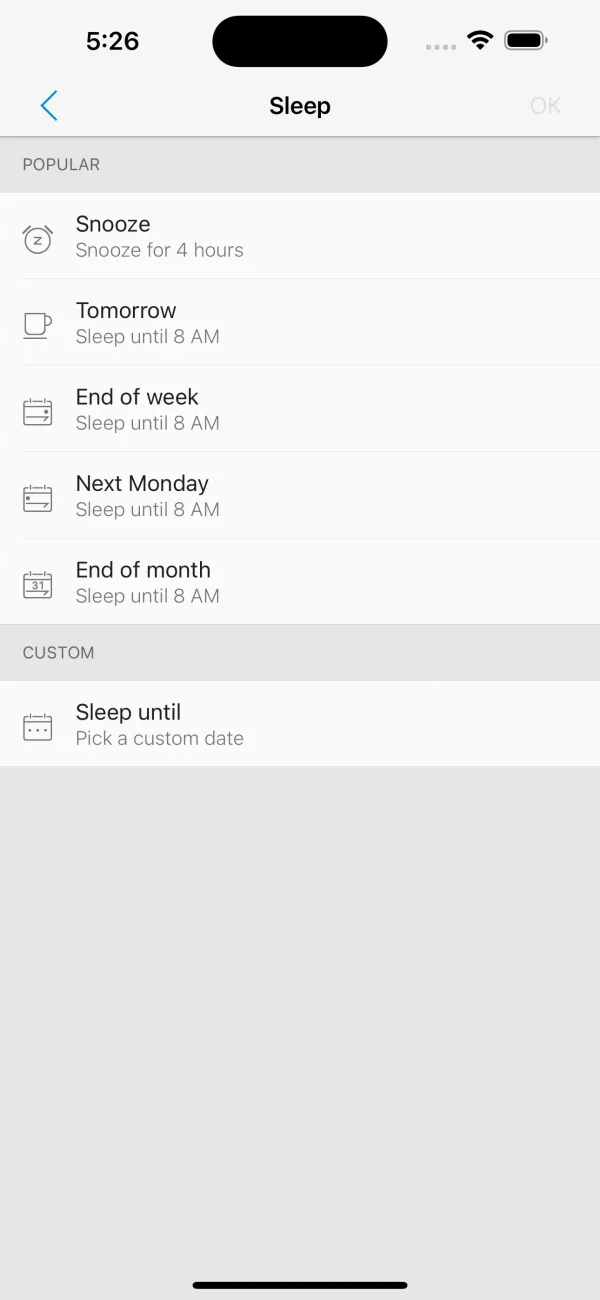
• Task scheduling options that allow you to manage your tasks based on a schedule that works for you. Postpone a task until sometime in the future, whether it’s tomorrow during your morning coffee, or next week after your big status meeting.
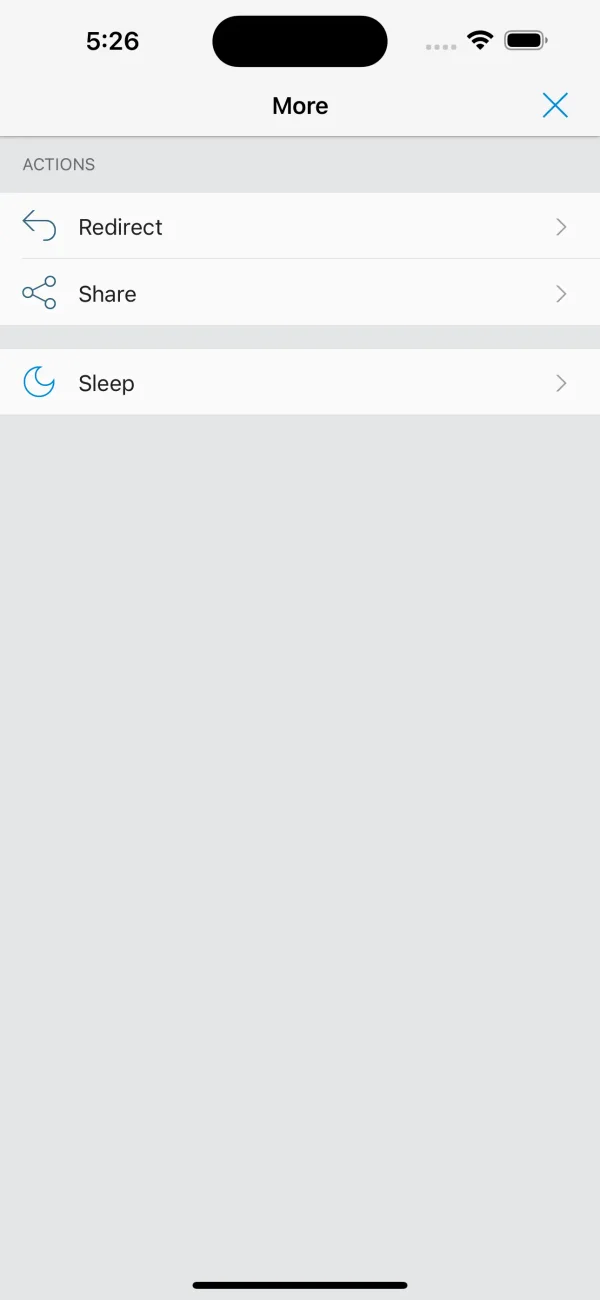
• Task management capabilities, like redirect and share allow you to make decisions quickly, even when business needs change on the fly. Send tasks to a different user or ask for someone else’s input from a single interface.
Access to form data and task status from within the mobile interface, giving you more visibility into everything you need to make better decisions.
What’s new
Version 2.4.0 · Nov 24, 2026
What's New in This Version
New
- Quick previews: Press and hold an item in your tasks, forms, drafts or outbox to see its full details without opening it.
- Easier-to-read form titles: Titles are now centered, and long titles scroll so you can read all of them.
- Sharper photo uploads: Photos you take for attachments keep their quality and still upload quickly.
Improvements
- Your task count stays up to date as you move around the app.
- Loading is smoother, with less screen flashing when forms take a while to load.
- The location permission request is clearer.
Fixes
- Fixed the Apps page not loading on iOS 27.
- Fixed layout problems on iPad, including when you rotate or resize the app.
- The form list panel now stays the way you left it.
- Fixed problems with videos and other attachments, including on draft forms.
- The Save and More buttons now show on draft forms when you're offline.
- Drafts sent to the outbox while offline now show up correctly.
- The Close button in the browser now takes you back to the right screen.
- Fixed several crashes so the app is more stable.
App privacy
What Nintex declares on the App Store about how this app handles data.
-
Data not linked to you
May be collected but is not linked to your identity.
- Diagnostics
Privacy practices may vary, for example with the features you use or your age.
Information
- Seller
- Nintex Pty Ltd
- Category
- Business
- Version
- 2.4.0
- Updated
- Nov 24, 2026
- Released
- Aug 12, 2018
- Size
- 29.1 MB
- Requires
- iOS 17.6 or later
- Age rating
- 4+
- Price
- Free
- Languages
- English, Croatian, Czech, French, German, Japanese, Russian, Simplified Chinese, Slovak, Spanish, Traditional Chinese
- Copyright
- © SourceCode Technology Holdings Inc.
You might also like
-
 SentinelOne Singularity MobileBusiness
-
 Prometheus Mobile PMBusiness
-
 Kissflow Digital WorkplaceAll your work in one place
-
 XSPOCBusiness
-
 DevComHART Communicator
-
 Fluix DocsPDF Workflows for Companies
-
 Budini GoCheckBudini GoCheck
-
 Go To WellBusiness
-
 Liva OmanSmart insurance on the go
-
 myEvent@ContinentalBusiness