
Nocta - AI Diary
Turn photos into journal
Designed for iPhone, iPod touch
In-app purchases
- Age rating4+
- CategoryLifestyle
- DeveloperDaisuke Oka
- LanguagesEnglish
- Size51.8 MB
Links to the official App Store page
Download.org hosts no file of Nocta - AI Diary. The button opens its official App Store page, published by Daisuke Oka. Listing last checked on Nov 13, 2026.
Screenshots

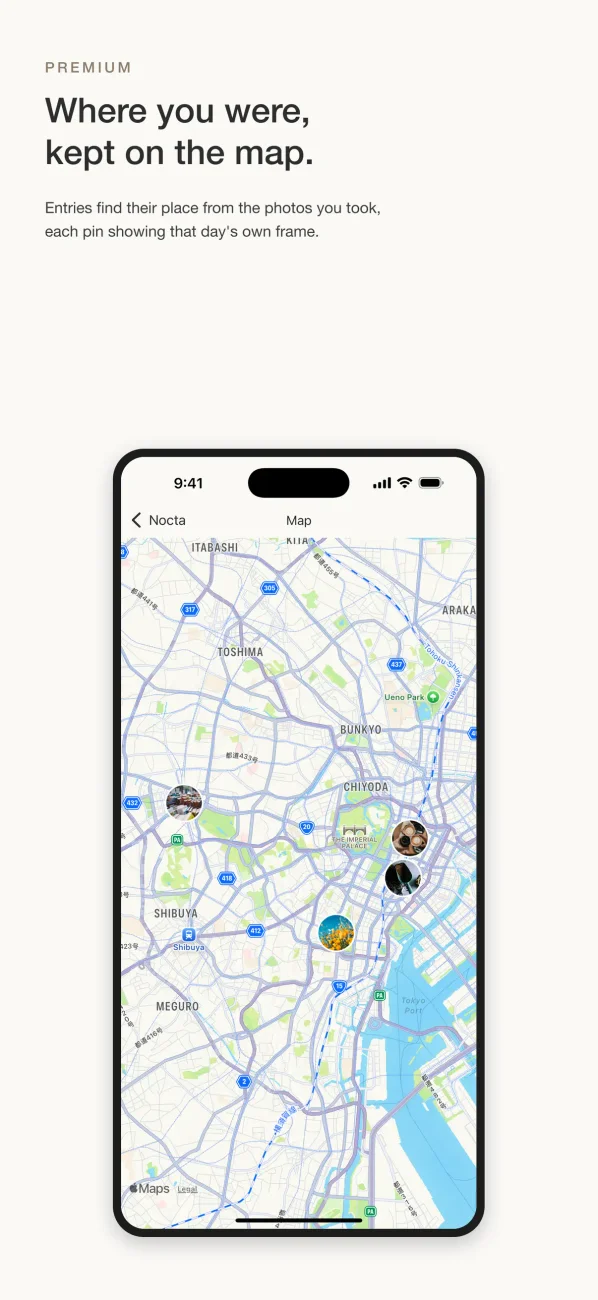

About
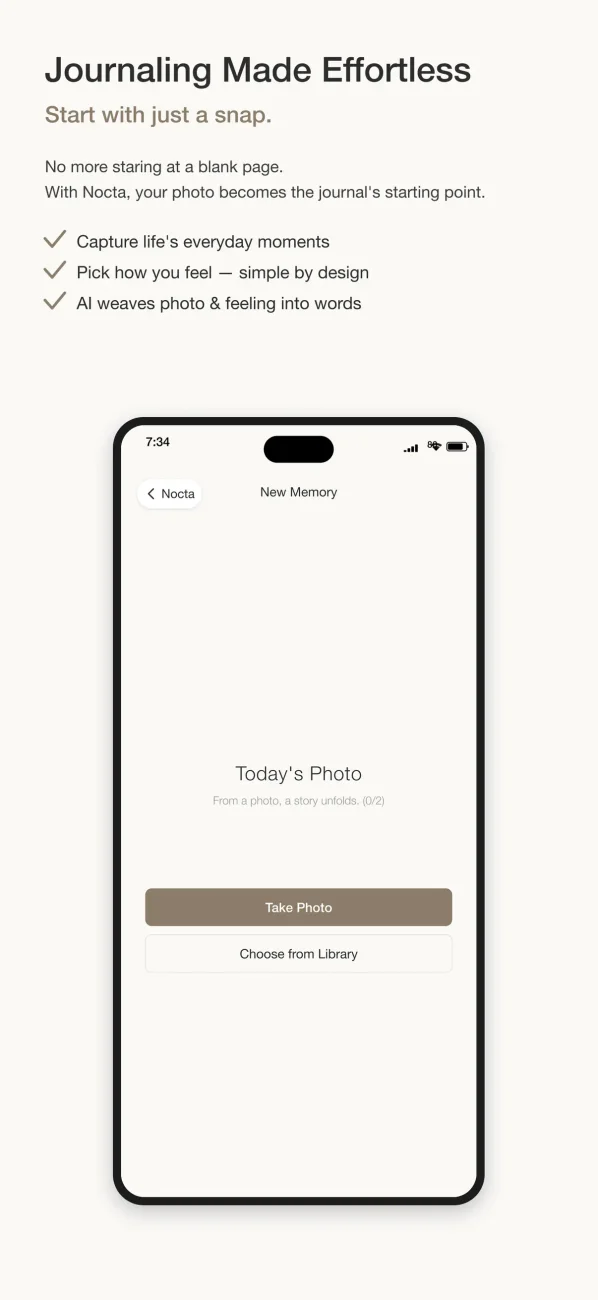
Skip the blank page.
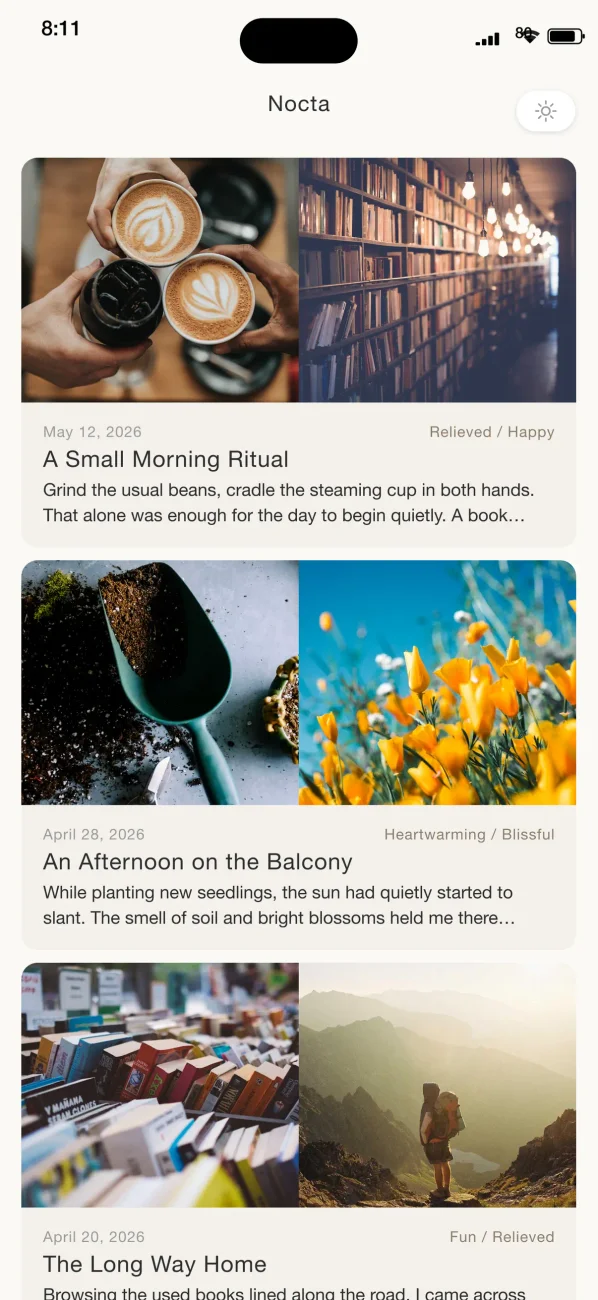
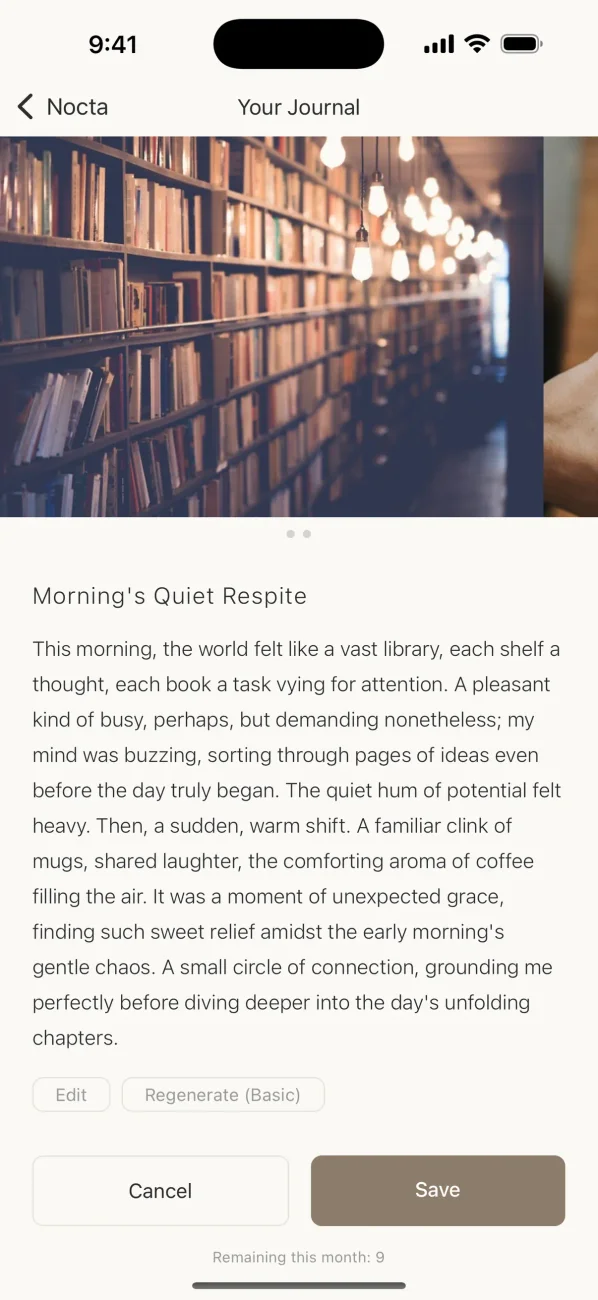
Take a photo, pick a feeling — and Nocta writes today in your own first-person voice.
No prompts. No advice.
Just gentle entries that sound like you.
THIS IS FOR YOU IF
• You've tried journaling and given up
• You find it hard to put feelings into words
• You don't have time to reflect every day
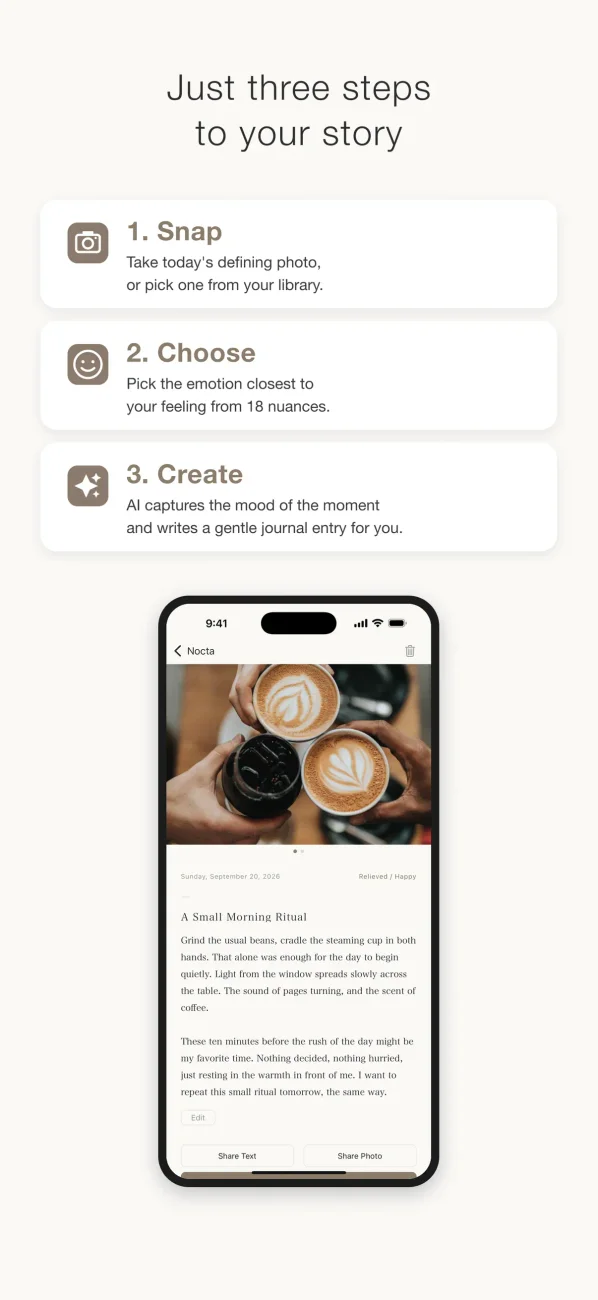
HOW IT WORKS
1. Take or pick today's photo
2. Choose one feeling
3. AI writes your day in your own voice
FREE TO START
• Up to 10 journals per month (30 in June — launch bonus)
• 1 photo per entry
• Write manually anytime
NOCTA BASIC ($3.99/mo or $39.99/yr)
• Up to 4 photos per entry
• 1 AI journal per day
• Regenerate text up to 2× daily
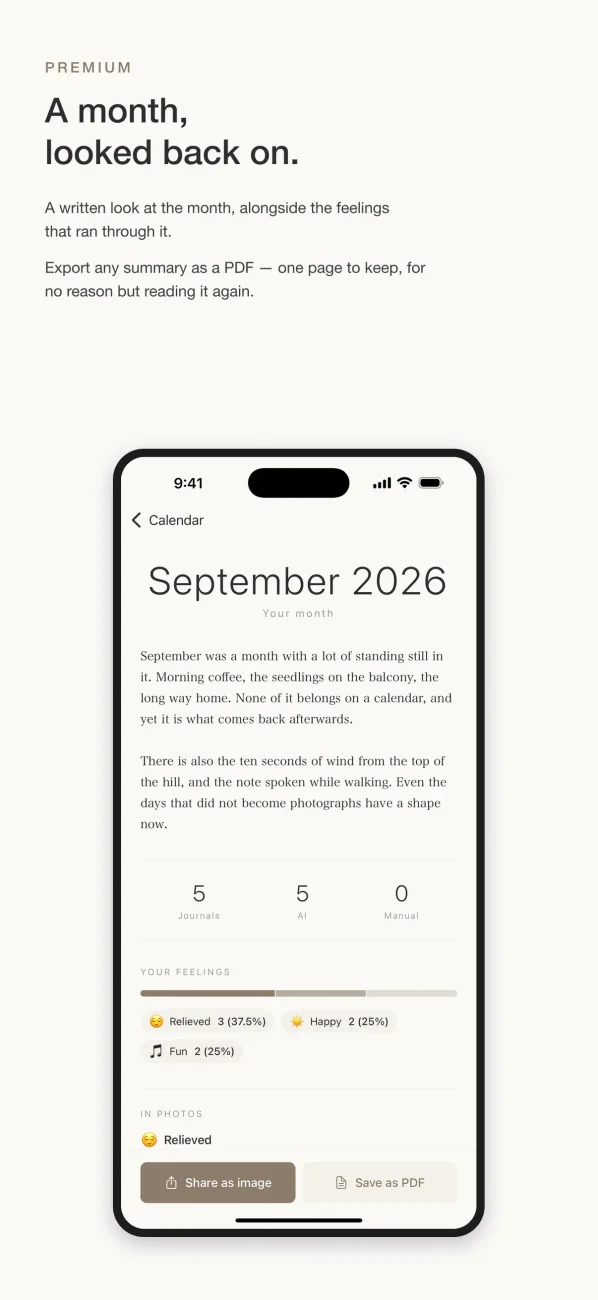
• Calendar view to revisit your month
• "One year ago today" lookback
• 4 writing styles (poetic, formal, casual, conversational)
• 3 fonts (serif, sans, rounded)
PRIVACY
Your journals stay on your device. No cloud uploads.
SUBSCRIPTION TERMS
• Payment will be charged to your Apple ID account at confirmation
• Subscription automatically renews unless cancelled at least 24 hours before the end of the current period
• Account will be charged for renewal within 24 hours prior to the end of the current period
• Manage or cancel anytime in your Apple ID account settings
Terms of Use (EULA): https://www.apple.com/legal/internet-services/itunes/dev/stdeula/
Nocta Terms of Service: https://daisukeoka.github.io/nocta-legal/legal/terms-of-service
Privacy Policy: https://daisukeoka.github.io/nocta-legal/legal/privacy-policy
What’s new
Version 1.6.0 · Nov 7, 2026
This release is about how the app lays itself out, and a handful of fixes to editing.
A window that changes size
When the display area changes — folded, unfolded, split — photos and text now lay themselves out again to match.
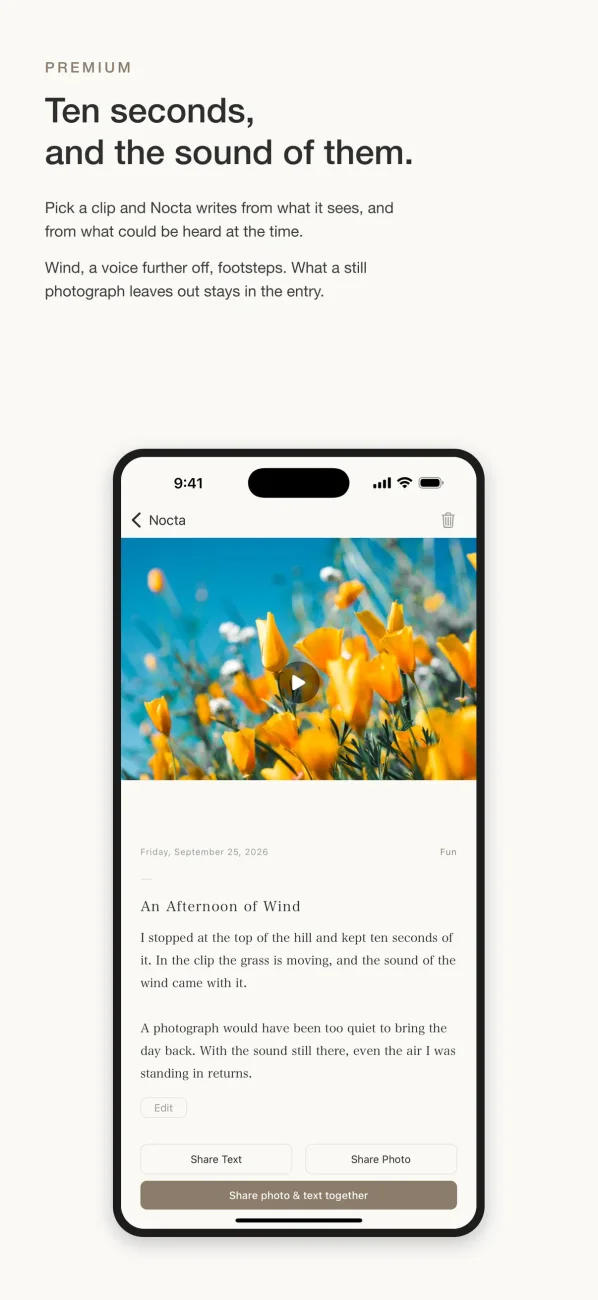
Video is kept at a higher resolution
Clips in a journal are now saved at 1080p rather than 720p.
The keyboard no longer covers what you are editing
Correcting an entry used to leave the part you were fixing underneath the keyboard, with no way to scroll it clear. Fixed on every screen where an entry can be edited.
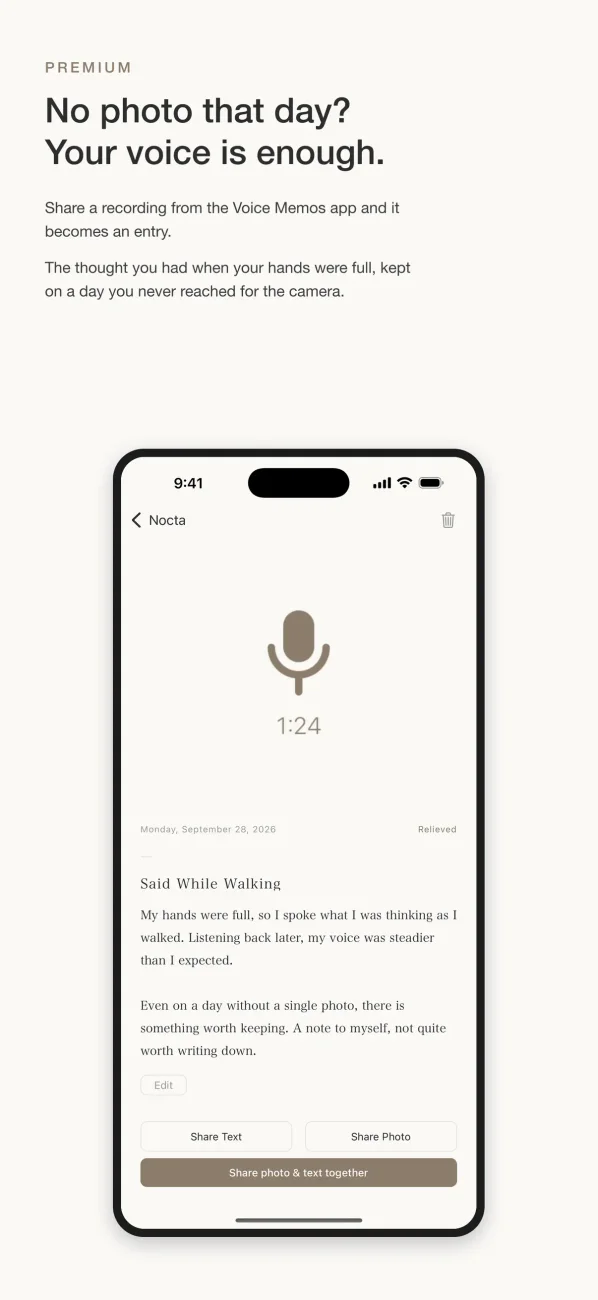
A new card for recordings
An entry made from a recording now shows a microphone instead of the feeling's emoji. The feeling already sits beside the date, so the card no longer says it twice.
Photos
A journal's photos are now sized to the width of the screen.
App privacy
What Daisuke Oka declares on the App Store about how this app handles data.
-
Data not linked to you
May be collected but is not linked to your identity.
- User content
Privacy practices may vary, for example with the features you use or your age.
Information
- Seller
- Daisuke Oka
- Category
- Lifestyle
- Version
- 1.6.0
- Updated
- Nov 7, 2026
- Released
- May 25, 2026
- Size
- 51.8 MB
- Requires
- iOS 15.1 or later
- Age rating
- 4+
- In-app purchases
- Yes
- Languages
- English
- Copyright
- © 2026 Daisuke Oka
You might also like
-
 2IM: AI Diary & Time CapsulePrivate journal, future self
-
 Babbly AIDiary, mood tracker & AI chat
-
 KidsログLifestyle
-
 YellMe - AI Diary & JournalZero criticism, AI cheers you
-
 My MaiteFriendly AI that checks in
-
 AI Image Diary : Life StoryA paper-like daily diary
-
 Sodalio – AIチャット記録アプリLifestyle
-
 Leaves: Times of My LifeAI Virtual Biographer
-
 Remi: Story RollDigital Memoir, Album, Journal
-
 DailyMemoirA quiet place to be yourself