
Nook - Premium Screen Time
Time is money, take it back
Designed for iPhone, iPad
Free · In-app purchases
- Age rating17+
- CategoryProductivity
- DeveloperMasoud Sheikhhosseini
- LanguagesEnglish
- Size49.1 MB
Links to the official App Store page
Download.org hosts no file of Nook - Premium Screen Time. The button opens its official App Store page, published by Masoud Sheikhhosseini. Listing last checked on Nov 20, 2026.
Screenshots
About
Other apps block you. Nook makes a deal with you.
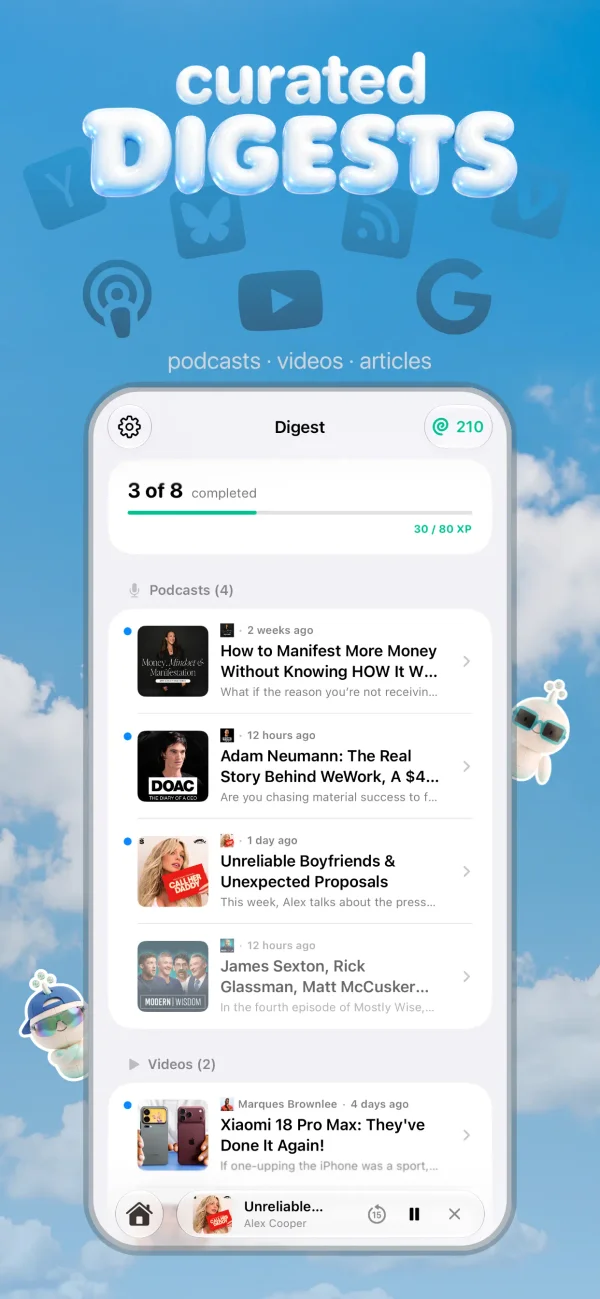
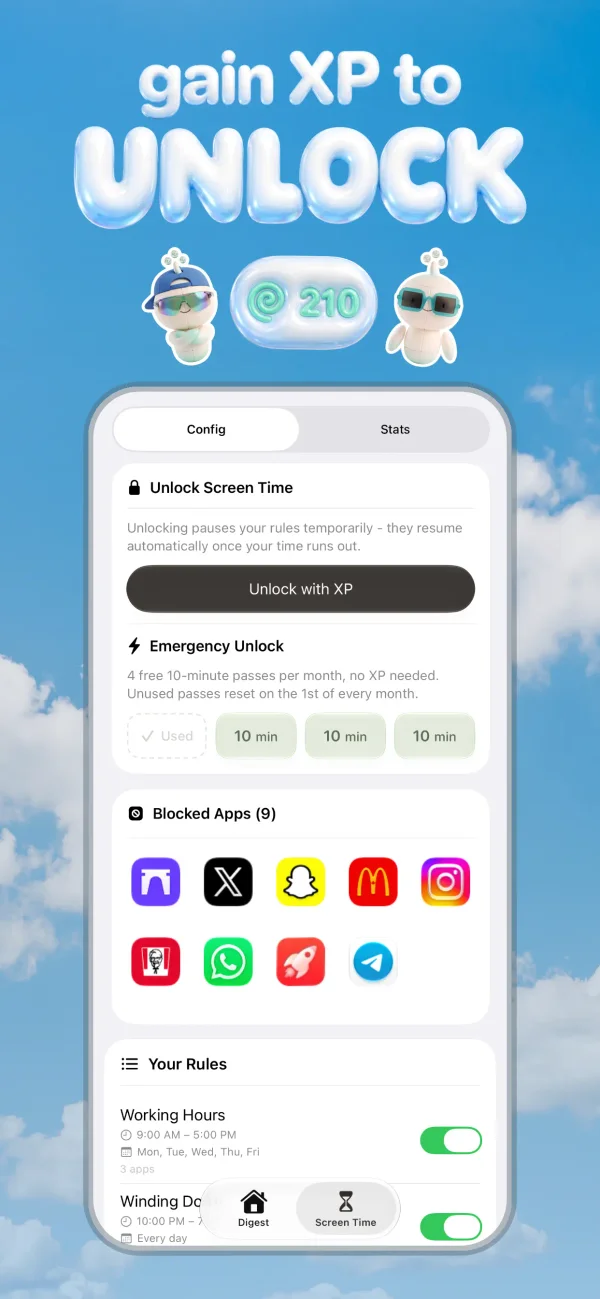
Every distracting app is one tap away, and Nook won't pretend otherwise. Instead of a wall, you get a trade. Catch up on your digest first: an article, a video or a podcast, whatever you picked. Then earn the XP and the app opens right. Just a fair trade.
- No infinite feeds, Just customized digest:
Add the sites, channels and podcasts you actually care about. Nook pulls them into a single digest, so you're not opening five apps to find five minutes of anything good.
- A block that actually works:
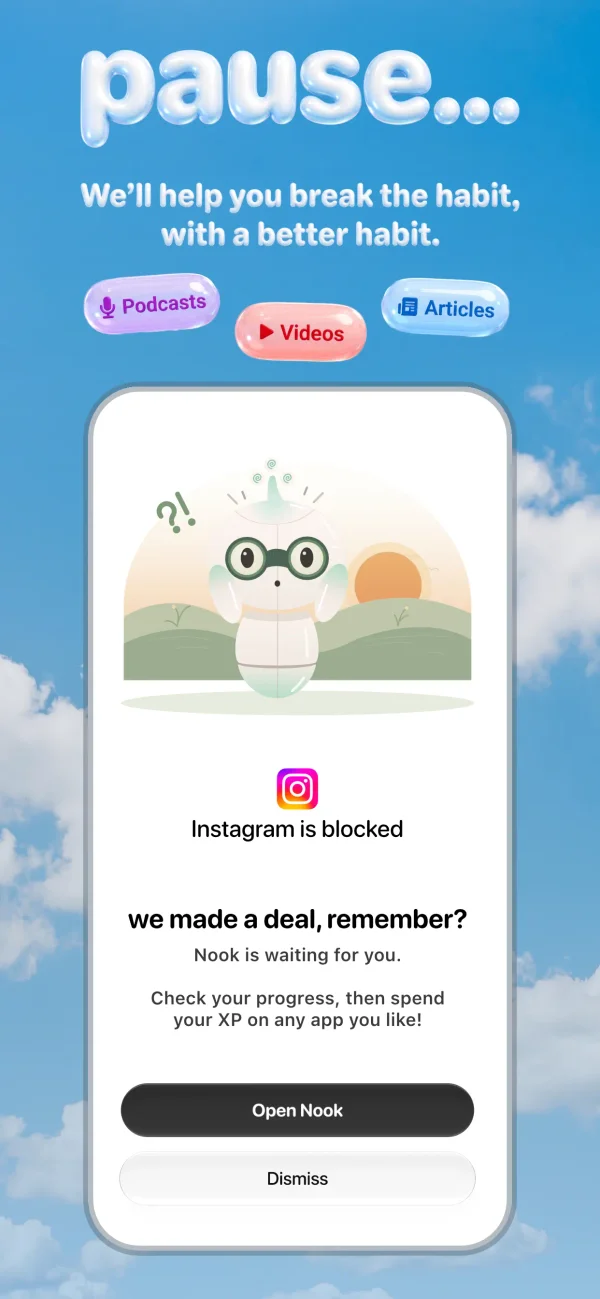
Pick any app, game or website you want to block that eat your day. Nook steps in front of them, and it won't budge until you've earned your way through. No willpower required.
- Numbers you can trust:
See your real screen time and how far off your own guess was. Most people are off by hours. Then watch it change, week by week, in reports that make sense.
Nook's not here to shame you off your phone. It's here to make sure the time you spend on it is time you picked.
------------------------
USE CASES
- For the Commute:
Trade the mindless scroll for your own digest. Same fifteen minutes, way better use of them.
- For the Doomscroller:
Stuck opening the same app for the 10th time today? Nook steps in first, every time, until you've earned your way through.
- For the Student:
Block the apps pulling your focus during study time, and catch up on your reading list instead.
- For the Late-Night Scroller:
Swap one more lap of your feed for one more story from your digest. Same habit, better payoff.
- For Anyone Else:
Stop wondering where your day went. See it, in real numbers, and do something about it.
------------------------
- Screen Time Data:
We use Apple's Screen Time API in order to monitor and block apps you use. It works entirely on your phone, leaves your device.
- Terms and Conditions:
https://trynook.xyz/terms
https://www.apple.com/legal/internet-services/itunes/dev/stdeula
- Privacy Policy:
https://trynook.xyz/privacy
What’s new
Version 1.2 · Nov 3, 2026
iPhone Duo support!
App privacy
What Masoud Sheikhhosseini declares on the App Store about how this app handles data.
-
Data linked to you
May be collected and linked to your identity.
- Identifiers
- Usage data
-
Data not linked to you
May be collected but is not linked to your identity.
- Purchases
Privacy practices may vary, for example with the features you use or your age.
Information
- Seller
- Masoud Sheikhhosseini
- Category
- Productivity
- Version
- 1.2
- Updated
- Nov 3, 2026
- Released
- Sep 19, 2026
- Size
- 49.1 MB
- Requires
- iOS 26.0 or later
- Age rating
- 17+
- Price
- Free
- In-app purchases
- Yes
- Languages
- English
- Copyright
- © 2026 zzmasoud
You might also like
-
 Spur NotesThink first. Branch as needed.
-
 Scroll Survival: Block AppsGamified screen time + focus
-
 Distill by UNMSYour personal thinking system.
-
 Presto Timer & TTC TransitNever miss your TTC bus again
-
 Screen time control-Fluxblock distractions
-
 Meli: Personal AIAI that follows through
-
 Logger Habit TrackerVisualize good and bad habits
-
 Altus: Daily Planner & CoachPlanner, To-Do List & Coach
-
 Stash Anything: Save LinksBookmark Everything for Later
-
 Daily Routine Tracker - DayfulRecurring habit streak plan