Norton Password Manager
Secure Password Manager
Designed for iPhone, iPad, iPod touch
Free
- Age rating17+
- CategoryUtilities
- DeveloperGen Digital Inc.
- LanguagesEnglish+ 16 more
- Size152.6 MB
Links to the official App Store page
Download.org hosts no file of Norton Password Manager. The button opens its official App Store page, published by Gen Digital Inc. Listing last checked on Nov 26, 2026.
Screenshots

About
Want a free, powerful password manager? Norton Password Manager is a single solution to help manage your unique passwords in multiple ways. Memorizing complex passwords with symbols, numbers, capital letters, and more, is difficult but using strong passwords is important to help keep your personal information secure. With Norton Password Manager, your information is encrypted, helping keep it secure, yet still available across your devices so you can access it anywhere. Best of all, it’s free!*
Why Norton Password Manager
• Passwords filled in a single tap
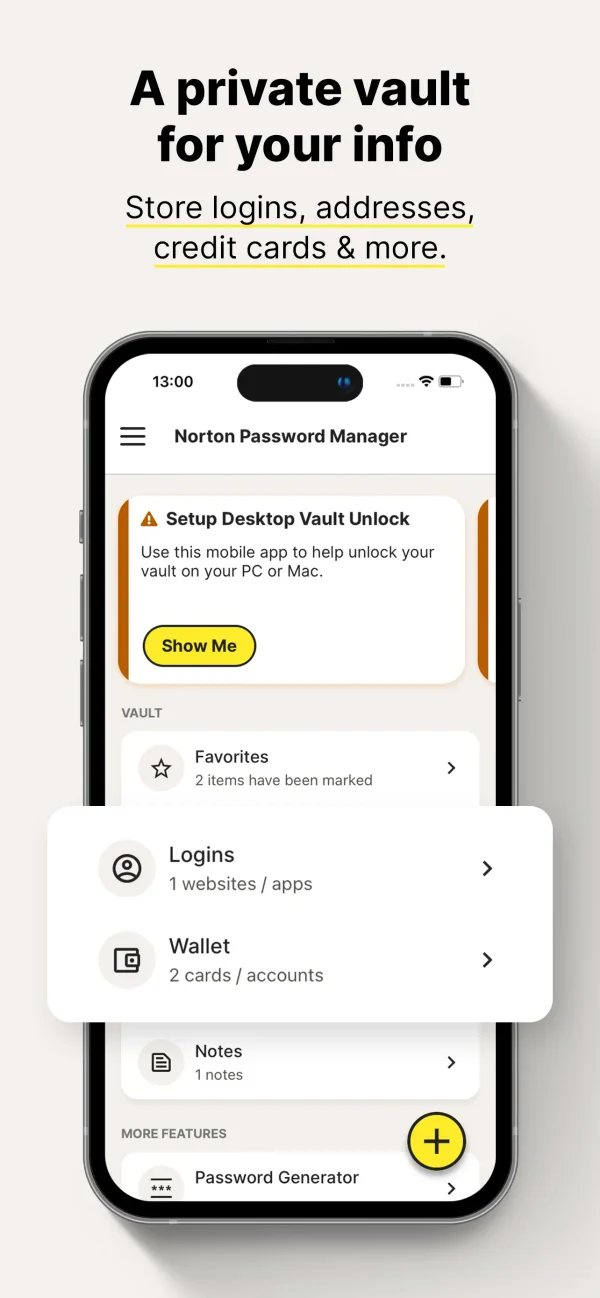
When you log in to websites and apps, it’s a smoother, quicker, and more convenient experience. Your passwords are stored in an online vault, which can be used to auto fill online login information with a single tap.¹
• Encrypted
With zero knowledge encryption and two-factor authentication, only you control access to your password vault–not even Norton can access it. These security measures help keep your data safer from cybercriminals and hacking attempts.
• Free*
Norton Password Manager is free and accessible to anyone and works on devices including computers, tablets, and phones.
• Sync passwords¹
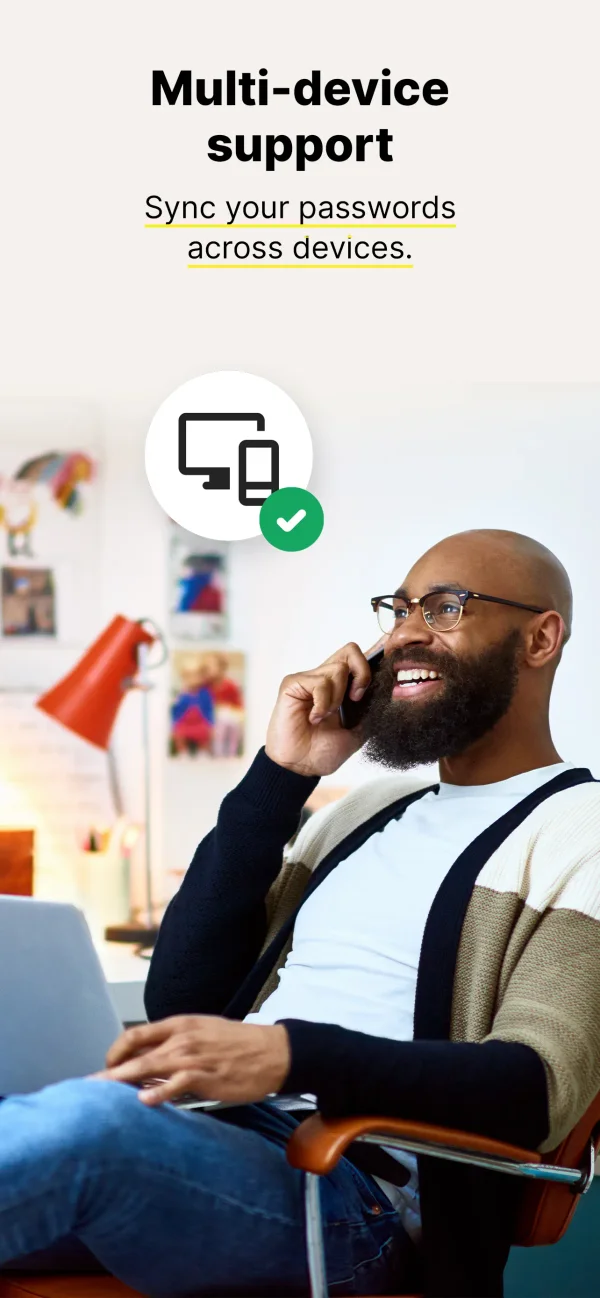
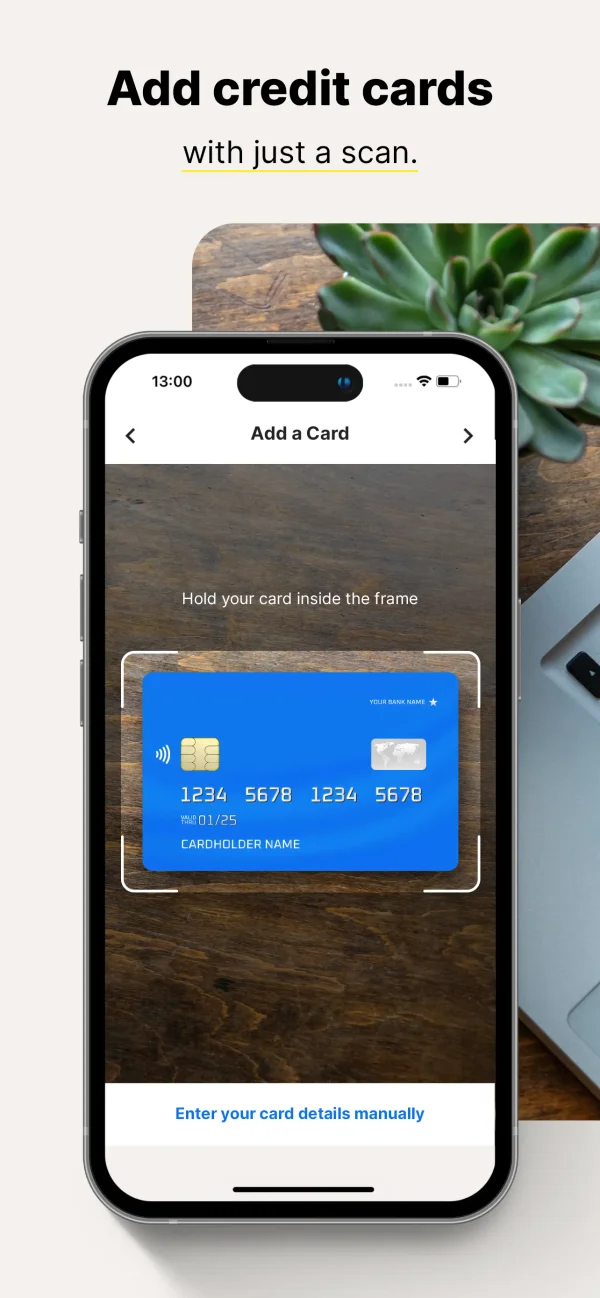
Your entire password vault can be synced and accessed across your devices. Your logins and credit card credentials can be auto filled.
• Biometric unlock²
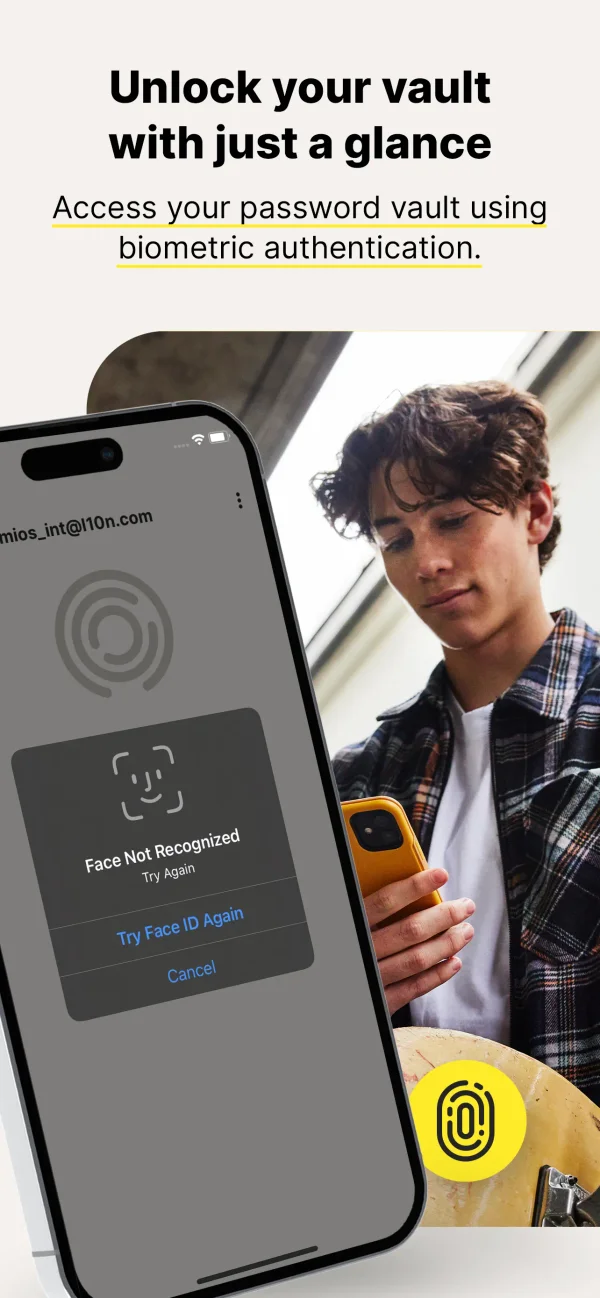
There’s no need to even type in your vault password. Access your vault faster or recover your vault password³ using Apple’s Touch ID® or Face ID®.
• Password Assessment
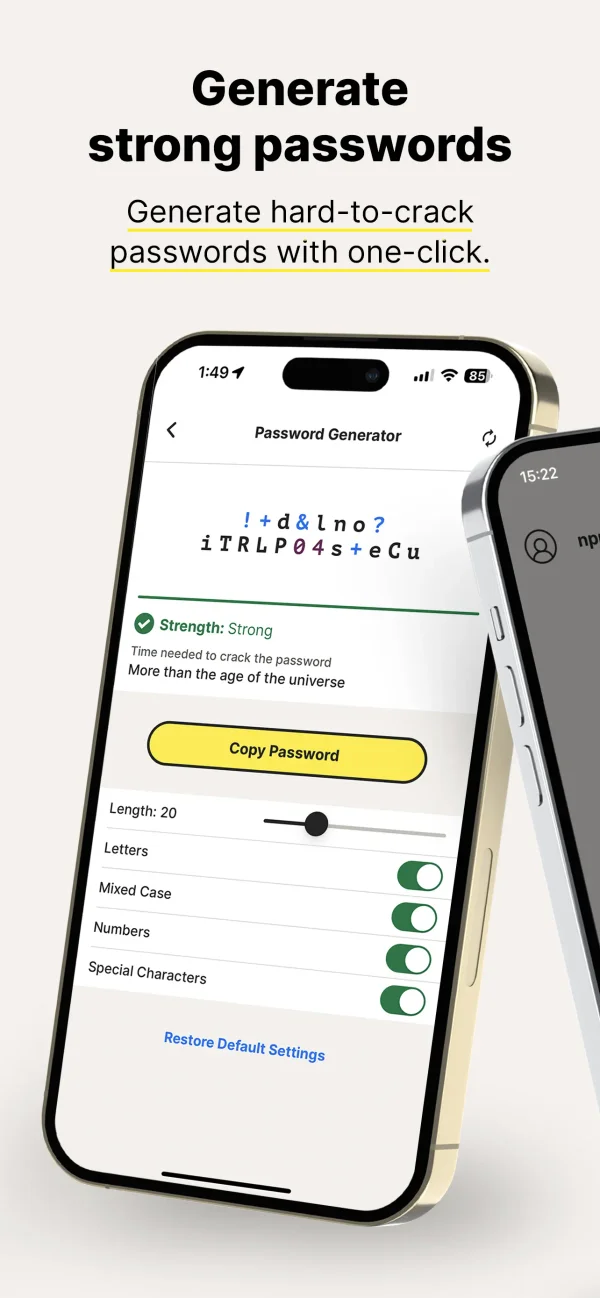
Check if your passwords are strong and easily create new passwords or change weak passwords to strong ones that are more difficult to crack.
Your information stays private even from us because it’s encrypted using zero-knowledge encryption before being stored in your cloud-based vault. Your passwords and other personal information can be even more secure by enabling two-factor authentication, plus you can use Apple’s Touch ID® or Face ID® so you can access your vault even faster.
Creating and remembering complex passwords doesn’t have to be difficult. Norton Password Manager helps you safeguard your personal information by making recommendations to strengthen passwords, adding more security to your online, digital life.
* With the free version of Norton Password Manager, we reserve the right to limit the number of entries (like passwords) at any time. This limitation won’t affect any existing entries in your vault.
¹ Requires your device to have an Internet/data plan and be turned on.
² Only available on iOS devices with Fingerprint Authentication or Touch ID/Face ID activated.
³ Vault Password Reset can only be initiated on an iOS smartphone. To work, your smartphone must have the Norton Password Manager mobile app installed, set up, and connected to your Norton account, plus the Biometric Authentication (fingerprint, or Touch ID/Face ID) activated, beforehand.
PRIVACY POLICY
Norton respects the privacy of our users and carefully safeguards personal data.
For more information: https://www.norton.com/privacy
What’s new
Version 8.8.12 · Oct 6, 2026
We just made your vault even more powerful!
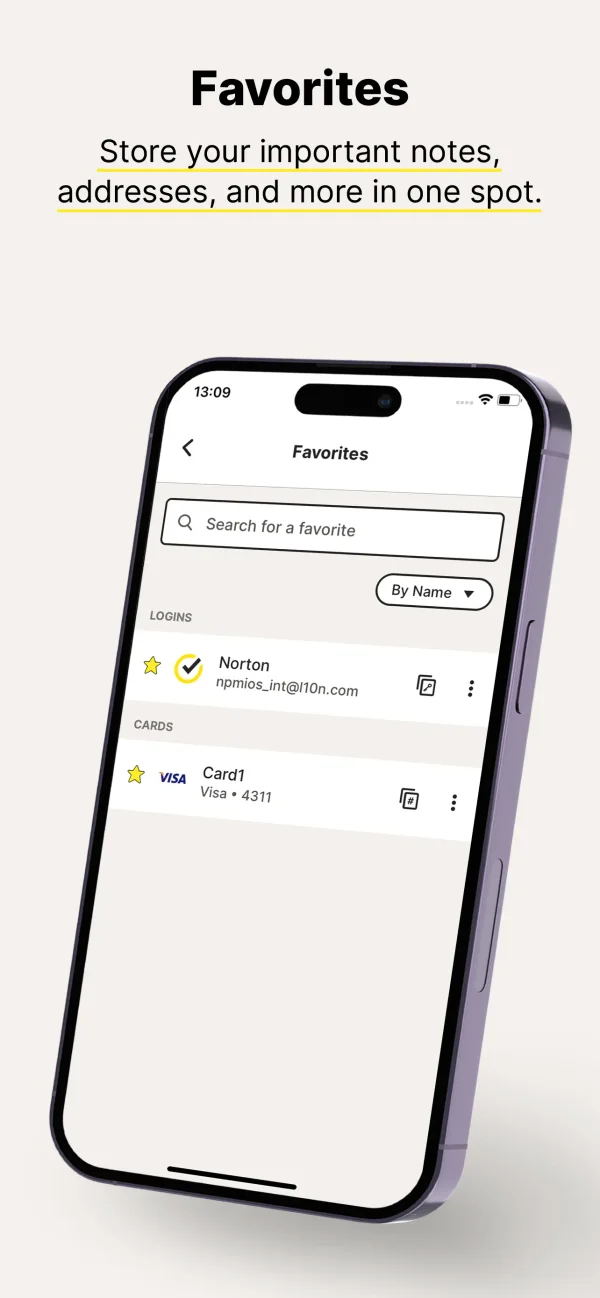
Say hello to Identities — a brand new way to securely store your important ID documents right inside your password manager. Whether it's your passport, driving license, or any other government-issued ID, you can now add them to your vault and access them anytime, anywhere, on any device.
App privacy
What Gen Digital Inc. declares on the App Store about how this app handles data.
-
Data linked to you
May be collected and linked to your identity.
- Contact info
- Identifiers
-
Data not linked to you
May be collected but is not linked to your identity.
- Location
- Browsing history
- Identifiers
- Usage data
- Diagnostics
Privacy practices may vary, for example with the features you use or your age.
Information
- Seller
- Gen Digital Inc.
- Category
- Utilities
- Version
- 8.8.12
- Updated
- Oct 6, 2026
- Released
- Apr 20, 2012
- Size
- 152.6 MB
- Requires
- iOS 15.1 or later
- Age rating
- 17+
- Price
- Free
- Languages
- English, Bulgarian, Danish, Dutch, French, German, Italian, Japanese, Polish, Portuguese, Romanian, Serbian + 5 more
- Copyright
- © 2025 Norton, Inc. All rights reserved
You might also like
-
 Guardio: Mobile Phone SecurityAnti Spyware Scam Protection
-
 TotalAVMobile Security & Private VPN
-
 Verizon ProtectData & identity security
-
 Malwarebytes - Mobile SecurityScam Protection, Ad Block, VPN
-
 LogMeIn Rescue CustomerUtilities
-
 Total Adblock - Ad BlockerFaster Browsing With No Ads
-
 McAfee Security for T-MobileUtilities
-
 Bitdefender Mobile SecurityIdentity and Scam Protection
-
 MonoBoost Cancel SubscriptionsSubscription Manager & Stopper
-
 My Consumer CellularBig Wireless coverage for less