
NoScroll: Pause First
Screentime control. Count wins
Designed for iPhone, iPod touch
$0.99
- Age rating4+
- CategoryProductivity
- Developer福荣 贺
- LanguagesEnglish
- Size32.0 MB
Links to the official App Store page
Download.org hosts no file of NoScroll: Pause First. The button opens its official App Store page, published by 福荣 贺. Listing last checked on Nov 17, 2026.
Screenshots
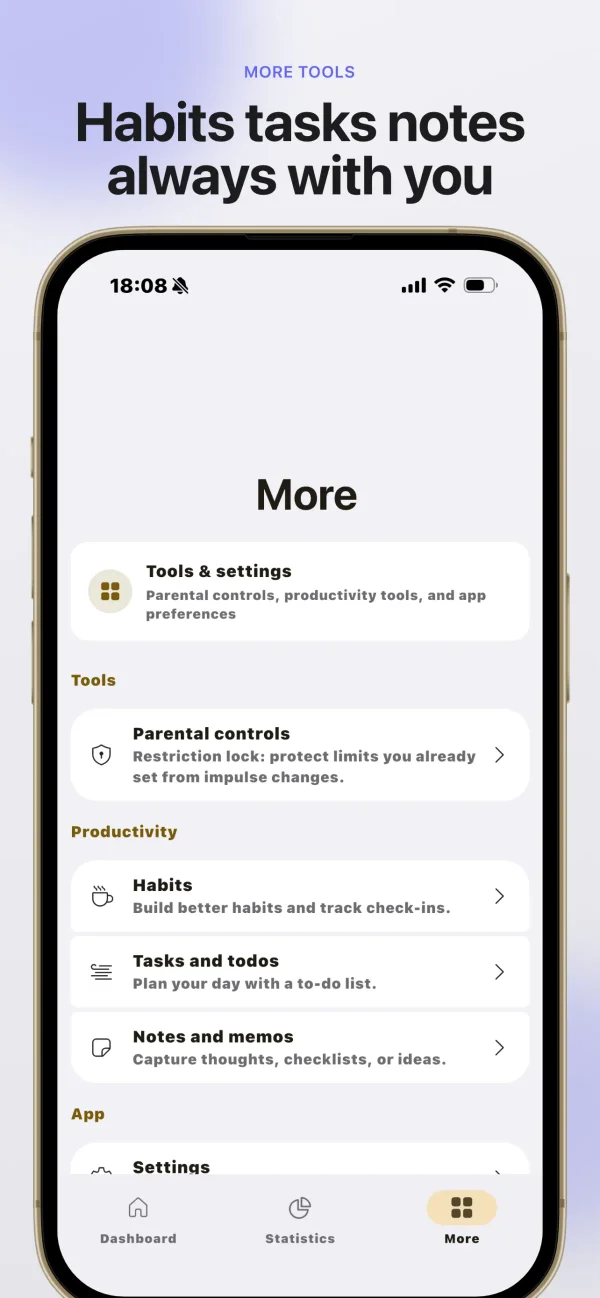
About
About to open a short-video or social app? Pause first. Returning counts as a real win.
NoScroll is a screen time control app for people who already set limits but still tap Ignore when willpower is low. It adds friction before the app opens, then turns avoided opens and focus time into progress you can actually feel, not another anxious screen-time leaderboard.
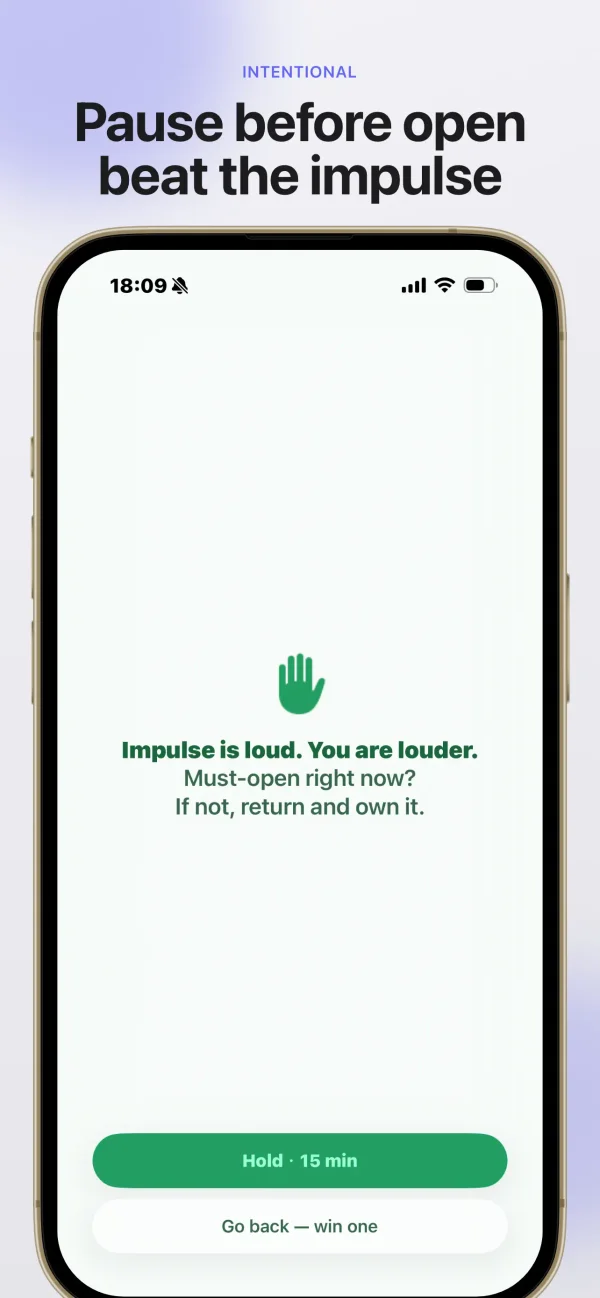
System limits usually show up after you are already scrolling. NoScroll moves the reminder to the moment you open the app: pause first, then return or continue with intention. It is a lighter app blocker for autopilot opens, doomscrolling, late-night social feeds, and the habits that pull you out of work or study.
HOW IT WORKS
1. Pick the apps that pull you in: short video, shorts, social feeds, Reels-style apps, or any app you open on autopilot
2. Opening those apps shows a pause screen first. Return or continue, your choice in the moment
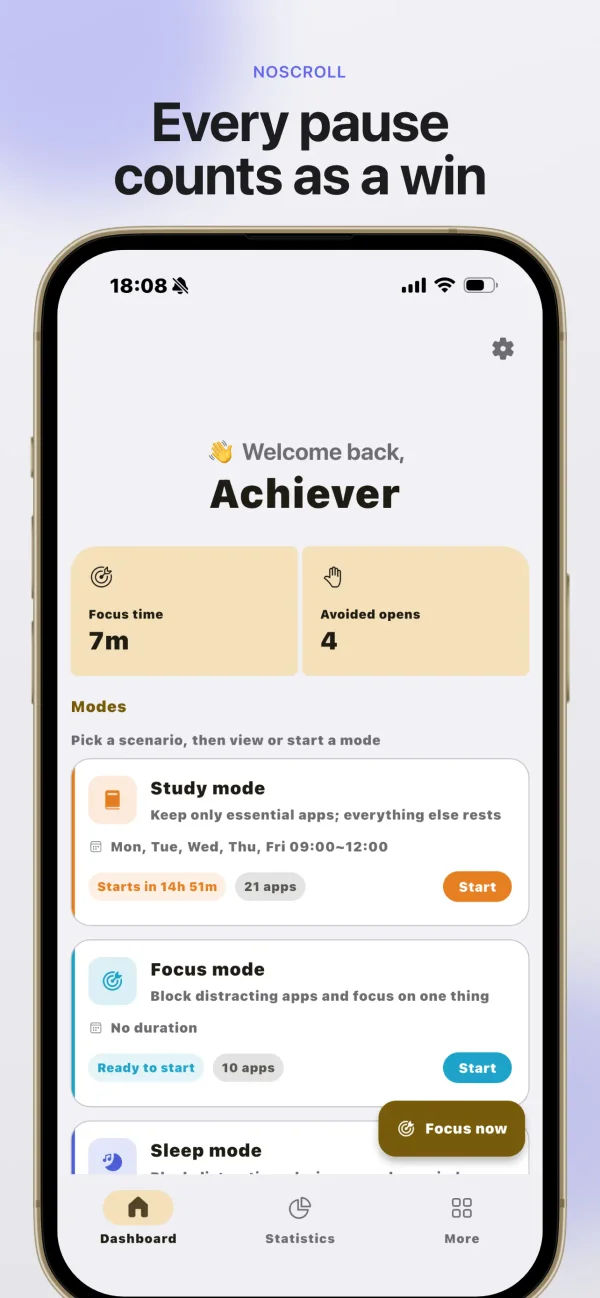
3. Return counts as an avoided open; Focus adds time you actually settled in. Home keeps those wins visible
CORE: INTENTIONAL OPEN
Pause before you open. Return is a win; continue brings another reminder later, so "just a bit more" is no longer effortless.
WHEN YOU NEED MORE
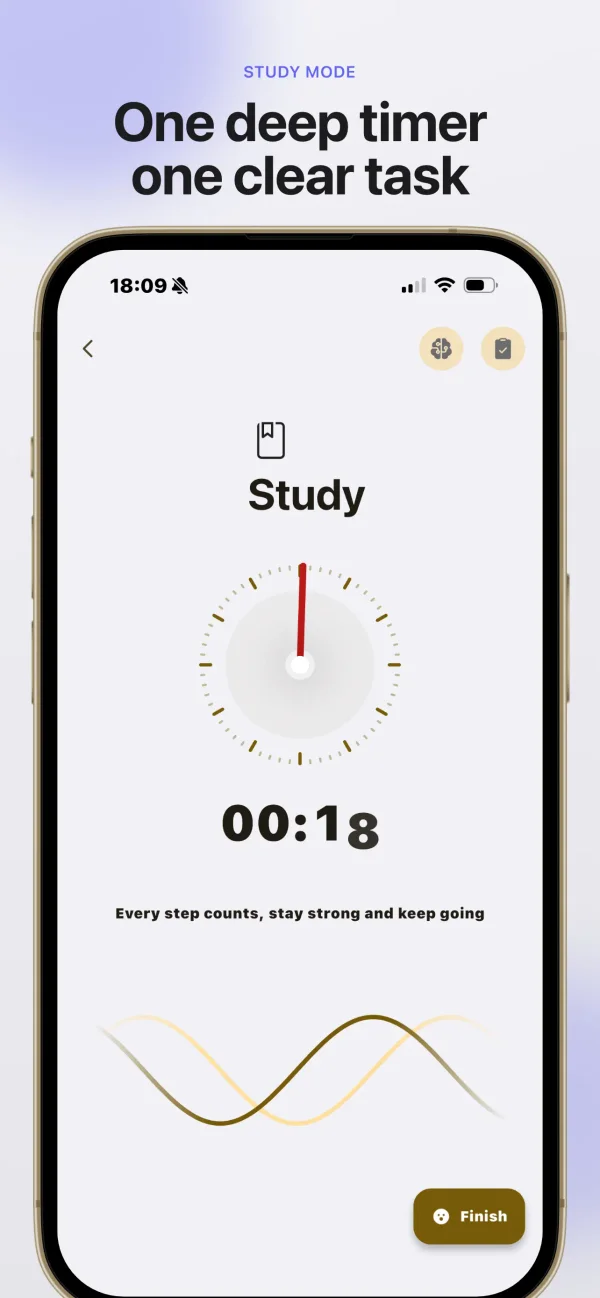
• Focus Mode: lock and block distraction while you work or study, and keep the focus time you earned
• Sleep Schedule: auto-limit at bedtime and release in the morning, including overnight schedules
• Digital Detox: whitelist-only mode for days when you want to unplug
COUNT WINS, NOT HOURS
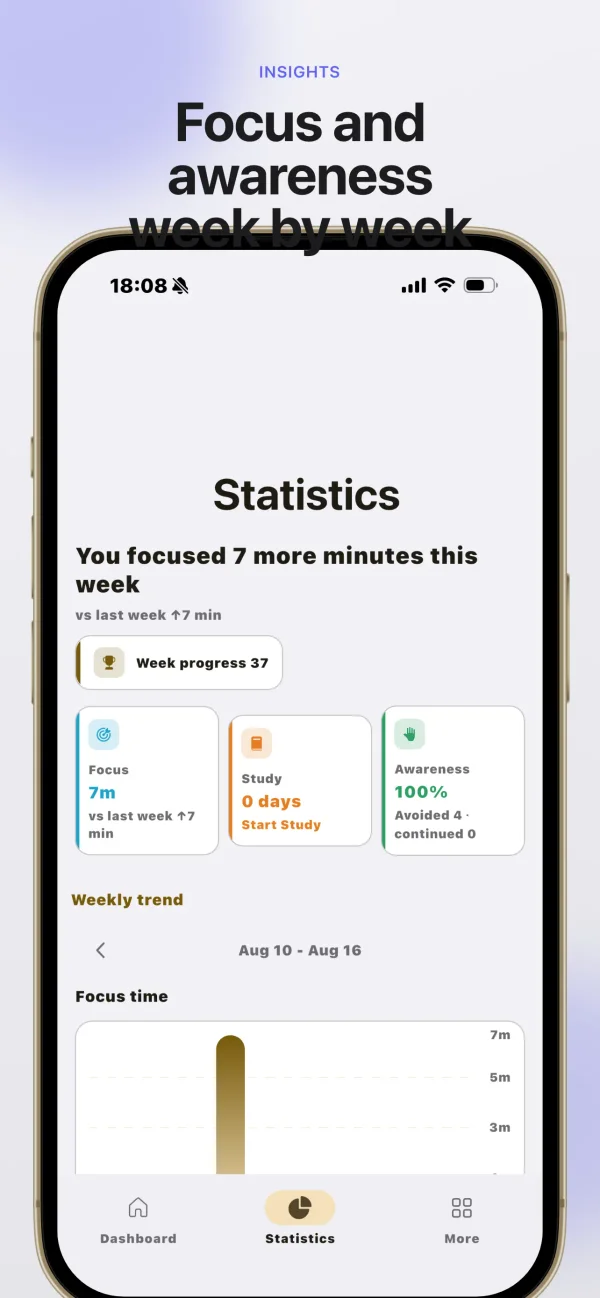
NoScroll does not lead with shame about how long you scrolled. It helps you see how many impulse opens you stopped, how long you stayed focused, and when a mindful pause changed the next minute.
STAYS ON YOUR DEVICE
Intent events and settings stay on your phone by default. Screen Time selections are managed by the system; we do not get an uploadable feed of what you watched.
Privacy Policy: https://noscroll.1024ideas.com/privacy
Terms: https://noscroll.1024ideas.com/terms
Support: moreless1025@gmail.com
What’s new
Version 1.2.4 · Oct 24, 2026
Store listing update: subtitle and keywords now emphasize pause-first, short video, and screentime control.
Same product: pause before you open, return counts as a win. Focus / Sleep / Detox stay available when you need them. Data stays on device.
App privacy
What 福荣 贺 declares on the App Store about how this app handles data.
-
Data not collected
The developer does not collect any data from this app.
Privacy practices may vary, for example with the features you use or your age.
Information
- Seller
- 福荣 贺
- Category
- Productivity
- Version
- 1.2.4
- Updated
- Oct 24, 2026
- Released
- Aug 13, 2026
- Size
- 32.0 MB
- Requires
- iOS 15.0 or later
- Age rating
- 4+
- Price
- $0.99
- Languages
- English
- Copyright
- © 2026 NoScroll
You might also like
-
 Bruno BlockerAdvanced personal focus tool
-
 WristBrief: AI Voice RecorderAll-Day Watch Recorder & Notes
-
 Tomato: ADHD Focus TimerAI Pomodoro & Task Breakdown
-
 PawseScrollFocus & Screen Time
-
 Deadbolt: Dumb Phone & DetoxApp blocker & less screen time
-
 笔记伴侣 - 微信读书笔记管理Productivity
-
 BrickPhoneProductivity
-
 DetoxBrain: Screen Time, FocusApp blocker for digital detox
-
 Time boxing : Habbit BuildingBuild habbit with time boxing
-
 Reminder TemplatesReady-made lists for Reminders