- Age rating4+
- CategoryProductivity
- DeveloperTimmy Savvalas
- LanguagesEnglish
- Size30.6 MB
Links to the official App Store page
Download.org hosts no file of NoShift - Time tracking. The button opens its official App Store page, published by Timmy Savvalas. Listing last checked on Nov 14, 2026.
Screenshots
About
No cloud. No accounts. No paper timesheets. Your data stays on your device.
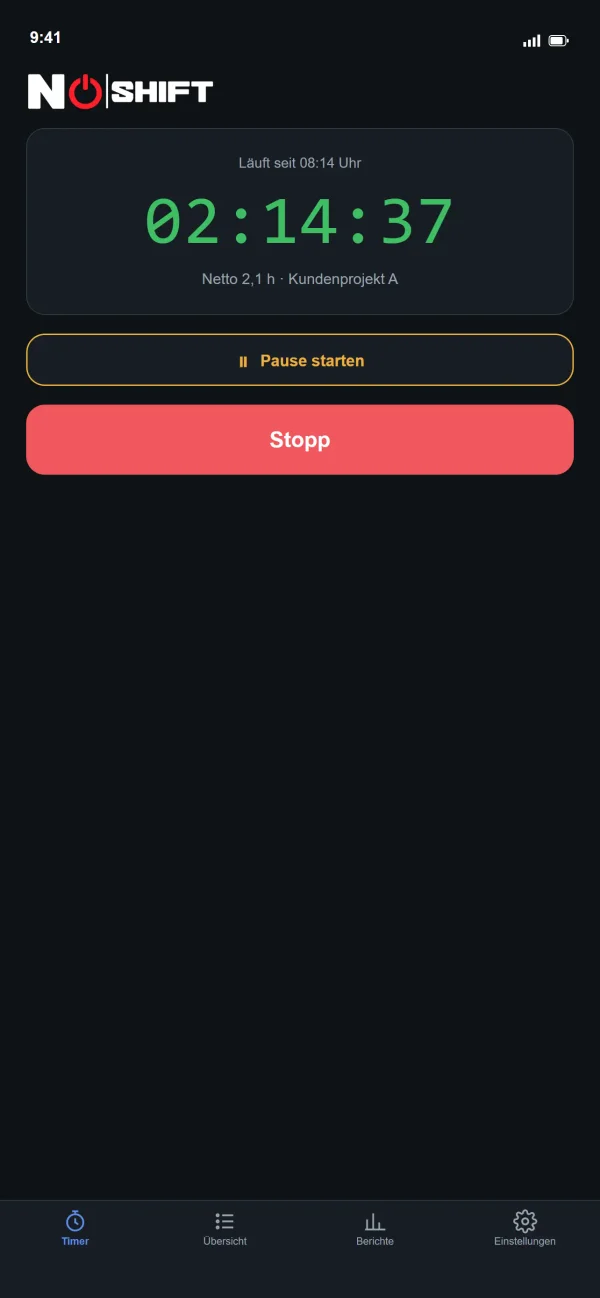
Punch clock with live break
One big start/stop button, project assignment, and a break you start and end right there — break time is deducted automatically.
Overtime balance
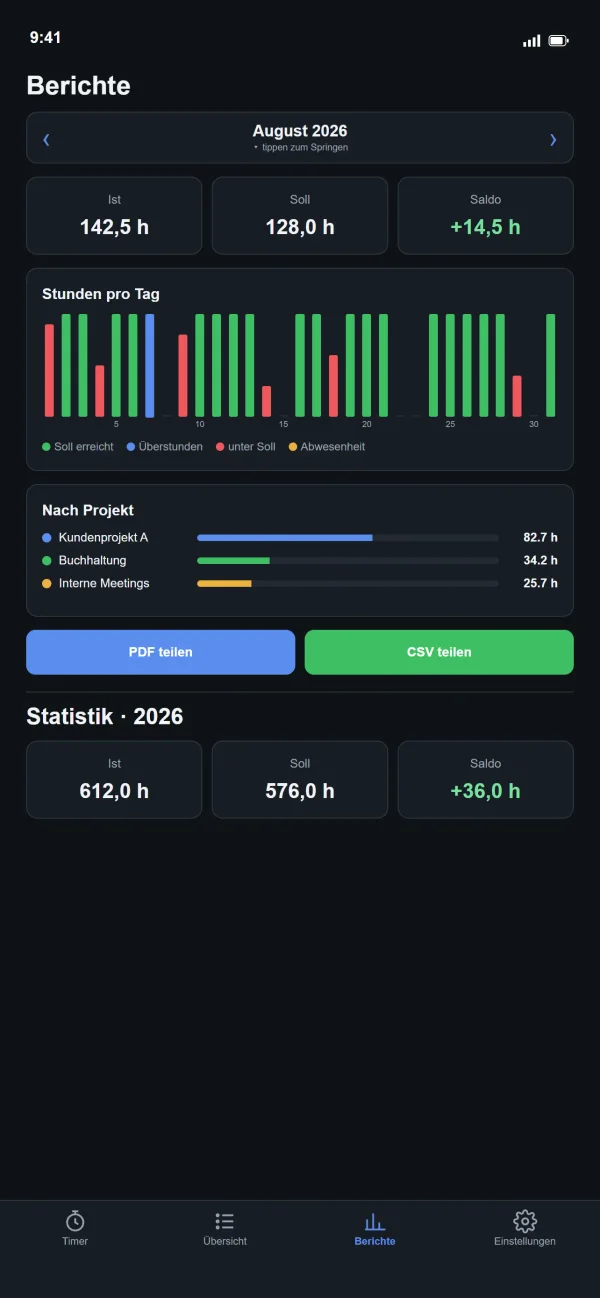
Target hours per weekday, a running balance across months. Positive shows green, negative red — never resets monthly.
Vacation, sick days & holidays
Log absences as a date range. Vacation, sick days and holidays count as fully paid; holidays can be imported via iCal.
Stats & trends
Bars per day and month, a line chart of the overtime balance, and a yearly overview with monthly totals.
Reports & export
Weekly and monthly overview, export as PDF or CSV to share — flagged whenever a time entry was edited after the fact.
Local & private
All data stays on the device (SQLite) — no account, no cloud. Back up to a file and restore it anytime.
What’s new
Version 1.0.1 · Aug 31, 2026
Redesigned charts in Reports: overtime is now shown more clearly,
without individual days skewing the scale.
The lock screen display now stays accurate even after editing a
running time entry. Reminders are cancelled more reliably when
stopping.
Also: improved Dynamic Island behavior during phone calls, smoother
time picker when editing entries.
Several smaller bug fixes.
App privacy
What Timmy Savvalas declares on the App Store about how this app handles data.
-
Data not collected
The developer does not collect any data from this app.
Privacy practices may vary, for example with the features you use or your age.
Information
- Seller
- Timmy Savvalas
- Category
- Productivity
- Version
- 1.0.1
- Updated
- Aug 31, 2026
- Released
- Aug 25, 2026
- Size
- 30.6 MB
- Requires
- iOS 16.2 or later
- Age rating
- 4+
- Languages
- English
- Copyright
- © 2026 No Company