NotationAI: Music Scanner
Photo & Audio to Sheet Music
Designed for iPhone, iPad
Free · In-app purchases
- Age rating4+
- CategoryMusic
- Developer旋炜 李
- LanguagesEnglish+ 32 more
- Size137.7 MB
Links to the official App Store page
Download.org hosts no file of NotationAI: Music Scanner. The button opens its official App Store page, published by 旋炜 李. Listing last checked on Nov 17, 2026.
Screenshots



About
Turn musical ideas into editable scores with an AI assistant built directly into a professional notation editor.
Ask NotationAI to continue a melody, add harmony, build accompaniment or arrange for an ensemble. Review every suggestion in the score, hear the result, and edit, undo or keep every note.
KEY FEATURES
• AI Score Assistant — Develop melodies, harmony, accompaniment and arrangements without leaving the score.
• Piano Note Entry — Enter notes and chords quickly with a responsive on-screen piano.
• Professional Notation — Create and refine solo, ensemble and multi-staff scores with complete editing tools.
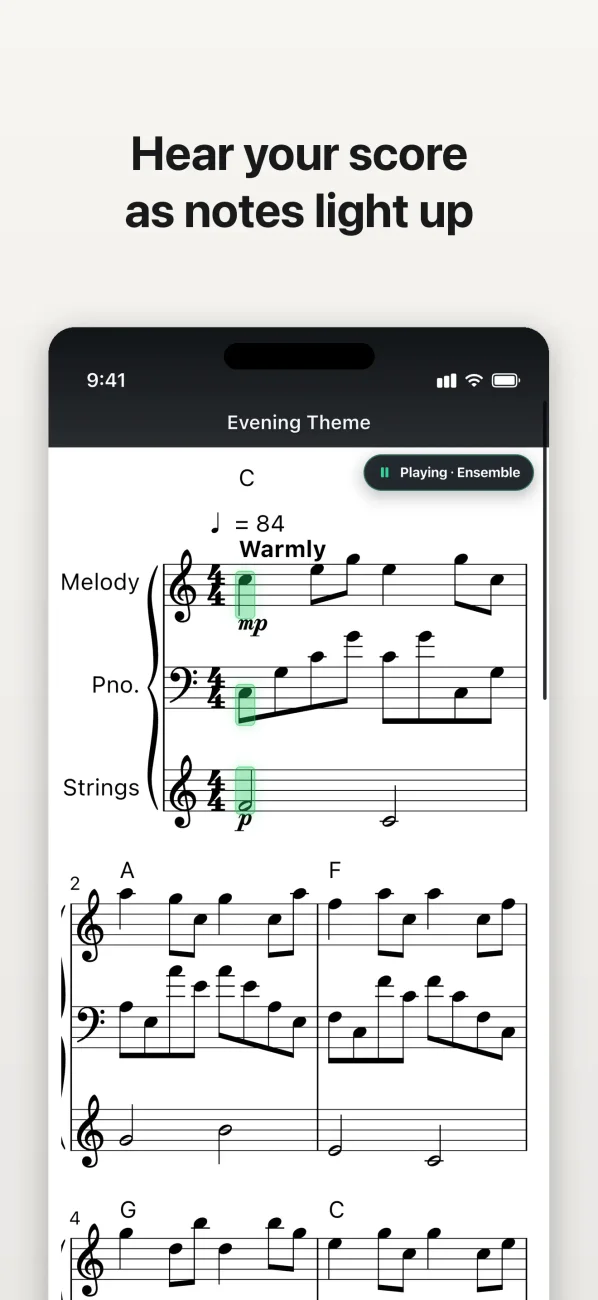
• HQ Instruments & Playback — Choose from a full General MIDI library, audition notes instantly, and follow highlighted notes across multiple parts.
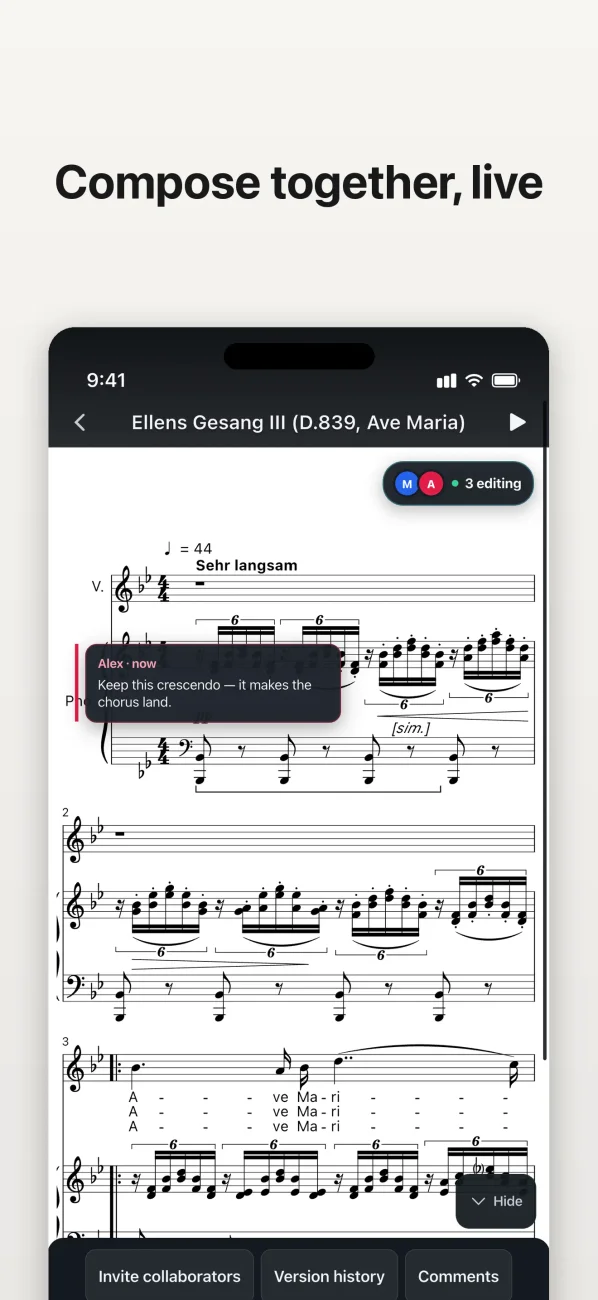
• Live Collaboration — Share view or edit access and work together with live presence, cursors and selections.
• Import & Export — Start from MusicXML, MXL, MIDI, MuseScore files, a photographed score or a performed melody; export MusicXML, MIDI, PDF or PNG.
Core notation, playback and local draft recovery work without an account. Sign in when you choose online AI features, cloud storage, private sharing or live collaboration.
About Subscriptions:
- Some features are only available to Pro users.
- Payment will be deducted from your iTunes account after you confirm the purchase.
- The subscription renews automatically unless auto-renewal is turned off at least 24 hours before the end of the current period.
- After purchase, you can manage your subscription and turn off auto-renewal by going to your Account Settings in the iTunes store.
- You can cancel your subscription by entering: http://support.apple.com/en-us/HT202039
Terms of Service: https://notationai.app/terms
Privacy Policy: https://notationai.app/privacy
https://www.apple.com/legal/internet-services/itunes/dev/stdeula/
What’s new
Version 1.1.2 · Nov 13, 2026
• Preview AI arrangements with notes highlighted during playback.
• Tap a score title to rename it. The library shows the new name.
App privacy
What 旋炜 李 declares on the App Store about how this app handles data.
-
Data linked to you
May be collected and linked to your identity.
- Purchases
- Location
- Contact info
- User content
- Identifiers
- Usage data
- Diagnostics
Privacy practices may vary, for example with the features you use or your age.
Information
- Seller
- 旋炜 李
- Category
- Music
- Version
- 1.1.2
- Updated
- Nov 13, 2026
- Released
- Sep 7, 2026
- Size
- 137.7 MB
- Requires
- iOS 17 or later
- Age rating
- 4+
- Price
- Free
- In-app purchases
- Yes
- Languages
- English, Arabic, Catalan, Croatian, Czech, Danish, Dutch, Finnish, French, German, Greek, Hebrew + 21 more
- Copyright
- © littlecrabapp
You might also like
-
 Sheets Music Scanner & ReaderPDF Score to MIDI:notation pad
-
 Transcription StudioMusic
-
 Melody ScannerTranscribe Your Favorite Song
-
 Piano+ - Sheet Music ComposerSheet Music Score Writer&Maker
-
 Piano2NotesConvert Piano Music to Notes
-
 Sing2NotesConvert Vocal Music to Notes
-
 Newzik: Sheet Music ReaderYour scores anytime, anywhere
-
 Sheet Music ScannerScore Note Finder & Reader
-
 Notation Pad-Sheet Music ScoreComposer, Score Creator&Writer
-
 Maestro - Music ComposerWrite Music Quick and Easy