
Notavelle: Notes & Widgets
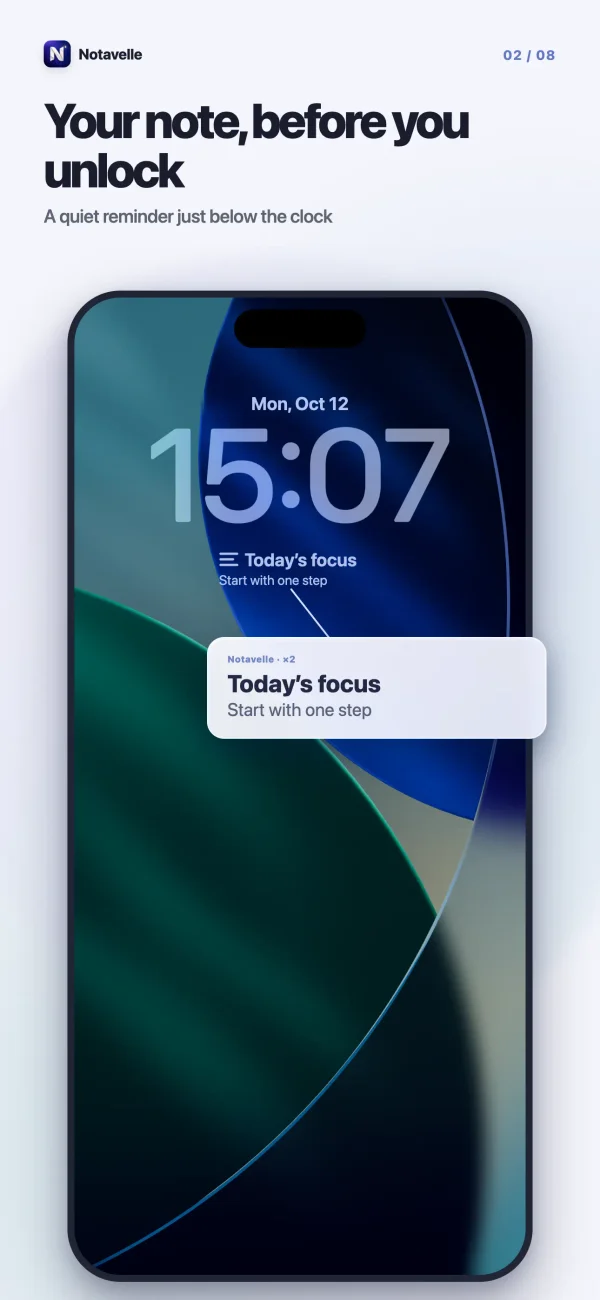
Text on Your Lock Screen
Designed for iPhone, iPad, Mac
Free · In-app purchases
- Age rating4+
- CategoryProductivity
- DeveloperVITALII VASYLENKO
- LanguagesEnglish+ 12 more
- Size5.6 MB
Links to the official App Store page
Download.org hosts no file of Notavelle: Notes & Widgets. The button opens its official App Store page, published by VITALII VASYLENKO. Listing last checked on Nov 15, 2026.
Screenshots
About
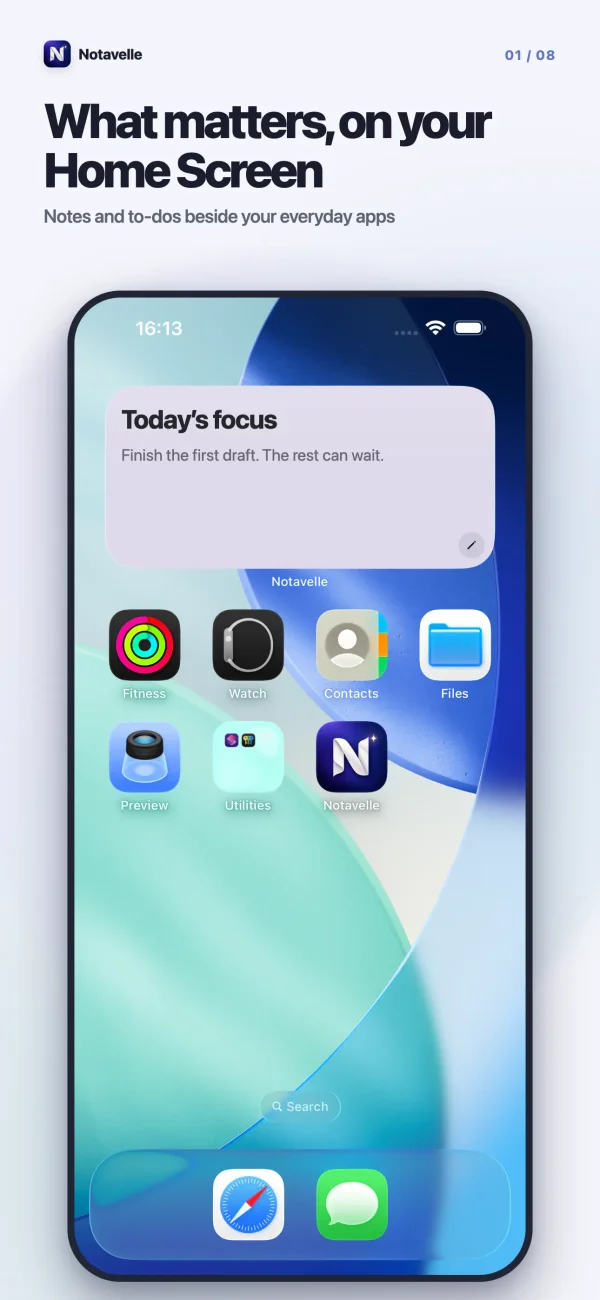
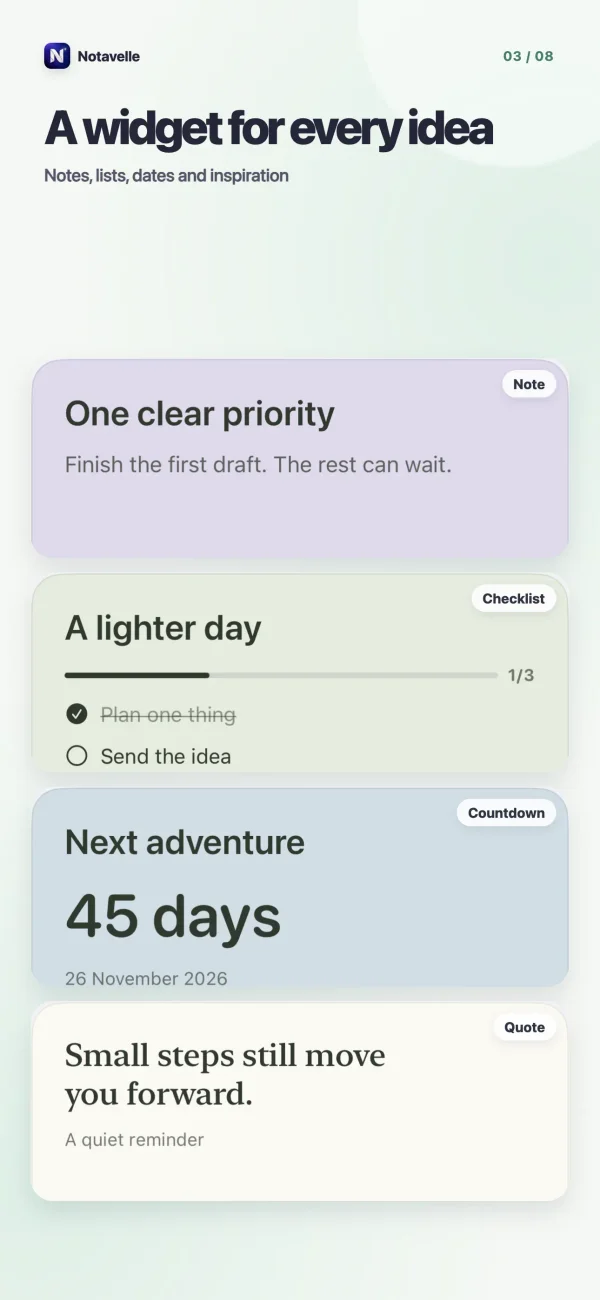
Keep what matters in sight. Notavelle turns notes, to-do lists, quotes and countdowns into text cards for iPhone and iPad. Place them on your Home Screen or Lock Screen and find what you need at a glance.
MAKE IT YOURS
• Write a note for an idea, plan or thought you want to keep.
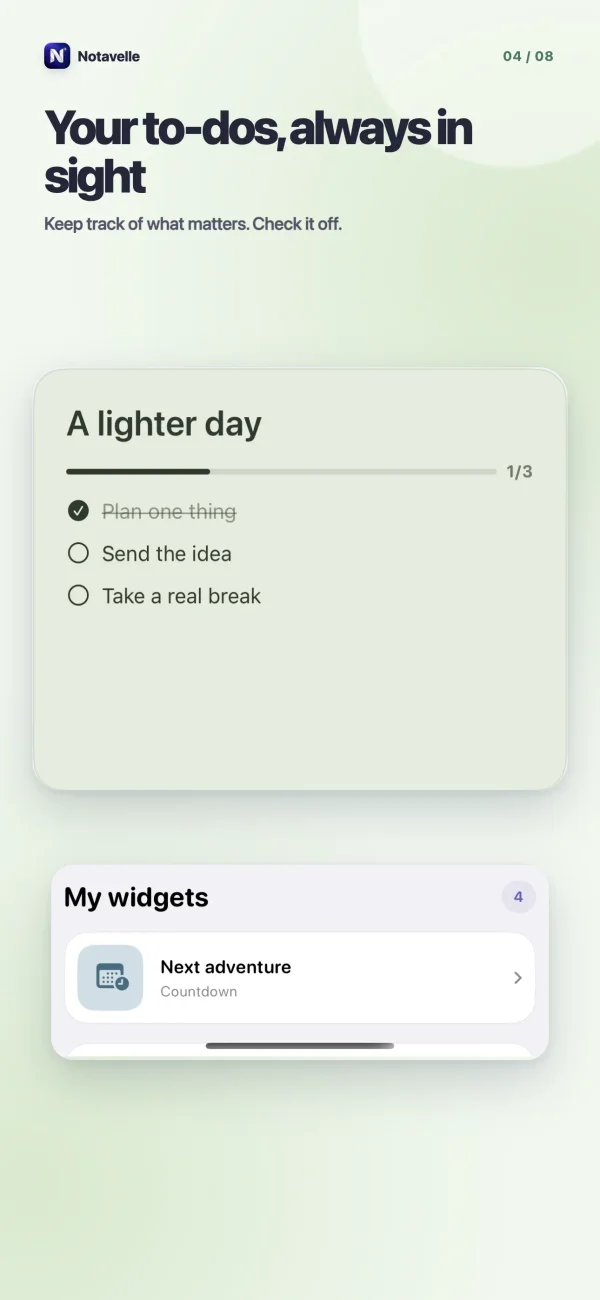
• Create a checklist for tasks, shopping or packing. Tick off items and see your progress.
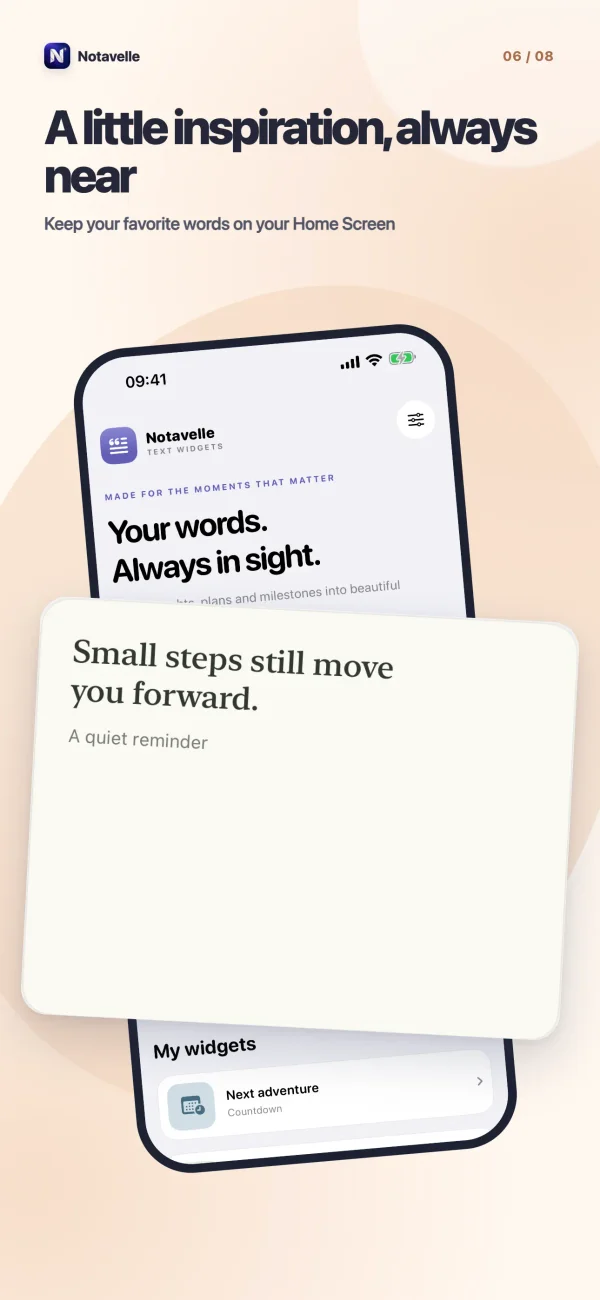
• Display a quote or a few words you want to return to.
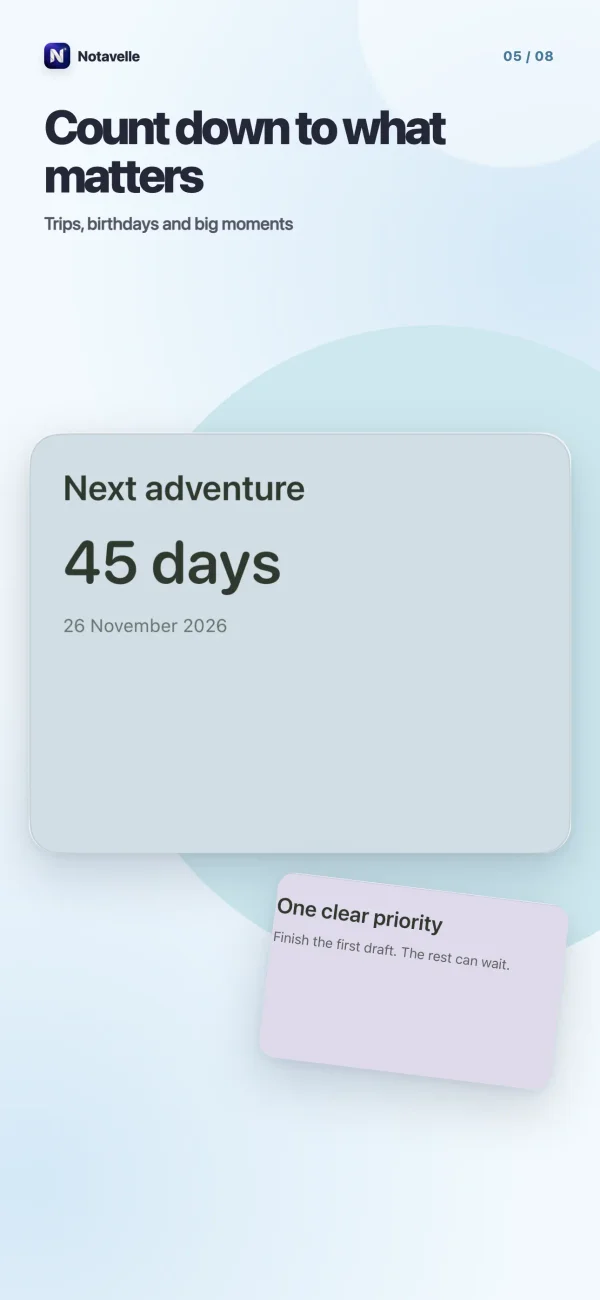
• Count down to a trip, meeting, celebration or another important date.
WIDGETS FOR YOUR SCREEN
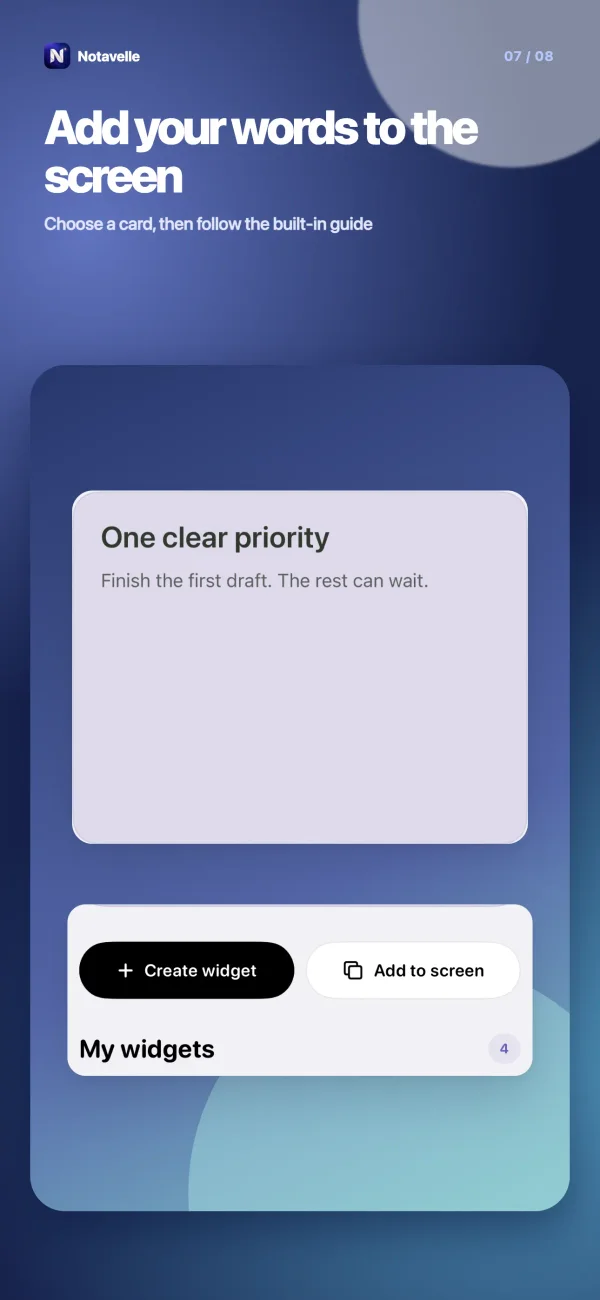
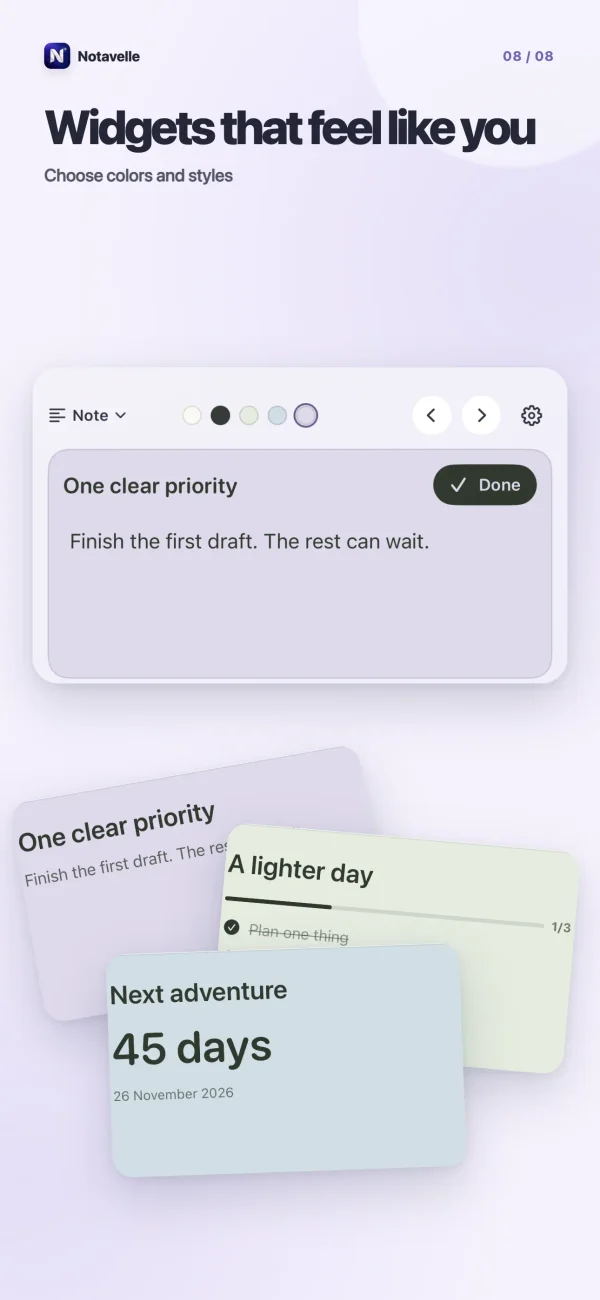
Choose a card for each widget and make it fit your style with colors, fonts, backgrounds and text styles. Home Screen widgets come in different sizes, so there is room for a quick thought or a longer note. On your Lock Screen, see a compact view of a note, quote, checklist progress or time until an event.
QUICK EDITS
Open a card from its widget, update the text in a compact editor and get back to your day. Use the app for more detailed styling and organize related cards into collections. You can tick off checklist items directly in a Home Screen widget.
NOTAVELLE ON MAC
Keep one floating card near your work. Pin it above other windows when you want it in view, or let it sit behind them. Switch cards and edit them from the menu bar.
YOUR CARDS, YOUR CONTROL
Cards are saved on your device. If you like, turn on sync through your private iCloud database to continue on your other Apple devices. Privacy mode hides the content of individual cards in widgets. You can also save a styled card as a PNG image.
From a small note to a big day, put the words you need where you will see them.
Terms of Use: https://www.apple.com/legal/internet-services/itunes/dev/stdeula/
App privacy
What VITALII VASYLENKO declares on the App Store about how this app handles data.
-
Data not linked to you
May be collected but is not linked to your identity.
- Diagnostics
Privacy practices may vary, for example with the features you use or your age.
Information
- Seller
- VITALII VASYLENKO
- Category
- Productivity
- Version
- 1.0
- Updated
- Oct 20, 2026
- Released
- Oct 19, 2026
- Size
- 5.6 MB
- Requires
- iOS 17.0 or later
- Age rating
- 4+
- Price
- Free
- In-app purchases
- Yes
- Languages
- English, Arabic, French, German, Hindi, Italian, Japanese, Korean, Portuguese, Russian, Simplified Chinese, Spanish + 1 more
- Copyright
- © 2026 Vitalii Vasylenko
You might also like
-
 Taskmi: AI To-Do and PlannerShared tasks for family & team
-
 ViewDo - Lock Screen To-DoNotes & Tasks on your screen!
-
 Drive MonlyceeProductivity
-
 Lidar Room Scanner - 5DPlan3D Floor plan creator planner
-
 Recibo de Pagamento OrçamentoProductivity
-
 Hello FairyHello Fairy Smart Lights
-
 Dual Space Multiple AccountsParallel Space Dual Messenger
-
 LockDay: To-Do List & PlannerLock Screen Calendar & Widgets
-
 Kilonotes - PocketFlexible notes tool for iPhone
-
 Sticky Notes: Notepad WidgetHome & Lock Screen To-Do List