
Note Widget
Beautiful Home Screen Widgets
Designed for iPhone, iPad, iPod touch
$0.99
- Age rating4+
- CategoryUtilities
- DeveloperFrancis Bonnin
- LanguagesEnglish+ 7 more
- Size14.3 MB
Links to the official App Store page
Download.org hosts no file of Note Widget. The button opens its official App Store page, published by Francis Bonnin. Listing last checked on Nov 12, 2026.
Screenshots

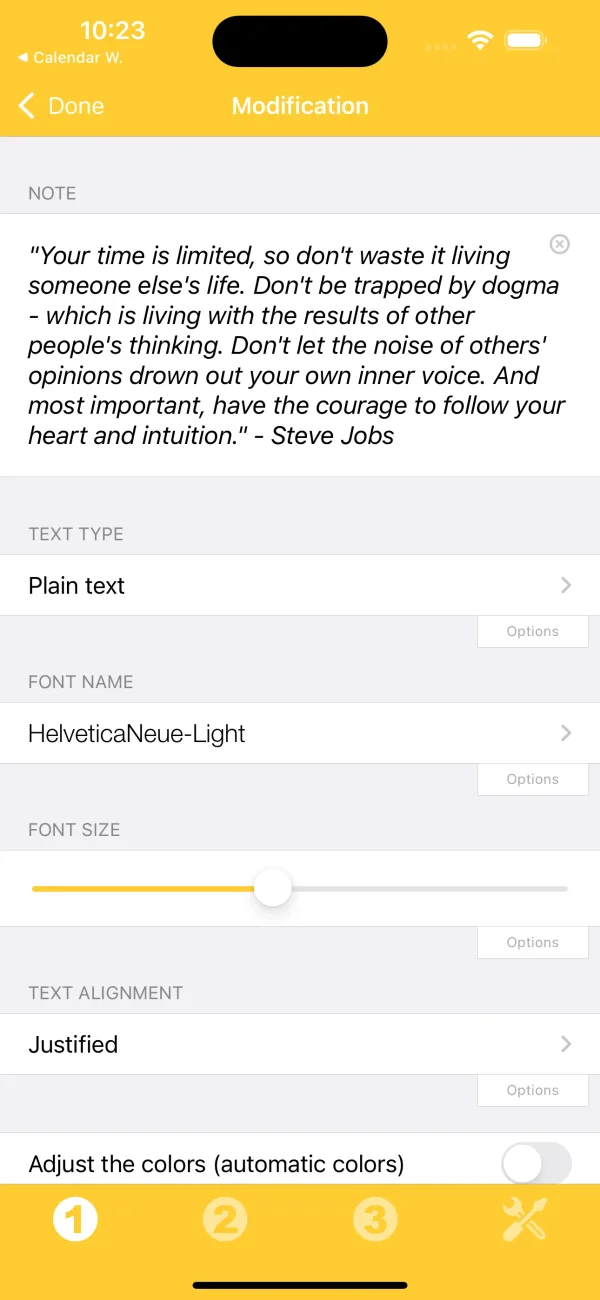
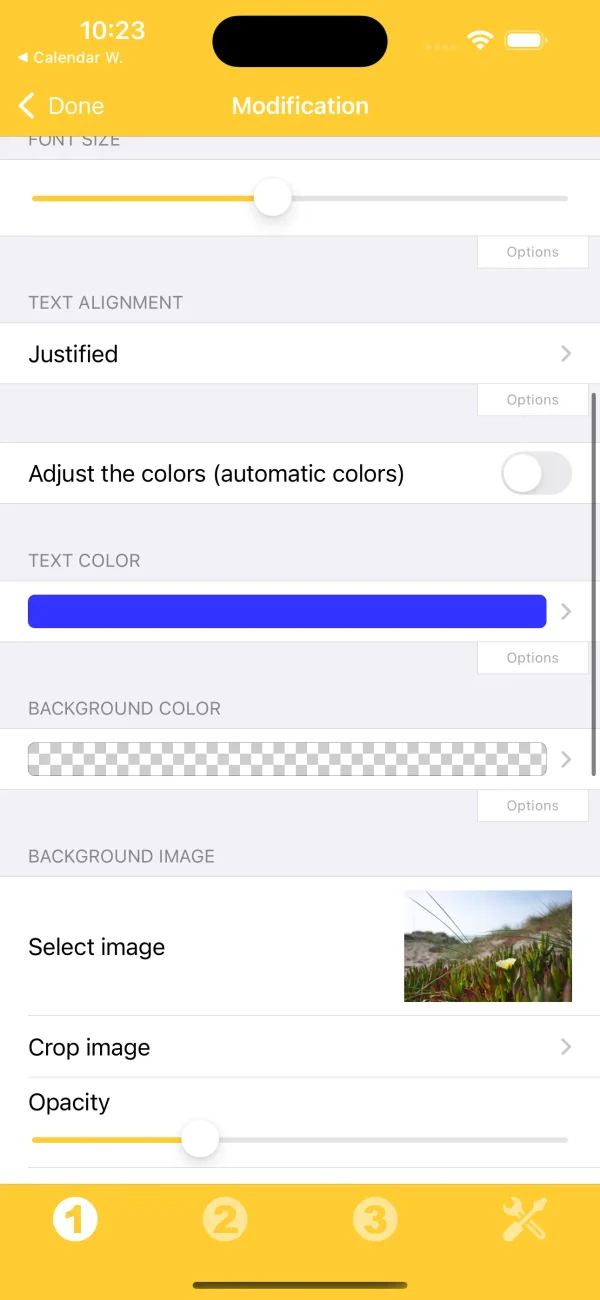
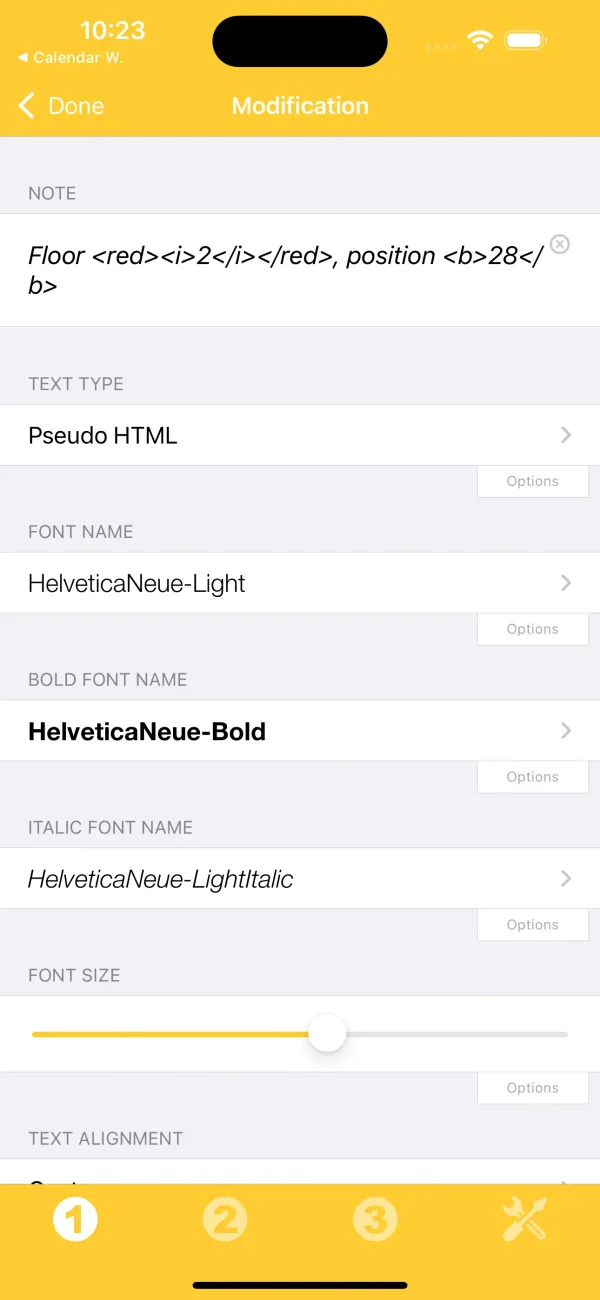
About
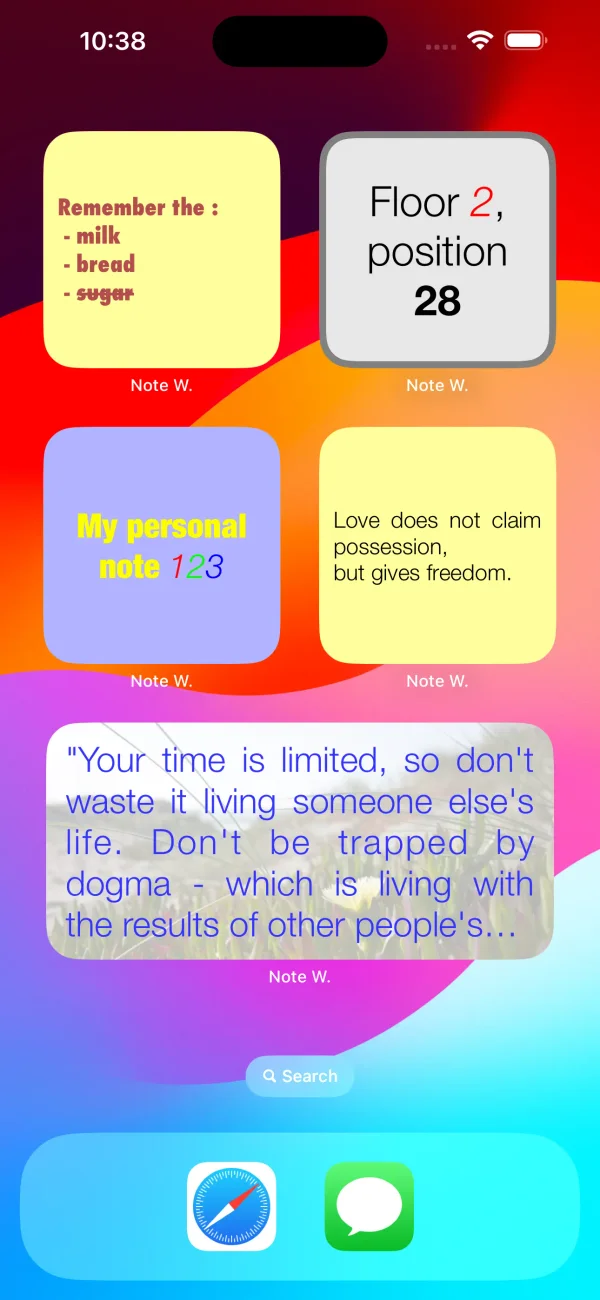
Those Widgets are compatible with the new iOS 14 Home Screen Widgets.
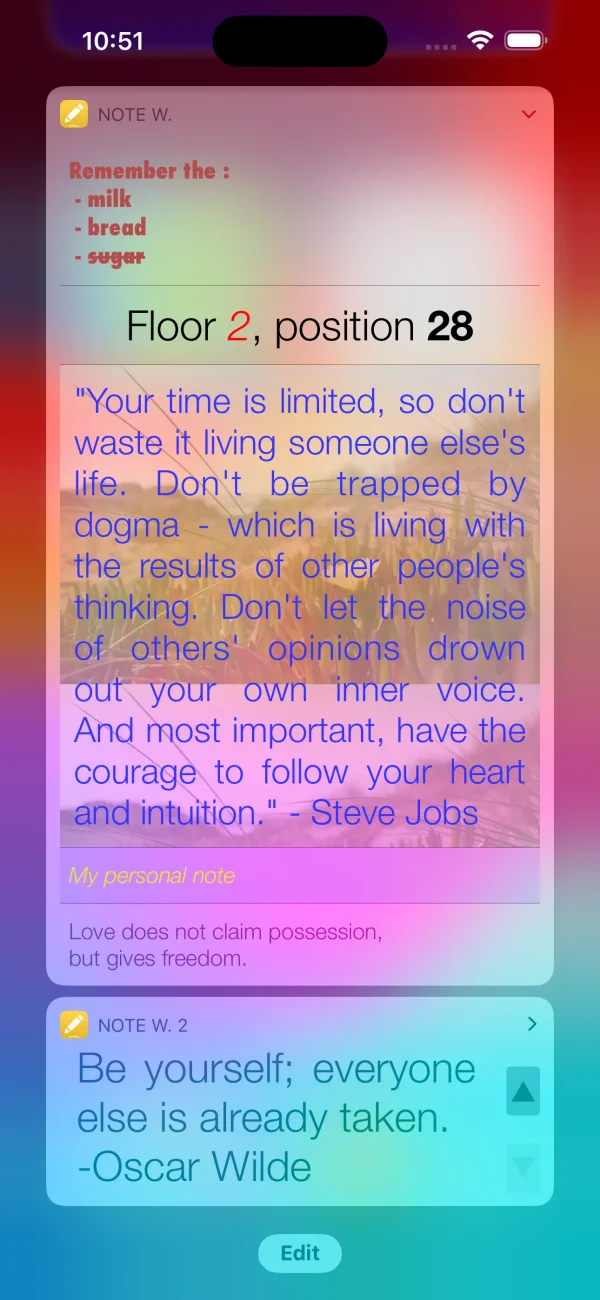
Thanks to this application (and the other Widget apps from PacoLabs), you can now customize the Today view of your device, by adding custom widgets for some specific purposes.
From anywhere in your device, with a simple top to bottom swipe, you'll have access to your own information and actions.
Each Note widget allows to view user defined text.
This is perfect to quickly view and edit some notes and reminders or to give you inspiration with your favourite quotes.
The text can be displayed in different ways (by changing the size, the font, the color, the alignment).
Markdown and pseudo HTML are partially handled and allows to easily add some specific colors and text formatting.
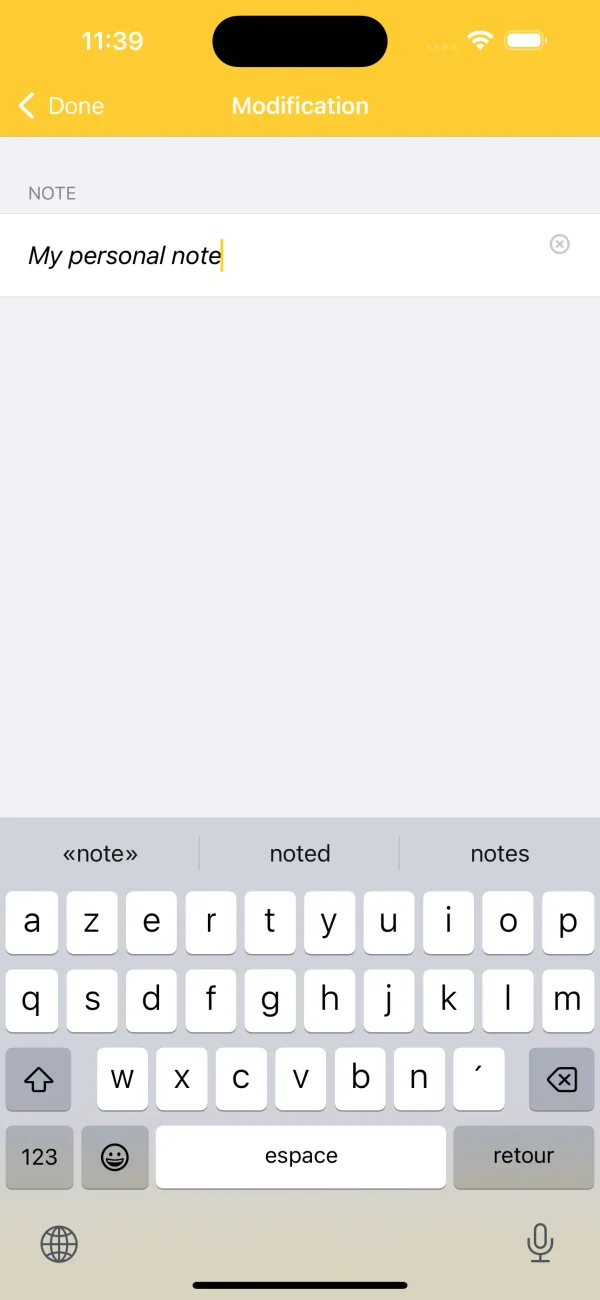
The text can be quickly edited by touching it.
The application is really easy to use and is adapted to the fresh look of your device.
Dark mode of iOS13 is supported.
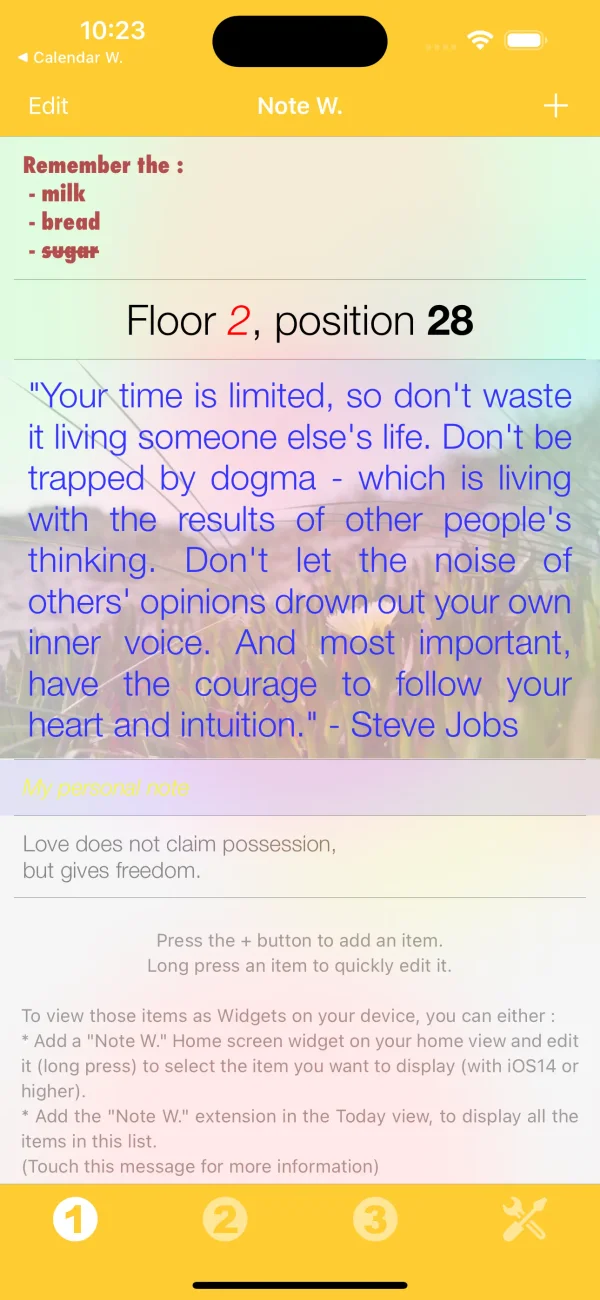
You can add as many widgets as you want and they will be displayed in up to 3 different lists. Those same lists will be available in the Today view and in the application (although it is possible, if you want, to hide some widgets in the Today view).
To avoid overloading the Today view, when too many widgets are displayed, an intuitive control will allow you to navigate from one widget to another.
Even if the main purpose of the app is to view the widgets in the Today view, it can also be very handy to view them directly in the application (a long press on a widget in the Today view will open it directly in the main application).
What’s new
Version 6.2 · Jul 2, 2025
* Ability to select the system font in the font picker.
* Minor fixes and improvements.
App privacy
What Francis Bonnin declares on the App Store about how this app handles data.
-
Data not collected
The developer does not collect any data from this app.
Privacy practices may vary, for example with the features you use or your age.
Information
- Seller
- Francis Bonnin
- Category
- Utilities
- Version
- 6.2
- Updated
- Jul 2, 2025
- Released
- Nov 2, 2014
- Size
- 14.3 MB
- Requires
- iOS 12.0 or later
- Age rating
- 4+
- Price
- $0.99
- Languages
- English, French, German, Italian, Japanese, Russian, Simplified Chinese, Spanish
- Copyright
- © PacoLabs
You might also like
-
 毎週金曜日のLOTO情報支援ProUtilities
-
 Open Adaptive SwitchAccessibility Switch Control
-
 ListYaUtilities
-
 Flappy Board ControllerControl Your Split-Flap Board
-
 Family CalendarUtilities
-
 Talkulator AI Voice CalculatorSpeak Math, Get Answers
-
 MyListopiaCreate Custom Lists
-
 Crowd Energy Device ConfigUtilities
-
 LuxiUtilities