Notebloc Scanner for Education
Scanner app for schools & more
Designed for iPhone, iPad, iPod touch
- Age rating4+
- CategoryEducation
- DeveloperNotebloc Scanner SCP
- LanguagesSpanish+ 2 more
- Size105.1 MB
Links to the official App Store page
Download.org hosts no file of Notebloc Scanner for Education. The button opens its official App Store page, published by Notebloc Scanner SCP. Listing last checked on Nov 12, 2026.
Screenshots
About
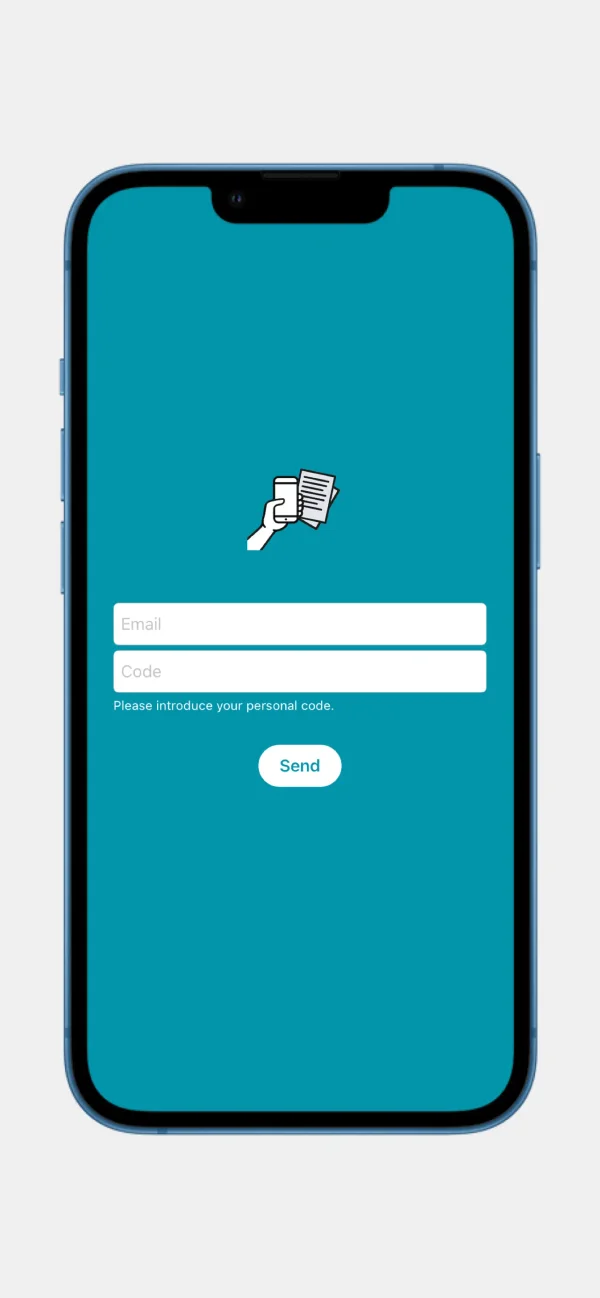
**Important notice** Notebloc Scanner for Education requires a personal identification code in order to start working. If your organization has not provided you with a personal code but you wish to use Notebloc Scanner, please download the regular version of this app. You can find it in the App Store by looking for “Notebloc Scanner”.
What is Notebloc Scanner for Education?
Notebloc Scanner for Education is a document scanner app that schools, universities or other institutions can provide exclusively to their community. It helps students and teachers to scan any document: scan homework, exams, exercises notes, drawings and many more. You can create PDF documents or JPEG files from your scanned documents.
Notebloc Scanner is a scanner app supporting unlimited usage: scan as many documents as you want!
You can scan documents of any type: notes, receipts, drawings, sketches, photos or images.
Use the multiple page scan to scan several pages at once.
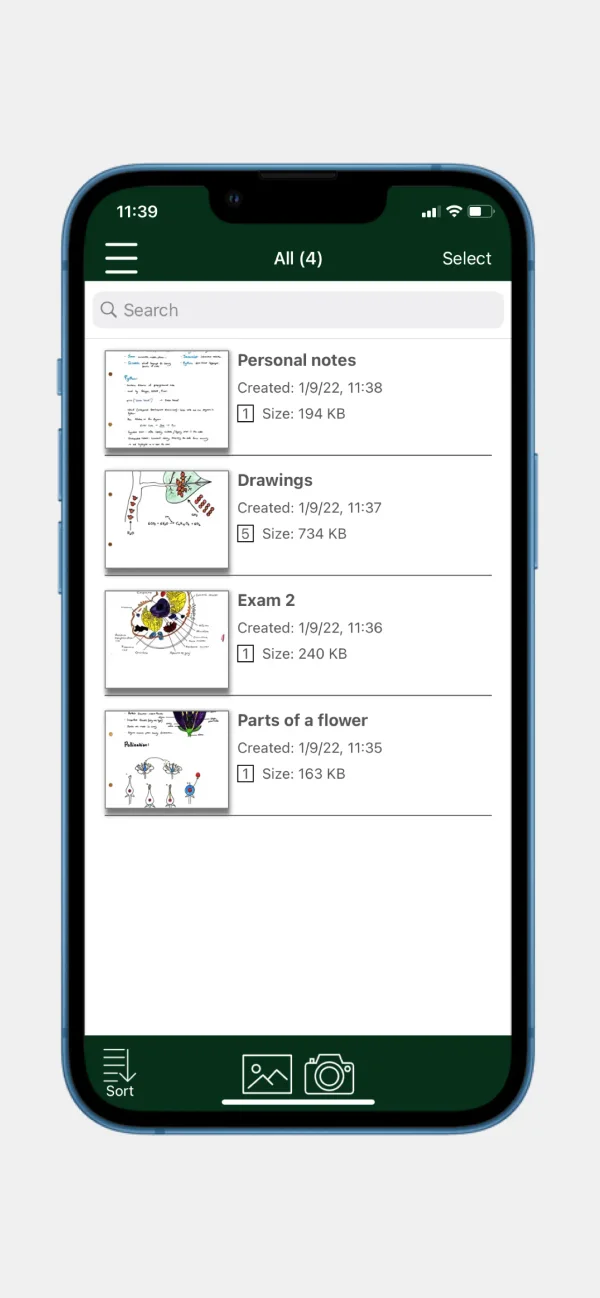
Create single or multi page documents and organize them in folders and subfolders.
Notebloc Scanner includes OCR for typed texts in 18 different languages (English, Spanish, French, Italian, Danish, Catalan, Dutch, German, Finnish, Hungarian, Latin, Norwegian, Polish, Portuguese, Romanian, Swedish, Tagalog and Turkish).
How does Notebloc Scanner for Education work?
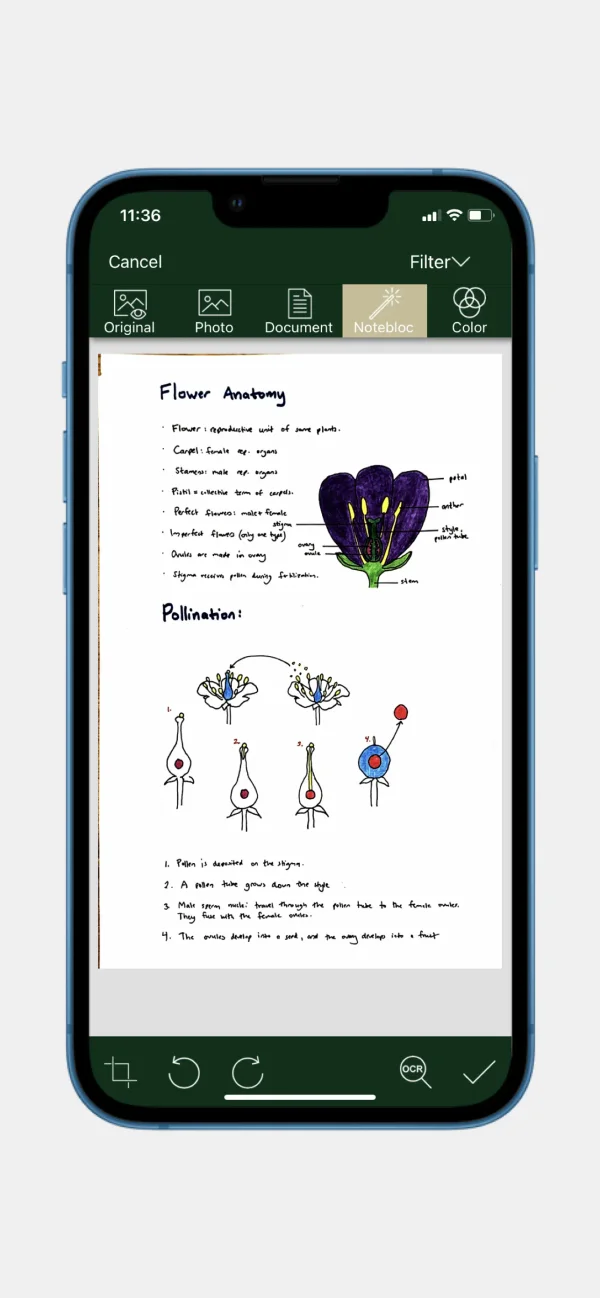
This document scanner app detects the corners and corrects the perspective of the piece of paper or whiteboard.
Any shadows or similar will disappear from your scans.
You can crop a document or image instantly inside the app.
Convert to PDF or JPG with 1 click.
Your scanned documents can be saved or shared through email / Whatsapp / Dropbox, etc.
Rename documents or pages within any document.
Classify scans by date of creation or edition.
Choose in what size of PDF you want to keep your notes.
Add, copy and order pages within the same document.
Create and subfolders folders to better organize your files.
Use our OCR technology to extract text from any image.
About Notebloc Scanner:
The Notebloc Scanner app is the only document scanner app developed by professionals in the stationery industry. At Notebloc, we care about the needs of all professionals and students who search for the best scanning and document organization tools.
What’s new
Version 1.4 · Jun 26, 2026
New Feature for all our Notebloc EDU community!! Add Blank Pages to Your Documents - Your PDFs are no longer limited to scanned pages!! Create your own content within Notebloc Scanner!
With this update, you can now add blank pages anywhere in a document and use them to create richer, more complete PDFs.
What's new:
• Add blank pages to any document
• Type text directly on blank pages
• Draw and write freehand using annotation tools
• Insert notes, comments, explanations, diagrams, sketches, signatures, and more
• Combine scanned pages and custom content in a single PDF
This new feature makes it easier to organize information, add context to your documents, and keep everything together in one place.
Whether you're reviewing paperwork, creating documentation, preparing study materials, organizing projects, or simply adding extra information to a scan, Notebloc Scanner now gives you more flexibility than ever.
Also included in this update:
• Performance improvements
• Stability enhancements
• Bug fixes and optimizations
Thank you for using Notebloc Scanner!
If you're enjoying the app, we'd love it if you left us a review on the App Store. Your feedback helps us continue improving Notebloc Scanner and building the features you need.
App privacy
What Notebloc Scanner SCP declares on the App Store about how this app handles data.
-
Data not collected
The developer does not collect any data from this app.
Privacy practices may vary, for example with the features you use or your age.
Information
- Seller
- Notebloc Scanner SCP
- Category
- Education
- Version
- 1.4
- Updated
- Jun 26, 2026
- Released
- Sep 1, 2022
- Size
- 105.1 MB
- Requires
- iOS 14.0 or later
- Age rating
- 4+
- Languages
- Spanish, Catalan, English
- Copyright
- © 2020 Notebloc Scanner SCP