Noted: AI Notes & Planner
Notes, tasks, calendar in one
Designed for iPhone, iPod touch
Free · In-app purchases
- Age rating4+
- CategoryProductivity
- DeveloperHasti TAJGARDOUN
- LanguagesEnglish+ 2 more
- Size77.9 MB
Links to the official App Store page
Download.org hosts no file of Noted: AI Notes & Planner. The button opens its official App Store page, published by Hasti TAJGARDOUN. Listing last checked on Nov 18, 2026.
Screenshots

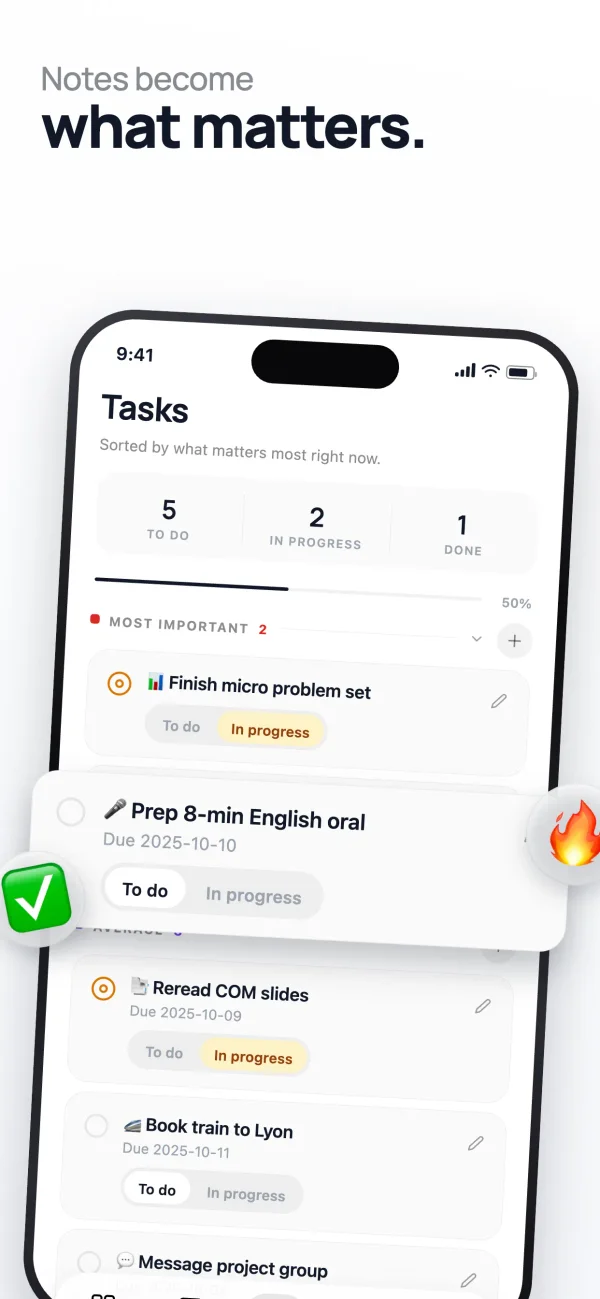
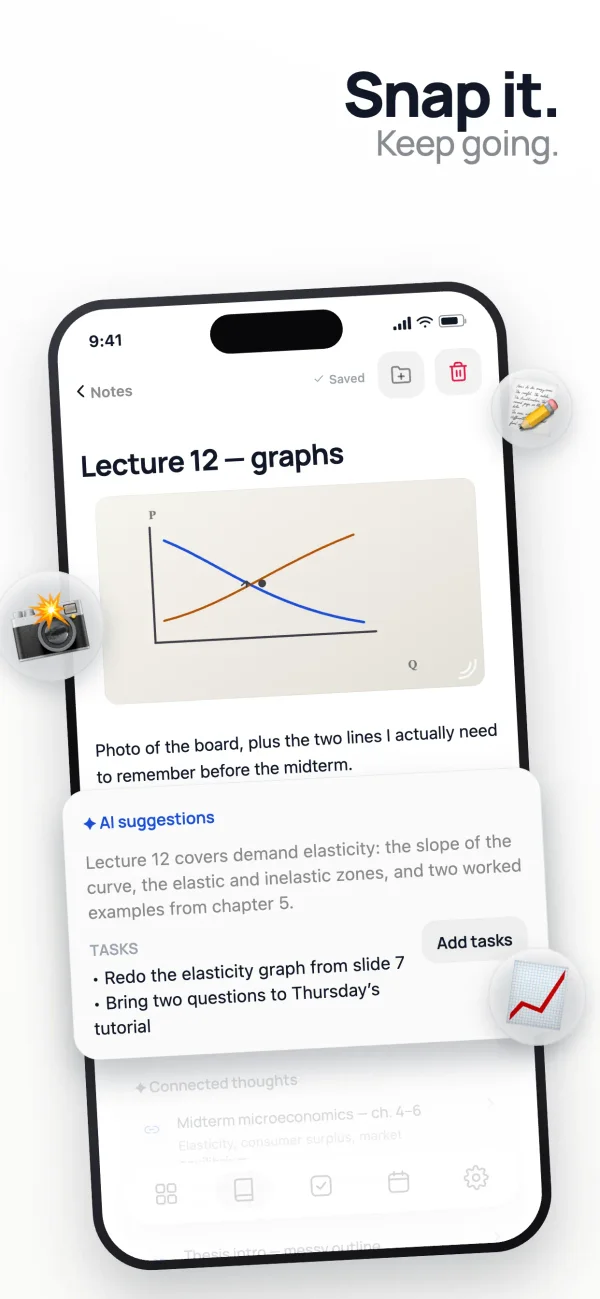
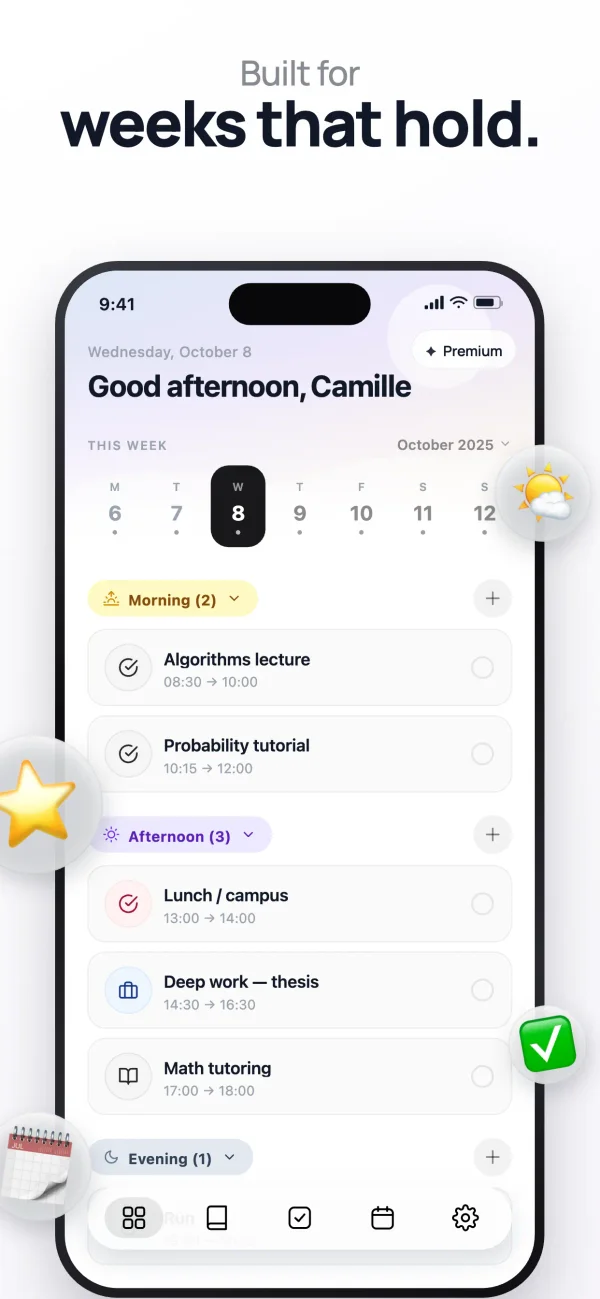
About
I built Noted because I was drowning in university — in a language I didn’t speak — and my notes, deadlines, and half-finished thoughts lived in ten different places. I needed something that helped me organize faster without thinking for me.
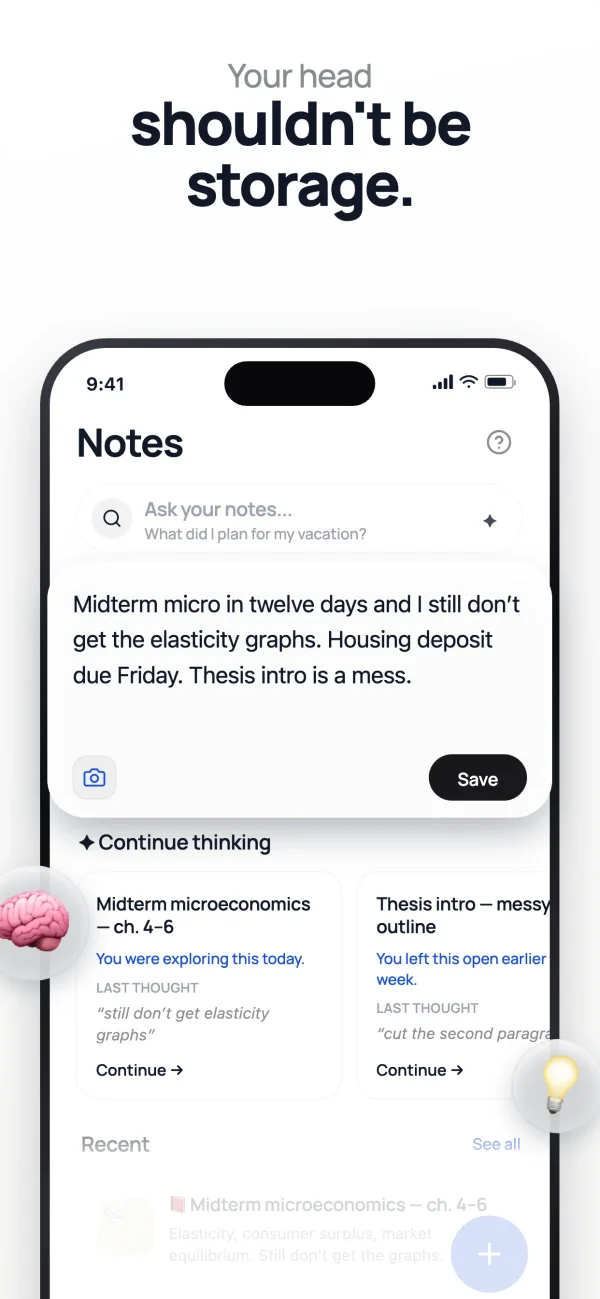
Write anything. A messy brain dump. A photo of a whiteboard. Something you say out loud. Noted figures out what it is, files it, and keeps it connected to the rest of your notes. Later you can ask things like “what did I say about the exam?” and get an answer from your own stuff — not the internet.
Here’s what it does:
• Capture fast — type, voice, or photo
• Auto-organize into folders so Unsorted doesn’t become a graveyard
• Connect related notes so ideas don’t disappear
• Turn notes into tasks when there’s something to do
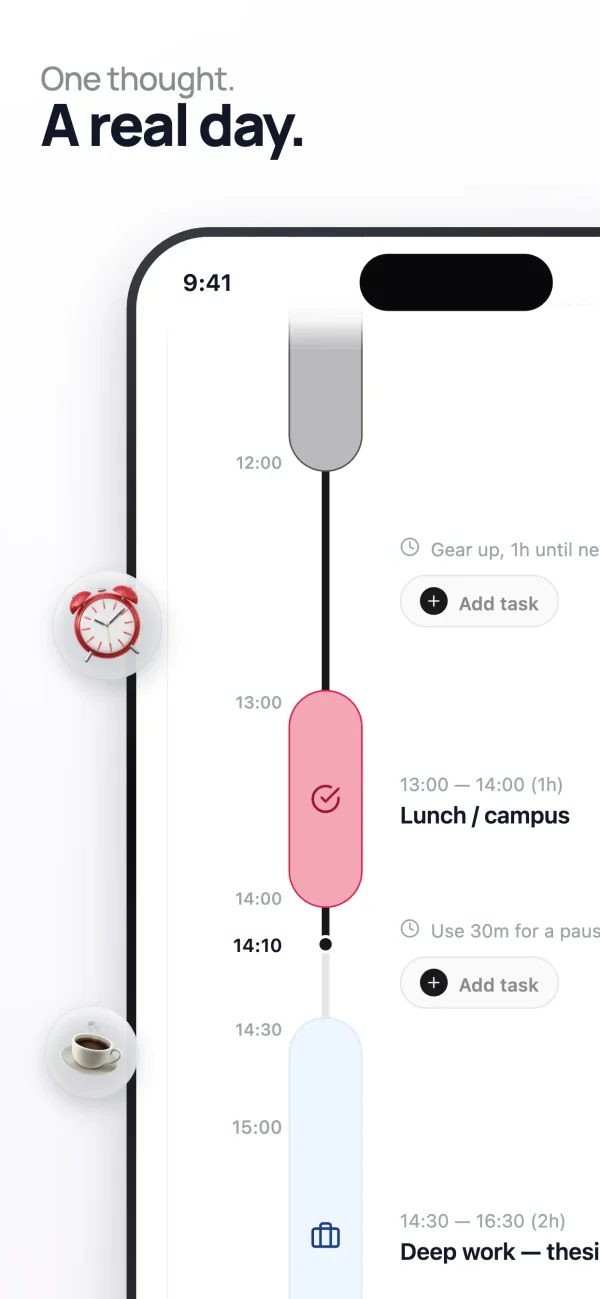
• Build a day or week plan from plain language (“prep for two exams without cramming”)
• Search your notes in normal sentences
• Weekly review so you see what you actually captured
You’re still in charge. Move sessions. Ignore suggestions. Edit anything. Noted gives structure, not pressure. The AI is there to sort, surface, and schedule — not to replace your thinking.
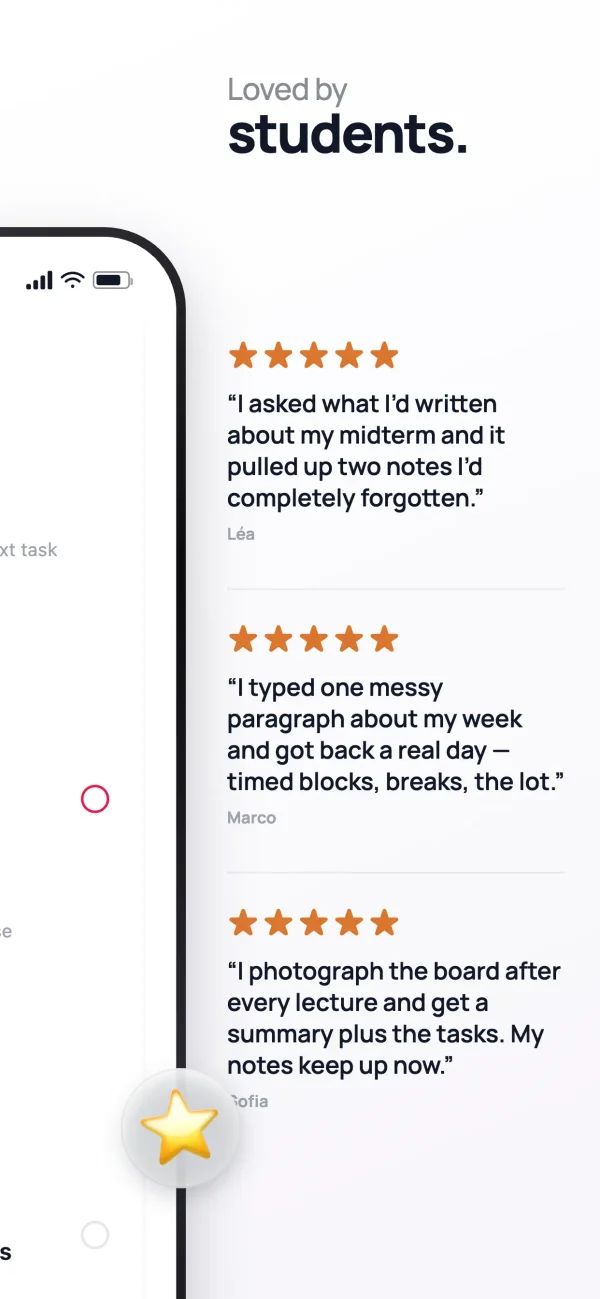
Built for students and anyone whose head is full: exams, shifts, projects, the stuff you keep meaning to come back to. If you’ve ever opened five apps and still couldn’t remember what mattered today, this is for you.
I’m 19 and I built this for myself first. If it helps you put things down and get them done, that’s the whole point.
Terms of Use (EULA): https://noted-phi-sand.vercel.app/terms
Privacy Policy: https://noted-phi-sand.vercel.app/privacy
What’s new
Version 1.0.1 · Sep 26, 2026
A new Schedule
• Your timeline is the first thing you see — no scrolling past
the planner to find your day.
• The date and the Day / Week / Month switch stay pinned at the
top, so you can move through your week from anywhere on the
page.
• Blocks now tell you what they are at a glance: a Weekly badge
for routines, an AI badge for planned sessions.
• Refreshed category colors for study, work, sport and
personal.
• Dark mode now works properly across the whole timeline.
AI planning, on your terms
• Planning moved to a button at the bottom — there when you
want it, out of the way when you don't.
• Review before you save: every proposed session is laid out in
full, and anything that clashes with what's already booked is
flagged first.
Photo notes
• Pick what AI should do with a photo — transcribe the text,
make a checklist, extract tasks, summarize, or suggest next
steps.
Ticking off a scheduled block now updates everywhere in the app
straight away.
App privacy
What Hasti TAJGARDOUN declares on the App Store about how this app handles data.
-
Data linked to you
May be collected and linked to your identity.
- Purchases
- Contact info
- User content
- Identifiers
- Usage data
Privacy practices may vary, for example with the features you use or your age.
Information
- Seller
- Hasti TAJGARDOUN
- Category
- Productivity
- Version
- 1.0.1
- Updated
- Sep 26, 2026
- Released
- Sep 3, 2026
- Size
- 77.9 MB
- Requires
- iOS 15.1 or later
- Age rating
- 4+
- Price
- Free
- In-app purchases
- Yes
- Languages
- English, French, Persian
- Copyright
- © 2026 Hasti Tajgardoun
You might also like
-
 Noted · Notes & ScheduleNotes, to-dos, goals, AI plans
-
 WaypointHubSave Links. Launch in Space.
-
 Lanthano33 AI Models. One gateway.
-
 WivloThink. Connect. Build.
-
 Pattern: Daily PlannerAI Goals, Tasks & Streaks
-
 Ox - Local BotA self-evolving local bot
-
 MaheNoeDates, Tasks, Prayers & Rates
-
 AI Note Taker: Transcribe MemoGood note audio record to text
-
 ETasks: To-Do List & AlarmsTask Planner, Reminders & Sync
-
 Fortify: Manage Screen TimeFortify Focus & Block Apps