NotePatch - Scan & Print Notes
Smart OCR, Print to Size, PDF
Designed for iPhone, iPad
Free · In-app purchases
- Age rating4+
- CategoryProductivity
- Developer慧敏 王
- LanguagesEnglish+ 4 more
- Size5.2 MB
Links to the official App Store page
Download.org hosts no file of NotePatch - Scan & Print Notes. The button opens its official App Store page, published by 慧敏 王. Listing last checked on Nov 21, 2026.
Screenshots
About
NotePatch turns your handwritten notes, lecture sketches, and screenshots
into perfectly sized printable patches you can stick directly into your
textbooks, planners, or notebooks.
Scan, edit, size, and print in under a minute.
— SMART TEXT (NEW) —
Extract text from any image — handwritten notes, printed pages, photos
with embedded text, or mixed layouts with diagrams and formulas.
• On-device OCR: instant, offline, free for everyone
• AI recognition (Pro): high-precision extraction for messy handwriting,
math formulas, tables, and mixed image-text layouts
— KEY FEATURES —
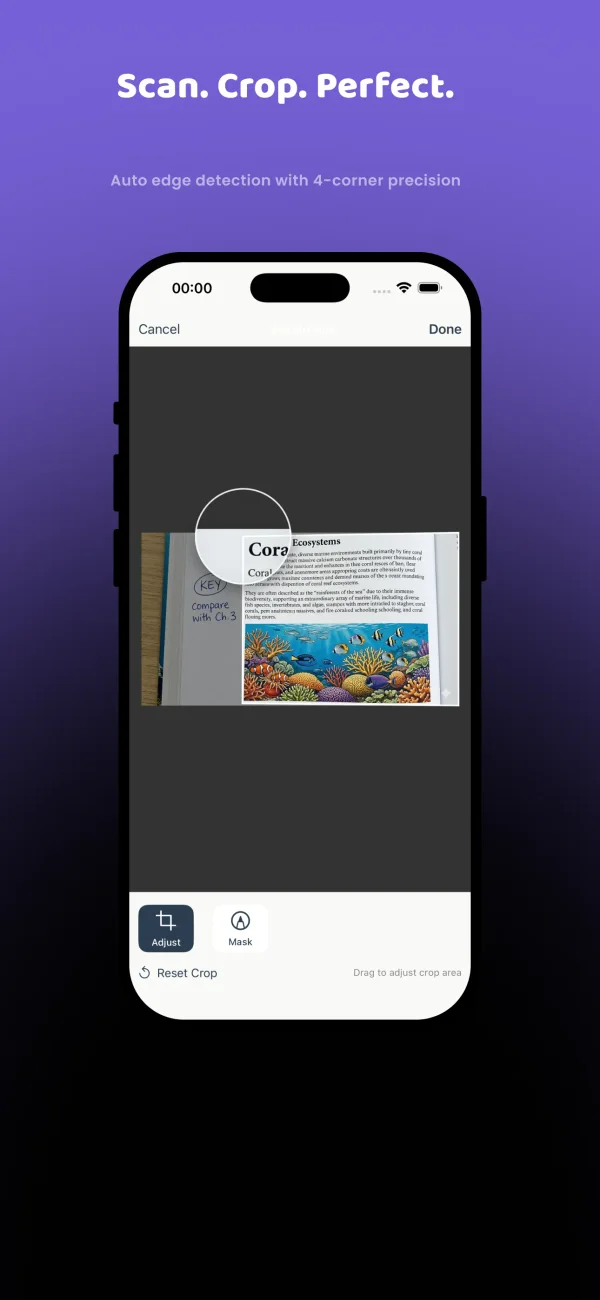
• Document scanner with edge detection and perspective correction
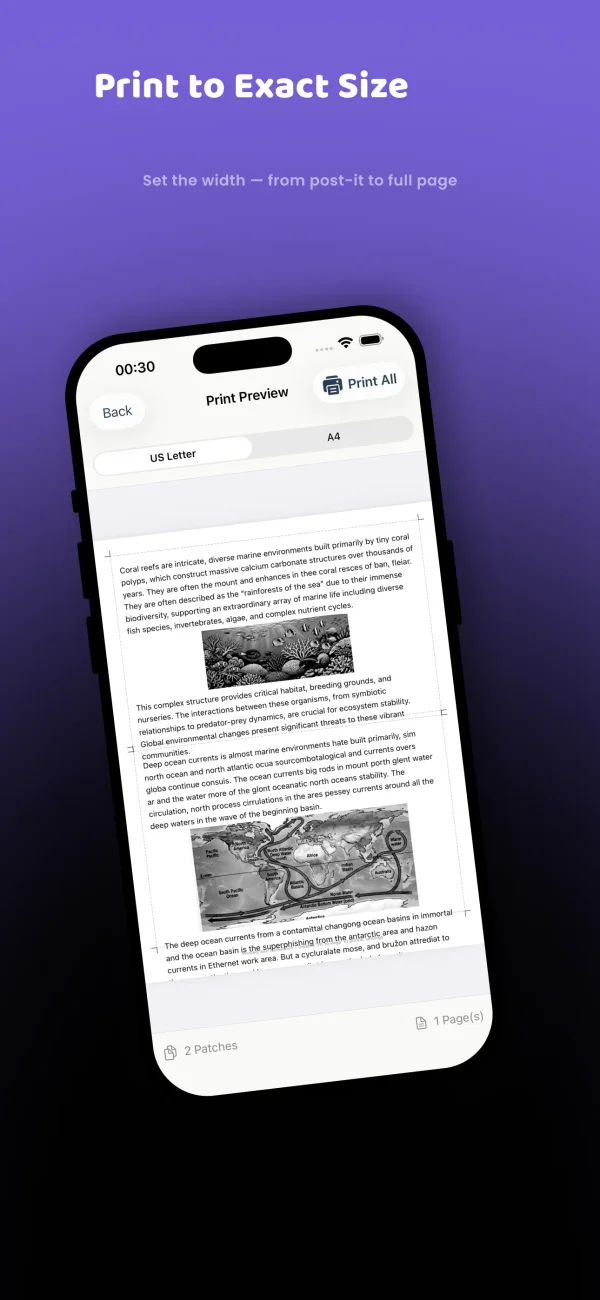
• Precise physical-width control: Post-it to full page width
• Ink Saver mode: print only the strokes, drop the background
• Brush mask to hide sensitive content before printing
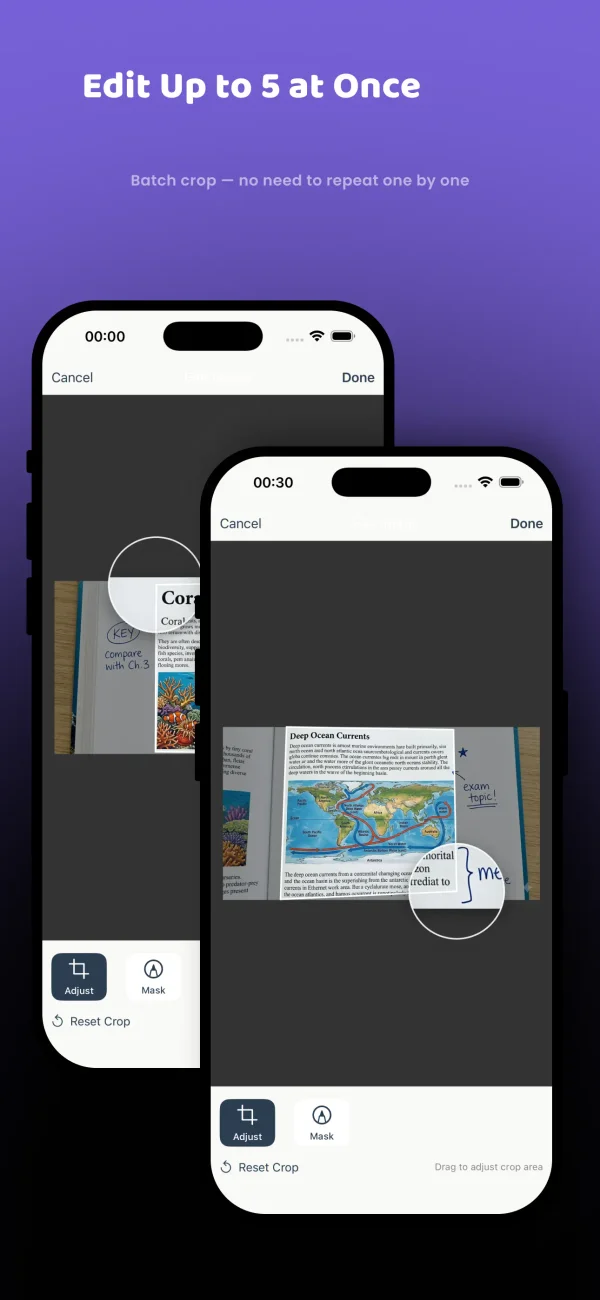
• Batch editing: up to 5 patches at once with smart paper layout
• Printer calibration for exact-size output
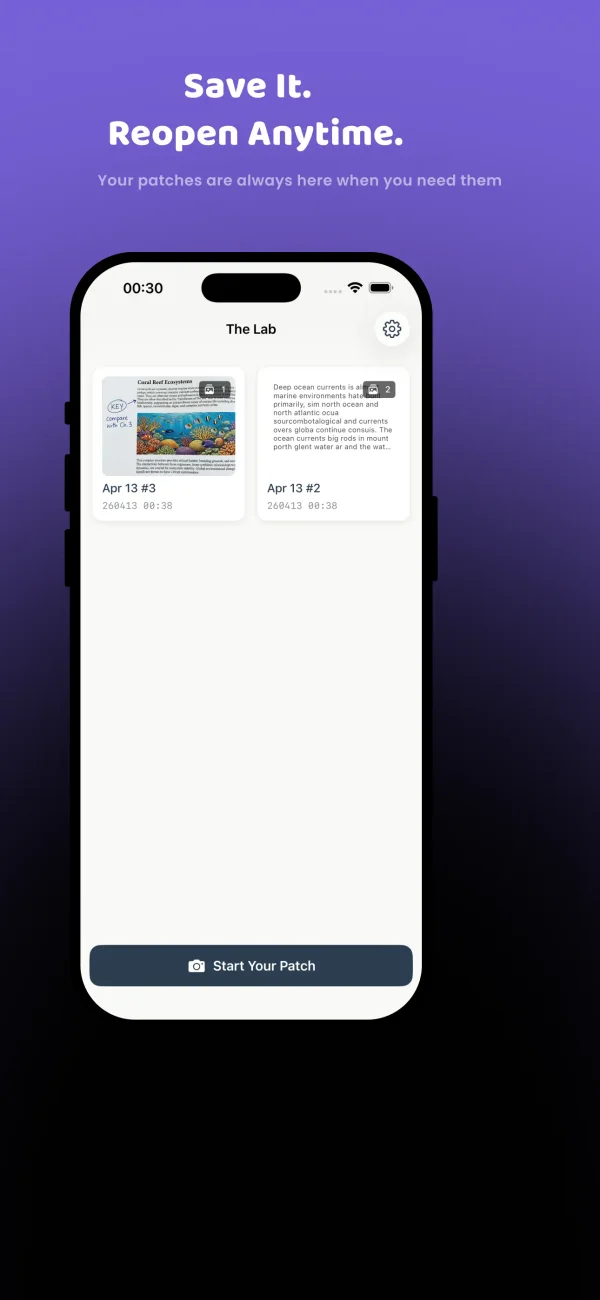
• Save as PDF or share
— PRIVACY —
Core features work fully offline. No analytics, no tracking, no ads.
AI recognition (Pro) sends the image to a secure cloud API for text
extraction only — images are not stored or used for training.
— NOTEPATCH PRO —
• Free: 30 AI Smart recognitions included (one-time lifetime quota)
• Pro Monthly: unlimited AI Smart, $3.99/month
• Pro Annual: unlimited AI Smart, $24.99/year (save 48%)
— includes 7-day free trial for new subscribers
• Core features (scan, crop, mask, print) remain free forever
Payment is charged to your Apple ID at confirmation of purchase.
Subscription automatically renews unless cancelled at least 24 hours
before the end of the current period. Manage in Settings → Apple ID →
Subscriptions.
Terms of Use: https://foxineo.github.io/legal/notepatch/terms.html
Privacy Policy: https://foxineo.github.io/legal/notepatch/privacy.html
What’s new
Version 1.2.0 · May 6, 2026
Smart Text editor redesign:
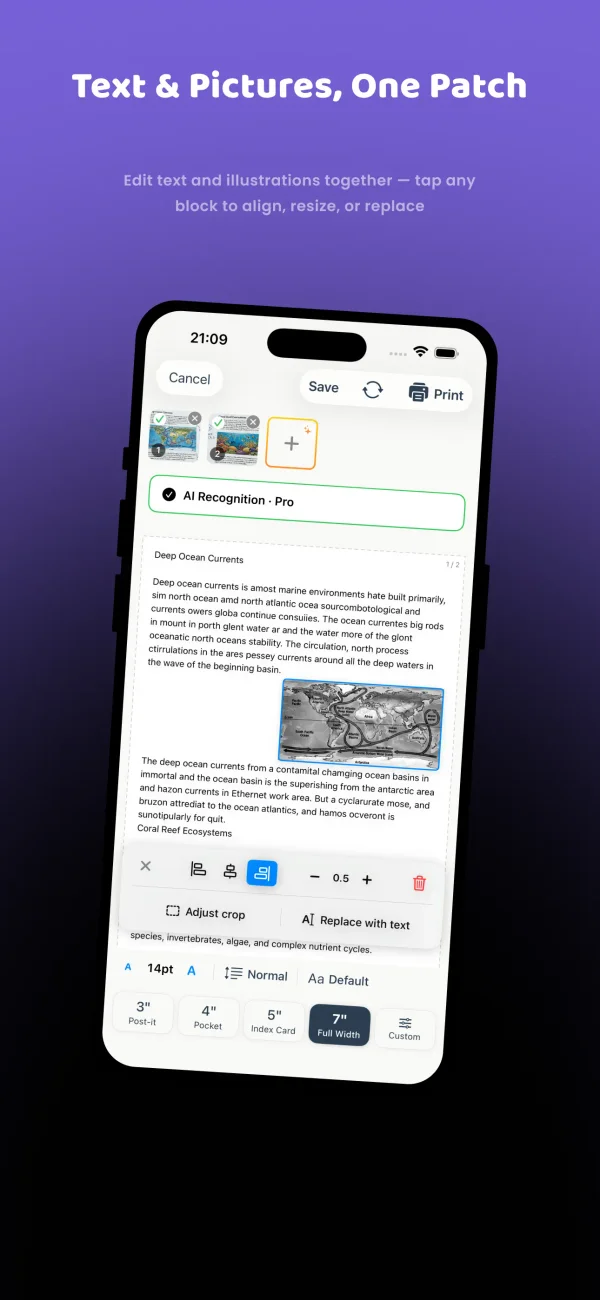
• Recognized text and illustrations now flow as a single
continuous patch — no block borders
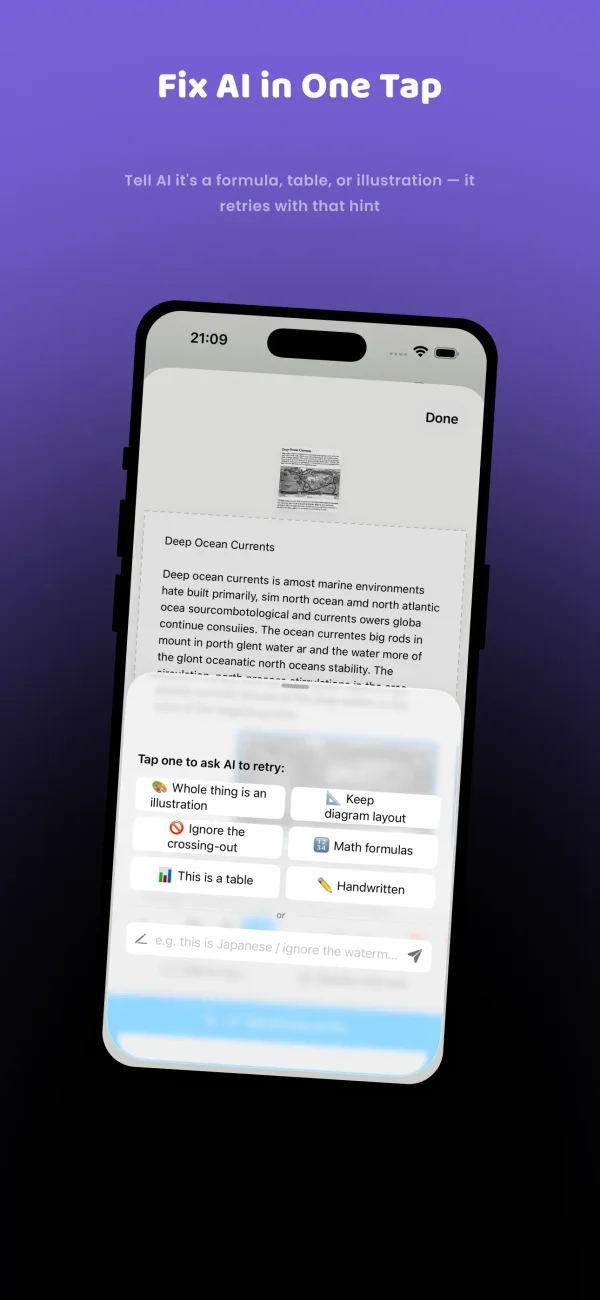
• Tap any thumbnail to compare original vs recognized
side by side, and ask AI to retry with a one-tap hint
(handwritten, formula, table, illustration)
• Add illustrations directly into the recognized text —
keep diagrams next to the words they belong to
• Confidence indicators on each source so you know which
images may need review before printing
• Faster recognition for Pro subscribers — AI starts the
moment you import
App privacy
What 慧敏 王 declares on the App Store about how this app handles data.
-
Data not linked to you
May be collected but is not linked to your identity.
- User content
Privacy practices may vary, for example with the features you use or your age.
Information
- Seller
- 慧敏 王
- Category
- Productivity
- Version
- 1.2.0
- Updated
- May 6, 2026
- Released
- Apr 8, 2026
- Size
- 5.2 MB
- Requires
- iOS 17.6 or later
- Age rating
- 4+
- Price
- Free
- In-app purchases
- Yes
- Languages
- English, French, Simplified Chinese, Spanish, Traditional Chinese
- Copyright
- © 2026 Neo Cai
You might also like
-
 PDF-Unlimited OCR ScanOCR Scan
-
 Daily Checklist: diuADHD To Do List & Reminders
-
 Image-Splitter ProSplit with custom rows columns
-
 PPNote - Note & Bookmark LinksEasily organize notes & links
-
 AI文案宝-最专业的AI人工智能创作工具Productivity
-
 CatNote卡片笔记Productivity
-
 Calc - Voice CalculatorHands-Free Memo and Calculator
-
 Mindwtr - GTD Task ManagerGet it all out of your head
-
 人纪求真-人纪系列学习笔记Productivity
-
 Vision: for blind peopleApp for visual impairment