
Notepods: Functional Notes
Notes that come to life
Designed for iPhone, iPad
Free · In-app purchases
- Age rating4+
- CategoryProductivity
- LanguagesEnglish
- Size19.5 MB
Links to the official App Store page
Download.org hosts no file of Notepods: Functional Notes. The button opens its official App Store page, published by . Listing last checked on Nov 15, 2026.
Screenshots


About
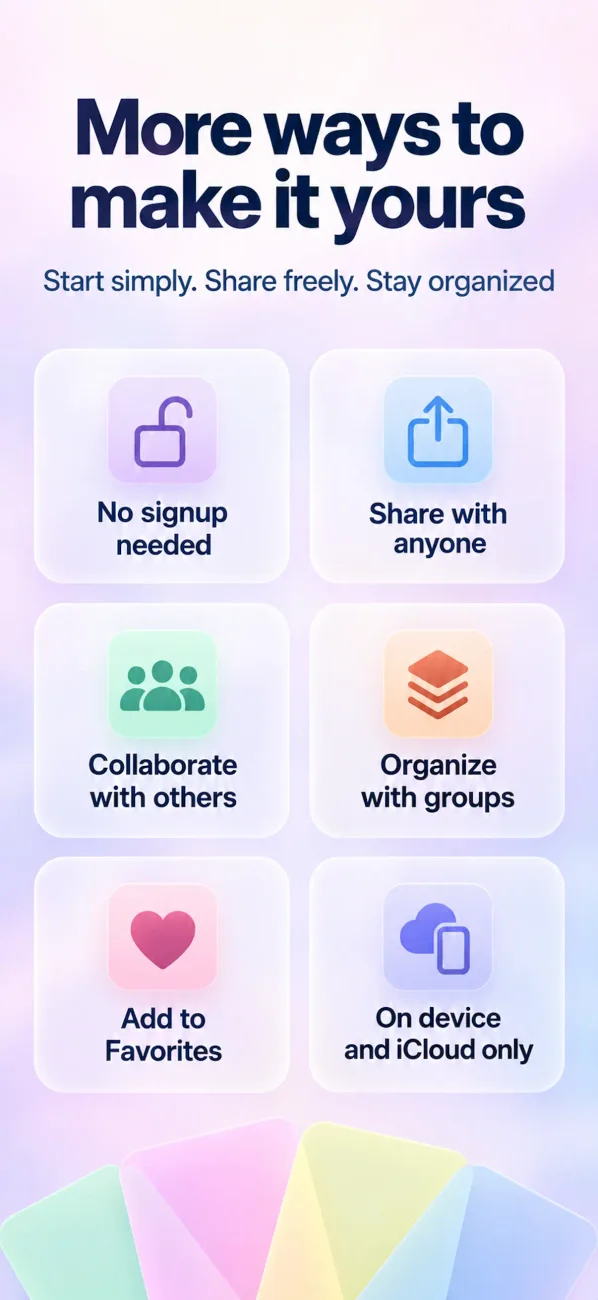
Notepods gives you a centralized hub to actively and passively write down and keep track of your life in a wide variety of ways. With easy-to-use, purpose-built pods, you will not only have the information you need but see it in the ways it was meant to be seen. Share the fun with all of your family and friends by sending any pod as a copy on iMessage or invite them to write on the pods along with you. The best part is, all of your pods are stored directly on your device only. With iCloud, your pods can stay available across your Apple devices (iPhone, iPad, Mac) without requiring another account or login.
Choose from a wide variety of pod categories that seamlessly fit any need:
CAPTURE MOMENTS
Never forget a moment in your life, big or small, with a header, caption, date, and photo.
Moments pods are simple photo journaling to give memories a simple home without turning them into a long journal of entries. Open one later and relive the whole moment. Share them as copies to share the fun
COUNT THINGS
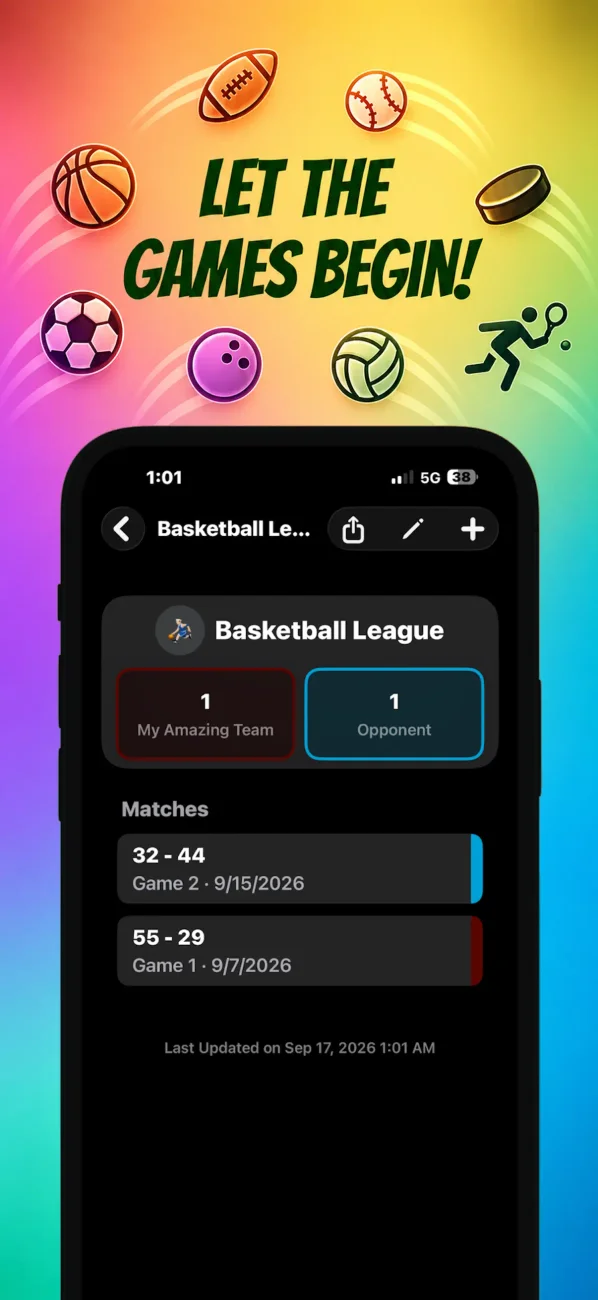
Keep a simple running count of anything you care about. Add or subtract with a tap. Timestamp your entries to track when each instance happened.
Great for keeping tallies, tracking occurrences, counting activities, or anything else where a number tells the story. With timestamping, unlock a new dimension such as habit tracking.
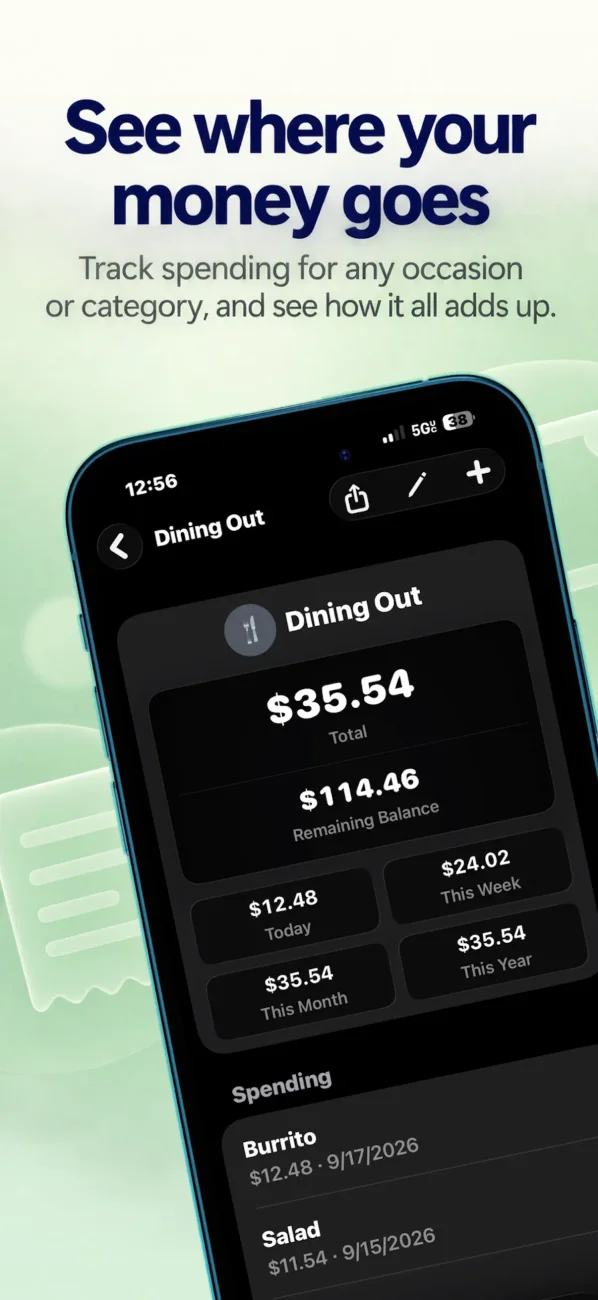
TRACK SPENDING
Stay on top of your spending by quickly recording purchases with an amount and category so you can keep an eye on where your money is going. Add your own budget number when you want to stay within limits. Group your spending into different buckets for a more organized overview of your spending.
MAKE CHECKLISTS
Create clean, simple checklists for shopping, goals, packing, errands, or whatever you need to get through. Progress is shown automatically as you check each item off. Each item can be numbered, great for sequencing, ranking, and prioritizing. Collaborate with other users by sending invitations to join and watch the lists update in realtime on everyone's devices.
TRACK TRENDS
Numbers become much more useful when you can see how they’re changing over time. Let Notepods turn your entries into a visual trend chart. Use it for anything measurable that you’d rather understand on a graph than in a wall of text.
LOOK FORWARD OR BACK IN TIME
Create a Time Elapser for something meaningful and see exactly how much time has passed. This can span across hours, days, months, and years. Whether you’re counting from an important event or simply curious how long it’s been since something took place, the passage of time becomes something you can see at a glance. Add reminders when a certain amount of time has elapsed from now or reset the clock to start from zero again.
SAVE LABELED INFORMATION
Some information doesn’t need a paragraph...It just needs a name and a value, like that 10-digit ID number that you don't want to remember or a website URL. Keep useful details organized as labeled text so they’re easy to view and copy when you need them.
FAVORITES
Some pods deserve more attention. Easily favorite any pod and quickly find it in the Favorites tab
SEARCH
Quickly find the pod you need by header or content with the search function
WIDGETS
Notepods also supports widgets for simple counters, labeled text, time elapsers, and countdowns so they can be seen and used without opening the app.
Same notes. Better structure. More functional.
Terms of Use (EULA): https://www.apple.com/legal/internet-services/itunes/dev/stdeula/
Privacy Policy: https://docs.google.com/document/d/1oYLcUGgTXvMw-aBG1DlKN__ztLJahYJTSoGvccW440A/edit?usp=sharing
What’s new
Version 1.2 · Oct 31, 2026
- Adds time elapser history for resets
- UI enhancements and bug fixes for collaboration
- Misc fixes for AI assistant error handling and response quality
App privacy
What declares on the App Store about how this app handles data.
-
Data not collected
The developer does not collect any data from this app.
Privacy practices may vary, for example with the features you use or your age.
Information
- Seller
- BHARGAVA TEJA RAMISETTY
- Category
- Productivity
- Version
- 1.2
- Updated
- Oct 31, 2026
- Released
- Oct 14, 2026
- Size
- 19.5 MB
- Requires
- iOS 18.0 or later
- Age rating
- 4+
- Price
- Free
- In-app purchases
- Yes
- Languages
- English
- Copyright
- © 2026 Bharcode
You might also like
-
 Eff TrackingTrack effort, build momentum
-
 Pippin Activity Schedulerstructured daily planner
-
 WitNote: AI Markdown NotesPrivate, offline, on-device AI
-
 Count & Do: Event CountdownDay Counter, Tasks & Reminders
-
 TasklingDoSpeak once, Organize all
-
 AI Todo-Listai todo reminder
-
 PlotMe: Track AnythingOffload your mental load
-
 FloHub: Habit & Daily PlannerTo Do List, Tracker & Journal
-
 Five. Todo List & CalendarFive.
-
 Notes Buddy KitNotes with powerful widgets