
Notes AI: Note Taking App
AI Transcribe Audio to Text
Designed for iPhone, iPad, iPod touch
Free · In-app purchases
- Age rating4+
- CategoryProductivity
- DeveloperAbdul Rehman
- LanguagesEnglish
- Size54.9 MB
Links to the official App Store page
Download.org hosts no file of Notes AI: Note Taking App. The button opens its official App Store page, published by Abdul Rehman. Listing last checked on Nov 12, 2026.
Screenshots

About
Use our AI note taking app to instantly turn your ideas, voice memos, conversations, lectures, and research materials into notes. It can boost your productivity and support your learning without manual hassles or complex setups.
What is the AI Note Taker & Voice Notes App?
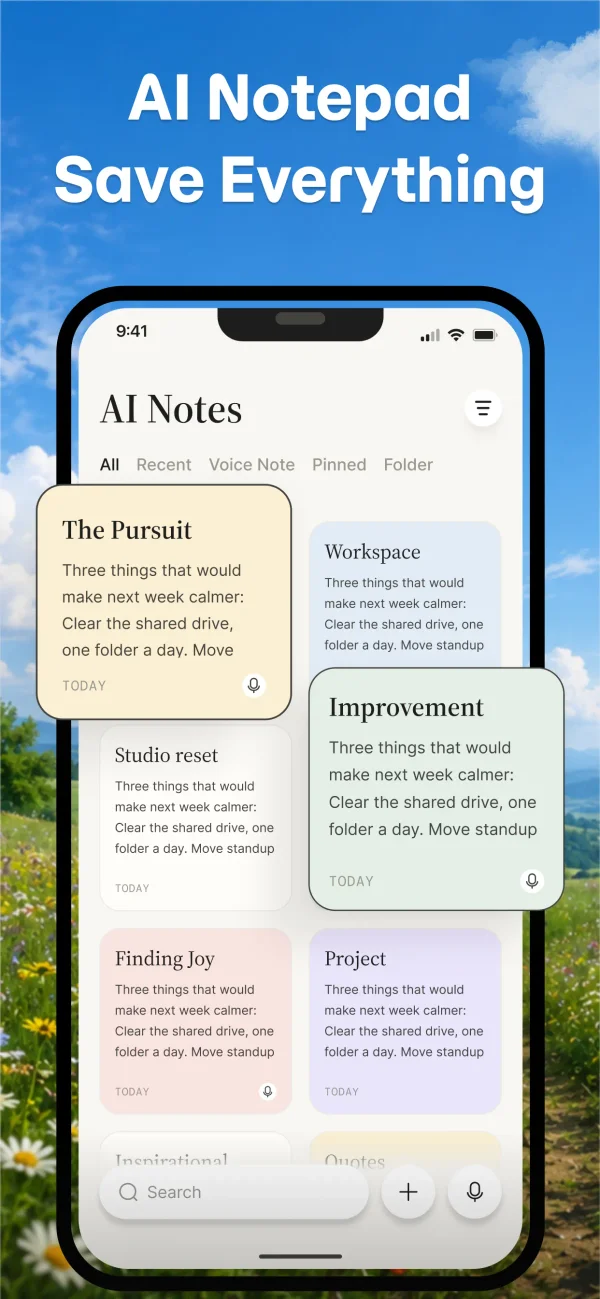
AI Note Taker & Voice Notes helps you easily create, edit, format, and organize your notes in one place. It features an AI chatbot to automatically generate notes and help you capture your ideas more easily. Our free AI Notes app can also transcribe speech to text, making it easier to turn voice recordings into written notes.
You can use it for voice, lecture, meeting, standard, and study notes without switching between a voice recorder, notebook, transcription tool, and notes app. Whether you want to type a quick note, record your thoughts, or create notes with AI, everything is available in one place.
Key Features of AI Note Taker App
- Our smart AI note taker is effortless to use, even for students and newbies.
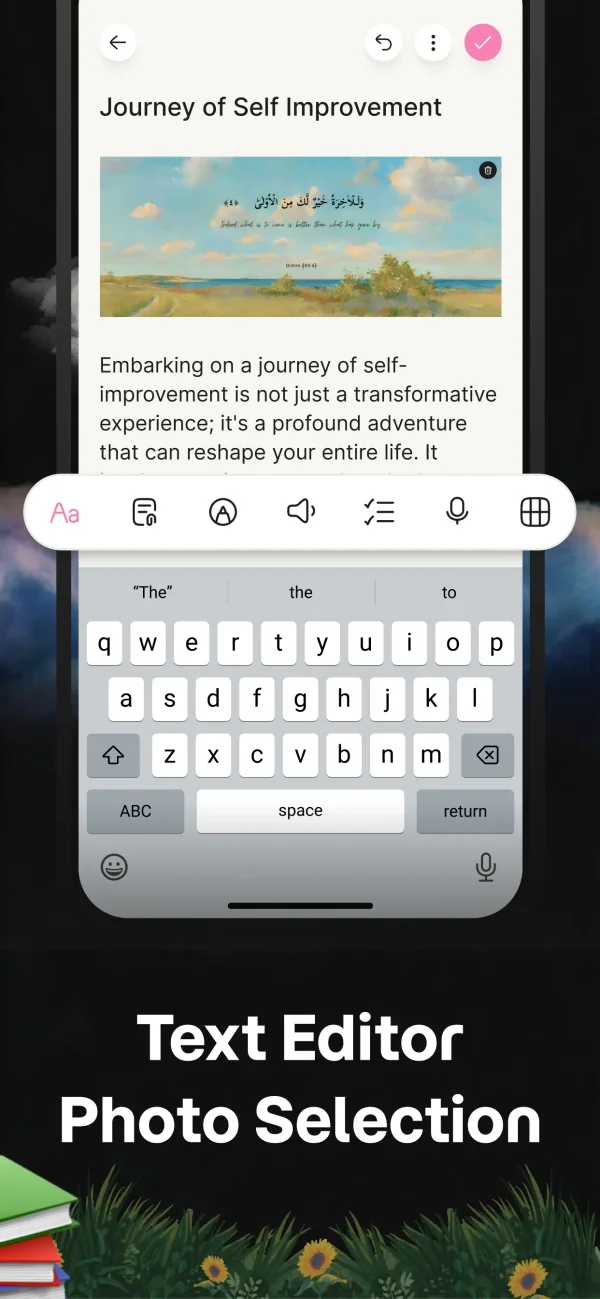
- The Notes AI app features various editing & formatting options to convert your plain text into rich text. You can add titles, headings, bullets, tables, checklists, numbered lists, links, and more.
- To help you create smart notes from scratch, this app provides an AI Assistant. Use it to turn your thoughts into structured notes automatically.
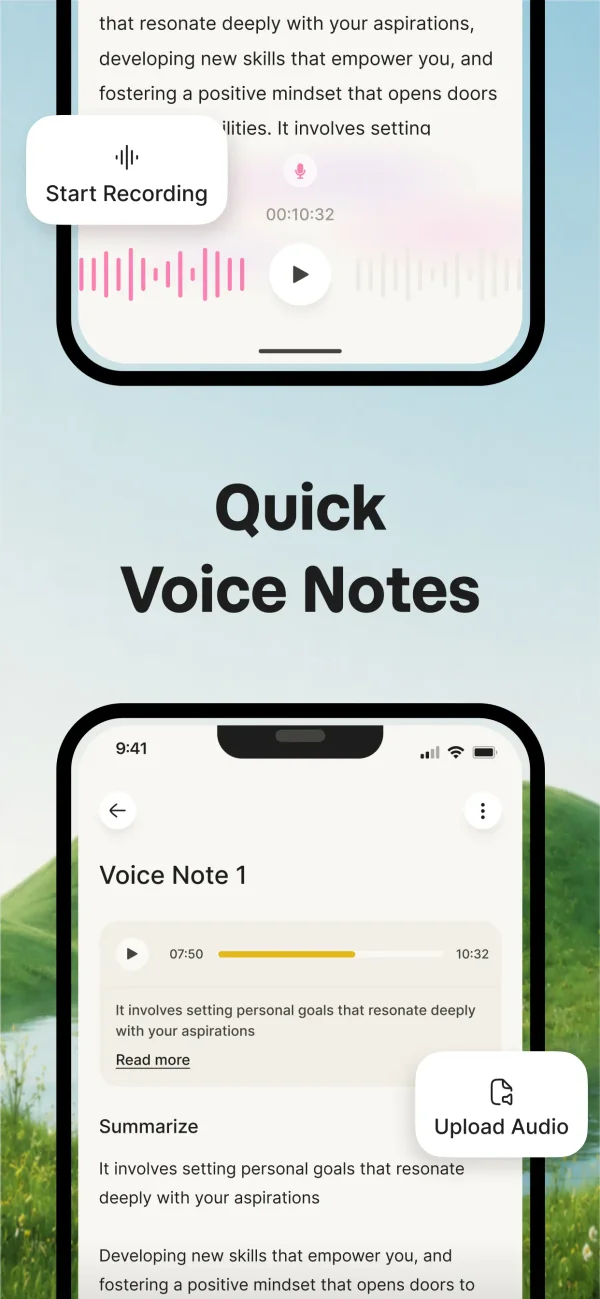
- It can accurately transcribe your speech or recording to text. So, you can use our note taker as a voice memos app as well. Plus, the app has a speaker option to let users listen to their textual notes.
- The app lets you summarize text, rewrite & polish it, and fix grammatical mistakes directly in the notes.
- As you type anything, the AI note taker saves it automatically.
- Notes AI Taker allows you to attach various types of files, including TXT, PDF, Audio, and Video. This feature allows you to add lecture recordings, meeting conversations, and business files into notes.
- Our note taking app supports visuals as well. You can add images from the gallery or capture them directly using the built-in Camera option.
- You can export notes as TXT, Word, PDF, Markdown, or Note Bundle. Plus, the app lets you share note files directly to other apps.
- Pin important lecture or meeting notes, and move notes from one folder to another.
- You can lock your notes using a password.
- You can create different folders to categorize and organize notes.
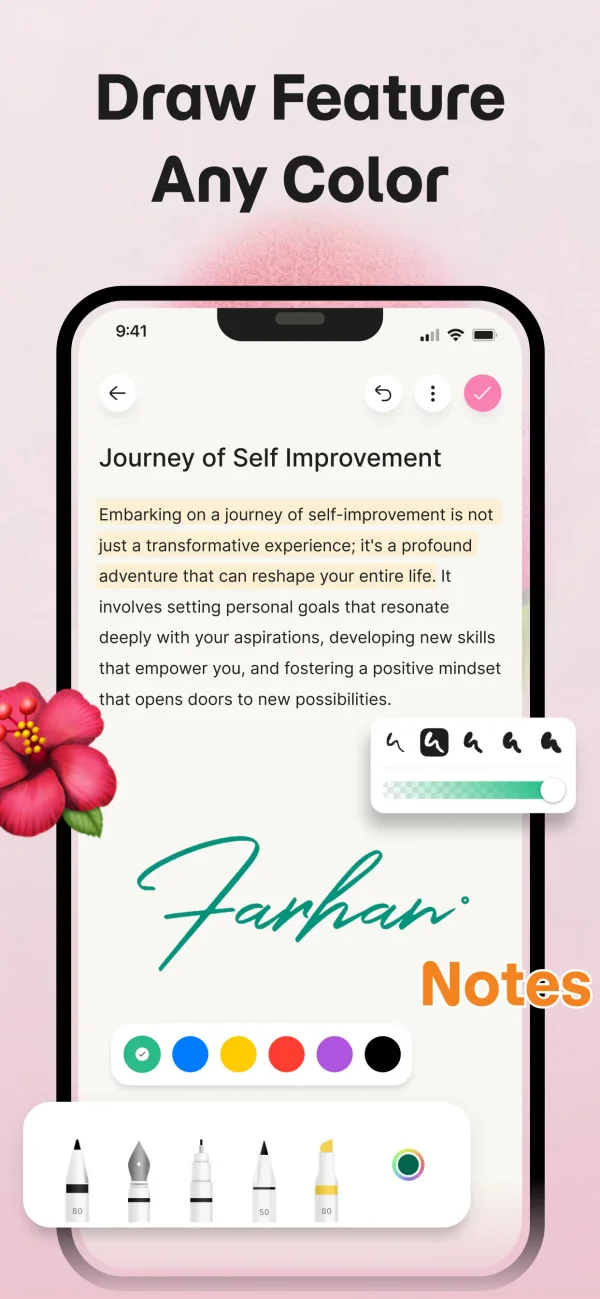
- The note taking app lets you draw & handwrite text in notes with pens.
Where the AI Notes Taker is Used?
AI Note Taker can be used for different areas where you need to keep records, note important things, or transcribe your voice into text.
- Use the note-taking app to keep records of client calls, requirements, discussions, decisions, and board meetings.
- Students can use the Notes AI app to turn lectures into clean transcripts and study notes.
- Professionals can record interviews and transcribe conversations into text.
- Researchers can paste their key ideas, information, and research material in an organized way.
- Everyday users can create standard notes, reminders, to-do lists, and personal notes.
Download our AI Notes app!
Note:
We value your privacy. None of your data will be shared with third parties.
If you have any further questions or encounter any problems while using this app, please feel free to contact us so that we can resolve the issue as soon as possible.
Payment will be charged to your iTunes Account at confirmation of purchase. Your subscription will automatically renew unless auto-renew is turned off at least 24 hours before the end of the current subscription period. Your account renewal will be charged within 24 hours before the end of the current subscription period. Automatic renewals cost the same price you were originally charged for the subscription.
Terms of Use:
https://www.writein.app/term-and-condition
Privacy Policy:
https://www.writein.app/ai-notes/mobile-application/privacy-policy
App privacy
What Abdul Rehman declares on the App Store about how this app handles data.
-
Data not collected
The developer does not collect any data from this app.
Privacy practices may vary, for example with the features you use or your age.
Information
- Seller
- Abdul Rehman
- Category
- Productivity
- Version
- 1.0.0
- Updated
- Oct 9, 2026
- Released
- Oct 9, 2026
- Size
- 54.9 MB
- Requires
- iOS 15.6 or later
- Age rating
- 4+
- Price
- Free
- In-app purchases
- Yes
- Languages
- English
- Copyright
- Writein © 2025
You might also like
-
 AI Notes & To-do List: ClarityVoice to Text & Reminders
-
 Aiko Echo: AI KeyboardReply and rephrase better
-
 Lynxce AIAI Chat, Images & Videos
-
 Loata: AI Notes & File SearchInstant Insights with AI
-
 Canto AI Note Taker & RecorderVoice Notes & Transcription
-
 Knowto: Instant Note TakingNotes that grow with you
-
 Image to PDF: Photo ScannerScan, Merge & Export
-
 AI Text to Speech: Audio BooksRead Aloud Video, Docs & Text
-
 StickyNote+Your Mind's Best Companion
-
 MindMark AI - Second BrainSave links, notes & summaries