- Age rating4+
- CategoryProductivity
- DeveloperSameer Bhutani
- LanguagesEnglish
- Size1.2 MB
Links to the official App Store page
Download.org hosts no file of NoteScreen: Lock Screen Notes. The button opens its official App Store page, published by Sameer Bhutani. Listing last checked on Nov 13, 2026.
Screenshots

About
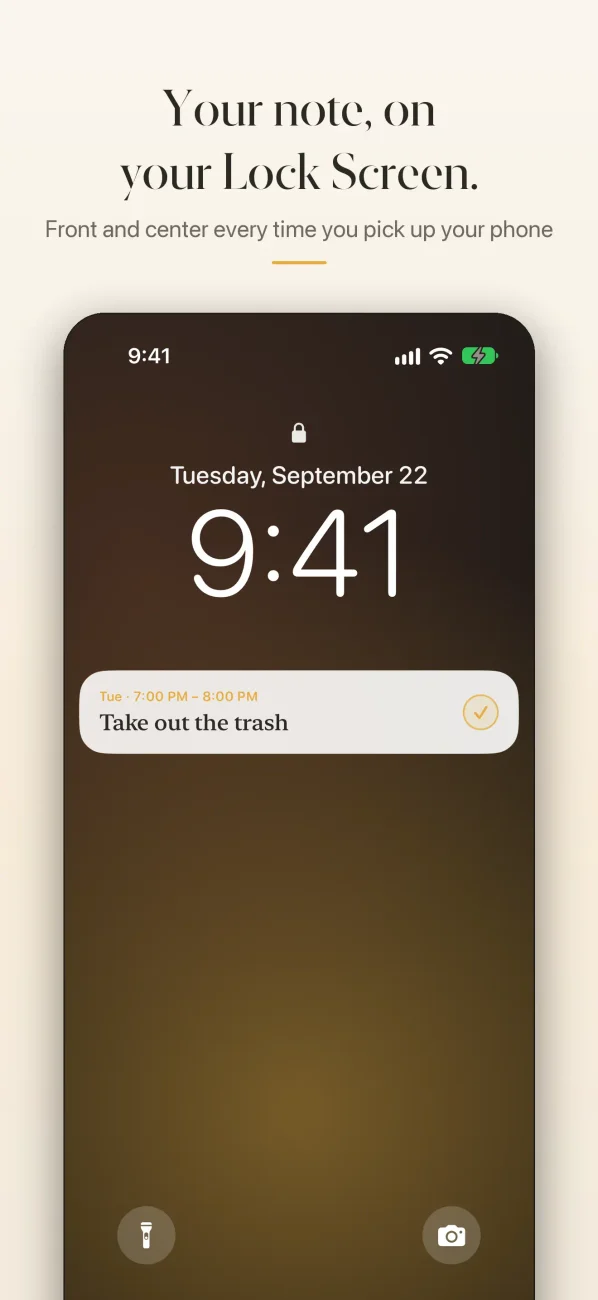
Write a note. It lives on your Lock Screen. That's it.
NoteScreen is the simplest reminder app you'll ever use. The thing you need to remember sits on your Lock Screen and in the Dynamic Island — front and center every time you pick up your phone. Impossible to miss.
SCHEDULE YOUR DAY
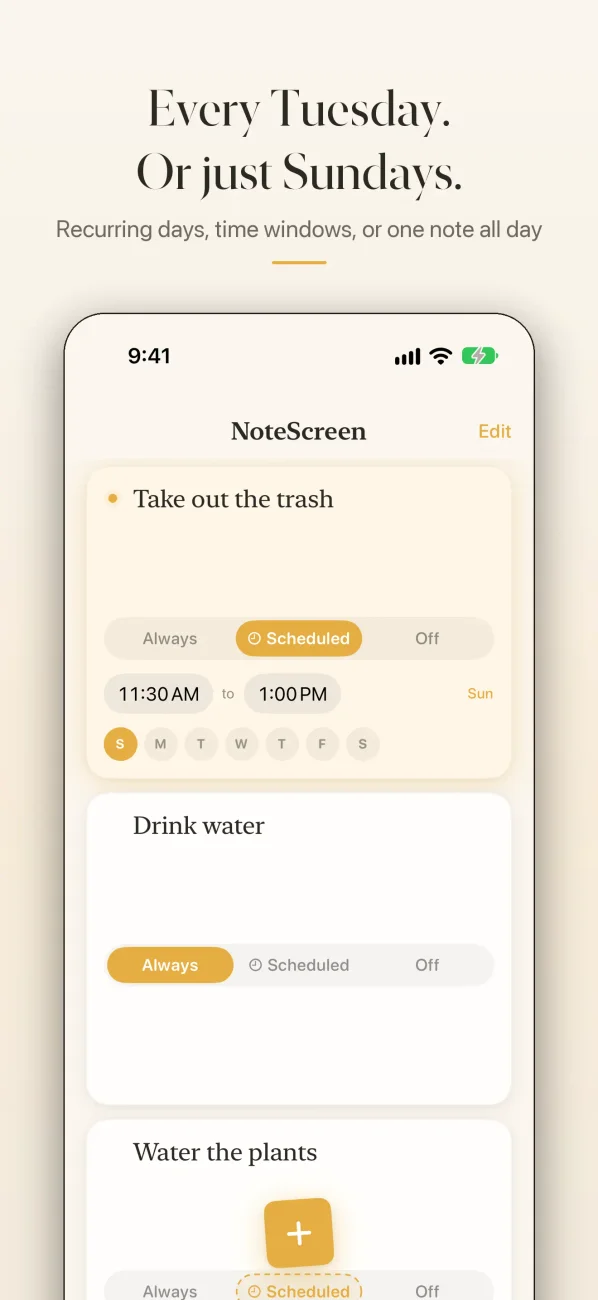
• Notes rotate on your schedule — "Take out the trash" 7–8 AM, "Wind down" at 9 PM. NoteScreen swaps them automatically with a silent nudge at each change.
• Recurring days — set "Trash night" for every Tuesday, "Water plants" for Sundays.
• Always mode pins one note up all day.
GLANCEABLE EVERYWHERE
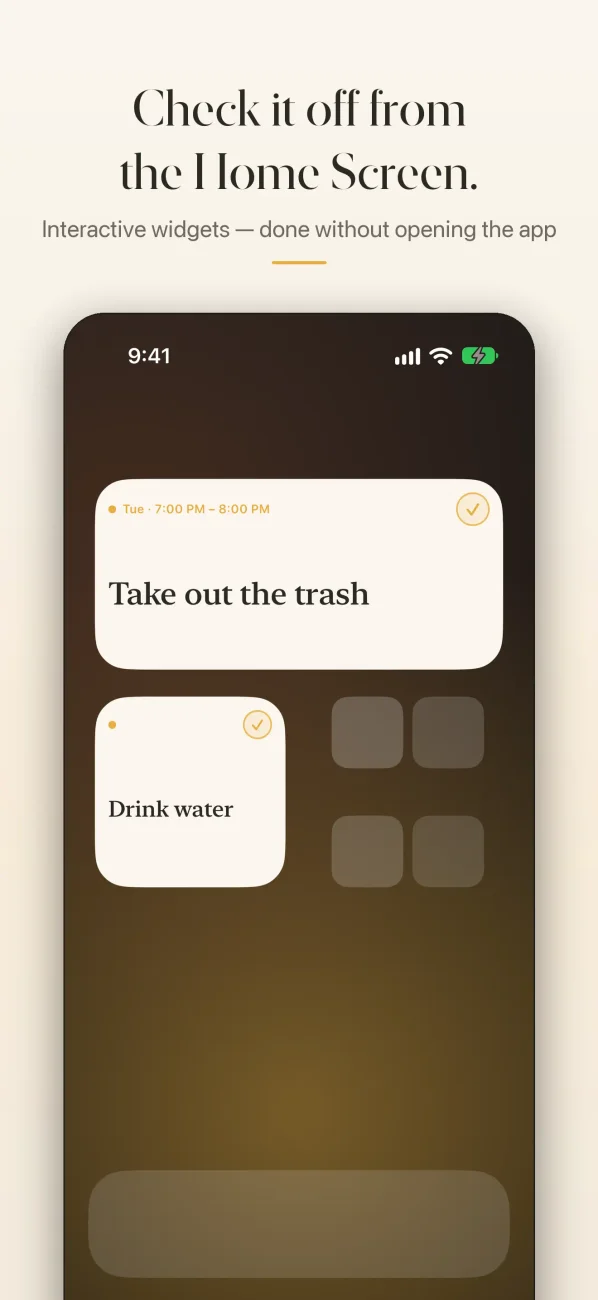
• Lock Screen Live Activity, Dynamic Island, and Home & Lock Screen widgets — your current note is wherever you look.
• One-tap check-off — mark a note done right from the Lock Screen banner or a Home Screen widget, without opening the app.
• Up to 10 notes, 80 characters each. Short enough to read at a glance.
• Made for iPhone Duo — fills the big screen in portrait or landscape, with notes on one side and quick-add starters on the other when half-folded.
PRIVATE BY DESIGN
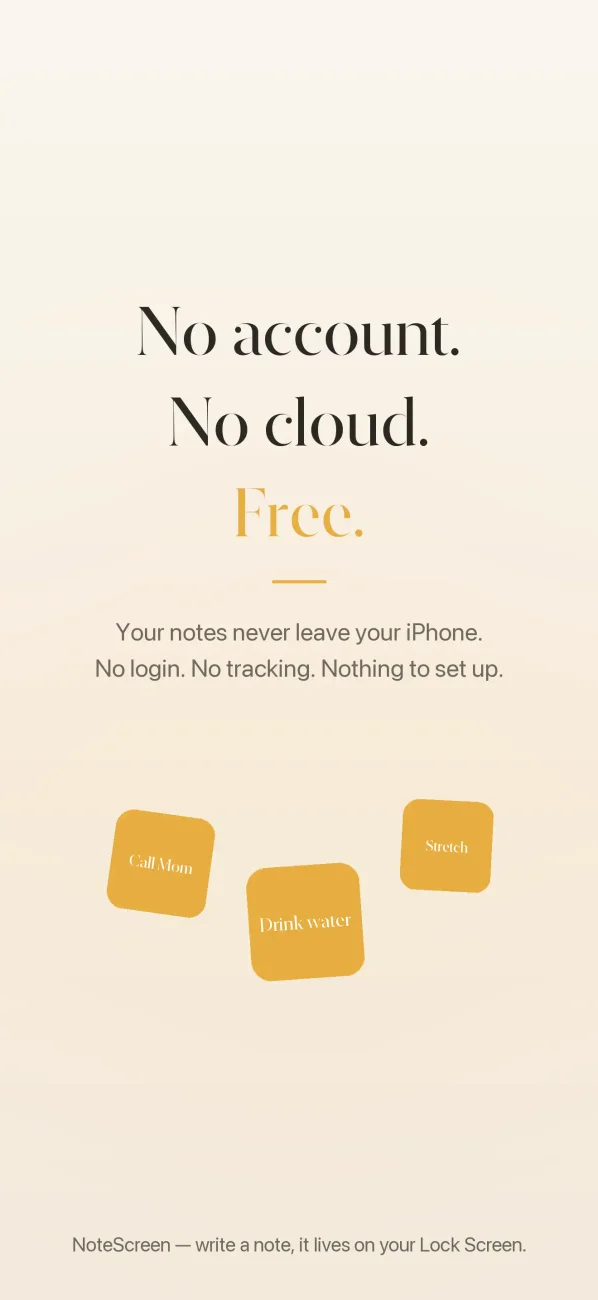
No account, no login, no cloud. NoteScreen never touches the network — your notes live on your iPhone and nowhere else.
Good to know: iOS limits Live Activities to 8 hours, so the Lock Screen banner refreshes whenever you open the app. Add the Lock Screen widget for a note that never expires.
What’s new
Version 1.4.0 · Nov 2, 2026
• Made for iPhone Duo: NoteScreen fills the big screen in portrait or landscape, and half-folded it puts your notes on one side and quick-add starters on the other. Your note carries over when you fold or unfold.
• Return now finishes a note, keeping it to a clean line on your Lock Screen.
• Easier to read in Dark Mode, better VoiceOver support, and lots of small polish.
App privacy
What Sameer Bhutani declares on the App Store about how this app handles data.
-
Data not collected
The developer does not collect any data from this app.
Privacy practices may vary, for example with the features you use or your age.
Information
- Seller
- Sameer Bhutani
- Category
- Productivity
- Version
- 1.4.0
- Updated
- Nov 2, 2026
- Released
- Sep 1, 2026
- Size
- 1.2 MB
- Requires
- iOS 17.0 or later
- Age rating
- 4+
- Price
- Free
- Languages
- English
- Copyright
- © 2026 Sameer Bhutani
You might also like
-
 Glance Notes: Lock ScreenReminders, To-Dos & Widgets
-
 Momento Stack: Sticky NotesHome screen widget for memos
-
 Plano: Your Personal AssistantAI Planner & Organizer
-
 888NotesVoice quick capture for tasks
-
 Alet: Brain Dump & To-Do ListTalk or type. Alet sorts it.
-
 EchoNote: Voice JournalProductivity
-
 Note FeedYour notes, like a chat
-
 Simple RemindrrA Simple Reminder App
-
 Notesy - Sticky Notes & MemosQuick Notes, One Hover Away