
notetime: Timestamp Notes
Timeline & Journal with time
Designed for iPhone, iPad, Mac
Free · In-app purchases
- Age rating4+
- CategoryProductivity
- DeveloperZohar Weinstein
- LanguagesEnglish+ 8 more
- Size20.8 MB
Links to the official App Store page
Download.org hosts no file of notetime: Timestamp Notes. The button opens its official App Store page, published by Zohar Weinstein. Listing last checked on Nov 23, 2026.
Screenshots

About
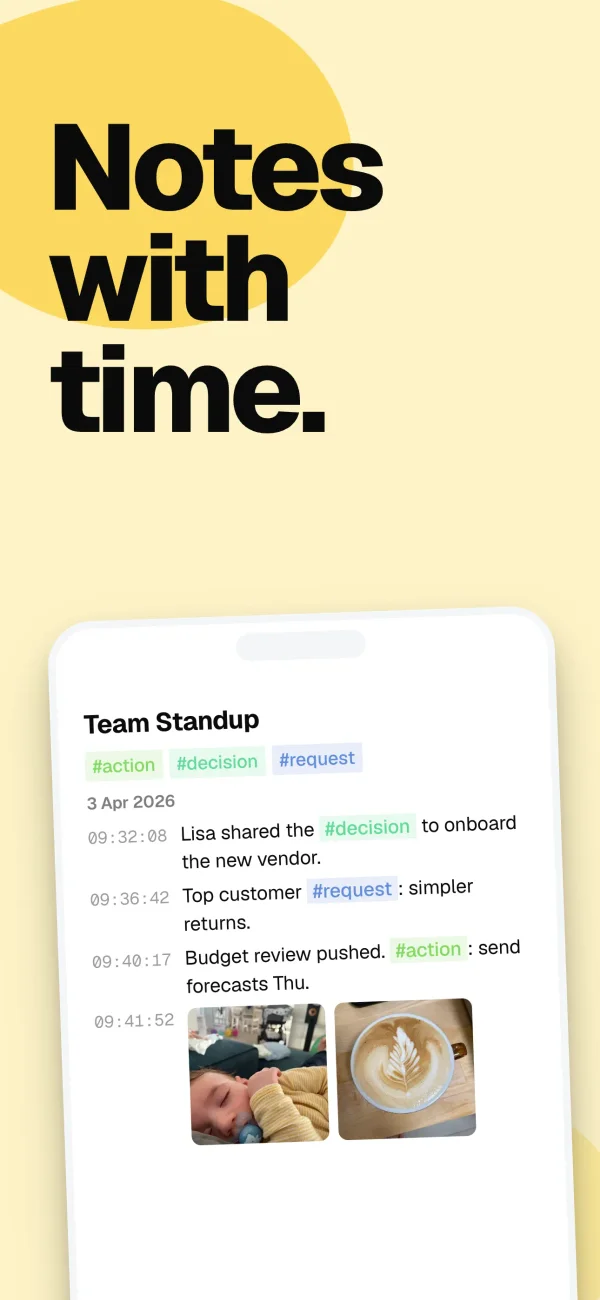
notetime timestamps every line you write automatically. No buttons, no formatting menus, no setup. Just open the app and start typing. Every thought gets a time.
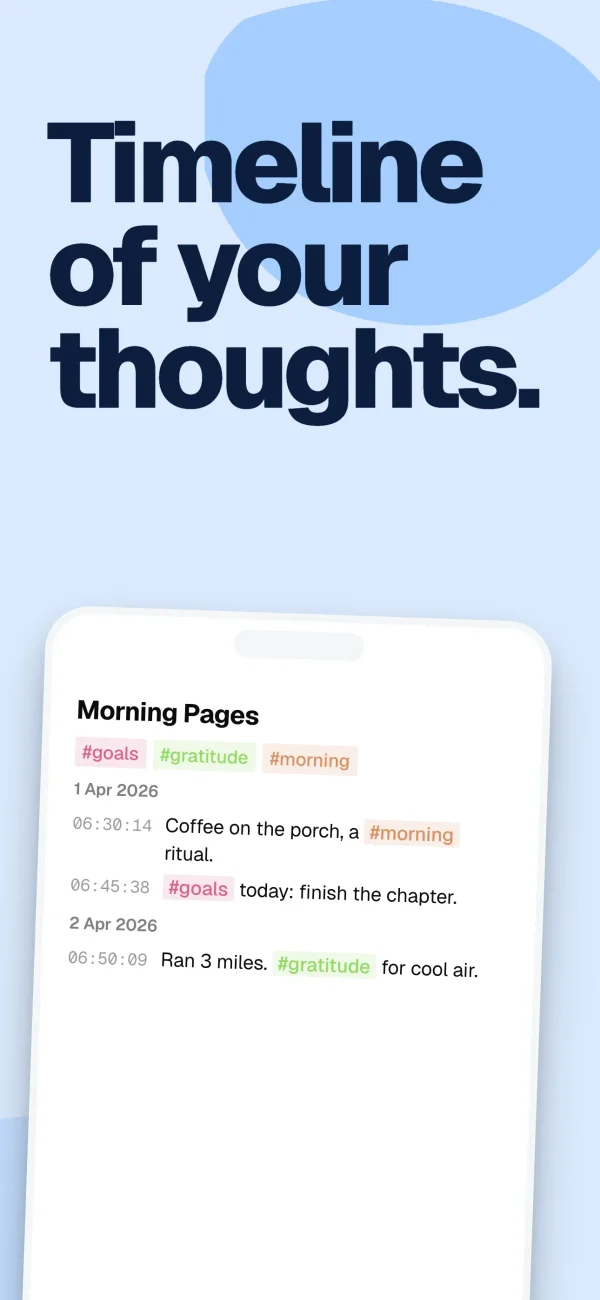
Whether you're logging a meeting, journaling your day, or tracking an interview — notetime turns your notes into a timeline you can scroll back through and actually make sense of.
WHAT PEOPLE USE IT FOR
— Meeting notes: capture decisions, action items, and who said what — with exact timing
— Daily journals: build a chronological record of your thoughts, one line at a time
— Interstitial Journaling: document your thoughts in between tasks, helps people with ADHD being more productive
— Interviews: log candidate responses with precise timestamps for easy review
— Standups and retros: track discussion points and follow-ups as they happen
— Debugging sessions: timestamp every observation so you can reconstruct what went wrong
— Medical visits: note symptoms, questions, and doctor's answers in real time
— Lectures and talks: jot down key points with the exact minute they were mentioned
FEATURES
Automatic timestamps — every line is tagged with the time the moment you write it. No extra taps, no manual entry.
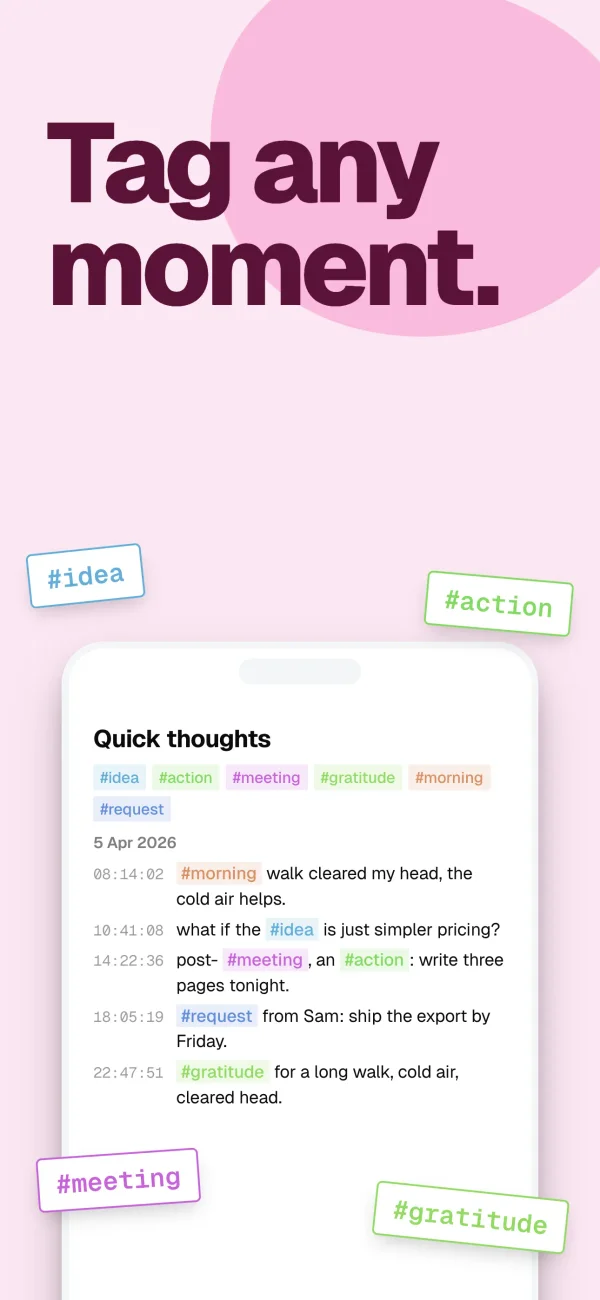
Inline tags — type #hashtags naturally in your notes. Tap any tag to filter across all your notes and find exactly what you need.
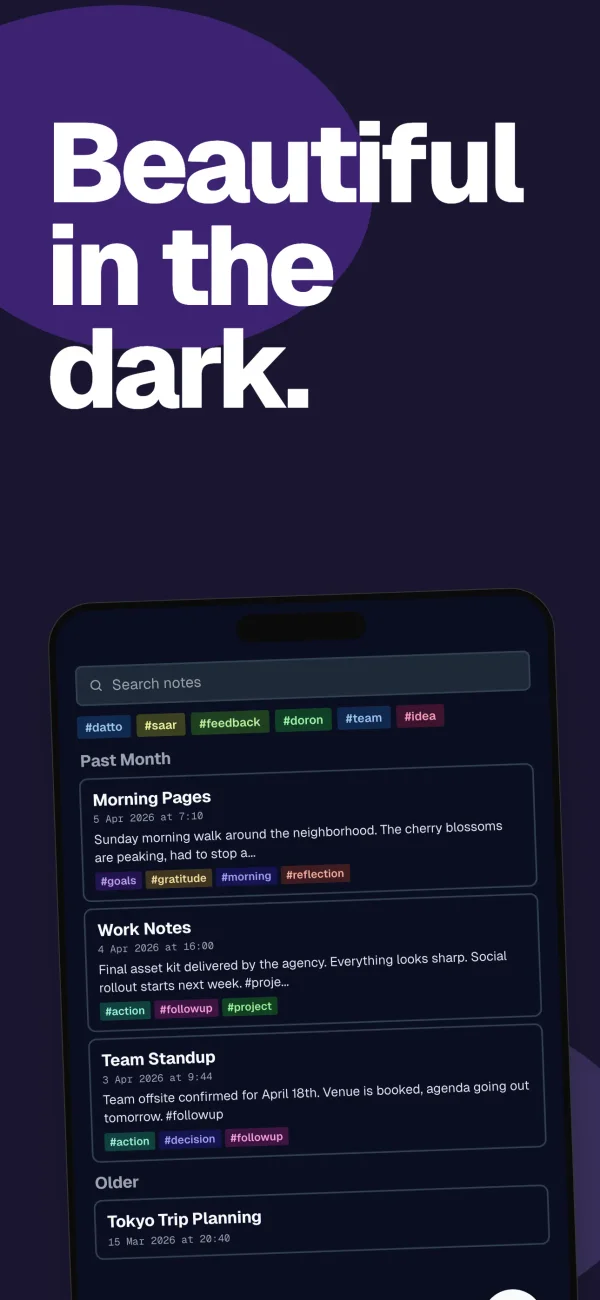
Search — full-text search across everything you've written.
Export and share: save notes as PDFs that preserve your theme and note layout, or share text, images and links. Choose whether to include timestamps in text, images and PDFs. Date headings remain in images and PDFs.
Themes — light and dark modes.
Works offline — your notes are stored locally on your device. No account needed. No internet required.
PRO — SYNC ACROSS DEVICES
upgrade to notetime PRO to unlock:
— Cloud backup and sync across iOS and web (more platforms coming)
— Additional themes
— Support futher development
notetime is free to use with no signup required.
Privacy Policy:
https://www.notetimeapp.com/privacy
Terms of Use (EULA):
https://www.notetimeapp.com/terms
What’s new
Version 1.5.2 · Nov 14, 2026
• Fixed: if a device shows Pro but you are not signed in, you can now sign in from Settings > Sync & Backup.
• Restore Purchases now takes you to sign-in when it finds your Pro plan.
• Smoother scrolling and syncing in very long notes.
• Deleting a whole selected entry no longer joins the lines around it.
• Fixed a crash when opening a note after Erase & Sync.
App privacy
What Zohar Weinstein declares on the App Store about how this app handles data.
-
Data not linked to you
May be collected but is not linked to your identity.
- Identifiers
- Usage data
Privacy practices may vary, for example with the features you use or your age.
Information
- Seller
- Zohar Weinstein
- Category
- Productivity
- Version
- 1.5.2
- Updated
- Nov 14, 2026
- Released
- Apr 13, 2026
- Size
- 20.8 MB
- Requires
- iOS 18.0 or later
- Age rating
- 4+
- Price
- Free
- In-app purchases
- Yes
- Languages
- English, French, German, Italian, Japanese, Portuguese, Simplified Chinese, Spanish, Traditional Chinese
- Copyright
- © 2026 notetime
You might also like
-
 Lognote: Notes & NotepadTimestamped Daily Journal
-
 Jotline – Timestamped NotesQuick journal, diary & log
-
 Loominote: Smart AI Note TakerVoice Recorder, Plan & Tasks
-
 Prism NotesCapture thoughts and links
-
 Notestream: Fast Notes to SelfPrivate chat-style notebook
-
 DictaWiz: AI Keyboard & NotesPrivate Voice to Text Recorder
-
 F·NOTESFast, minimal notes app.
-
 NoteCalc - Notepad CalculatorCalculate while you write note
-
 Stash Anything: Save LinksBookmark Everything for Later
-
 Timestamper: Activity TrackerDaily Log with Date-Time, Note