Noti - Notes in notifications
Lists, reminders, sharing
Designed for iPhone, iPad
Free · In-app purchases
- Age rating4+
- CategoryProductivity
- DeveloperMuhammad Adil
- LanguagesEnglish
- Size79.5 MB
Links to the official App Store page
Download.org hosts no file of Noti - Notes in notifications. The button opens its official App Store page, published by Muhammad Adil. Listing last checked on Nov 16, 2026.
Screenshots
About
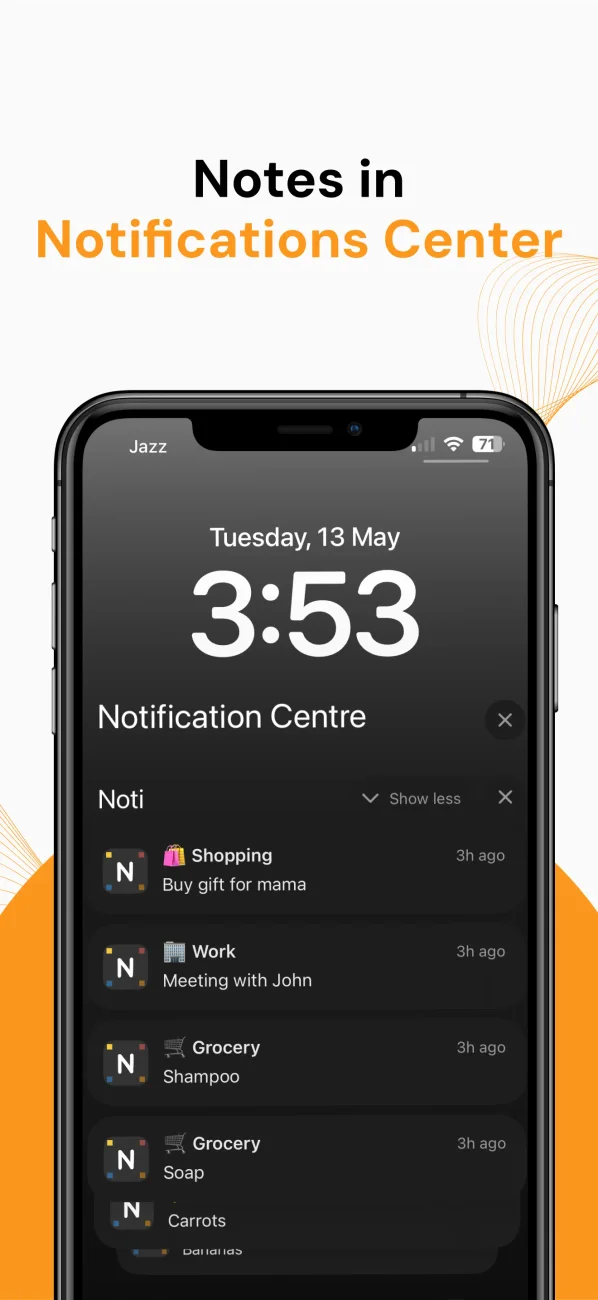
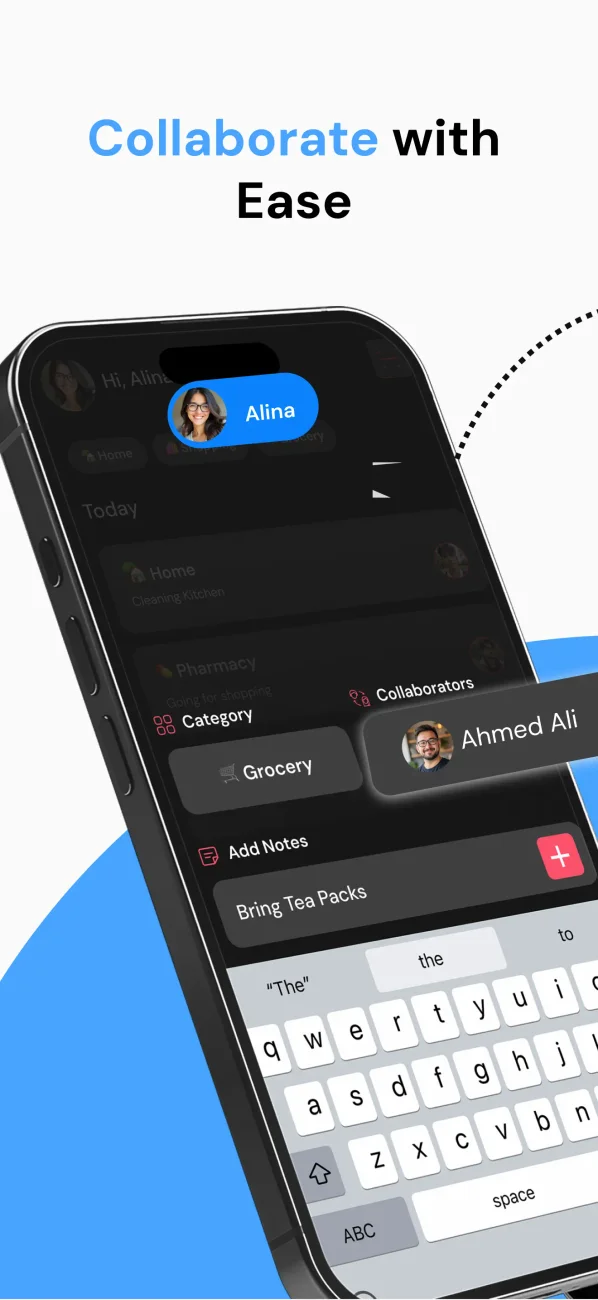
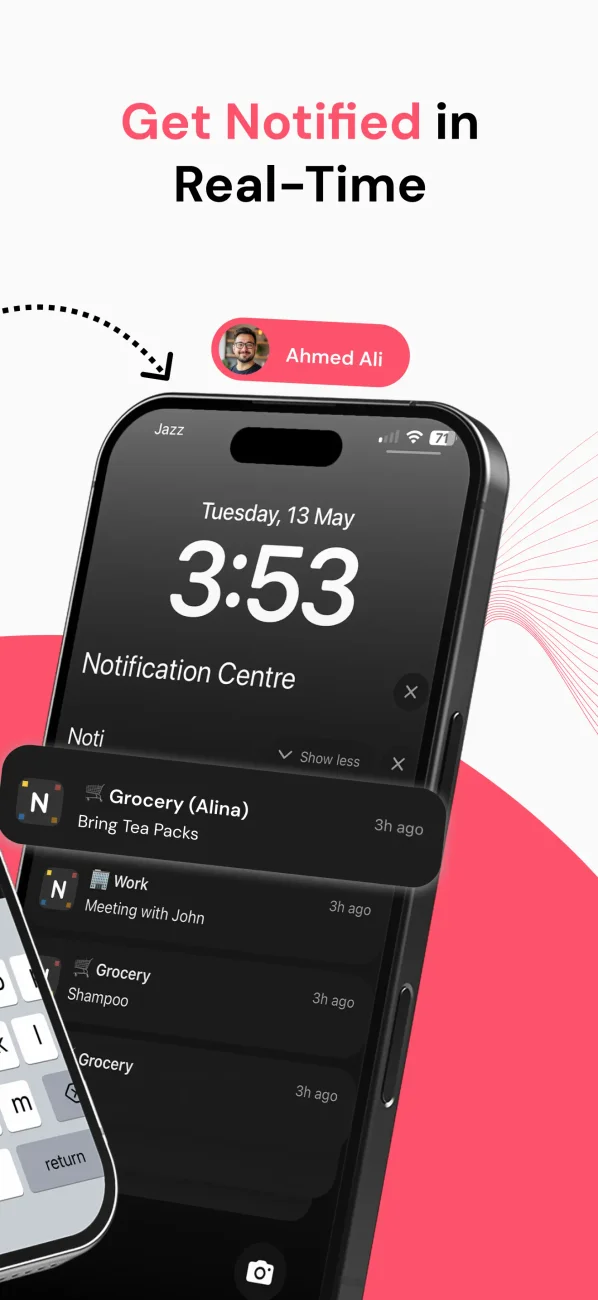
Noti adds a short note to Notification Center so you can read it without opening a notebook app.
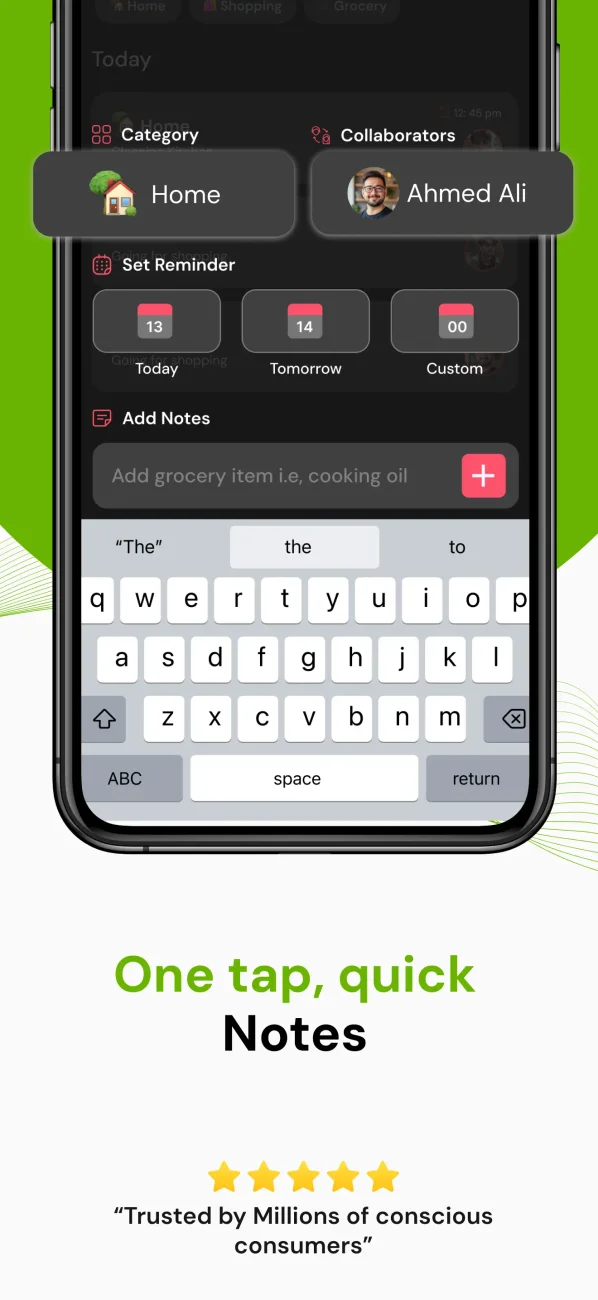
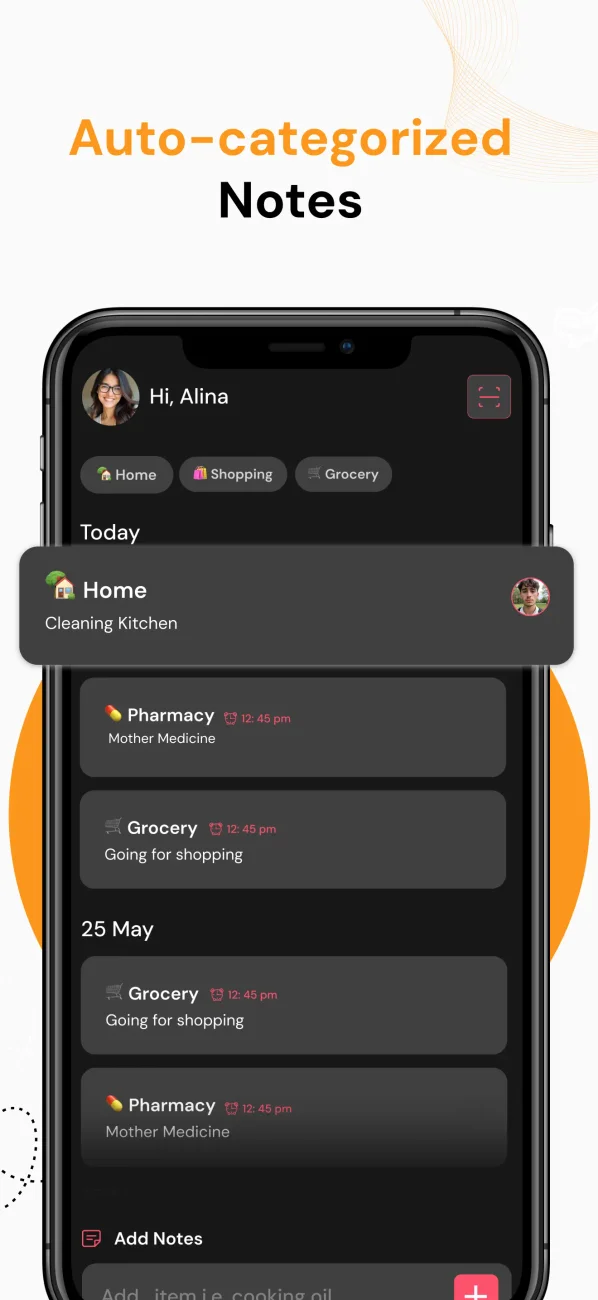
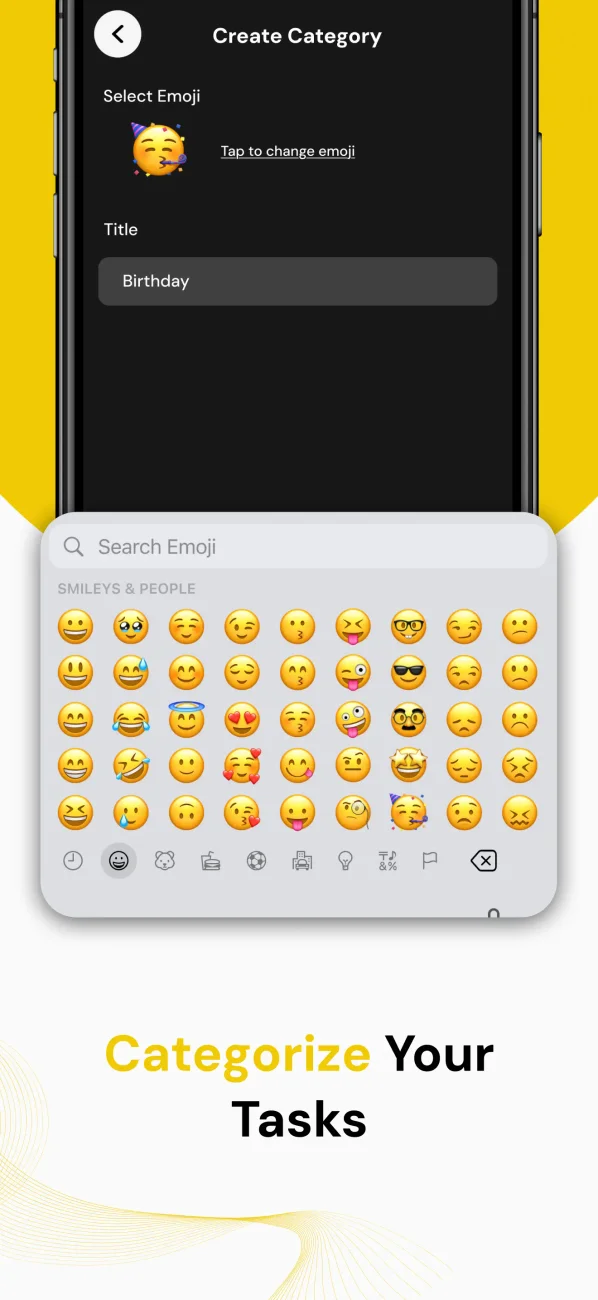
You write the note, choose a category such as Grocery, Work, Home, or Study, and Noti sends a notification. iOS shows that notification the same way it shows any other notification. You can clear it. Noti does not place a widget on the Lock Screen.
What you can do
Save notes on your iPhone, with a category and an emoji.
Read the note from Notification Center.
Look back at notes you have already added.
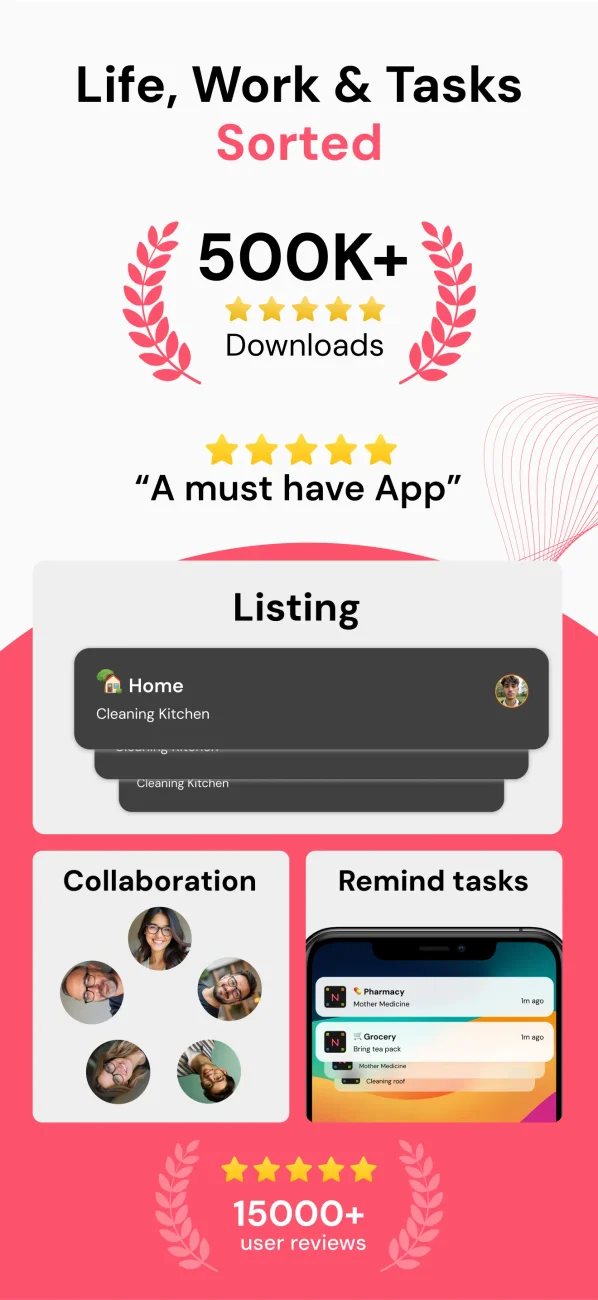
Sign in with Apple or Google. A subscription adds backup, a filter by category, and a one-time reminder at a time you pick.
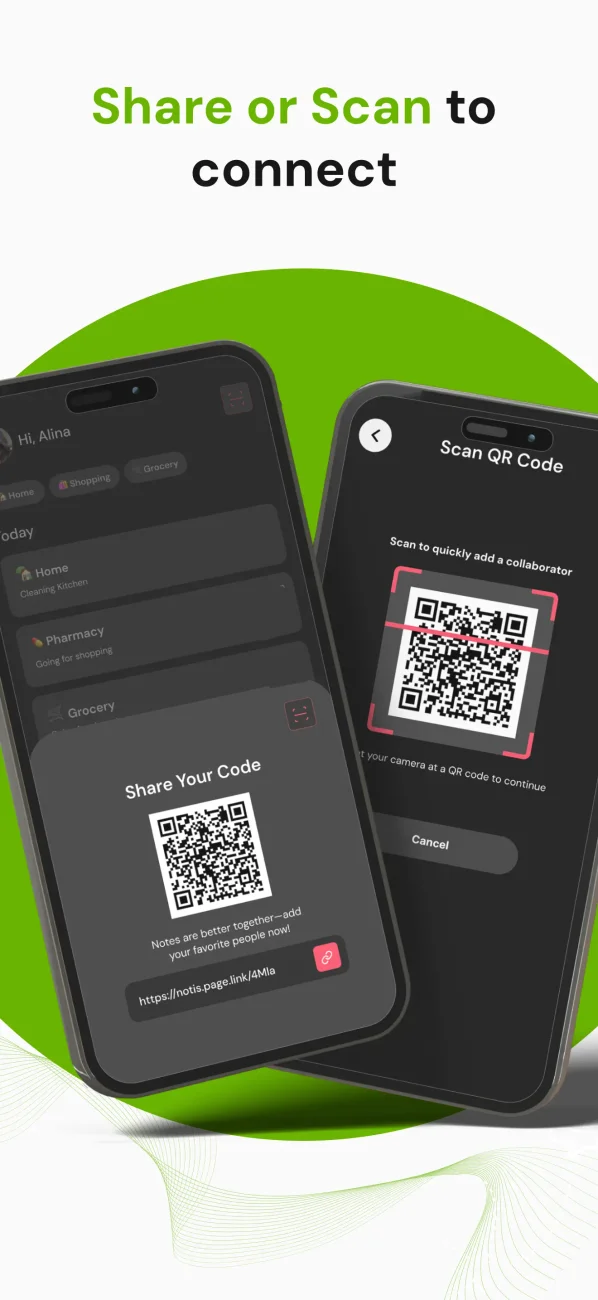
Share a note with another Noti user from a paid plan, using an invite link or QR code.
A reminder is one time. It does not repeat every day. There is no timer, and you cannot check off items inside the notification.
Noti is for a short list: an errand, a shopping note, a chore, or a message for someone else who uses Noti. It is not a place for long documents.
Subscriptions
Noti offers auto-renewable monthly and yearly plans. The price is shown on the purchase sheet before you pay, and it is charged to your Apple Account. The plan renews unless you turn off auto-renew at least 24 hours before the end of the period. You can manage or cancel auto-renew in your Apple Account settings. Canceling stops the next renewal. It does not refund the current period.
Terms of Use: https://firebasestorage.googleapis.com/v0/b/noti-mobile.appspot.com/o/uploads%2FTermsOfUse.docx?alt=media&token=ab7da69a-9d19-464f-84a0-bd38c3bc1f63
Privacy Policy: https://firebasestorage.googleapis.com/v0/b/noti-mobile.appspot.com/o/uploads%2FPrivacy%20policy.docx?alt=media&token=23f1c1b7-9a35-4051-82dc-b39680ec4856
What’s new
Version 2.0.14 · Nov 5, 2026
We’ve focused on fixing bugs and improving stability to make your everyday note-taking experience smoother and more reliable.
What’s improved:
• Fixed bugs affecting the app experience.
• Made improvements to help Noti run more consistently.
Thank you for using Noti!
App privacy
What Muhammad Adil declares on the App Store about how this app handles data.
-
Data not collected
The developer does not collect any data from this app.
Privacy practices may vary, for example with the features you use or your age.
Information
- Seller
- Muhammad Adil
- Category
- Productivity
- Version
- 2.0.14
- Updated
- Nov 5, 2026
- Released
- Dec 29, 2021
- Size
- 79.5 MB
- Requires
- iOS 17.0 or later
- Age rating
- 4+
- Price
- Free
- In-app purchases
- Yes
- Languages
- English
- Copyright
- © 2025 Muhammad Adil
You might also like
-
 NotifyMe: Daily Planner TodoOrganize tasks, Set reminders
-
 Good Vibes NotificationsCreate your own notifications
-
 ToDo Notification RemindersSet Alerts for Events & Tasks
-
 Random NotificationProductivity
-
 NotifyApp+Stay informed everywhere.
-
 Ai Launcher - Icon ShortcutsWidget Launch App,Phone,Image
-
 Notification HistoryView Notification History
-
 Ez Chat for WAChat without adding contacts
-
 Pepper PayProductivity
-
 UtmifyProductivity